





Do I still need to learn to render now that I can use AI?
Marian van Olst explains how to combine the best of both worlds.

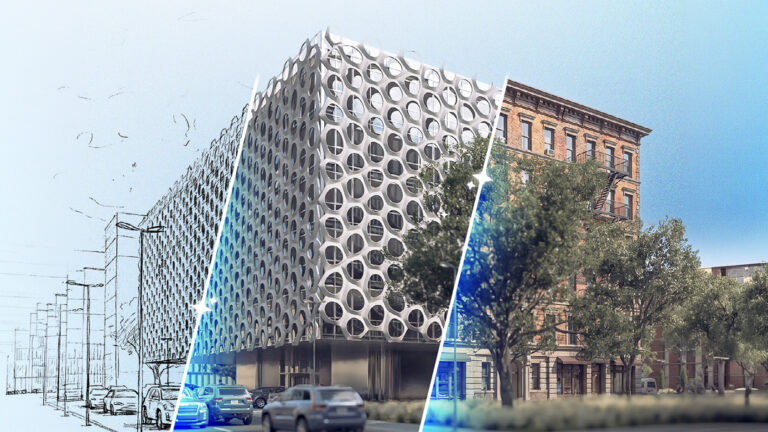
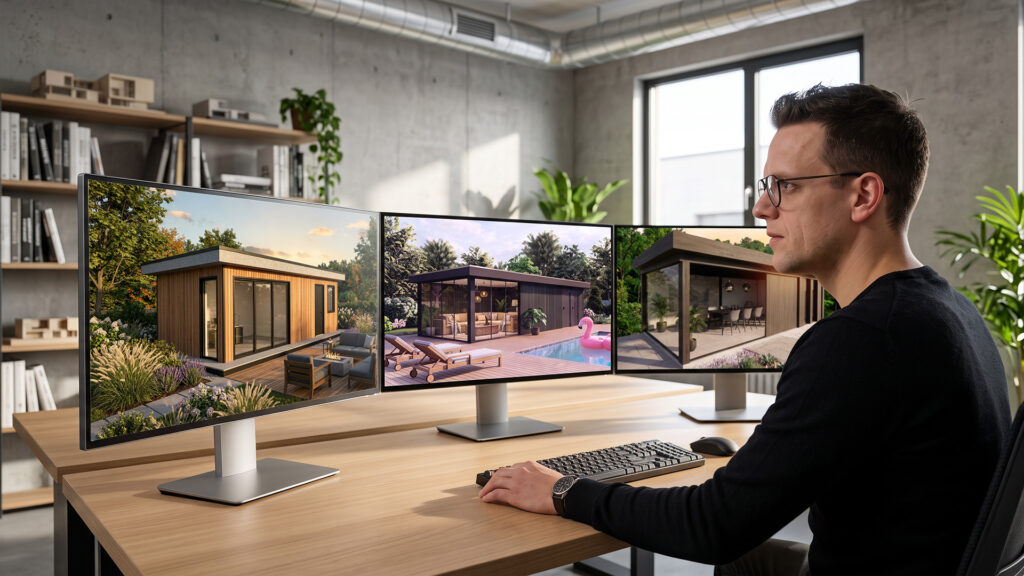
More and more 3D designers are asking themselves: “Can I ditch my render software and switch entirely to AI?” Or if you’re just starting out: “Do I even need to learn to render anymore?” You might be wrestling with these questions too. Marian van Olst of training platform SketchUp Plaza walks you through the pros and cons of AI in your render workflow.
Appearances can deceive
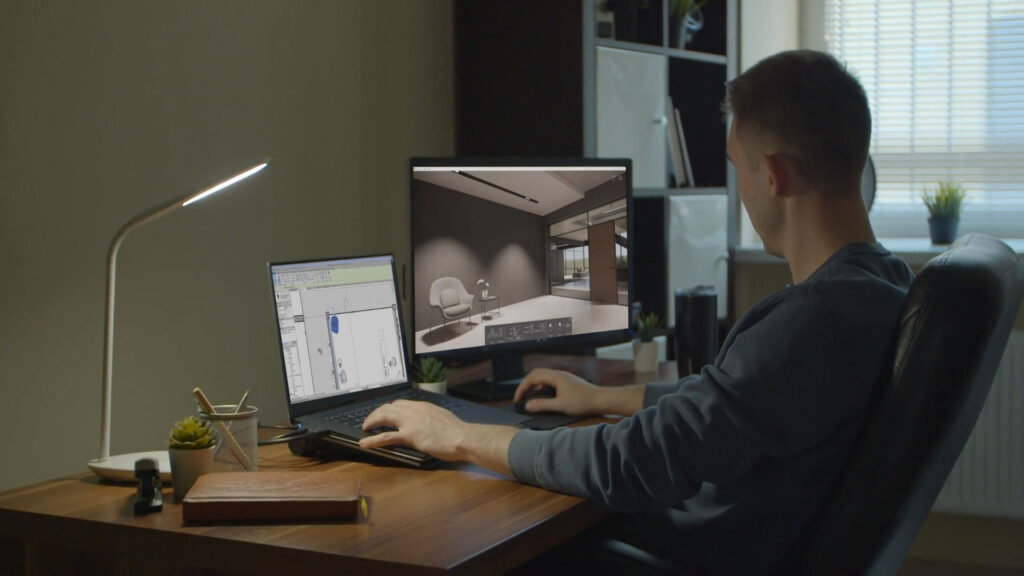
You see one gorgeous render after another online and wonder: “Was this made with AI, or by someone using render software?” “Should I still spend time, money and energy learning such a complicated program if I can get an image out of AI at the push of a button?”
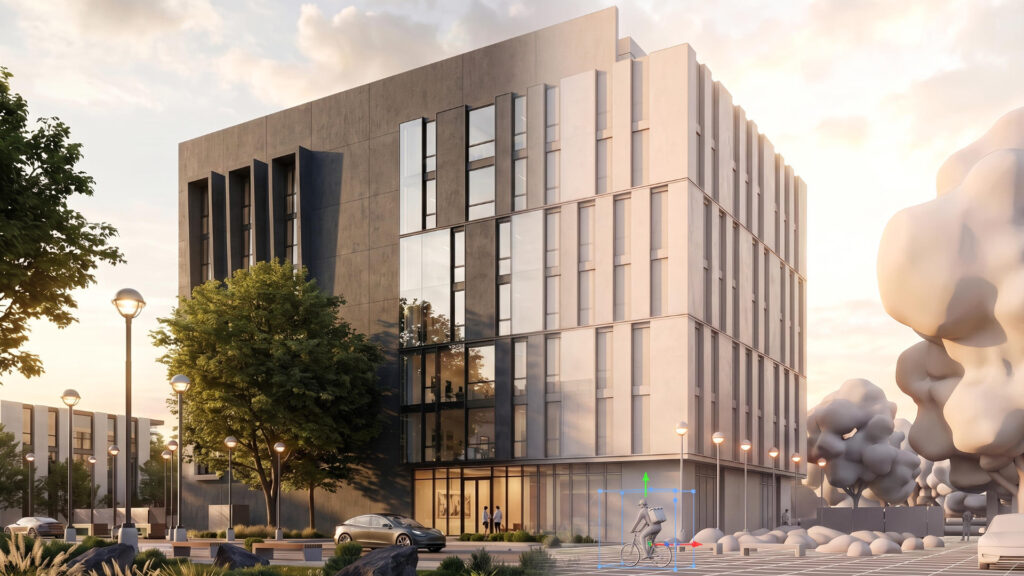
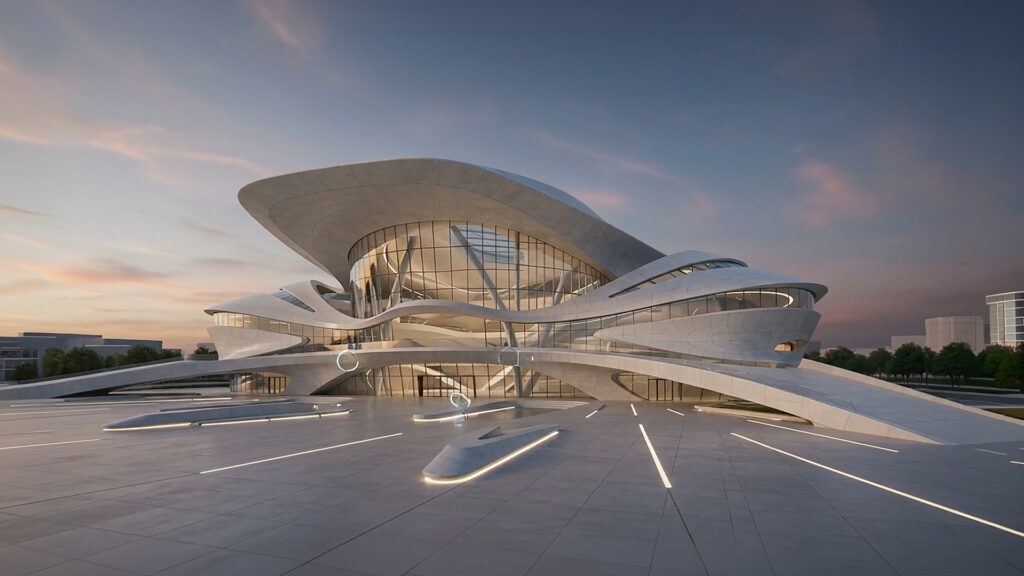
Let me pull you out of that dream for a moment. Images made with AI are often not based on a realistic, accurate 3D model. They’re beautiful, but also generative or suggestive. AI creates these images based on an idea or a prompt, not on an accurate model from programs like SketchUp, Revit, AutoCAD or Vectorworks.
Let’s dive a bit deeper, so you’ll know exactly what makes sense for your workflow: working with software, with AI, or a smart mix of both.
The difference between AI and render software
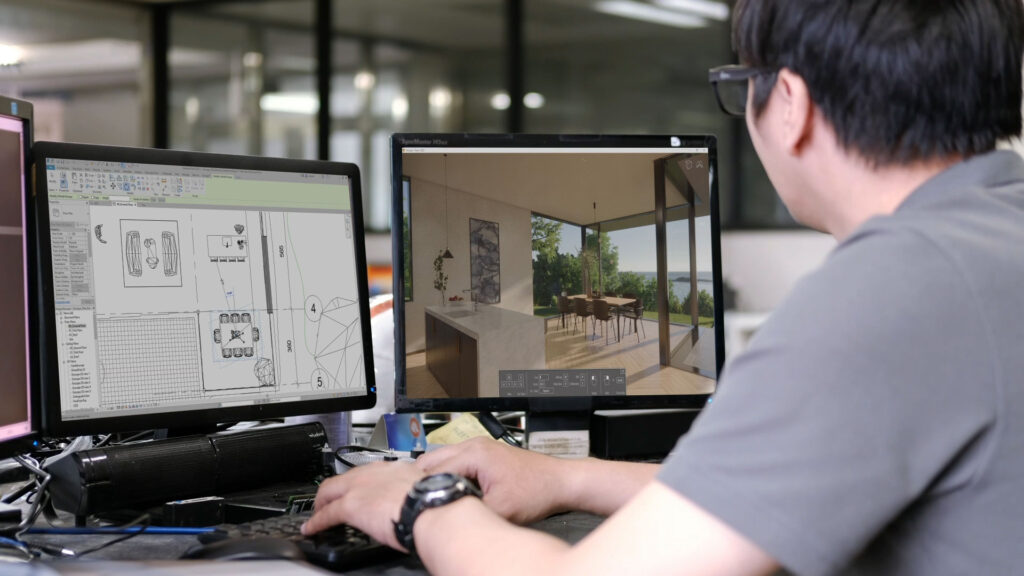
Render software such as Enscape and V-Ray is designed to render your 3D model* photorealistically. You control the settings: you choose the time of day and therefore the light, the textures and materials (matte, glossy, transparent, textured, etc.), how the shadows fall, and the effect of interior lighting. You are the artist, deciding exactly how the model should look.
*created with, for example, SketchUp, AutoCAD, Revit, Vectorworks, etc.
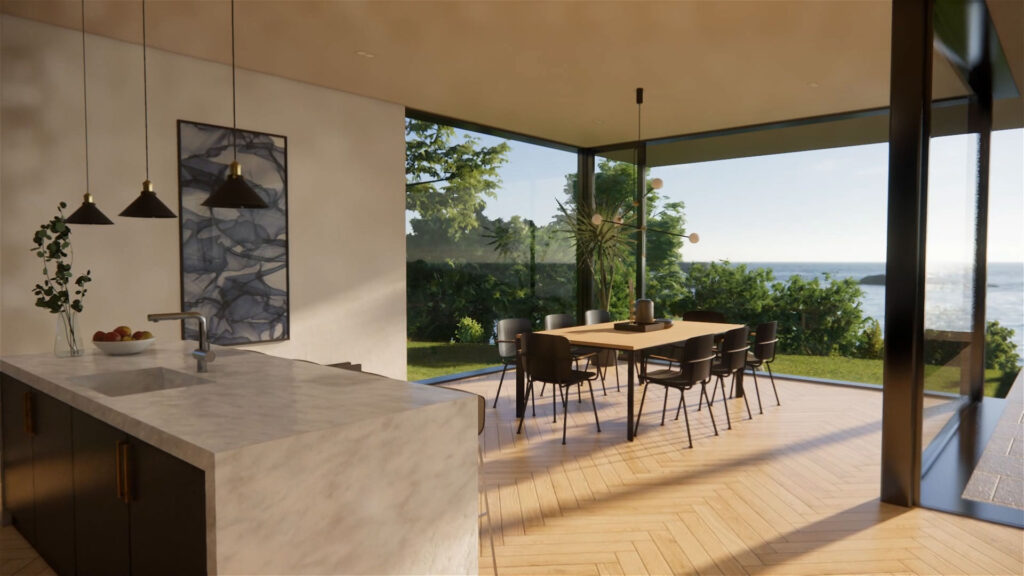
AI tools that generate images are essentially creative copycats. They’re trained to recognise millions of images along with their accompanying text, and build your image based on your prompt and the information they already have. This sometimes gives you stunning images, but usually not exactly according to plan or with the precise details you entered.
The advantages of AI (and its limitations)
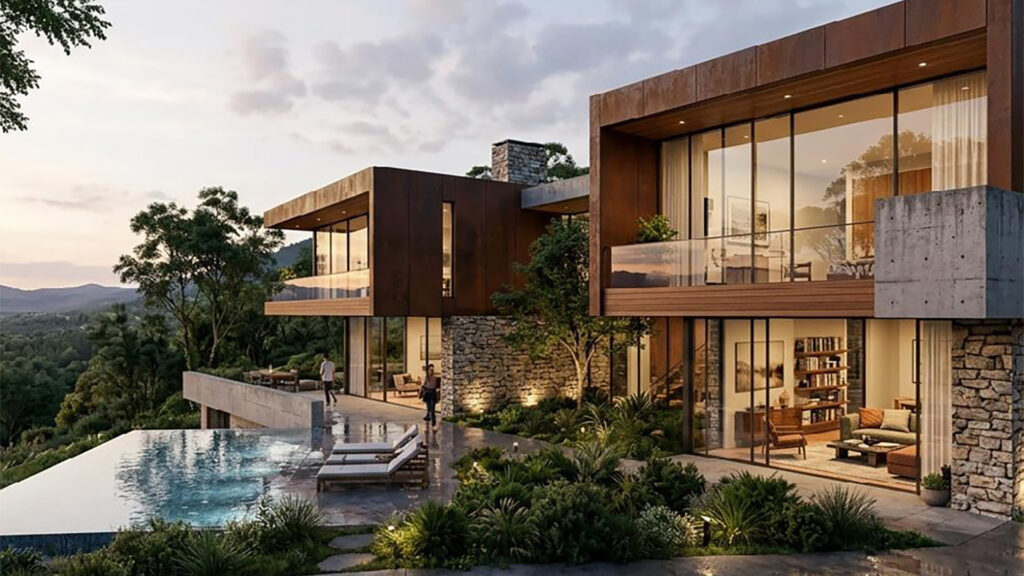
AI is incredibly fast. Within a few seconds, you have an image that looks like a “wow”. You don’t need any knowledge of materials or lighting, and certainly not of which settings you need in your render program. This is ideal if you want to quickly present mood images or concepts.
But there are limits:
- You have less control over details, such as colours, proportions and perspective.
- An AI image can deviate from your original design, sometimes subtly, sometimes very obviously.
- Textures and furniture aren’t always usable one-to-one.
So what do you use AI for?
- When you want a super fast result, without technical hassle.
- When you want to create mood images or variations on a design.
- When you want to experiment with styles or colours.
- When you want to gather new ideas and insights.
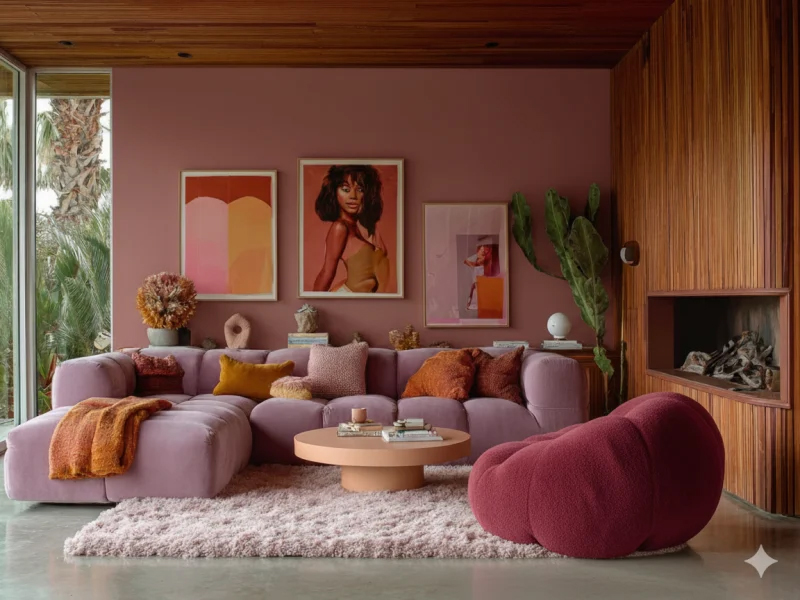
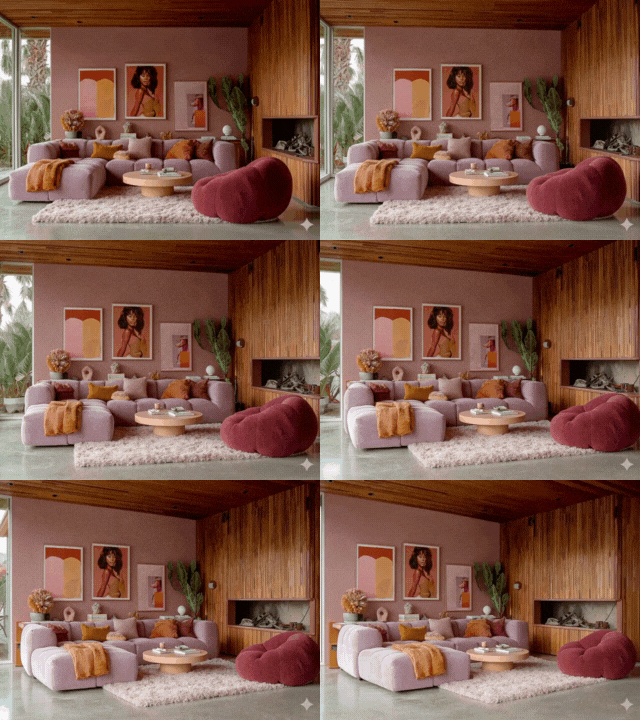
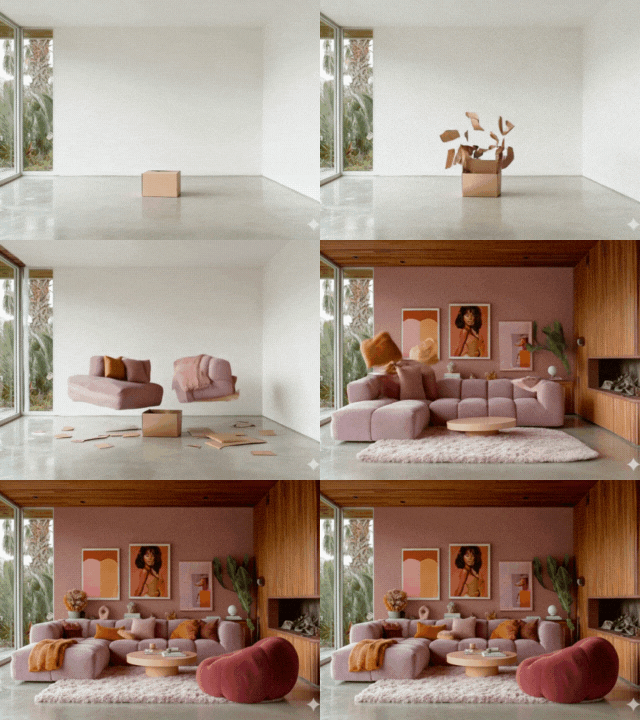
The ultimate AI workflow: from generating lightning-fast mood images in Midjourney to animating them into short, impactful videos.
In short: AI is fantastic for putting together a mood image as a concept or as inspiration. But for a technically accurate image, you’ll need to do the work yourself.
Key takeaways on AI
- 44% of architects already use AI to create design sketches. That means AI is no longer an experimental technology, but is rapidly becoming the standard.
- Veras is the only AI rendering tool that integrates directly into seven leading BIM/CAD platforms, such as Revit, SketchUp, Rhino, Vectorworks, Archicad and others. That makes it the best choice for professionals who want to integrate AI into their current workflow.
- Midjourney delivers the most beautiful results for $10 a month, but due to the lack of BIM integration and issues with geometric distortion, it’s better suited to moodboards than to design development.
- SketchUp has an AI feature built in by default: AI Render.
In short: the biggest difference between the tools isn’t image quality, but how well the tool fits into your design workflow and how much control you have over the geometry. Read more on Chaos.com
Both, not either/or
Most interior professionals discover that it isn’t either/or, but both. AI and render software actually complement each other perfectly.
You use render software:
- When the light at a specific time of day needs to match reality. For example, when designing a workspace or thinking about sun shading.
- When the technical details of your design need to be accurate.
- When you want consistency across all the images in a project.
- When you want to create longer animations with technically accurate details. You can adjust a scene over and over and re-render it. With AI, you rarely get the same result twice.
- When you want a change in SketchUp to be reflected in your render immediately.
- When you want to export your render images in high resolution.
You use AI:
- When you need a beautiful photorealistic image quickly, and the details don’t need to be 100% accurate.
- When budget is tight.
- When you don’t have enough time to render.
- When you quickly need a “talking image”.
- To come up with other design ideas.
- To experiment with colours and materials.
Fact is: with render software you have one hundred per cent control!
The future?
Which tool you use will of course depend entirely on the type of project, but for now it still comes down to a combination of render software and AI. If you’re giving quick advice without technical development, AI alone will serve you well. If you’re working on projects where realisation and technical detail are also involved, you might want to think about a combination.
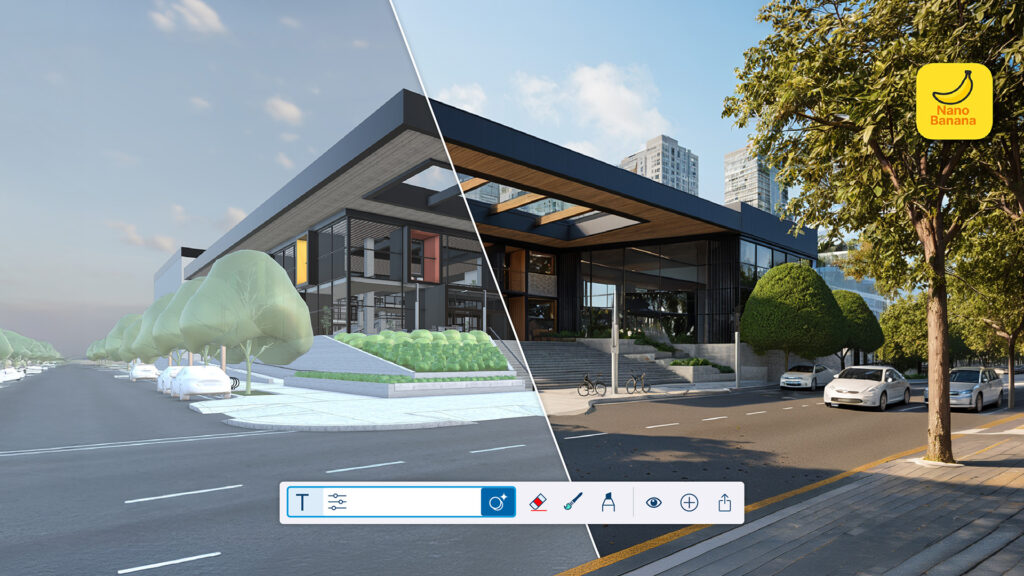
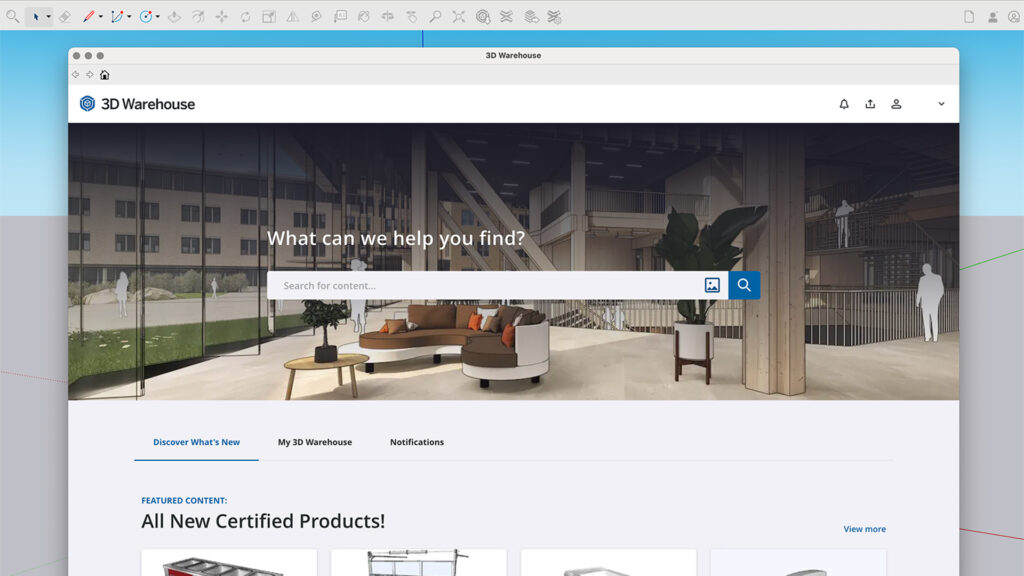
SketchUp 2026 itself includes AI Render, the feature loyal SketchUp users previously knew as Diffusion. This tool makes it possible to generate photorealistic images at the push of a button. For users who like to be hands-on with the settings, AI Render offers extensive options to fine-tune the output:
- Prompt influence: a slider lets you determine the exact balance between your specific text instructions and the geometry of the model.
- Style presets: choose from predefined moods such as ‘Architectural Photorealistic’, ‘Watercolour’ or ‘Interior Concept’ to set the right tone instantly.
- In-painting & masking: one of the most powerful new additions is the ability to update specific parts of a render. Happy with the building, but want different trees or a more modern car in the driveway? With the masking tool, you adjust only those specific elements without regenerating the entire image.
Chaos Veras
A relatively new star on the horizon is Chaos Veras, an AI-driven visualisation tool that’s fundamentally changing the way architects and designers present their work. The big advantage of Veras is its seamless integration with the existing geometry of your 3D model. Rather than generating a completely new image based on text alone, Veras uses the dimensions, perspectives and volumes from programs like SketchUp, Revit, Rhino, Vectorworks and Archicad as a rigid guide.
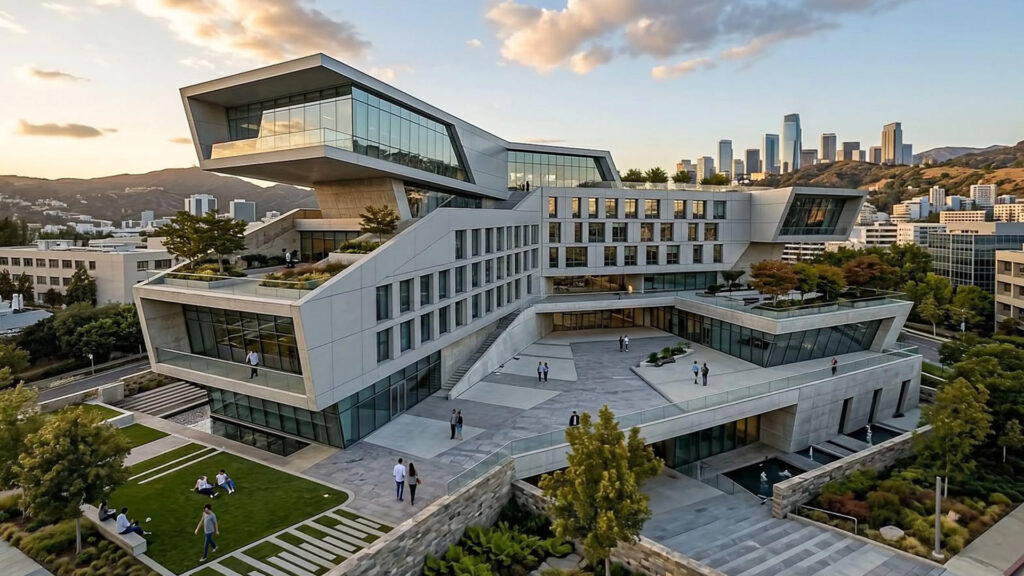
Where many AI tools tend to lose sight of architectural reality, Veras stays true to the architectural intent. Through text prompts, you explore variations in materials, lighting and environment, while the structural integrity of your design remains guaranteed.
Because Veras is a product from software developer Chaos, it works seamlessly together with Enscape. Use an Enscape scene as a base, for example, and then experiment with different lighting setups in Veras, without having to change your original render.
Quick fixes
Want to quickly turn a SketchUp image into a photorealistic one? Nano Banana (Gemini) and ChatGPT are currently the two tools I work with most.
You upload your 3D drawing, add a prompt, and the tool turns it into a photorealistic version. Good to know: both tools remain AI. They stay close to your design, but they also interpret it. Sometimes the result isn’t quite what you meant, or a material gets filled in differently than you had in mind. Re-prompting and adjusting is simply part of the process.
Conclusion
This blog first appeared in October 2025, and I’ve updated it (very minimally). We’re now more than six months further along, and my opinion remains largely the same.
Developments are moving at lightning speed, and AI packages have become considerably better at producing images that stay close to your original. Sometimes you’re already pretty much in the right direction. But it’s still not 100%. Especially not if you need multiple images of one space, because each time you get a slightly different result. A different angle, a slightly different material, a piece of furniture that’s shifted position.
And that’s exactly where render software still wins: control and consistency. For an initial sketch design, a concept design, or quickly putting together some mood images for your moodboard, AI is often faster. But for large projects, for a series of consistent images of one space, or when technical details really need to be accurate, you reach for render software.
The beauty of it is: AI is now woven into render software too. Think of AI features that clean up or sharpen your images further. So it’s no longer AI versus render software; the two are growing toward each other.

About Marian van Olst
Marian van Olst is an interior designer and has been the driving force behind training platform SketchUp Plaza
for 15 years. Her passions are smart workflows and well-organised models. On SketchUpPlaza.nl you’ll find courses, tips and inspiration to take your SketchUp and Enscape skills to the next level. SketchUp Plaza also offers an online course: AI for Interior Design & SketchUp.
The original version of this blog appeared on her website in October 2025 and was updated by Marian on 20 June 2026. SketchUp AI Render and Chaos Veras were added to this piece later by the Design8 team.