





SketchUp 3D Warehouse: the indispensable source for professional 3D content
How an AI-driven library became an essential tool for the construction and design industry

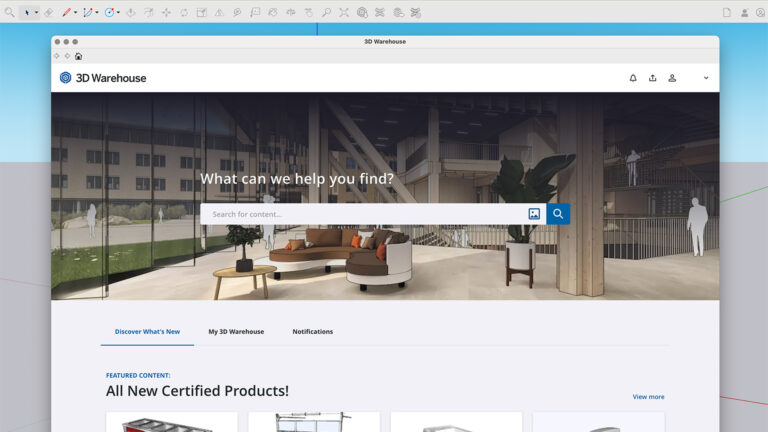
Among many SketchUp users, 3D Warehouse still carries the reputation of an online showroom where you quickly grab a sofa or a desk chair. That image sells the platform short. With more than 6 million free models and 1.25 million downloads a day, 3D Warehouse has long since grown into a fully fledged, AI-driven content library for the entire construction and design industry.
Over the past few years, considerable effort has gone into making the platform more accessible and easier to use. The result is a tool that offers far more than downloading ready-made components. Anyone who still thinks of 3D Warehouse purely as a furniture library is missing a large part of what it can do.
An international showroom for brands
With 13 million registered users worldwide, 3D Warehouse is an attractive platform for manufacturers looking to connect with AEC professionals and interested consumers alike.
Because it is an open library that anyone can upload to, quality varies considerably. Many models are needlessly bloated or poorly optimised, meaning you often spend more time cleaning up the geometry than actually using it. Set against that is an impressive offering of more than 700,000 models across 650 product catalogues from 2,500 brands! These are official models with accurate dimensions, colours and materials, ready to use in a professional workflow.
Far more than interiors alone
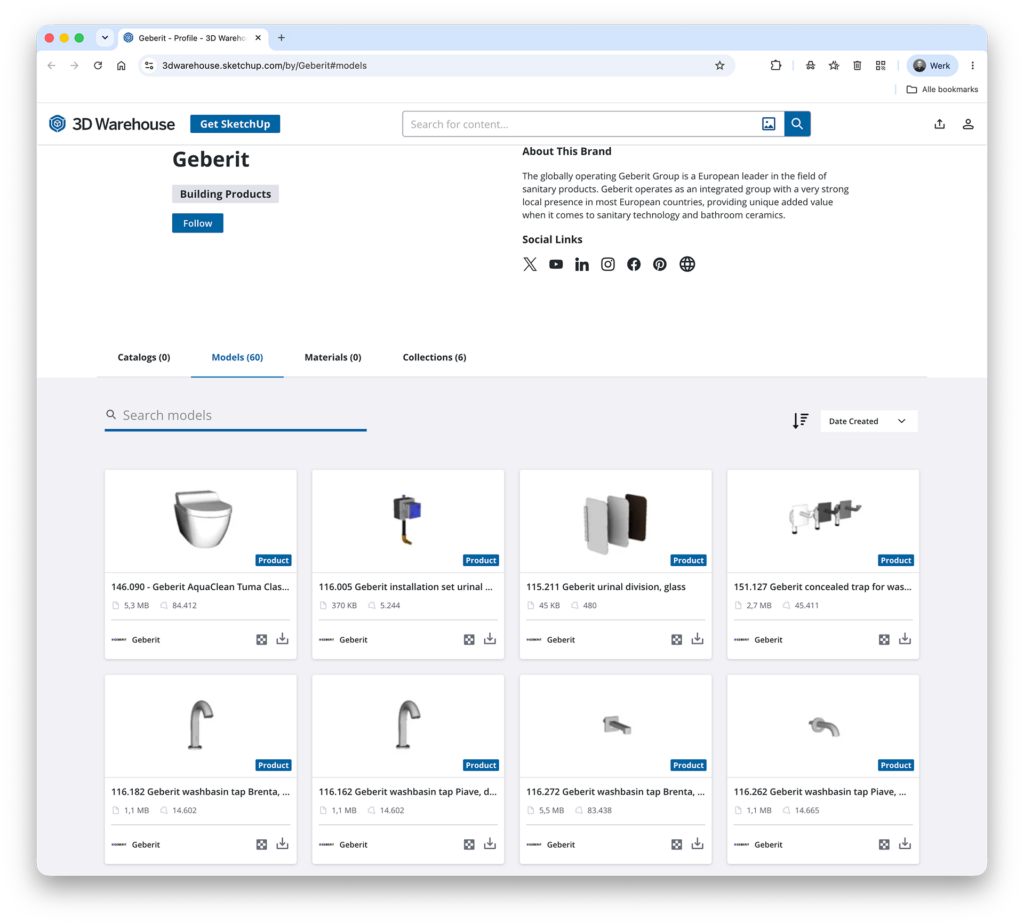
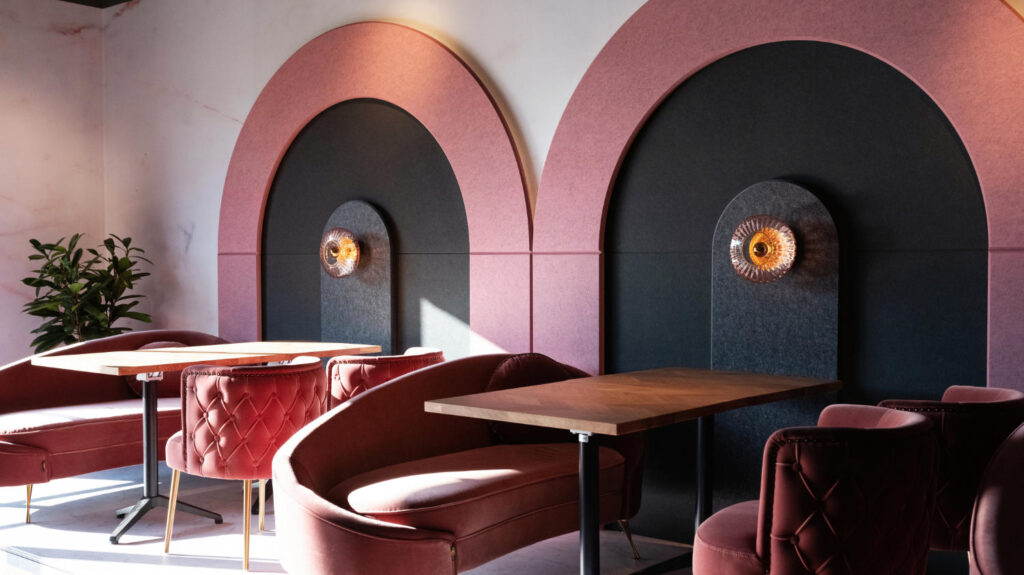
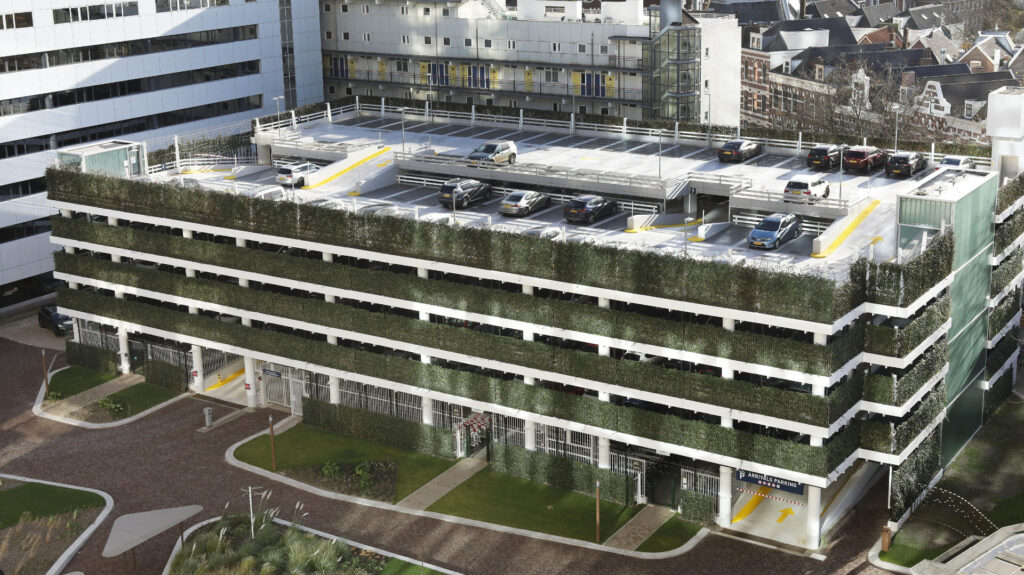
SketchUp is hugely popular among interior designers and stylists, which has fuelled the idea that 3D Warehouse revolves mainly around furniture and lighting. That is a missed opportunity, both for manufacturers and their clients. Alongside well-known interior brands, the database also holds extensive ranges from entirely different sectors, such as Schneider Electric (switches and sockets), Velux (roof windows), Geberit (bathroom fixtures) and Mosa Tiles (tiles). And those are just a few examples from a much broader offering.
Certified products: quality that stands out
An increasing number of brands use 3D Warehouse as a digital showcase. It puts genuine products from established manufacturers effortlessly within reach of an international audience of AEC professionals.
As a supplier or manufacturer, all it takes is a free, verified account to showcase your products. You upload high-quality models yourself and become discoverable to your target audience, who can search specifically for trusted content with a single tick of the ‘Certified’ box.
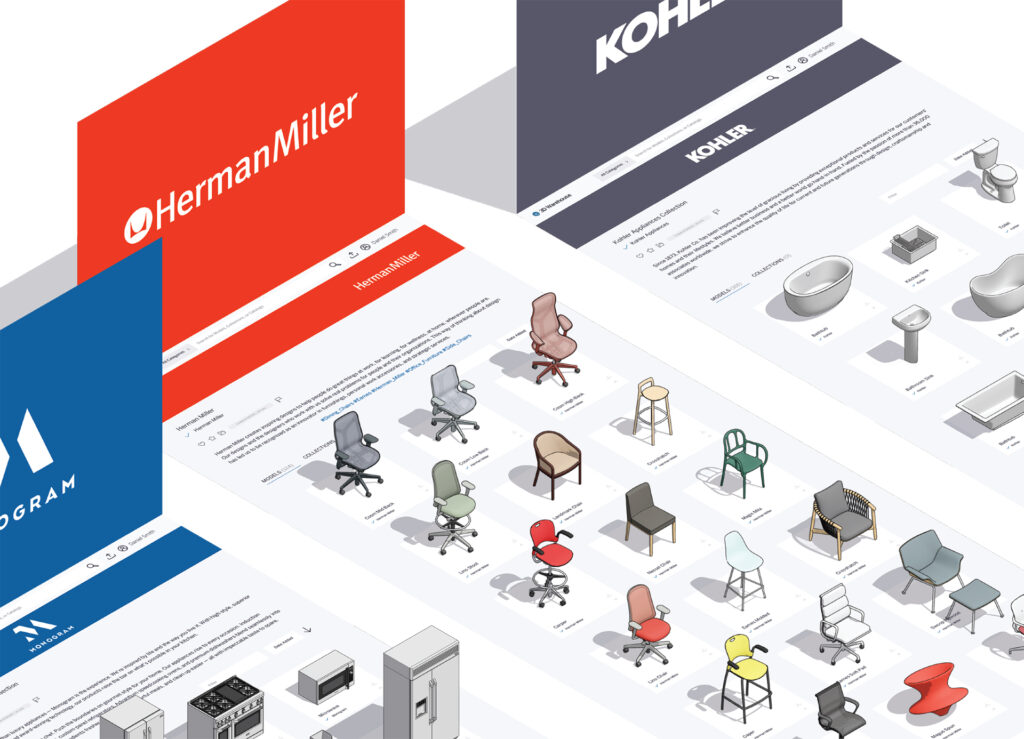
Turning 3D Warehouse into a sales channel
Do you sell products that belong on 3D Warehouse? Search for your own brand or product name and see what comes up. The benefits of having your own certified catalogue speak for themselves:
- A professional presence that reflects your brand identity
- Only your newest, currently available collection visible in the Warehouse
- Precisely modelled products with accurate dimensions, materials and colours
- Greater discoverability and more frequent use thanks to certification
- International reach without extra marketing spend: your portfolio is visible to thousands of professionals actively searching for the right product
A satisfied customer is the best calling card there is. We’re happy to help you set up and manage your own catalogue on SketchUp 3D Warehouse. Feel free to get in touch. We’d love to think it through with you!
Materials and textures for realistic visualisations
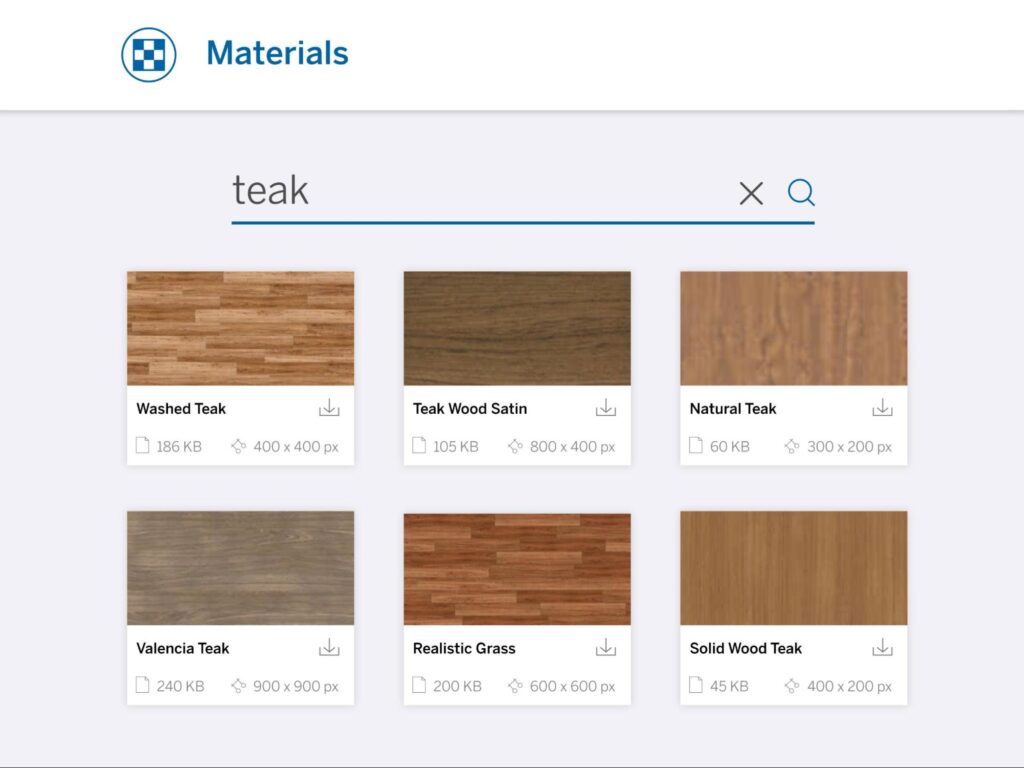
Alongside objects, 3D Warehouse also holds an extensive library of materials and textures, essential for designers aiming for realistic visualisations and accurate material specifications.
In 3D visualisations, a visibly repeating pattern across large surfaces, known as tiling, can ruin a model. That’s why 3D Warehouse offers tiling textures, from wood grain and concrete to brickwork, natural stone and fabric, seamlessly. Various suppliers of cladding, tiles, textiles, paint and flooring have already added their product lines to the Warehouse, so visualisations include construction and finishing materials that hold up in practice too.
Realistic lighting with Environments
Within the SketchUp Content Library, you’ll find a growing collection of high-quality 360-degree environment maps (HDRI and OpenEXR files). These Environments are far more than an attractive backdrop: they use Image-Based Lighting, where the colour values and light intensity of the 360-degree image determine how light falls on your design.
The effect of an Environment shows up directly in the materials you use. Glossy surfaces such as glass, stainless steel or lacquer automatically reflect the chosen environment, and those reflections shift as soon as you adjust the position of the sun. In the Environments panel, you can easily fine-tune the virtual environment, so the angle of light and the fall of shadows align perfectly with your composition, without ever having to touch the 3D model itself.
Searching 3D Warehouse more efficiently
Given the sheer size of the collection, searching can sometimes prove tricky. A few tips from people who work with SketchUp every day:
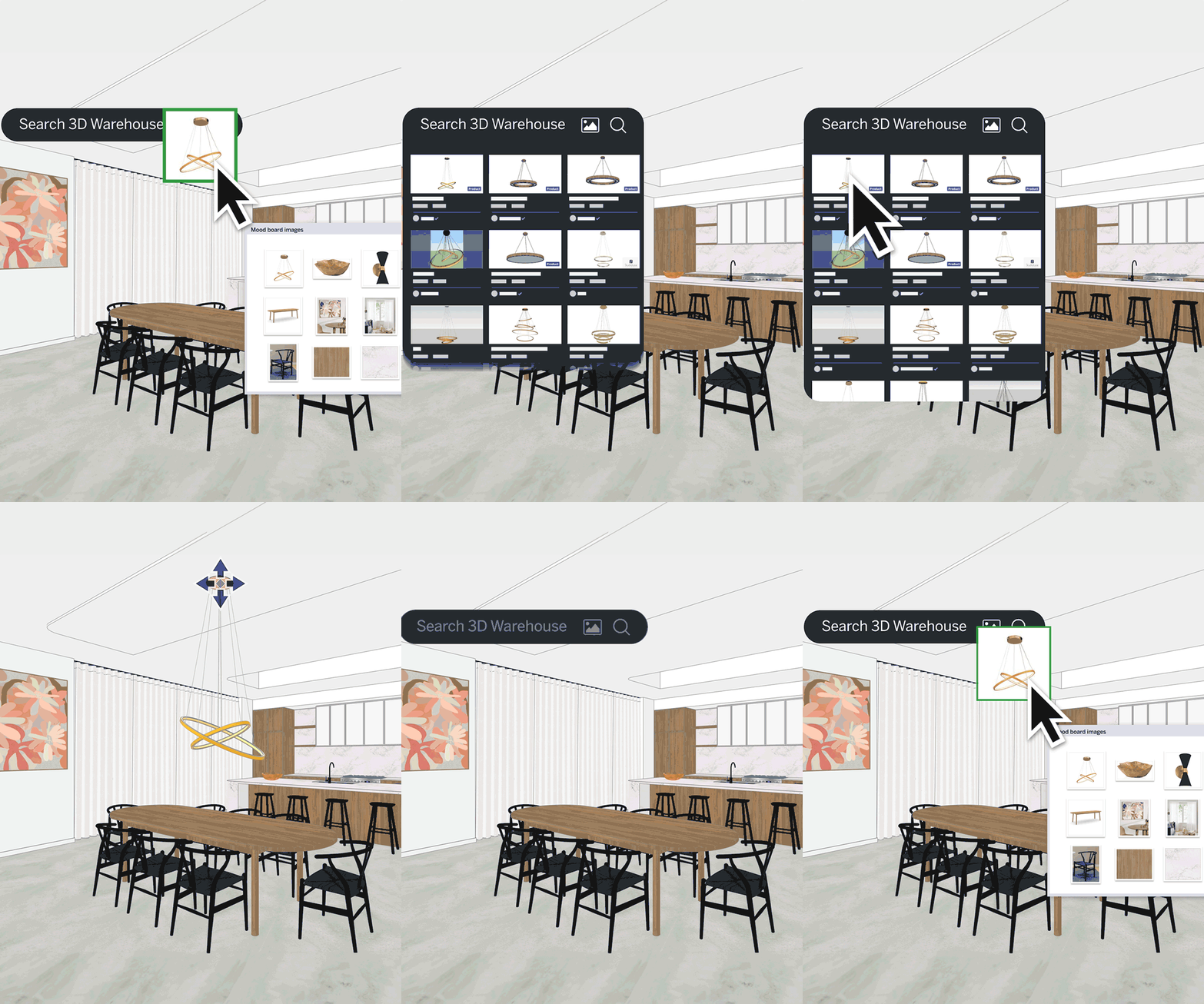
- Search using an image. Click the camera icon in the search bar and upload a photo (JPG or PNG), or drag the image straight into the search bar. Open 3D Warehouse via File > 3D Warehouse in the menu, or visit the website directly. Then simply click the model to load it straight into your drawing.
- Start in Collections, then narrow things down within Models.
- Tick Certified Content if you’re looking for a specific brand.
- Use Related Content if a model you’ve found isn’t quite what you need.
- Search in a different language if you can’t find what you’re after. Looking for products from a Spanish manufacturer? Try searching in Spanish.
Armed with this knowledge, 3D Warehouse shifts from a handy library to a strategic tool for designers who want to work faster and more precisely, and for brands looking to put their products in front of an international audience that’s actively searching.
Getting started with 3D Warehouse
Whether you’re a designer looking to work faster and more precisely, or a brand wanting to showcase your products to thousands of actively searching AEC professionals, 3D Warehouse gives you the tools to make it happen. Not sure how to set up your own certified catalogue, or curious what the platform could do for your organisation? Get in touch with us. We’d love to think it through with you and help you get started.