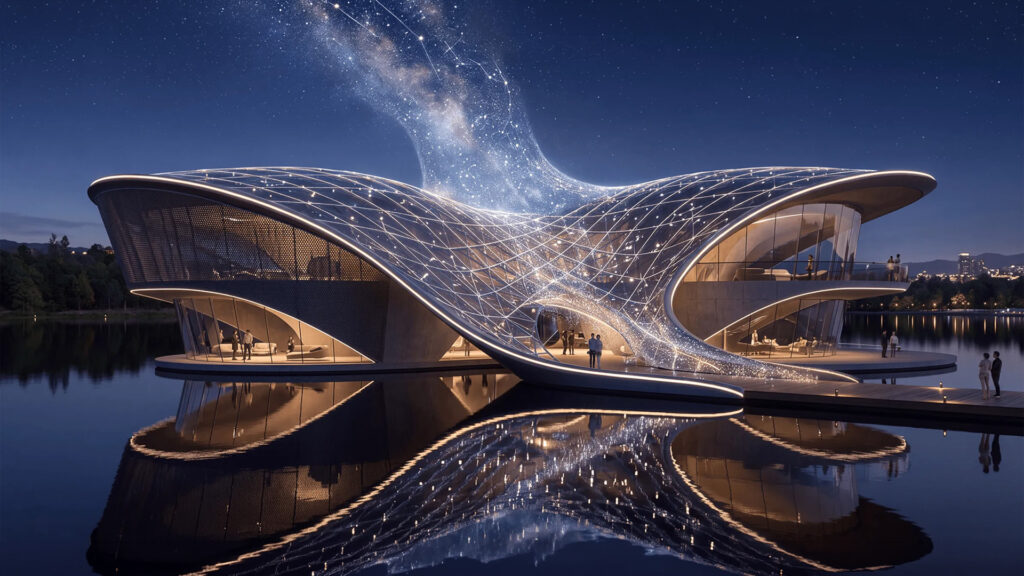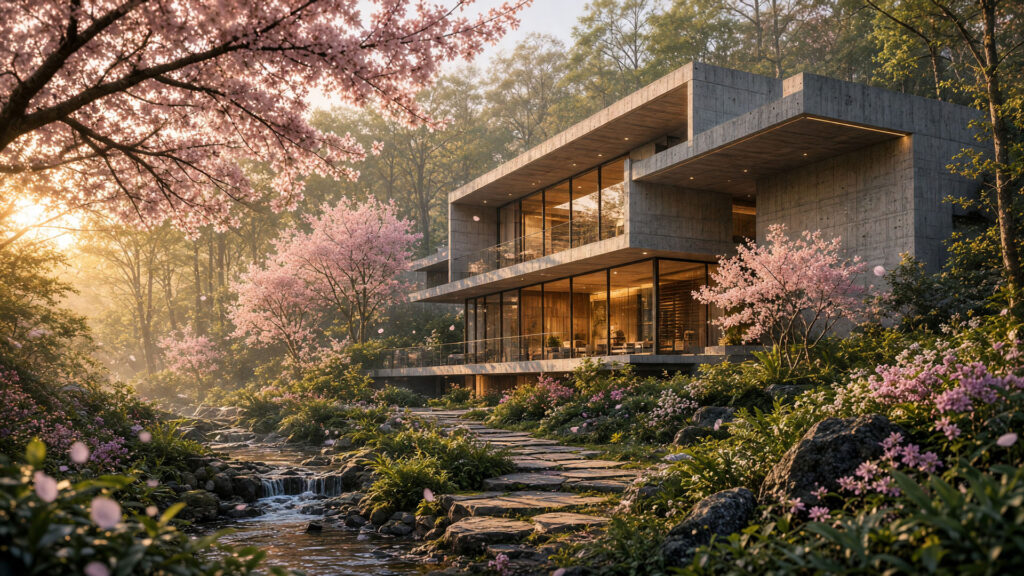






Chaos Veras 4.6 is here: from still image to cinema-grade video!
Powered by Google’s brand new Veo 3.1 video models, Veras now turns your designs into fluid, cinematic animations, no external tools or complicated timelines required!


There is good news for everyone working with Chaos Veras: version 4.6 has landed, and it marks a genuine leap forward for AI-driven video. The headline feature is the integration of Google’s freshly launched Veo 3.1 model, which lets you turn static key frames into smoothly moving video in just a few clicks. Chaos has also given the 3D viewer, video comparison tools and overall software stability a serious upgrade. Time to walk through everything new.
Veo 3.1: Veras’ new engine for video
The video tab in Veras welcomes a new leading player in Veo 3.1. The model comes in three tiers straight out of the gate, so you can pick whatever suits your project and budget best:
- Veo 3.1, the top-tier option, rendering at resolutions up to 4K
- Veo 3.1 Fast, quicker and more affordable, with the same feature set
- Veo 3.1 Lite, the most budget-friendly tier, up to 1080p
All three support text-to-video (no source image needed at all), image-to-video from any starting frame, and the long-requested “first and last frame” feature. Simply set a starting frame and an end frame, and Veo animates the journey between them on its own. Want more control over style, characters or objects? Add reference images to steer the result. From there, choose a duration of 4, 6 or 8 seconds and let Veras generate matching audio automatically, complete with a one-click toggle to switch the sound off whenever you prefer silence.
Prefer to stick with your familiar workflow? No problem, Wan 2.2 is still right there in the model menu.
The 3D viewer now plays a part in the video tab, too
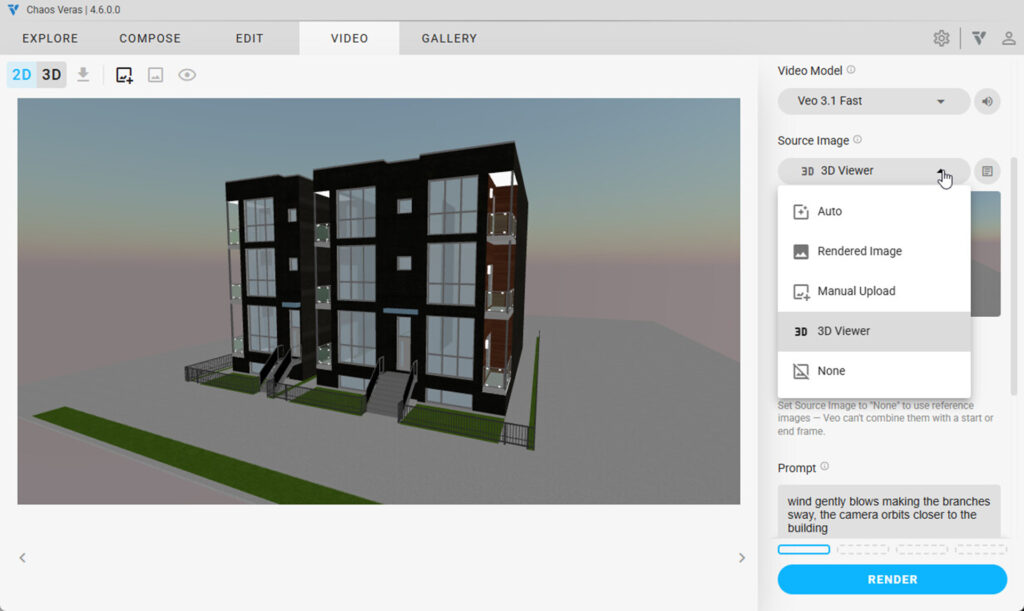
The second major improvement: the 3D viewer now works inside the video tab as well. The 2D/3D toggle is no longer reserved for still images alone. Particularly handy is the new “3D Viewer” source option, which links your video’s start or end frame directly to the loaded 3D model. You set the camera angle in the viewer yourself, and that live snapshot is used straight away as the render.
- Use the 3D viewer as the start and/or end frame of a video, so two different camera angles can be animated between
- Also, use it as a source image for still renders or as a reference image
- Every frame keeps its own frozen snapshot, while the active frame simply keeps tracking your camera
- Available everywhere the 3D viewer already works: Revit, Rhino, SketchUp and the web app
No more exporting separate screenshots, then, everything happens straight from your project.
Show Original now works on video renders too
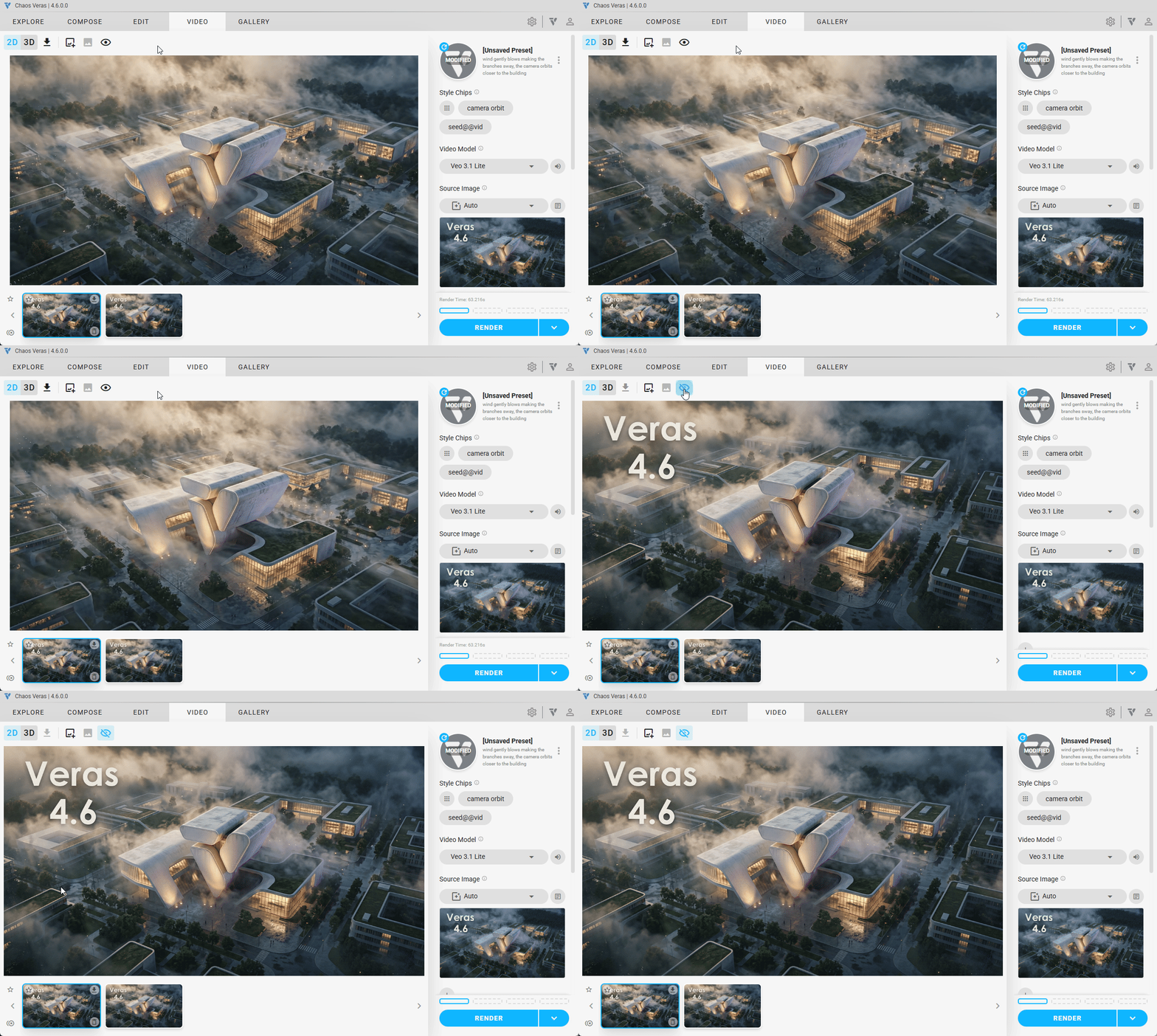
The popular Show Original button, which lets you place the source image next to your render with a single click, now works on video renders as well. That gives you an instant view of which image formed the basis of your animation. Because the source image travels along with the video render itself, this comparison keeps working even when you return to the gallery later, or from a different machine.
And there is more: small fixes with a big impact
Chaos has also done plenty of work under the hood to make Veras more stable and easier to use:
- Video renders are now more reliable, as temporary backend hiccups no longer cause a render to fail outright
- The camera position of a 3D render from the gallery is restored, even in a new session or on a different machine
- Show Original now keeps your zoom and pan settings intact, instead of resetting the view every time
- Show Original combined with “Rotate Image” renders has been fixed
- The upload button for your own images is now available on every platform, not just the web app
- Style chips no longer show an incorrect selection when switching between image and video mode
- Navigation issues when using a render as a reference image have been resolved
- Various security updates for the underlying software
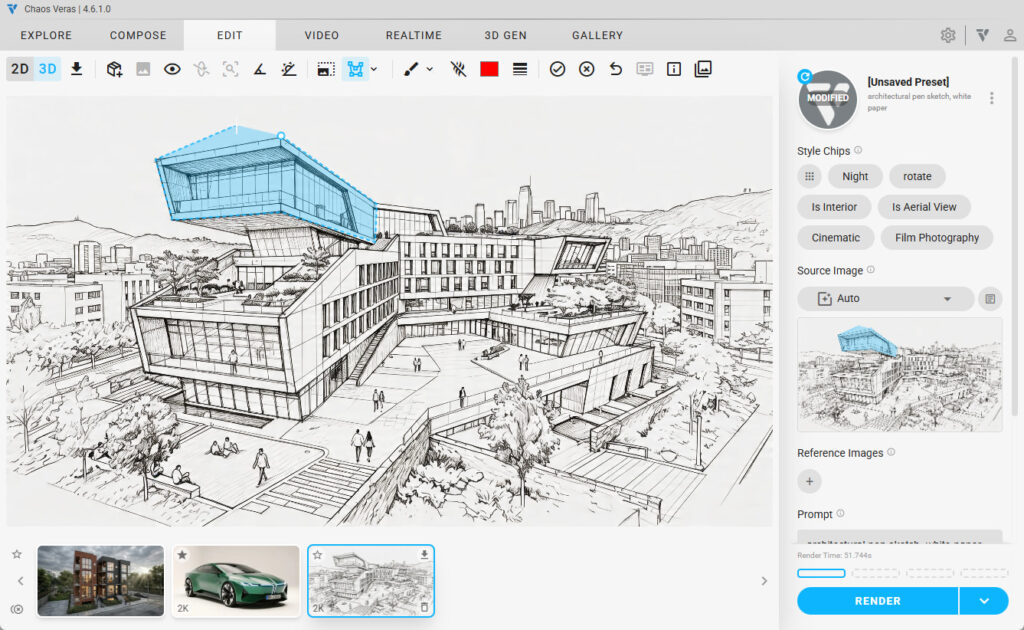
Shortly after the 4.6 release, a small patch followed too: version 4.6.1.0, which helps render properly if the Veras app loses its connection mid-render, alongside a handful of interface tweaks and bug fixes.
Getting started with Veras 4.6
With this update, Chaos takes another confident step toward bringing AI and architectural visualisation closer together. From an early sketch to a fully animated construction timeline, it can all now happen within one and the same environment, without the hassle of external video tools. Ready to get started with Veras 4.6 yourself? You can download the update straight from your personal account on the Chaos.com website, or directly through the prompt in your software.
Not working with Chaos Veras yet, and want to try it for free first? Request your 14-day trial via the vendor’s website.
Have questions about the update, or want to know what Veras could mean for your workflow? Our team at Design8 is happy to help.