






From 3D Model to Job Site: Discover Trimble Site Contractor for SketchUp
Connect your SketchUp design to Trimble Siteworks and Earthworks, stake out with confidence and let your machines dig exactly what you designed.

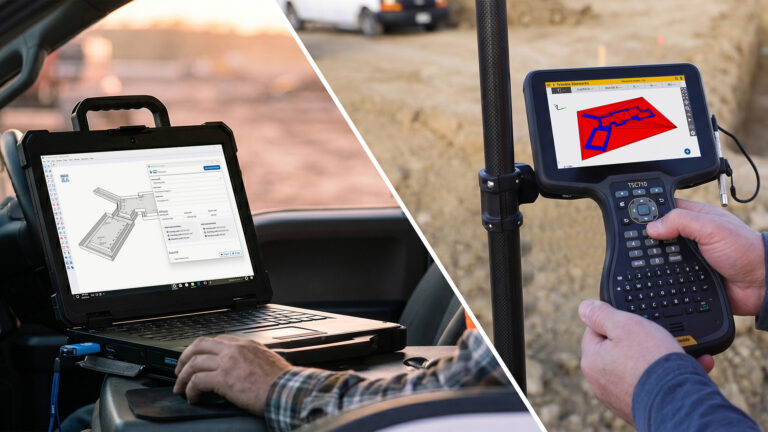
A design is only truly finished when it holds up on the job site. With Trimble Site Contractor (TSC), an extension for SketchUp for Desktop, you can turn your 3D model into accurate, field-ready data in just a few clicks. There are no cumbersome conversions and no extra software in between. It’s great news for anyone working in earthworks, layout and civil construction: your design and the field now speak the same language.
What Is Trimble Site Contractor?
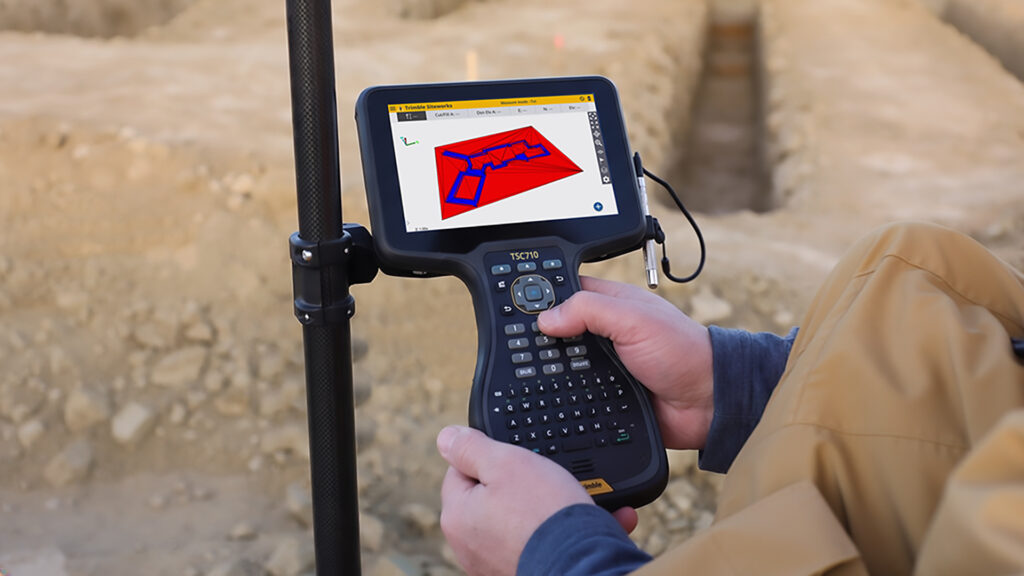
Site Contractor is the bridge between SketchUp and the Trimble field ecosystem. Export your earthwork model to Trimble Siteworks for layout and stakeout, and deliver machine-ready design files to Trimble Earthworks. It works the other way around, too: import field measurements from Siteworks into SketchUp as a reference, so you always model from reality.
What’s in It for You?
- Faster to the field: build a 3D terrain model and send it to Siteworks in just a few clicks, without waiting for someone else to prepare your data.
- Stake out with confidence: the points on your tablet match the model on your screen exactly, with no guesswork and no manual coordinate workarounds.
- Less rework, better margins: with a single data model from design to stakeout, you catch mistakes before they get expensive. Machines also need fewer passes, which saves fuel and reduces wear.
- Model with real-world field data: import georeferenced points from Siteworks or CSV files, and use drawings, CAD files and PDF site plans as scaled references.
- Productive fast: SketchUp is known for its intuitive interface and an abundance of free online tutorials. You don’t need a heavy training program or a dedicated CAD specialist.
What You Can Do with It
With Site Contractor, you export your model as .dxf (linework) and .ttm (terrain model), or have a complete Siteworks project folder created directly. You import field measurements, linework and surfaces from a Siteworks .spj file and position your model precisely in the right location using control points and offsets.
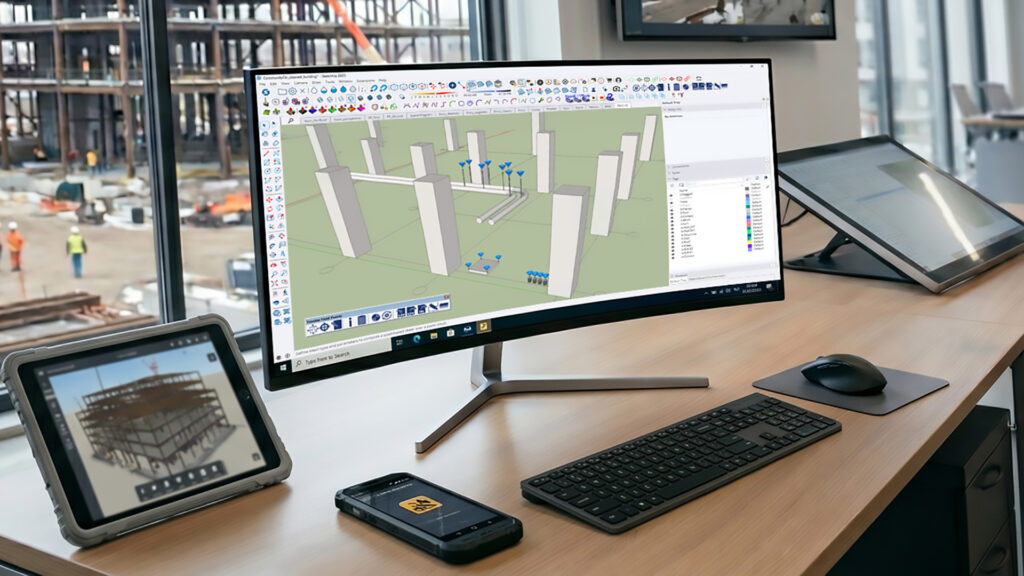

You can also convert SketchUp surfaces into designs for machine control with Trimble Earthworks, so you can guide excavators, dozers, skid steers and graders with your own 3D model. The Trimble Field Points extension, which imports georeferenced points from CSV files, is included as well.
Which Subscriptions Include Site Contractor?
Trimble Site Contractor is included in SketchUp Pro Civil Contractor, SketchUp Pro Advanced Workflows and SketchUp Studio. Pro Civil Contractor is built specifically for the 3D-to-field workflow and, in addition to Site Contractor, includes SketchUp for Desktop, LayOut, SketchUp for Web, SketchUp for iPad, Trimble Connect and 150 SketchUp AI credits per month.
You also get phone and email support, automatic updates and centralised billing.
Good to know: Trimble Siteworks and the Trimble Earthworks grade control platform are not included and are purchased separately. Site Contractor works with SketchUp for Desktop, version 2025 or later.
Want to Learn More?
Curious whether Site Contractor fits the way you work, or how to connect SketchUp to Siteworks and Earthworks? As the official SketchUp distributor for the Benelux, we’re happy to think along with you, from advice on the right subscription to getting off to a strong start with your 3D-to-field workflow.
Explore the Trimble Site Contractor product page or get in touch with us.