









Trimble Site Contractor
From 3D Model to Job Site
Connect your SketchUp model to Trimble Siteworks and Earthworks, stake out with confidence and let your machines dig exactly what you designed.

What is Trimble Site Contractor?
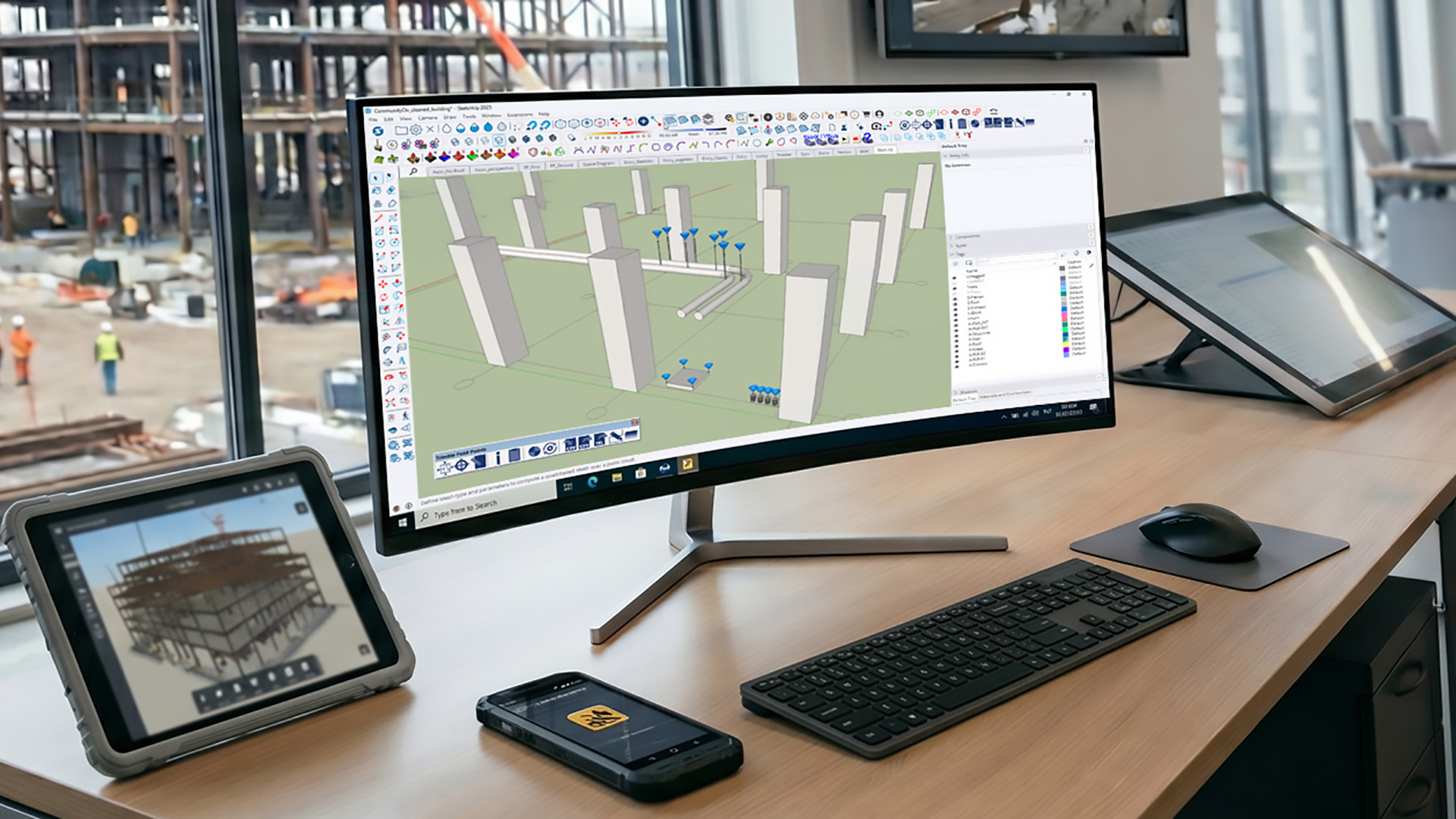
Trimble Site Contractor (TSC) is an extension for SketchUp for Desktop that turns your 3D design into accurate, field-ready data. Export your earthwork model to Trimble Siteworks for layout and stakeout, and deliver machine-ready design files to Trimble Earthworks. It works the other way around, too: import field measurements into SketchUp as a reference. Site Contractor is included in the SketchUp Pro Civil Contractor subscription, which Design8 supplies as the official distributor for the Benelux.
Five Benefits of Site Contractor
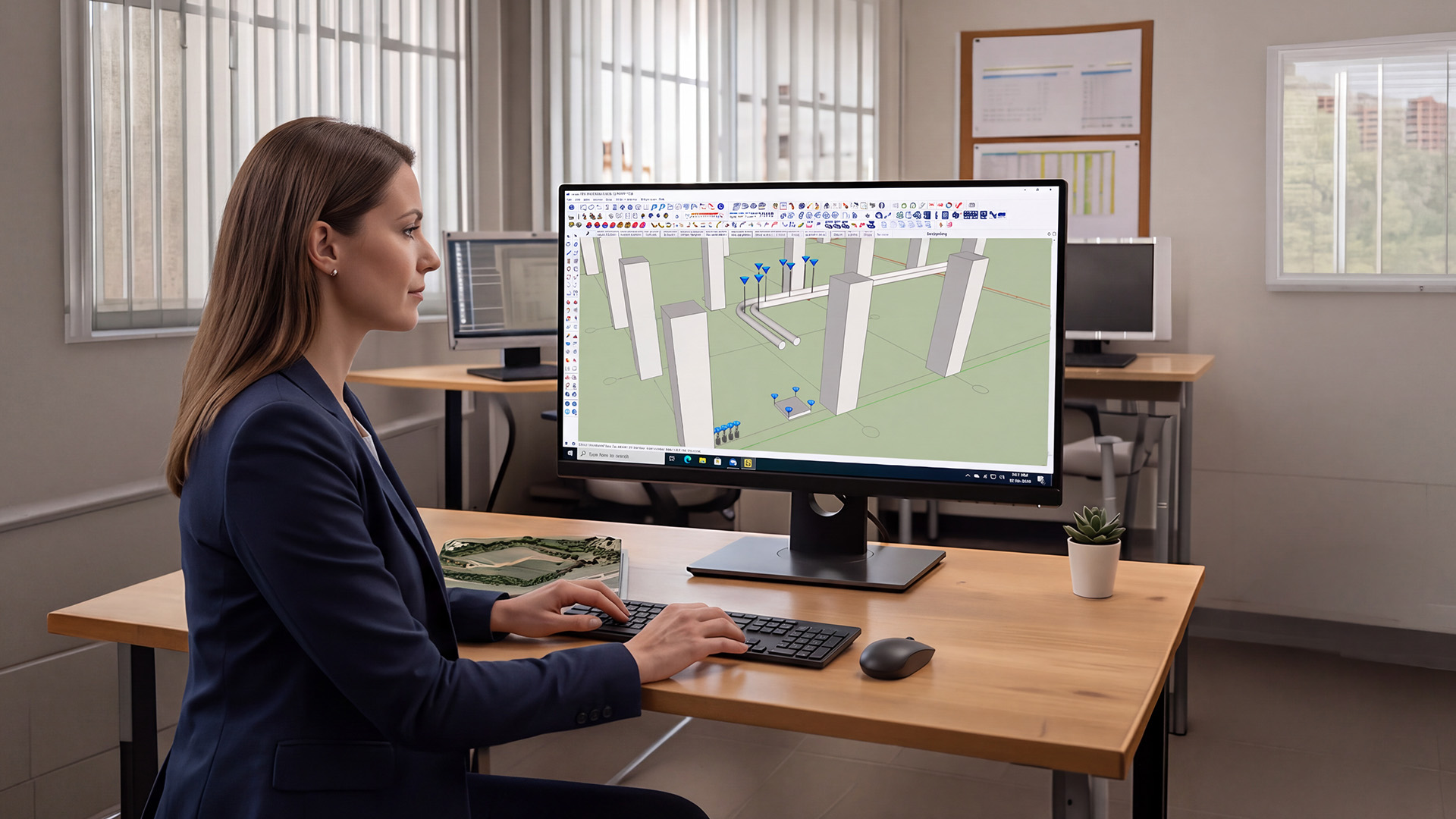
Build a 3D terrain model in SketchUp and send it to Trimble Siteworks in just a few clicks. There are no complicated file conversions and no third-party software, and you never have to wait for someone else to prepare your data.
With a single data model from design to stakeout, you catch mistakes before they get expensive. Machines also need fewer passes, which saves fuel and reduces wear. Contractors who use the combined SketchUp and Siteworks workflow report significant savings on manual measuring and rework.
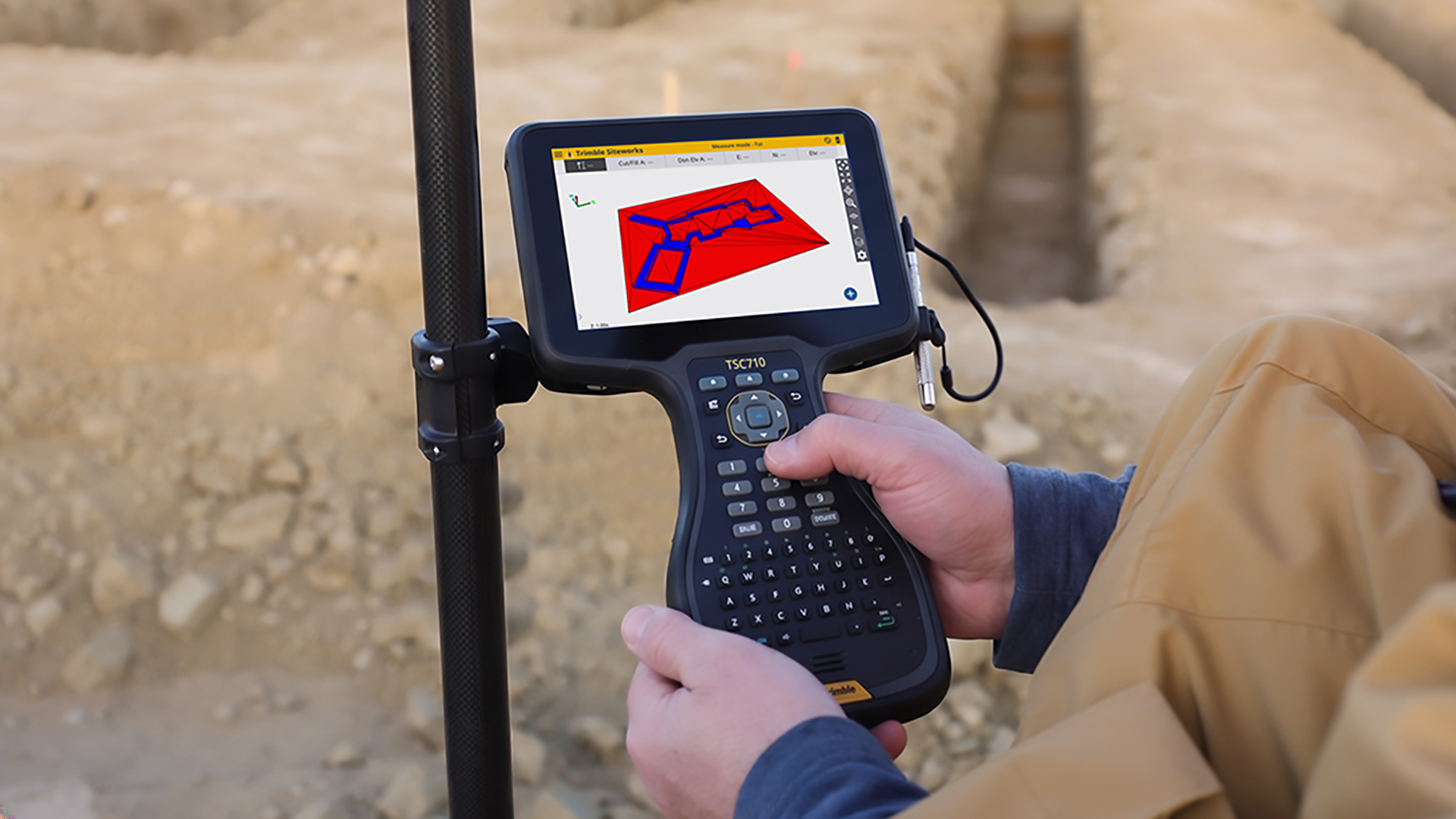
The points on your tablet match the model on your screen exactly. Your georeferenced design data flows straight to your Siteworks devices in the field, so your team knows that every point it stakes out is tied to the design. In the field, you navigate directly to model points, linework and surfaces, and with control points set in SketchUp, you anchor the model precisely where it belongs on the ground. Your crew works with data it can build on, with no guesswork and no manual coordinate workarounds.
Import georeferenced points from Siteworks or CSV files, and use foundation plans, drawings, CAD files and PDF site plans as scaled references. Your model reflects reality and sits exactly where it should.
SketchUp is known for its intuitive interface and an abundance of free online tutorials. You’ll be up and running with a working terrain model in no time, with no formal training program and no dedicated CAD specialist.
Build a 3D terrain model in SketchUp and send it to Trimble Siteworks in just a few clicks. There are no complicated file conversions and no third-party software, and you never have to wait for someone else to prepare your data.
The points on your tablet match the model on your screen exactly. Your georeferenced design data flows straight to your Siteworks devices in the field, so your team knows that every point it stakes out is tied to the design. In the field, you navigate directly to model points, linework and surfaces, and with control points set in SketchUp, you anchor the model precisely where it belongs on the ground. Your crew works with data it can build on, with no guesswork and no manual coordinate workarounds.
SketchUp is known for its intuitive interface and an abundance of free online tutorials. You’ll be up and running with a working terrain model in no time, with no formal training program and no dedicated CAD specialist.
With a single data model from design to stakeout, you catch mistakes before they get expensive. Machines also need fewer passes, which saves fuel and reduces wear. Contractors who use the combined SketchUp and Siteworks workflow report significant savings on manual measuring and rework.
Import georeferenced points from Siteworks or CSV files, and use foundation plans, drawings, CAD files and PDF site plans as scaled references. Your model reflects reality and sits exactly where it should.
Site Contractor Features
Export to Trimble Siteworks
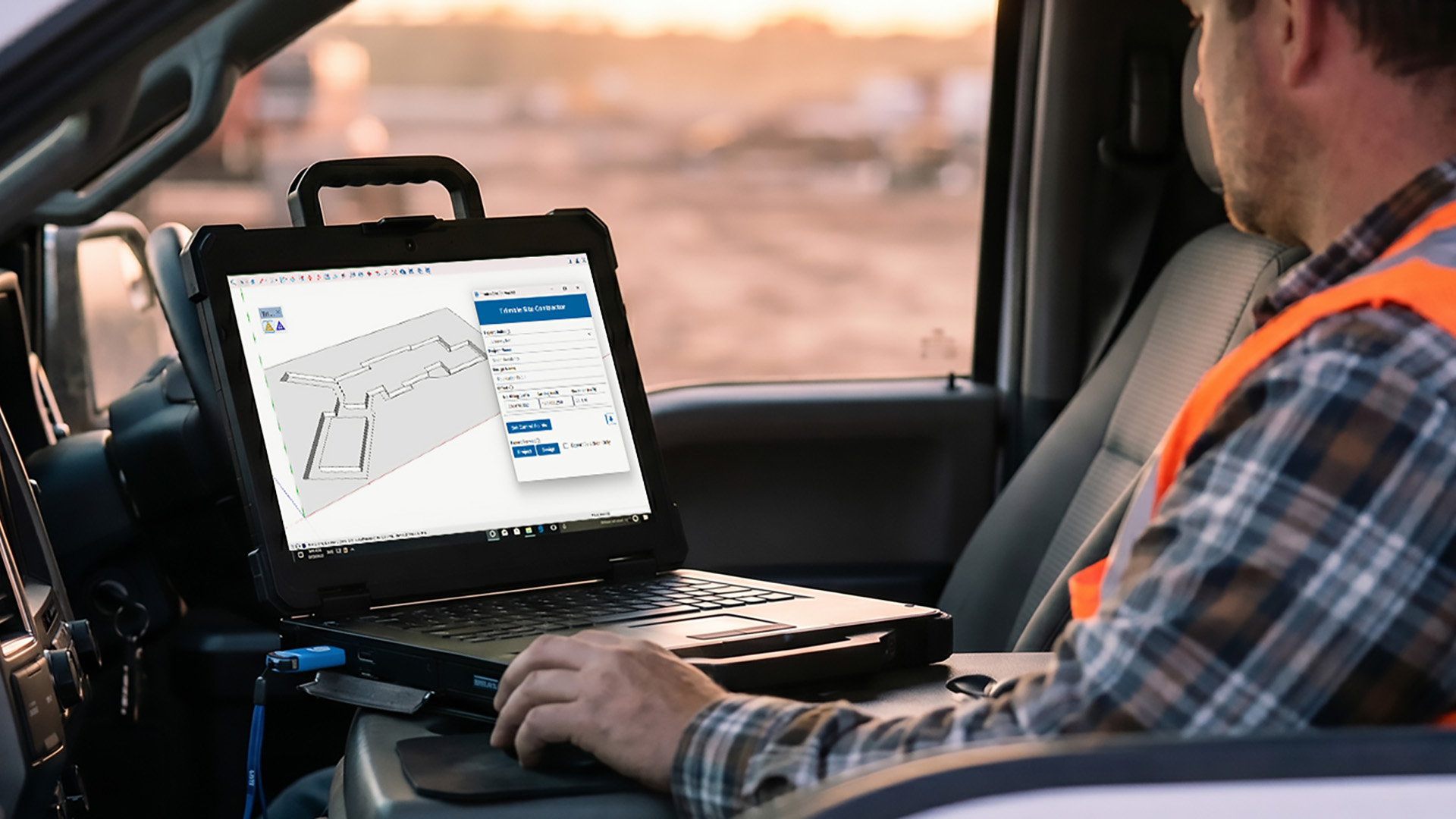
Export your SketchUp model as .dxf (linework) and .ttm (terrain model), or have Site Contractor create a complete Siteworks project folder with all your design files inside. You choose the unit in which the model is exported and give your project and design their own names. Want to send only part of your design to the field? Select it and export just that selection, so the data your crew receives is clean and precise.

Frequently Asked Questions About Site Contractor
Trimble Site Contractor (TSC) is an extension for SketchUp for Desktop that converts your 3D geometry into accurate, reliable, field-ready data for layout and earthmoving work. Export your design to Trimble Siteworks and deliver machine-ready files to Trimble Earthworks. In the other direction, you import field data from Siteworks into SketchUp as a reference. The result is a single data model from design through execution.
With Site Contractor, you export your SketchUp model as .dxf (linework) and .ttm (terrain model), or have a complete Siteworks project folder created directly. You import field measurements, linework and surfaces from a Siteworks .spj file, and you position your model in the right location using control points and offsets. You can also convert SketchUp surfaces into designs for machine control with Trimble Earthworks.
No. Trimble Siteworks and the Trimble Earthworks grade control platform are not included and are purchased separately from a reseller or supplier. Site Contractor is the bridge that carries your SketchUp model into this field software.
Site Contractor is included in SketchUp Pro Civil Contractor, SketchUp Pro Advanced Workflows and SketchUp Studio. The Trimble Field Points extension is included with these subscriptions as well.
In addition to Site Contractor and Field Points, you get SketchUp for Desktop, LayOut, SketchUp for Web and SketchUp for iPad. The subscription also includes Trimble Connect for cloud storage and collaboration, Extension Warehouse, 3D Warehouse, 150 SketchUp AI credits per month and Live Components. On top of that, you get phone and email support, automatic software updates, centralized billing, user management and predictable renewals.
Site Contractor works as an extension in SketchUp for Desktop, version 2025 or later. You need an internet connection to install and authorize your subscription.
With Siteworks and Trimble Earthworks, you can put your SketchUp model to work on excavators, dozers, skid steers and graders. These machines can reach final grade in fewer passes, which saves fuel and reduces wear.
Yes. You can import Siteworks work order data (.spj files) and georeferenced points from CSV files using the Trimble Field Points extension. This lets you model on top of measured data, so your model reflects the actual situation on the job site.
No. SketchUp is known for its intuitive interface, and countless free online tutorials are available. You can build a working terrain model quickly, without a formal training program or a dedicated CAD specialist.

Want to Learn More?
Wondering whether Site Contractor fits the way you work, or how to connect SketchUp to Trimble Siteworks and Earthworks? With our years of experience, we’re happy to help, from advice on the right SketchUp subscription to getting off to a strong start with your 3D-to-field workflow. Get in touch and we’ll gladly think along with you.