New: SketchUp Importer for Revit, from Sketch to BIM Model Without the Rebuild!
Your concept, instantly Revit-ready: no rebuild, just time saved!

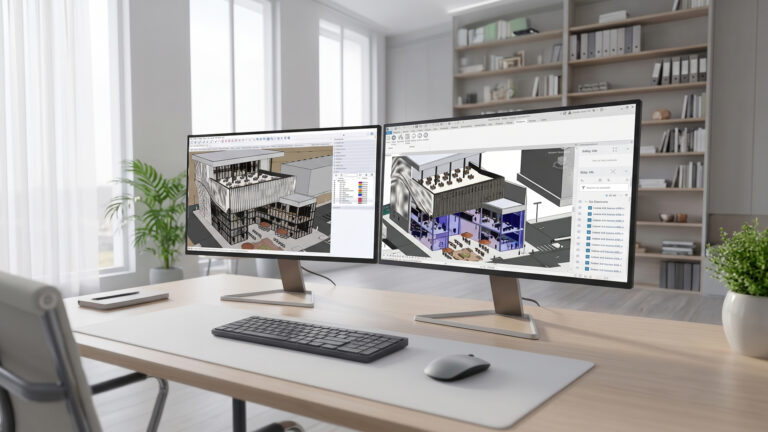
Great news for everyone who develops their designs in SketchUp and then in Revit: the switch between those two worlds just got a whole lot smoother! With the new SketchUp Importer for Revit, you can convert your SketchUp model into native, parametric Revit families in one go. No more hours of manual redrafting, and up to a week saved per project!
Rework between concept and documentation
SketchUp is where ideas take shape quickly. Revit is where you develop them in detail. But the step in between has often cost you a lot of time. According to SketchUp, 66% of users who work with both programs deal with 3 to 5 days of rework per project. In the late design phases, up to 40% of project time can even be lost to manual rework. What a waste of creative energy, right?
The solution: the SketchUp Importer for Revit
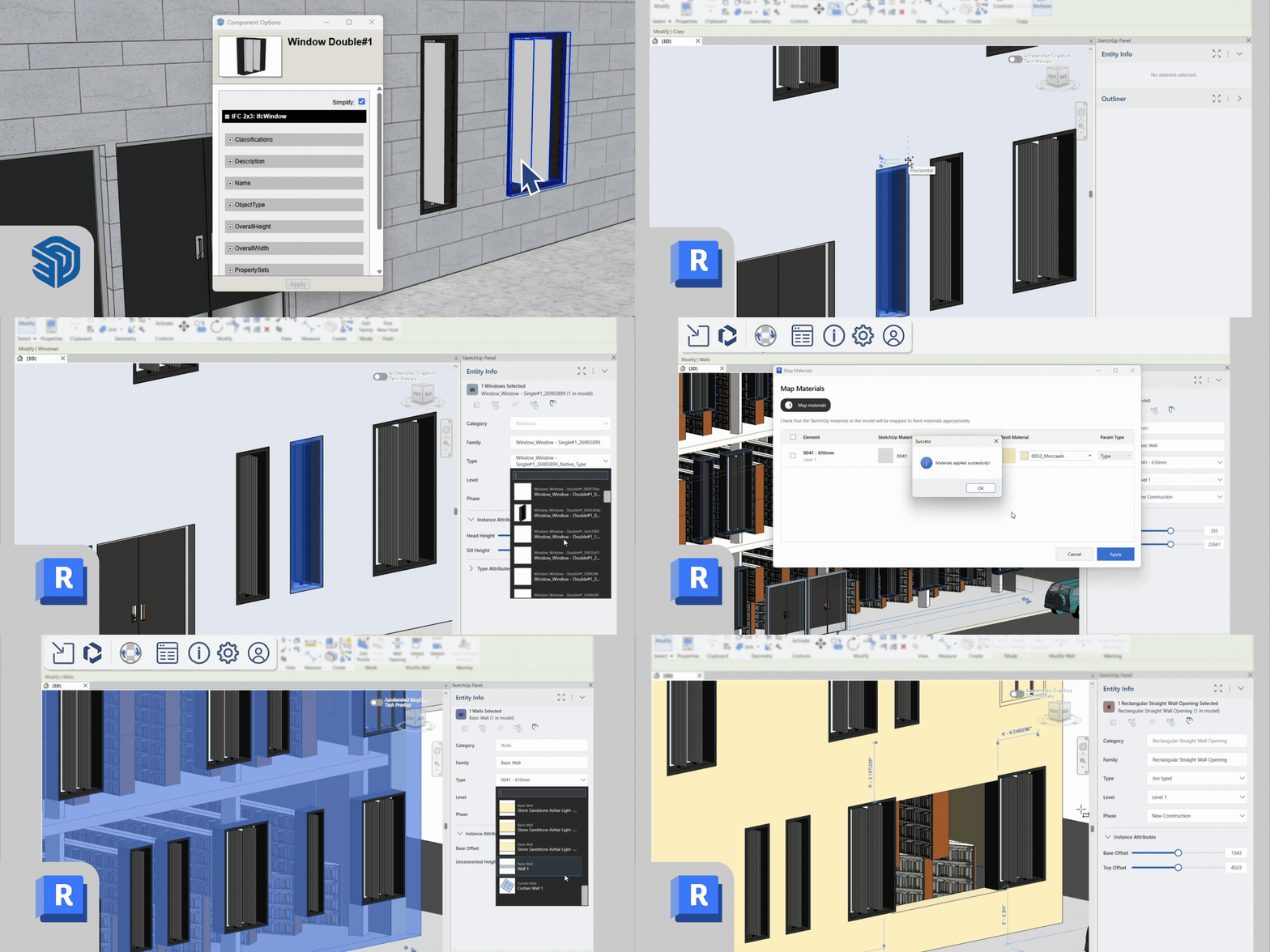
The SketchUp Importer for Revit is a new Revit plugin that translates your classified SketchUp geometry into native, editable Revit elements. Spend a few minutes classifying your model in SketchUp, then sit back. Your geometry appears in Revit as walls, floors, doors, windows and curtain walls, ready to work with.
What can you do with it?
- Native Revit families: convert classified SketchUp geometry into parametric families without remodelling. You can also easily turn recurring SketchUp assets into templates for parametric Revit families.
- Your design intent stays intact: materials, PBR properties, tags, metadata and object hierarchies are automatically carried over into Revit.
- The SketchUp Panel in Revit: work with the familiar Outliner and Entity Info inside Revit. With just a few clicks, you can view project data, modify materials, rename components and control visibility.
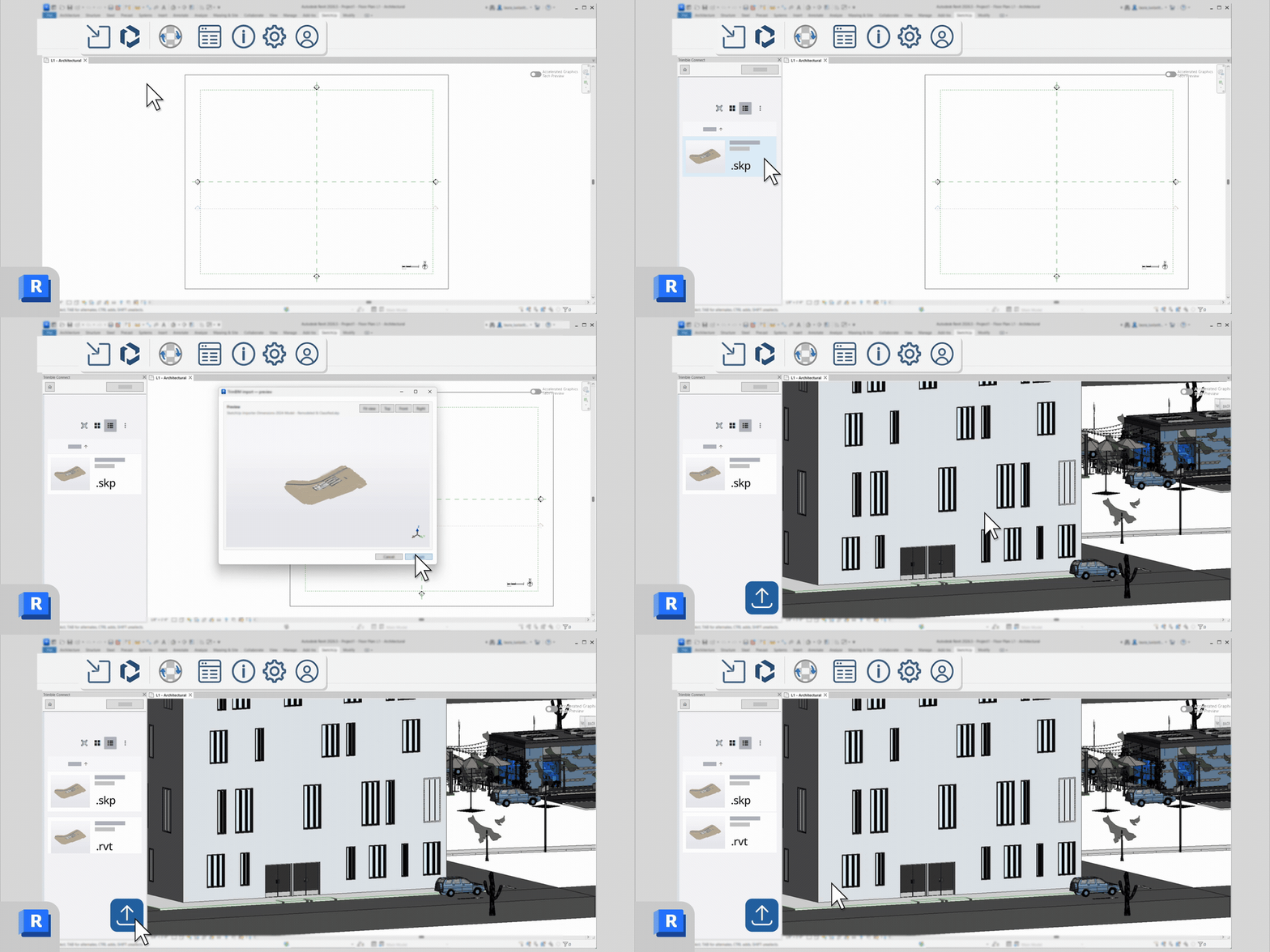
- Collaborate with Trimble Connect: import and save your models in one shared space, so your team always works from the latest version with a single source of truth.
- A repeatable workflow with native .RVT files: easily meet the requirements of clients and bids that call for native .RVT deliverables.
Who is it for?
The Importer is made for architects, BIM managers, design-build teams and studio managers who use both SketchUp and Revit and want to speed up the transition from concept to documentation. Whether you work at a small design studio or in a multidisciplinary team, you keep the speed of SketchUp and still deliver Revit-native BIM.
Availability
The SketchUp Importer for Revit is included with an annual SketchUp Pro Advanced Workflows or SketchUp Studio subscription. You need a Revit license, and the plugin is available for Windows.
More in SketchUp
Buro Waalbrug accelerates urban development plans using SketchUp and 3D-Omgeving.nl

New in SketchUp 2027: Procedural Modelling, Hatching and a Faster LayOut!

From 3D Model to Job Site: Discover Trimble Site Contractor for SketchUp