V-Ray 7 Update 5: More Intuitive and Powerful Than Ever
V-Ray 7 Update 5 is designed to help you explore ideas, generate assets and automate time-consuming tasks.

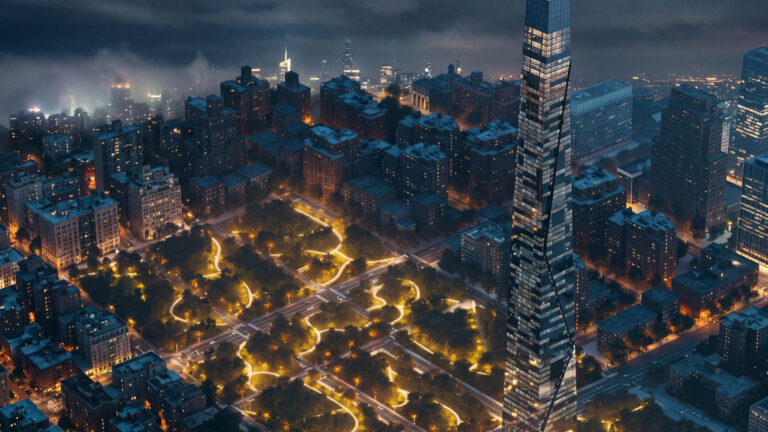
With the release of V-Ray 7, update 5, Chaos embeds artificial intelligence even deeper into the architectural visualization workflow. This update is designed to help designers and 3D artists explore creative concepts, generate production assets, and automate repetitive tasks—without sacrificing the precision, control, and photorealistic fidelity you expect from V-Ray. And to celebrate this release, which includes AI capabilities, you’ll temporarily receive 500 Chaos Credits with a free V-Ray Collection trial!
Key Highlights at a Glance
- Intelligent AI Workflows: Built-in AI Assistant, AI-driven 3D model generation, and external agent connectivity via MCP.
- Advanced Lighting & Volumetrics: Native Spotlight enhancements, a parametric Cylinder Light, and direct TyFlow Inferno support.
- Refined Materials Workflow: Visual Node Material Editor for SketchUp and Rhino.
- Real-Time Innovations in Chaos Vantage: Gaussian Splat relighting, expanded native material parity, and Veras and Anima integrations.
- Crowd & Traffic Simulation with Anima: AI pathfinding, Waypoint tools, and 240 new animated 4D digital humans.
- Design Exploration with Veras: Node-based workflow automation, advanced video/image models, and autonomous 3D scene generation via AI agents.
- Virtual Production with Chaos Arena: Transition production V-Ray scenes directly to LED volumes without asset conversion.
1. Next-Generation AI-Driven Workflows
V-Ray 7, update 5 introduces contextual AI tools engineered to accelerate your production pipeline without interrupting your creative flow:
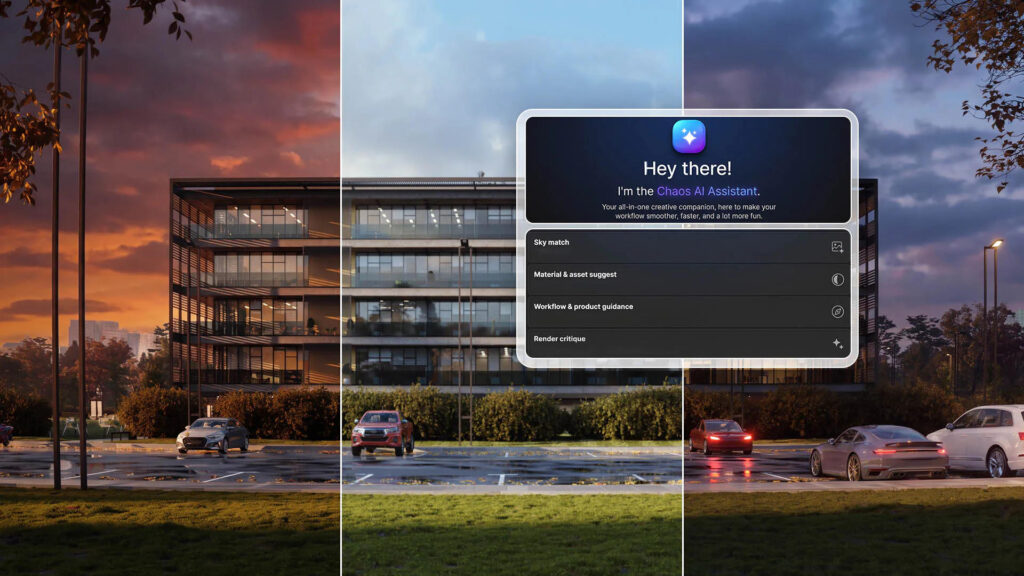
- Integrated AI Assistant: Embedded directly into the user interface of V-Ray for SketchUp, Rhino, and 3ds Max. The assistant provides real-time guidance during scene assembly, helps explore lighting moods, and sources relevant assets. Features like Sky Match automatically align your environment lighting and atmospheric tone with a chosen reference image.
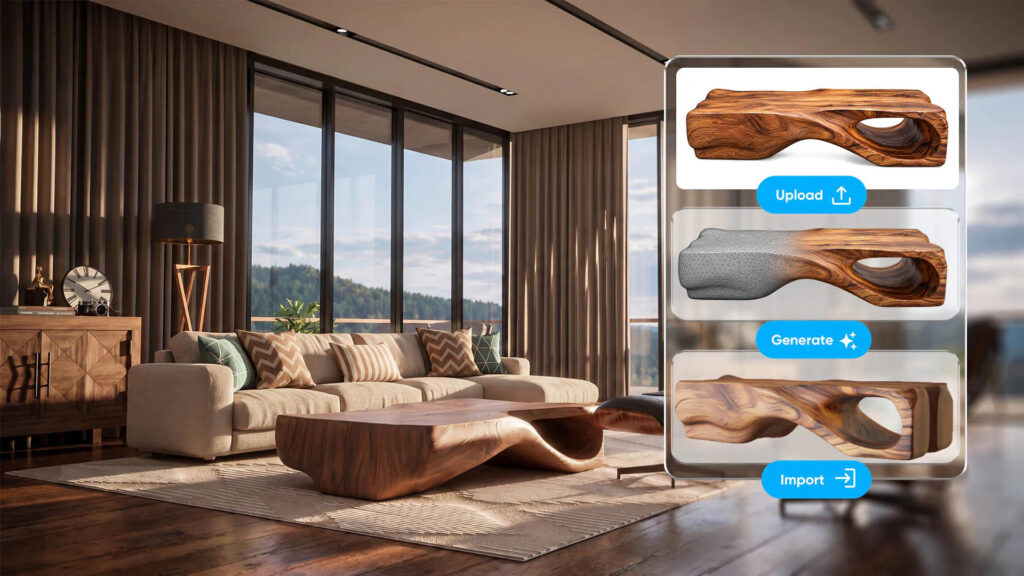
- Visual Search & 3D Model Generation in Cosmos: Locate library models and materials simply by uploading a reference image—eliminating guesswork with keyword tags. If a required asset doesn’t exist, Cosmos can generate a production-ready 3D mesh directly from a single 2D image.
- Model Context Protocol (MCP) for AI Agents: Connect external large language models (such as Claude and ChatGPT) directly to your live V-Ray sessions. These agents can inspect scene hierarchies, tune render parameters, and place assets autonomously. Native MCP support is available for SketchUp and Rhino, with third-party implementation for 3ds Max (and upcoming support for Chaos Vantage).
2. Precision Lighting and Volumetric Rendering
- Enhanced V-Ray Spotlight: The native Spotlight in 3ds Max delivers sharp, directional projection through complex volumetric media. In SketchUp and Rhino, newly integrated barn doors provide physically accurate beam shaping and cutoff control for theatrical and architectural lighting design.
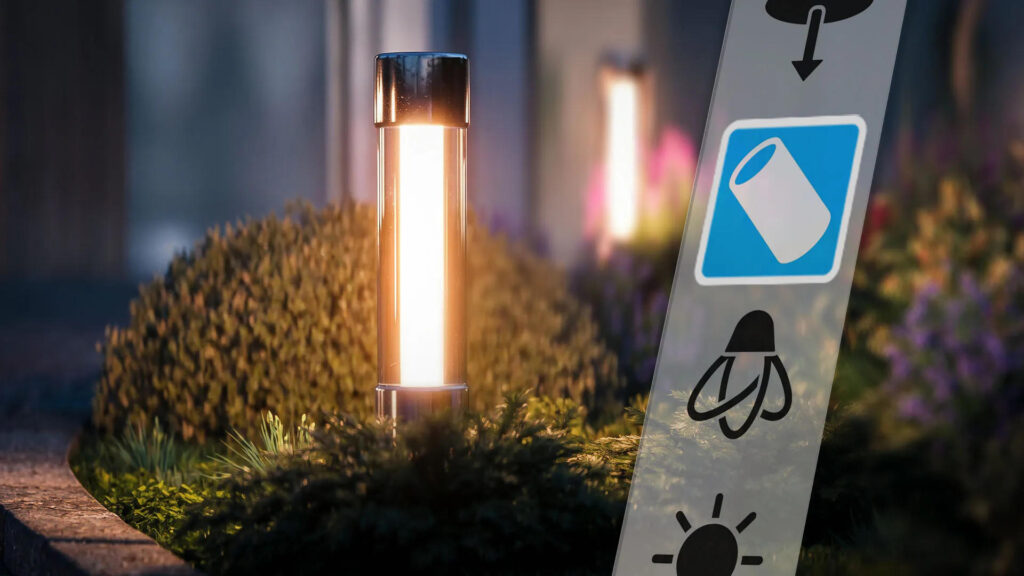
- Parametric Cylinder Light: Engineered specifically for neon tubes, LED strips, and linear architectural fixtures. Emitting light from an analytical cylinder with customizable length and radius, it ensures physically correct falloff, realistic specular highlights, and clean shadow gradients without the computational overhead of heavy mesh lights.
- Unified Volume Shader & TyFlow Inferno: Manage multiple volumetric containers simultaneously using a single shader equipped with two specialized volume textures. Additionally, V-Ray now natively renders TyFlow Inferno grid simulations (fire, smoke, and pyrotechnics) directly in the viewport, completely bypassing intermediate VDB cache exports.
3. Streamlined Material Authoring & Hardware Flexibility
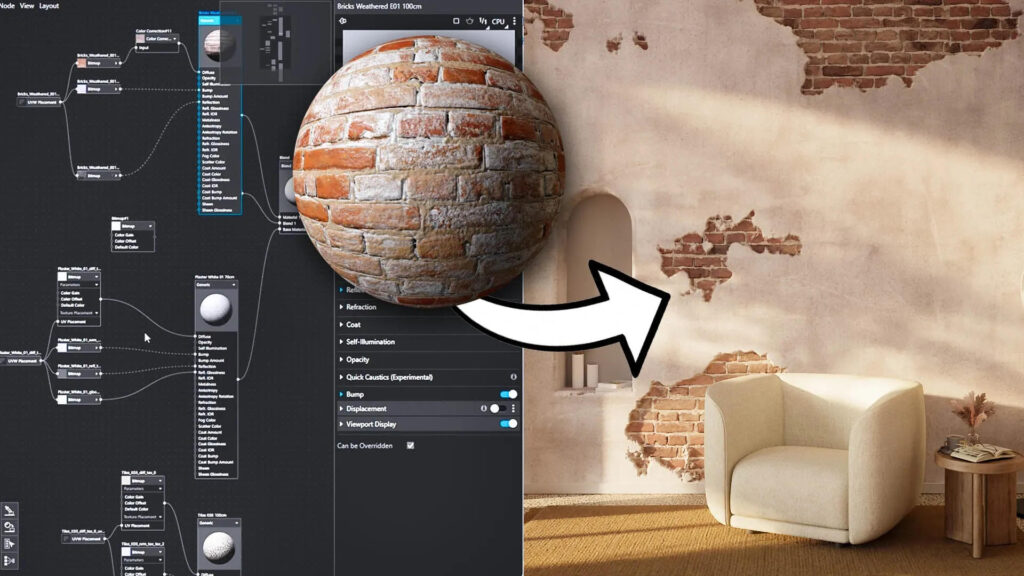
- Node Material Editor: The node-based material graph in SketchUp and Rhino streamlines complex shader authoring. Duplicate nodes seamlessly, drop textures directly onto existing wire connections, and route displacement maps straight into the material root. Real-time thumbnail previews let you evaluate shader adjustments without launching full frame renders.
- AMD GPU Acceleration via HIP: Expand your hardware options with native V-Ray GPU support for modern AMD graphics cards, including competitive 16 GB VRAM configurations and robust out-of-core memory handling for massive scene data.
- Localized Interface: V-Ray for SketchUp is now fully localized in Spanish.
4. Real-time rendering in Chaos Vantage
Chaos Vantage provides an even tighter bridge to your primary DCC applications:
- Tighter Workflow Integration: Instant presets for water and procedural grass, cluster painting tools, and optimized viewport live-linking for SketchUp and Rhino.
- Gaussian Splat Relighting: Seamlessly integrate 3D Gaussian Splats into your scenes. Captured environments now react dynamically to digital light fixtures and animated daylight systems for unified compositing.
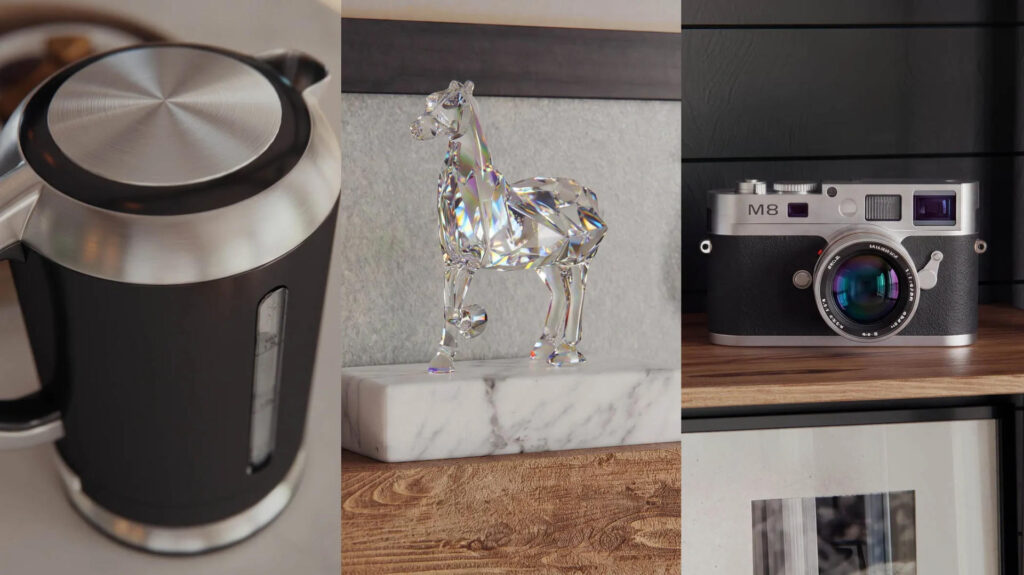
- Extended Real-Time Material Parity: Vantage natively renders complex physical optical effects, including chromatic dispersion, anisotropy, thin-film iridescence, and velvet/fabric sheen.
5. Dynamic Crowd and Traffic Simulation with Anima
- Autonomous AI Pathfinding: Digital characters navigate complex geometries automatically. The engine computes terrain elevation, surface slopes, and physical obstacles to calculate realistic pedestrian traffic flows with zero manual rigging.
- Waypoint Tool: Direct crowd trajectories across plazas and architectural spaces with just a few clicks. Strategic waypoints guide actor density and movement organically.
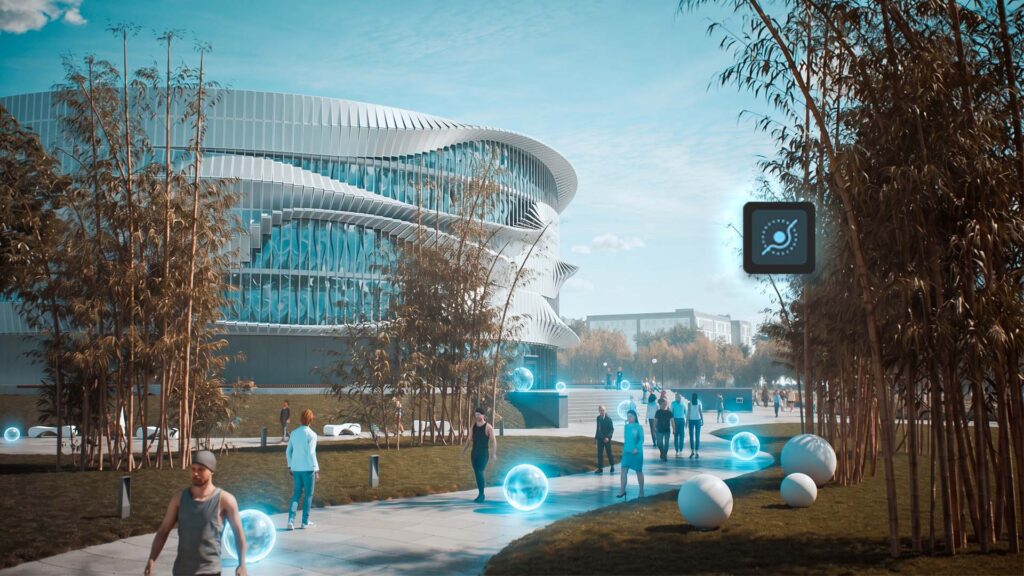
- 240 New 4D Animated Characters: Enrich background environments with pre-animated, high-fidelity character scans featuring procedural clothing and texture variations.
6. Generative Design Exploration with Veras
- Node Graph Architecture (Veras 5.3): Build procedural pipelines to generate imagery, analyze spatial data, synthesize geometry, and bake parametric results directly back into Revit, Rhino, or SketchUp.
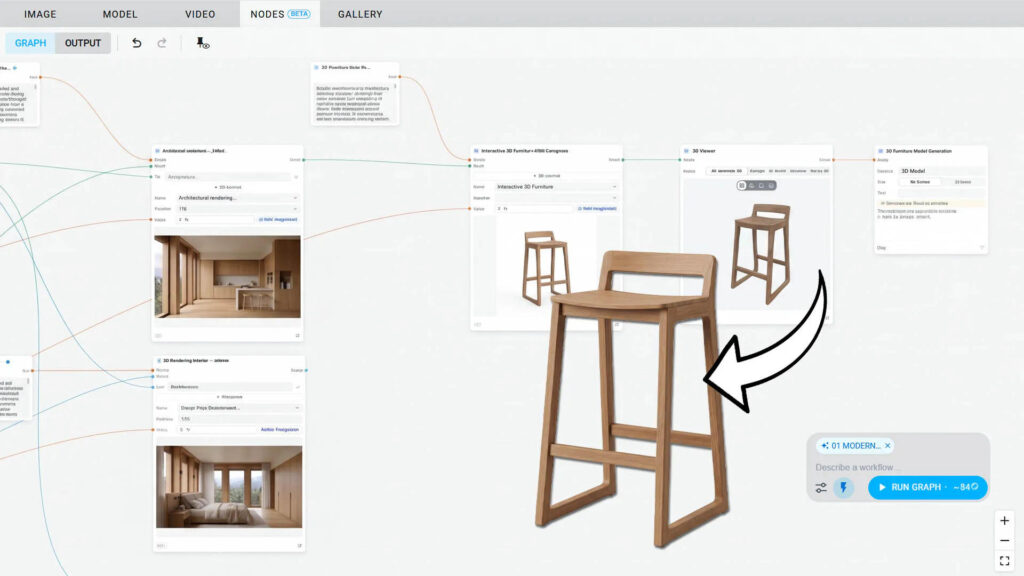
- State-of-the-Art Video & Image Models: Create and edit video sequences up to 4K resolution with native synchronized audio using advanced foundation models, including Veo 3.1, Grok Imagine, and Gemini Omni.
- Agent Mode for Autonomous Modeling: Deploy specialized AI agents to translate up to 12 architectural reference images, site photos, or hand sketches into native BIM/CAD elements—generating structured walls, slabs, fenestration, complex curved envelopes, and interior layouts.
7. Turnkey Virtual Production with Chaos Arena
Chaos Arena delivers a direct pipeline from production V-Ray assets straight to in-camera VFX (ICVFX) LED volumes. Display rich architectural and film assets on virtual production stages with zero geometry decimation or shader conversion. Make real-time material adjustments on set, apply localized decal color grading, and synchronize physical cinema camera lenses with digital depth of field for seamless live-action integration.
Ready to Upgrade?
V-Ray 7, update 5 delivers the production reliability and artistic control modern studios require, coupled with transformative AI automation.