





SketchUp 2026.2: packed with new possibilities
Everything from AI rendering to daylight analysis — it’s all in this update!

SketchUp keeps moving fast, and version 2026.2 is proof of that. Whether you’re working on sustainable designs, client presentations, or technical documentation, this update gives you the tools to work smarter and get more done. Here’s what’s new.
Analysis Hub: daylight analysis straight inside SketchUp
Professional daylight and shadow simulations used to mean expensive third-party software or specialist knowledge. The new Analysis Hub changes that. Run these analyses directly in SketchUp, right when it matters most: early in the design process, when changes are still easy to make.
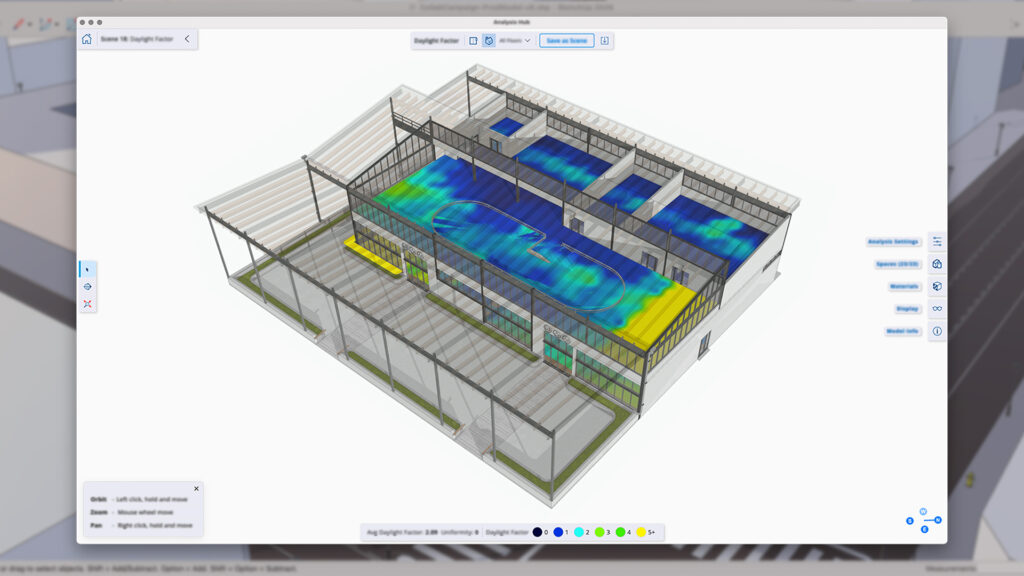
From detailed shadow studies to illuminance analyses and daylight factor analyses: Analysis Hub helps you support sustainable design decisions, meet regulatory requirements, and create compelling visuals. No detours, no extra tools.
AI Render: even more realistic with Nano Banana
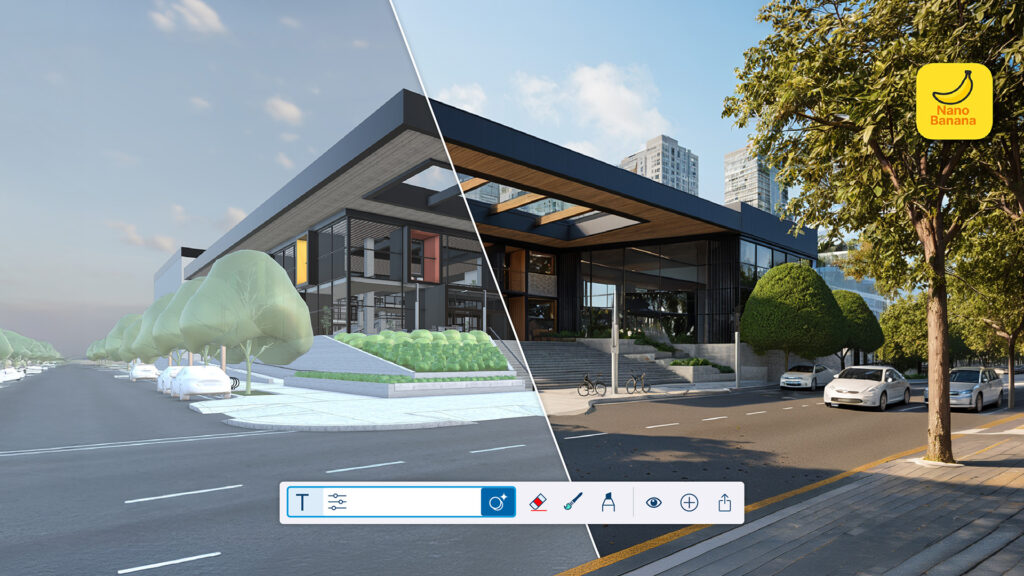
AI Render takes a serious leap forward. With Nano Banana as its new image generation model, AI Render now delivers better results for both interior and exterior visualisations. Camera angles, geometry, and material details from your SketchUp model are accurately reflected in every generated image.
The result: client-ready visuals straight from the first render. Want to tweak things afterwards? Just use text prompts. Adjust lighting, swap materials, refine environmental details — all in a matter of seconds.
LayOut: non-destructive editing and an improved graphics engine
LayOut gains a powerful new capability: clipping masks now work with groups and scaled groups as well. That gives you the same flexibility you already had with images and model viewports. Show exactly what you need, without permanently deleting or trimming drawing entities.
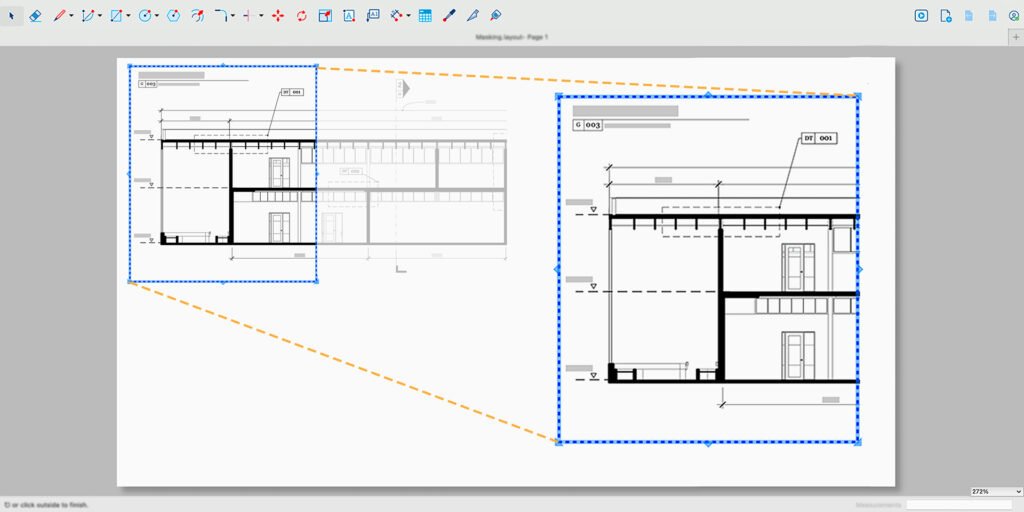
On top of that, LayOut’s updated graphics engine, previously available as a Labs feature, is now enabled by default. The result is sharper text rendering and more efficient handling of geometry and patterns. Day-to-day navigation in your documentation environment feels noticeably smoother.
Migrate Extensions and Preferences: updating without the hassle
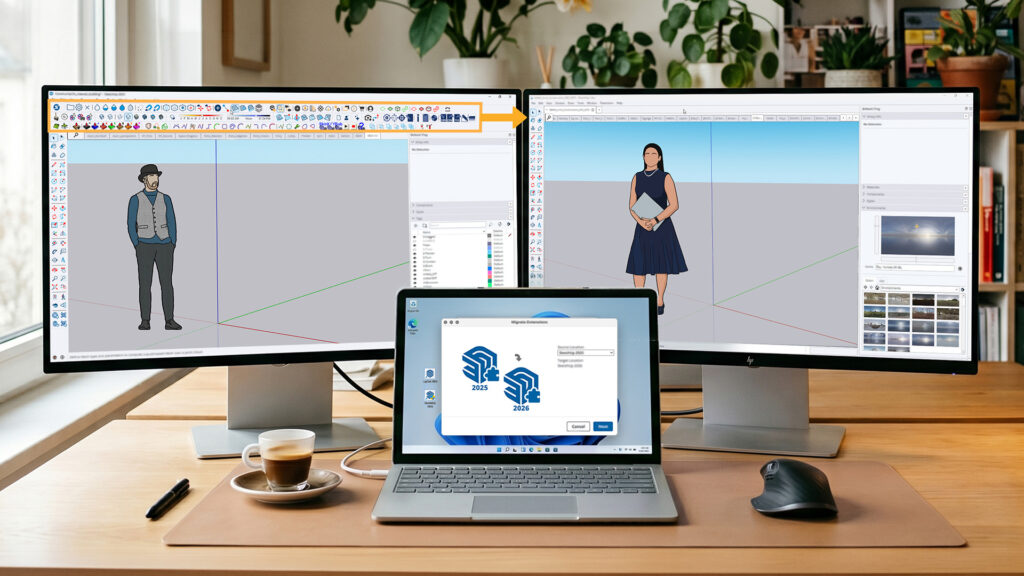
Updating to a new version of SketchUp was already straightforward, but now it’s even better. Migrate Extensions no longer requires a restart: your extensions appear immediately in your workspace, in exactly the same positions as before, including tray and workspace customisations on Windows.
You can also run Migrate Preferences or Migrate Extensions at any time from supported earlier versions. Getting up and running in SketchUp 26.2 has never been this frictionless.
Generate Object: production-ready 3D geometry with Rodin v2
Generate Object, part of AI Assistant, gets a quality upgrade with the move to Rodin v2. Meshes are cleaner, geometry is more detailed and accurate, and the end result is ready to use in your project straight away. Going from idea to finished 3D object is smoother than ever.
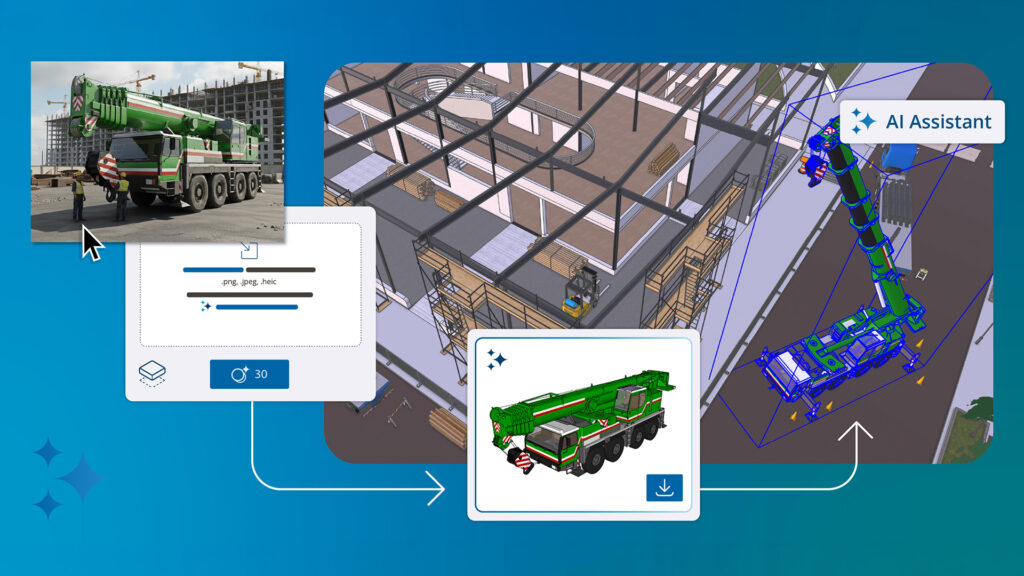
Also new in this version: a ‘Simplify Mesh’ toggle. It’s on by default for optimised, efficient geometry, but turn it off to unlock the full power of Rodin v2.
Ready to get started?
SketchUp 2026.2 is ready and waiting. Try the latest version for free, download the update, or upgrade your license right now.