





A realistic ambience in record time with Enscape
How Anouk Creative Studio uses Chaos Enscape to bring designs and visualizations to life.

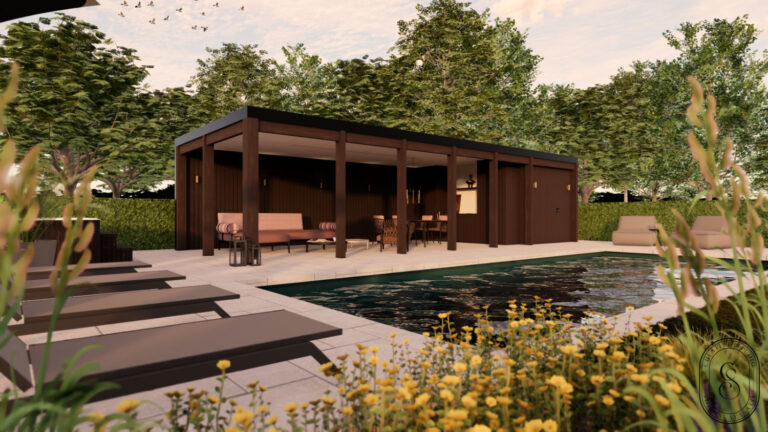
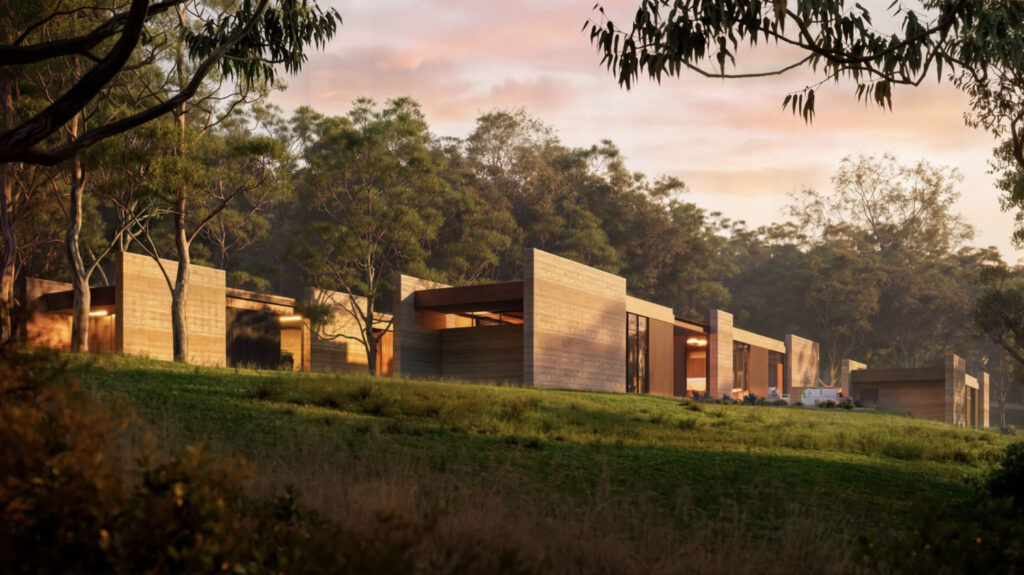
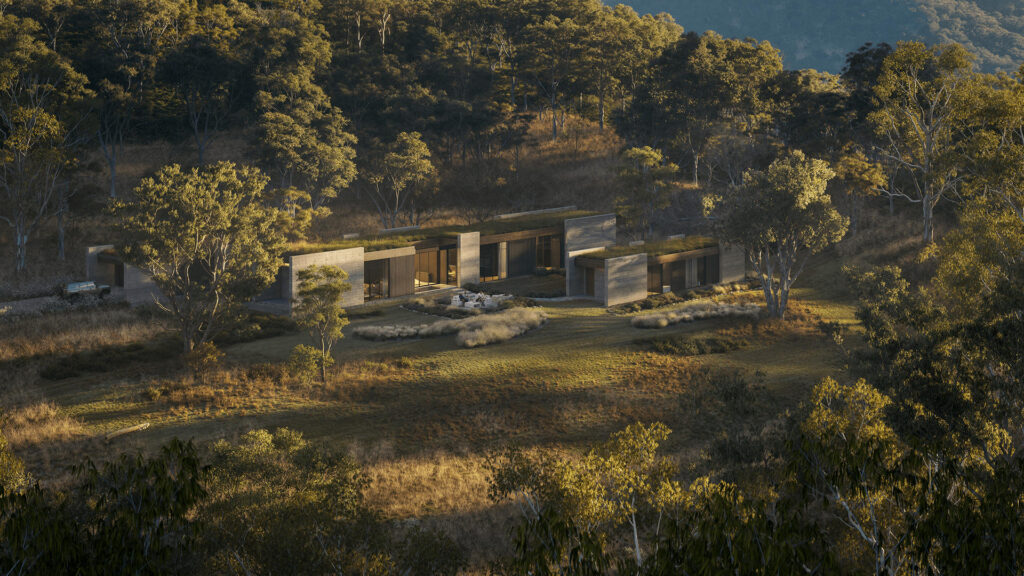
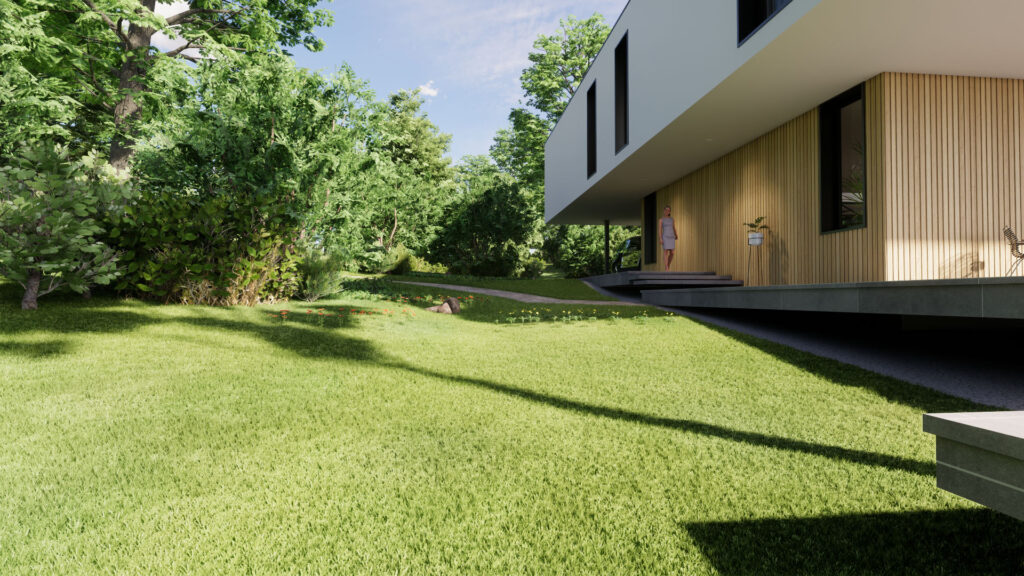
In the world of interior design and architecture, the focus is increasingly on experience. Customers don’t just want to see a floor plan; they want to experience what a space will look like. That’s why Anouk Everink of Anouk Creative Studio has been using Enscape for several years to convert her SketchUp models into realistic, atmospheric renders.
A workflow with SketchUp and Enscape
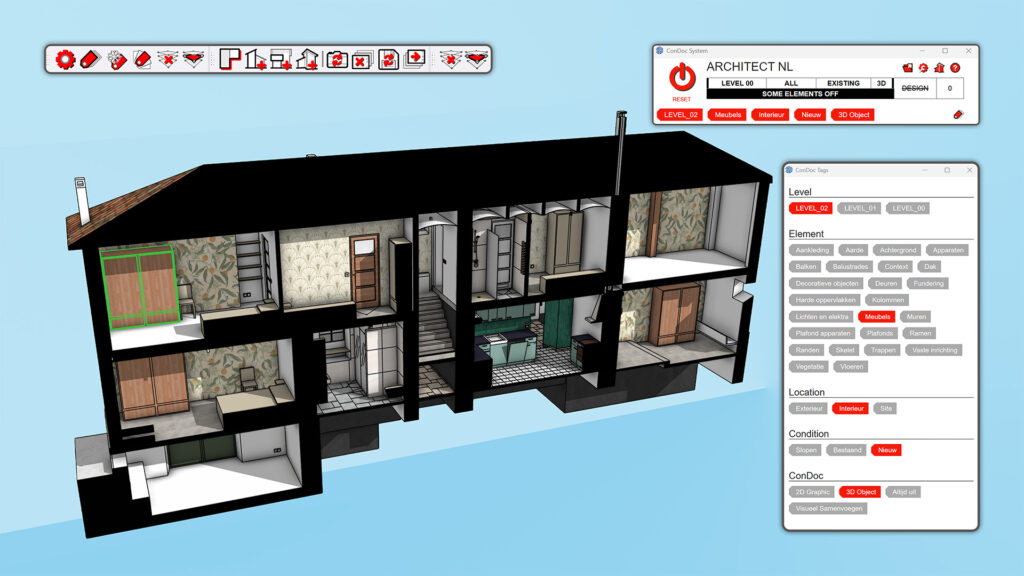
Anouk sets up all scenes in SketchUp, after which Enscape converts the visuals into photorealistic images. “The combination of SketchUp and Enscape is golden. I use SketchUp to build the scene and technical details, and Enscape for the atmosphere and experience.”, she explains.
“We have about four visualization jobs per week, and we render nine out of ten projects with Enscape.”, says Anouk. “It’s simply the best package in terms of price/quality. The results are immediately visible, which not only saves time but also helps customers make decisions faster.” Although she has also worked with other rendering applications, she chooses Enscape because of its efficiency: “Some rendering applications may provide even more detail, but customers find Enscape’s results more than good enough. It’s realistic, and it also makes our hours much more profitable. That’s an added benefit for both us and the customer.”, she explains.
The power of light and atmosphere
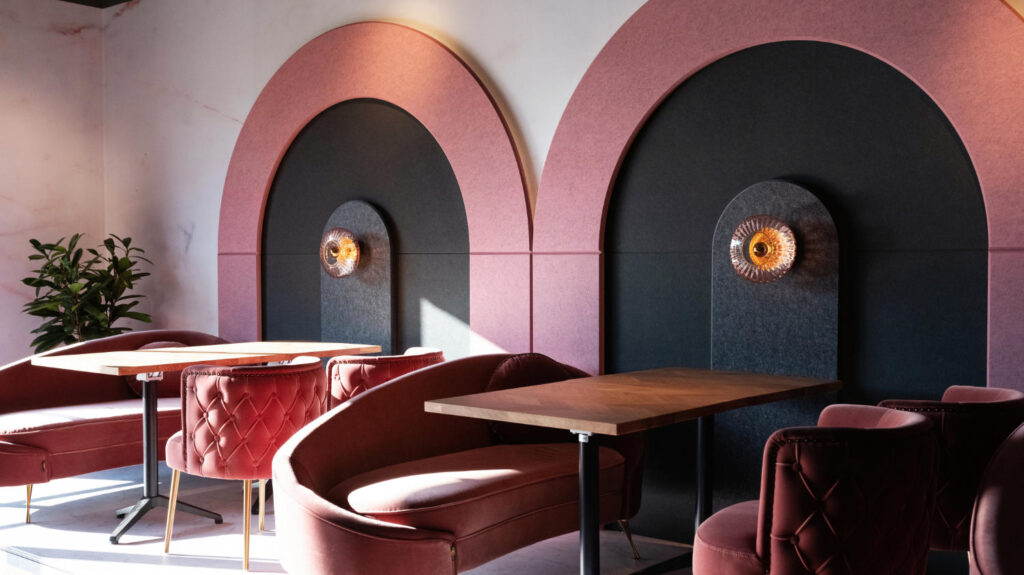
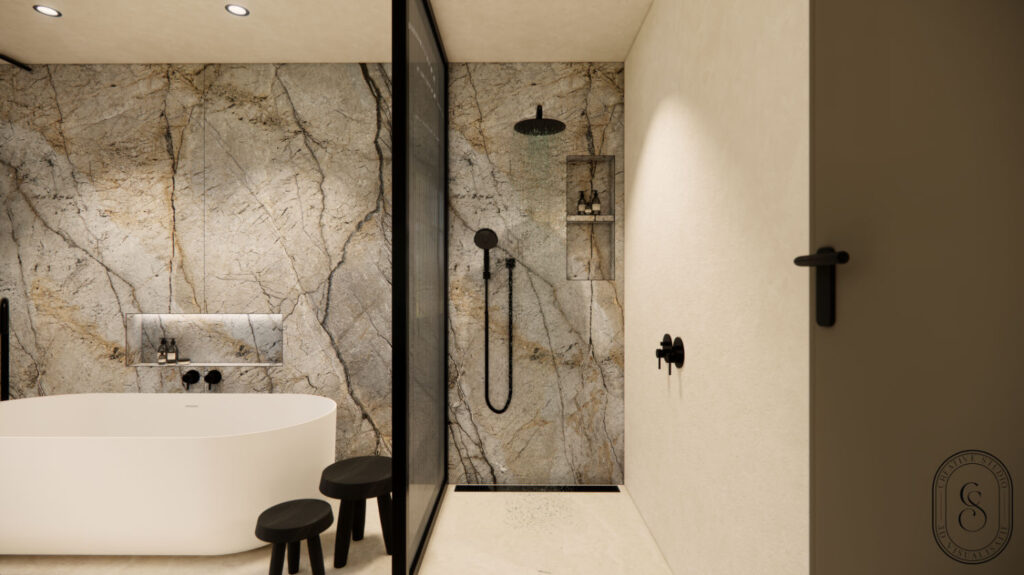
Light plays a major role in her visualizations. All lamps are standard components, with uniform brightness, beam, and color. “The light in Enscape is too white by default. I often choose a warm tone to create a homely atmosphere.” she explains. “If I adjust one lamp, the entire series of lamps changes with it. I then make a new series unique, for example for another part of the room or a light group in a cabinet. This allows you to quickly set up a new series and set all lamps according to the same values.”
She also carefully adjusts the sun: “The standard 80% intensity is much too bright for interiors, often overexposing parts and materials. I usually set the sun between 1% and 10%, so that materials and colors come into their own much better.” she advises.
Creative possibilities
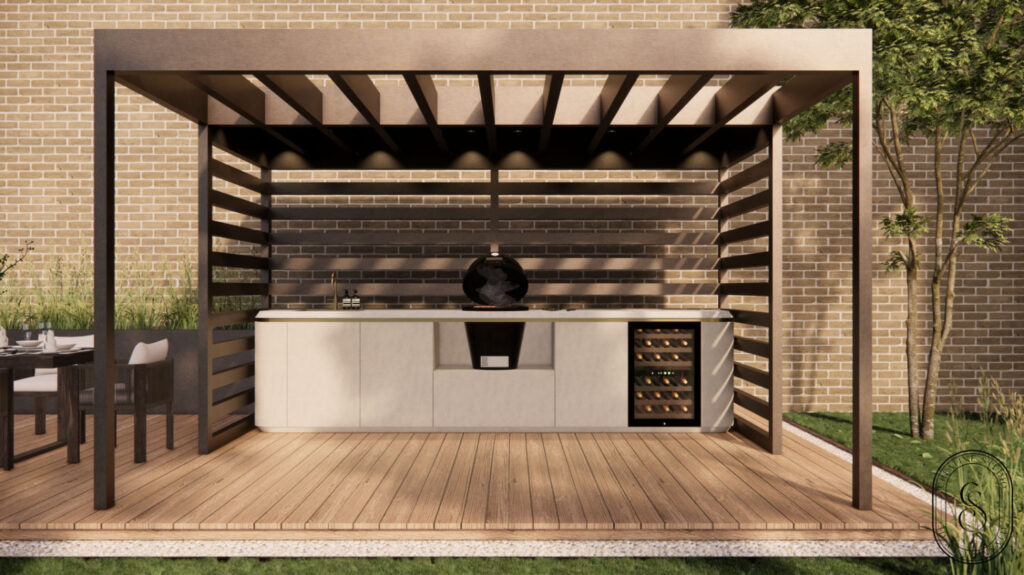
Enscape offers Anouk Creative Studio plenty of creative possibilities. They make extensive use of HDRI images, which extract light and environmental variables from an image. Enscape itself includes standard HDRI images, but Anouk often uses HDRI images from Poly Haven for added variety. “Poly Haven offers an extensive collection of HDRI images in 4K format that I can use for my visualizations. This ensures that every render looks unique in terms of environment.”
She also often uses depth of field to focus on specific objects. “Interiors often have one or more eye-catching features. By zooming in on these and blurring the surroundings, you can highlight them perfectly.”
Another valuable tip is to use two-point perspective, which keeps all lines perfectly straight. “Three-point perspective is often used, but it distorts the image considerably. Two-point perspective gives a more realistic and, moreover, cleaner representation of the interior to be realized.”
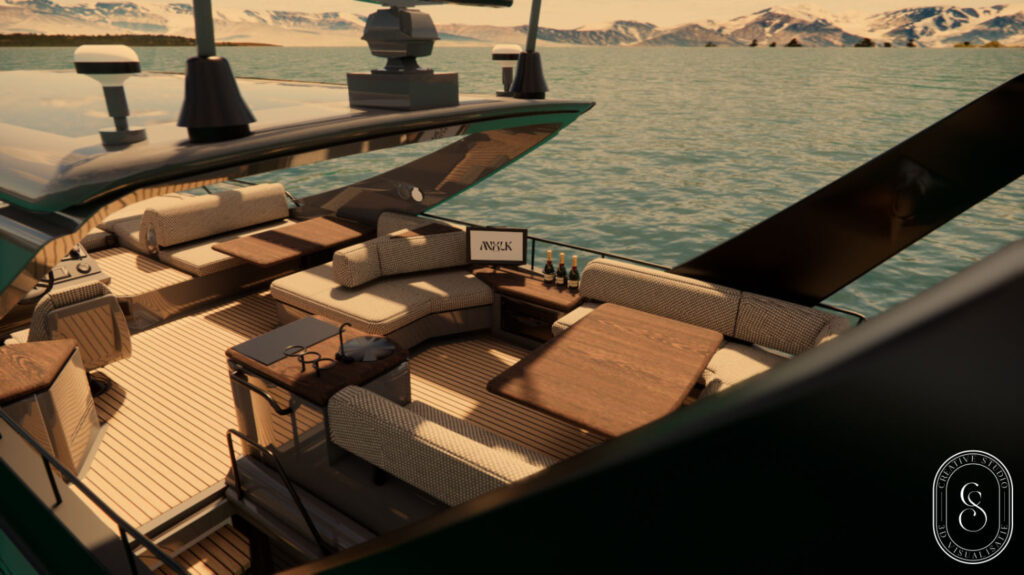
She also wants to explore Enscape’s improved AI Enhancer. “At first, it wasn’t very stable because it converted too many objects into vegetation, for example, or beautifully shaped vases suddenly became angular. But what I see now is that the AI adds a lot of extra realism to the image, especially when it comes to people and vegetation. I’m going to explore that further to get even more out of my visualizations.”
She is also eagerly awaiting Chaos Envision for macOS: “It will be a huge step forward for animated visualizations and exterior projects. When it becomes available for Mac, I’ll be hooked right away.”, she says, looking to the future.
“In short, Chaos Enscape offers us plenty of opportunities for truly distinctive visualizations. And the manufacturer’s developments in the field of AI and even more realistic visualizations and animations give us hope for the future.”, she concludes.
If you want to know more about Anouk Creative Studio, you can follow Anouk Creative Studio on Instagram or take a look at the official website.