





Veras 4.3 is available
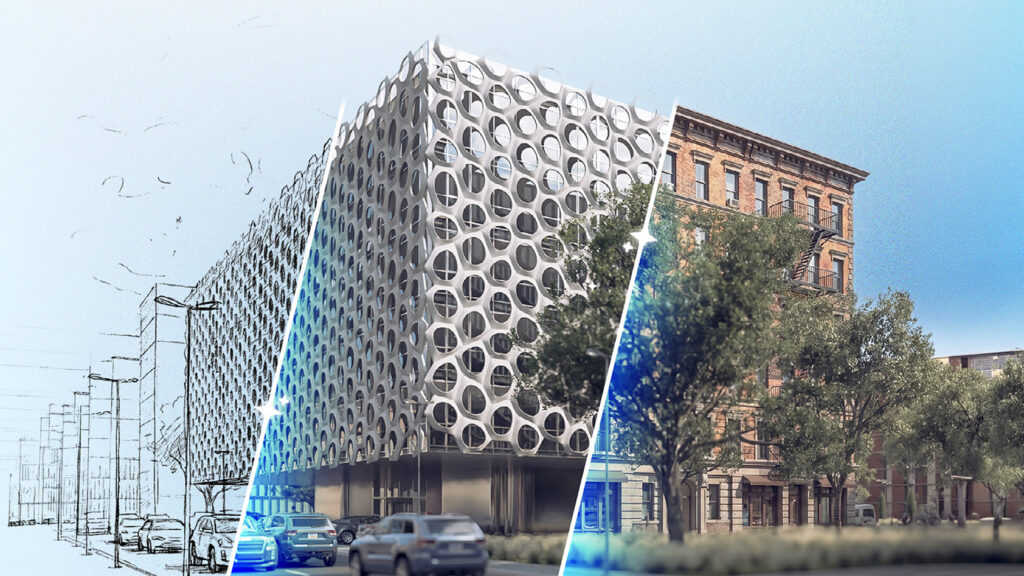
The latest version of Veras offers a new reference image type, the option to combine multiple video renders, improved render fine-tuning, and much more!

Chaos has released the latest update for Veras: Chaos Veras 4.3. Among other things, this update offers greater control over your output and the ability to merge your video renders. This allows you to tell your design story faster and more effectively.
Design Lock
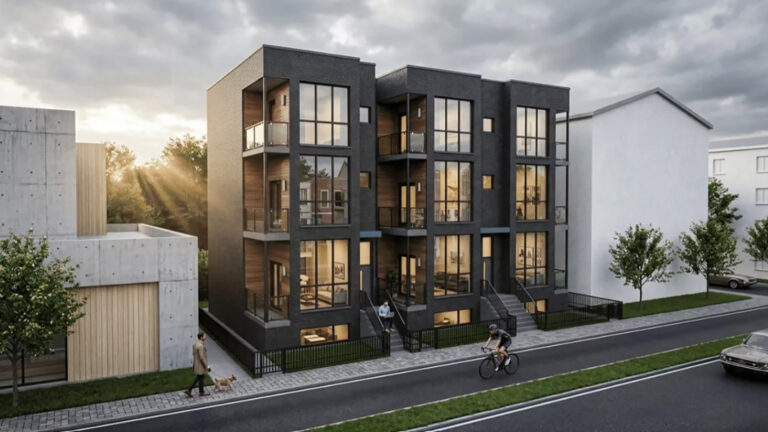
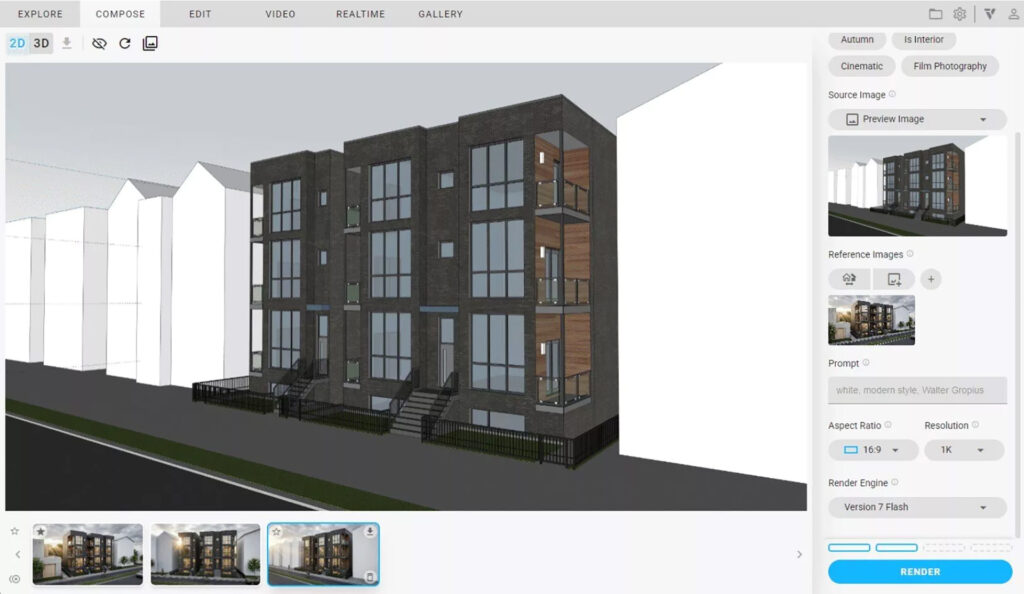
Design Lock is a new type of reference image. It allows you to extract the architectural design language from your reference image and apply it to your render. You can copy details such as finishing profiles, fencing and the layout of panels without altering the basic structure of your model. This is limited to one reference image per render to ensure precise results.
- AI-generated elements remain the same across different views of your design.
- At present, Design Lock has a success rate of 75%, but Chaos is working hard to improve this tool.
Video Combine
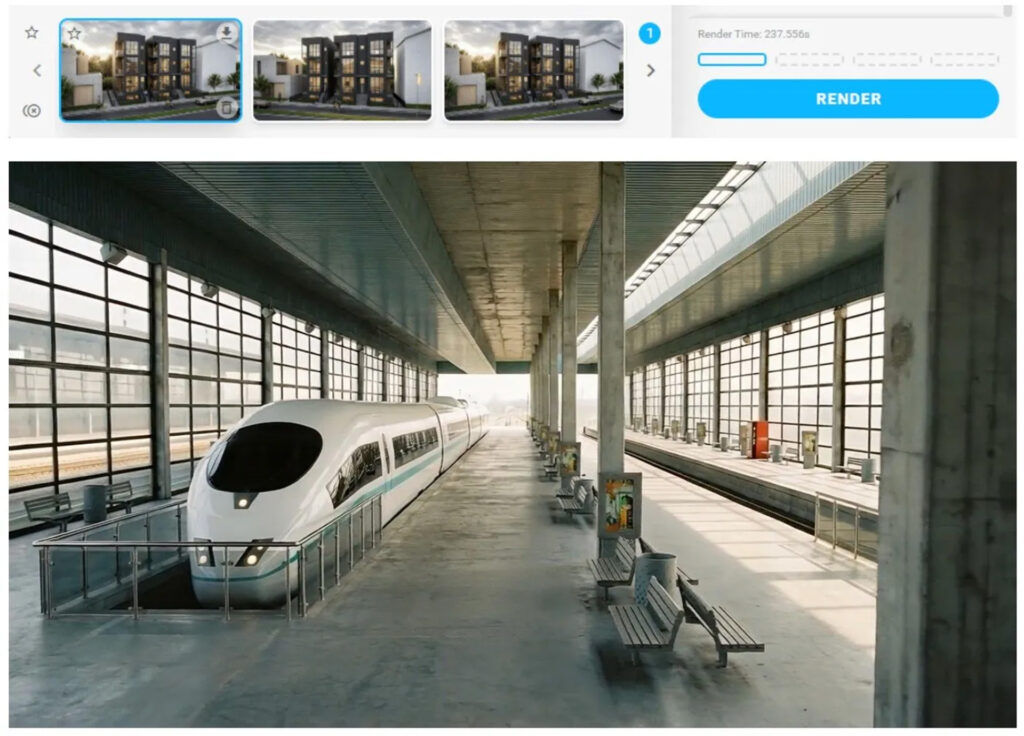
The Video Combine feature allows you to select multiple video renders and merge them into a single file. This feature is ideal for creating a design walkthrough or putting together a presentation from separate clips.
To select multiple videos, hold down Shift/Ctrl whilst selecting them, then click the ‘Combine’ button to join them together. It’s that simple!
Canvas Filters
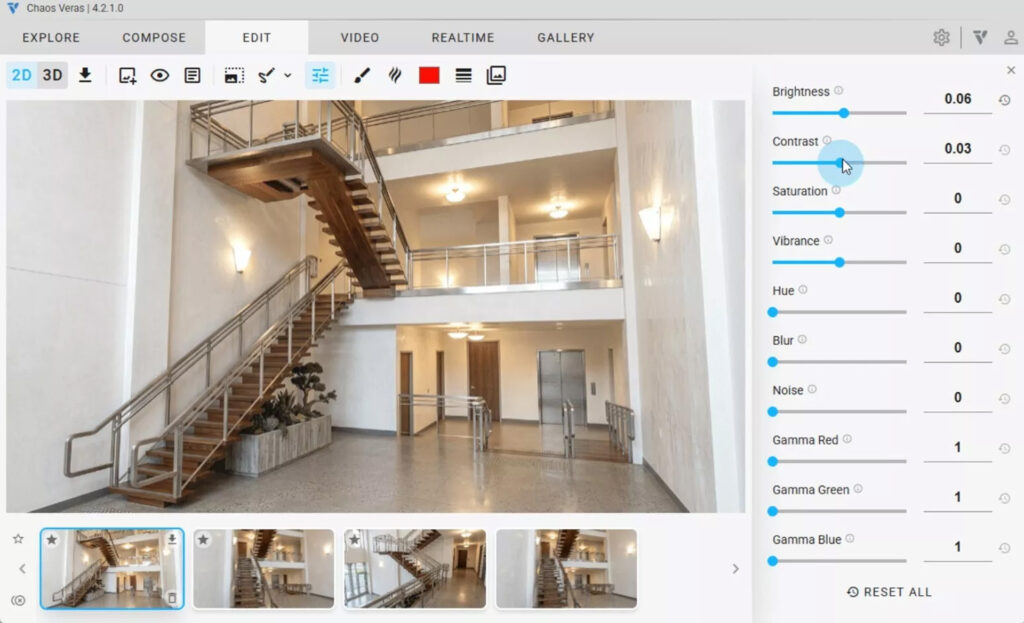
Fine-tune your renders with Canvas Filters. These filters allow you to edit your image in real time. You can apply adjustments to brightness, contrast, saturation, blur and more directly. Each slider has its own reset button for quick changes and a ‘Reset All’ button to start from scratch if the result isn’t what you want.
Your filter settings are saved per render, so adjustments made in separate sessions remain unchanged and are displayed correctly in the gallery.
Drag & Drop Thumbnails
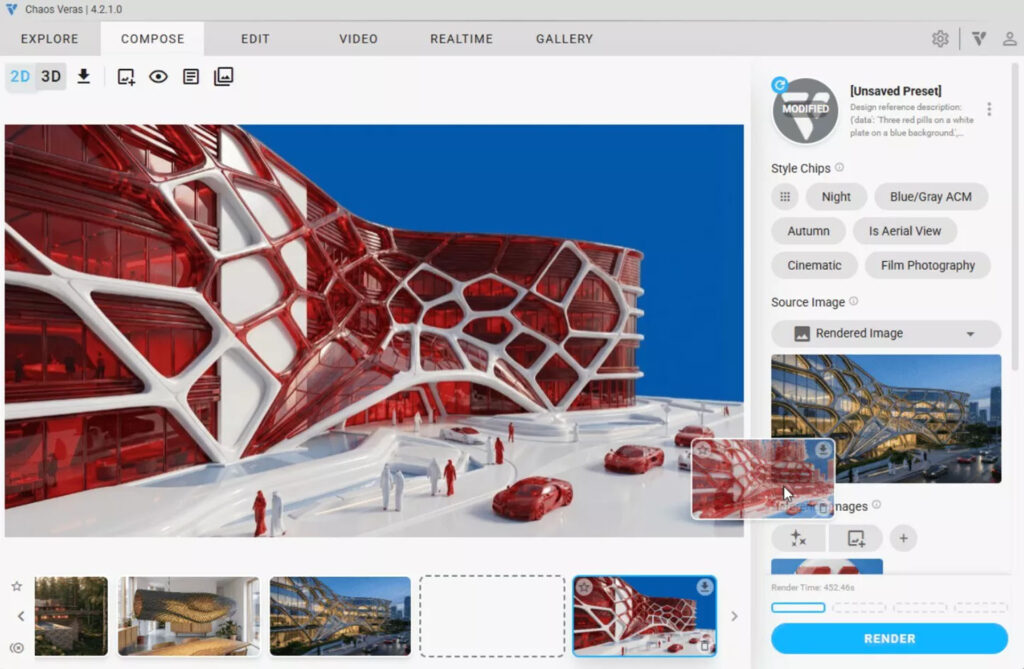
Drag images directly from the thumbnail strip to use them as source images. Visual feedback guides you through this process and helps you work more quickly and smoothly.
Other changes
- The ‘Upscale’ button was incorrectly disabled if no preview image was available in Refine mode.
- Improved warnings when quotas are exceeded:
- addition of a 0% quota status with animation.
- Immediate notification upon login.
- Improved detection of quota exceedances.
- Layered images (from Engines v6 and earlier) are now displayed correctly in Gallery mode.
- Fixed Chrome freezing up occasionally when loading an image from Gallery mode.
Want to try?
Are you already using Chaos Veras? You can download Veras 4.3 from your personal account on the Chaos.com website or via the prompt in your software.
Why is Chaos Veras relevant to you?
Veras is the go-to tool for designers who want to explore design variations at lightning speed directly from their 3D model (Revit, SketchUp, Rhino, Vectorworks) using artificial intelligence. With the introduction of Video Combine and Canvas Filters in version 4.3, Veras is increasingly evolving from an ideation tool into a powerful tool for client presentations and storytelling.