





From SketchUp design to a quote in a single workflow
Peter Wuyts on the power of CabN8: the SketchUp plugin that’s reshaping the interiors industry

Sound familiar? You design an interior, draft everything in 2D in AutoCAD or Vectorworks, rebuild it in SketchUp for the client presentation, copy it all across to PowerPoint or Canva, then manually retype measurements and materials into Excel for the quote. Somewhere along the way, you realise you’ve clocked over 60 hours on a single project — a project you’d budgeted 30 for. This isn’t an edge case. It’s the daily reality for a large part of the interiors industry across the Benelux. And it doesn’t have to be. Peter Wuyts watched this play out in front of him, day after day, and decided to do something about it. In this blog post, he tells the story behind CabN8: the solution that puts an end to all that wasted time.
The beginning: an idea from a back pocket
Peter Wuyts has been selling SketchUp across the Benelux since 2005. He started as a software developer, built his own 3D tool, and gradually shifted his entire focus toward SketchUp-based workflows. But the idea for CabN8? That wasn’t his.
In 2016 of 2017 belde interieurbouwer Benny Janssen hem op met een technisch probleem.
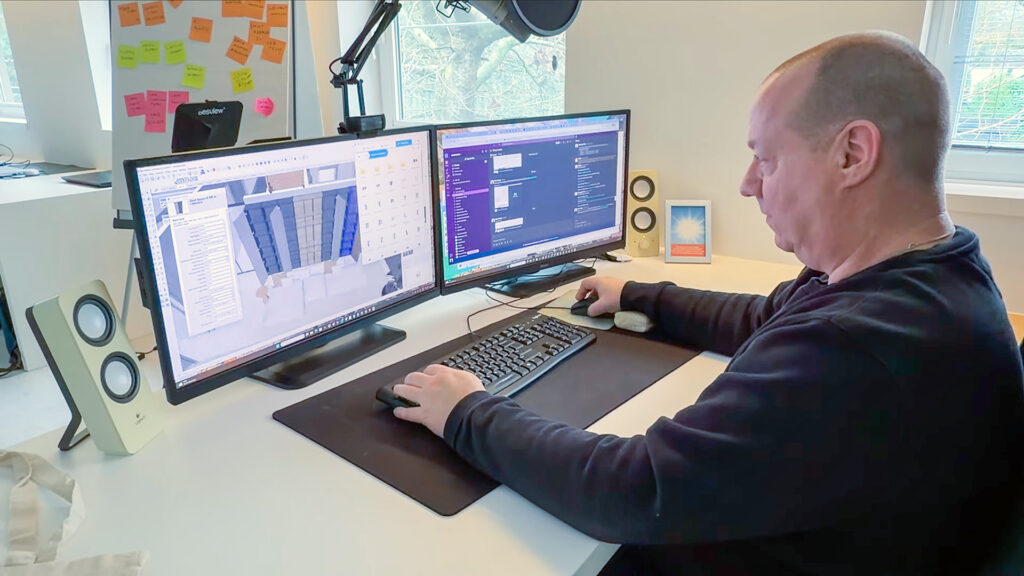
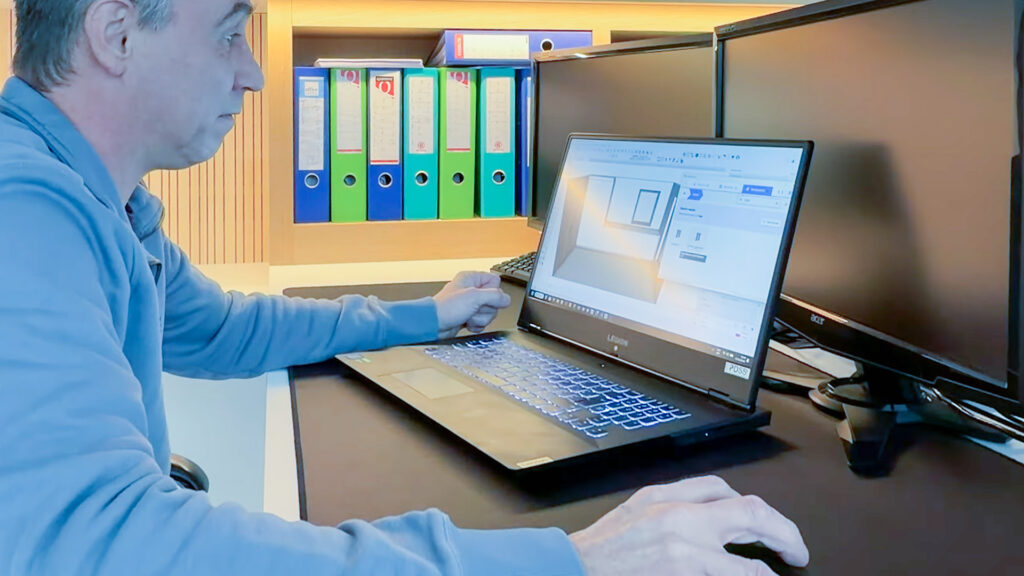
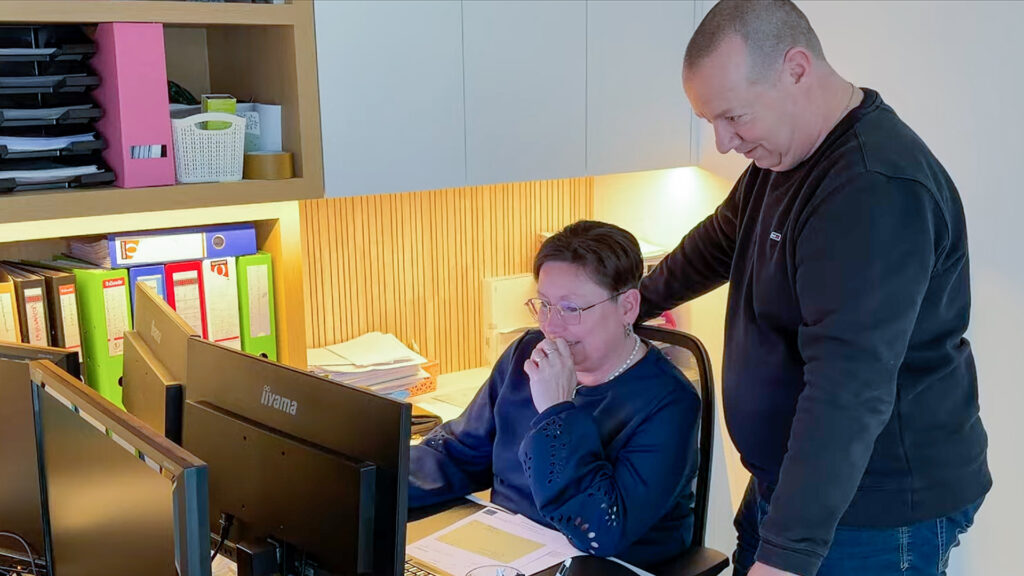
Peter took over his screen, sorted the issue, and then Benny said, “Mind if I show you something?” He’d built a set of dynamic components in SketchUp for his own use. Nothing more than a personal workaround, really — but one that worked beautifully.
Peter was immediately intrigued. The following day, he was running a training session for four interior designers. At the end of it, he showed them what Benny had put together.
The response? All four reached for their wallets. “How much does something like this cost?” The seed was planted. It still took two years to convince Benny to turn it into a commercial product. In March 2020, they launched CabN8.
So what exactly is CabN8?
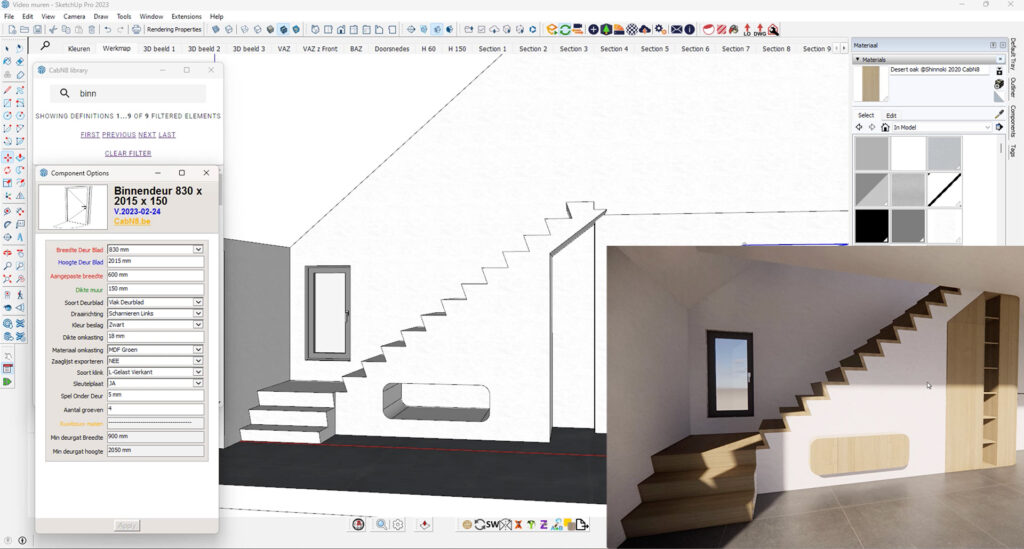
CabN8 is a comprehensive SketchUp plugin built for anyone working professionally in the interiors space: designers, architects, interior builders and furniture makers alike. At its core sits an extensive library of dynamic components, fully parametric and adjustable at every level of a cabinet or interior object. Kitchens, bathrooms, walk-in wardrobes, storage rooms, fully bespoke pieces — CabN8 gives you the right tools for any room and any situation.
But it’s more than a library. It adds a layer of intelligence to your SketchUp model. Need to adjust the style, technical build, dimensions or materials across an entire project? A few clicks. Pulling a complete cabinet from the library, ready for the 2D drawing, quote and production? Ten seconds.
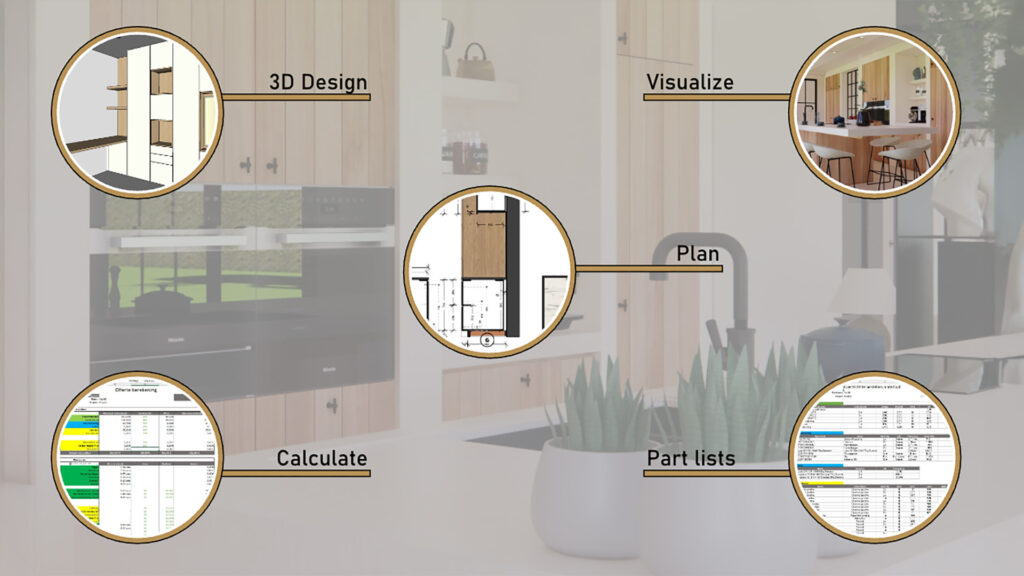
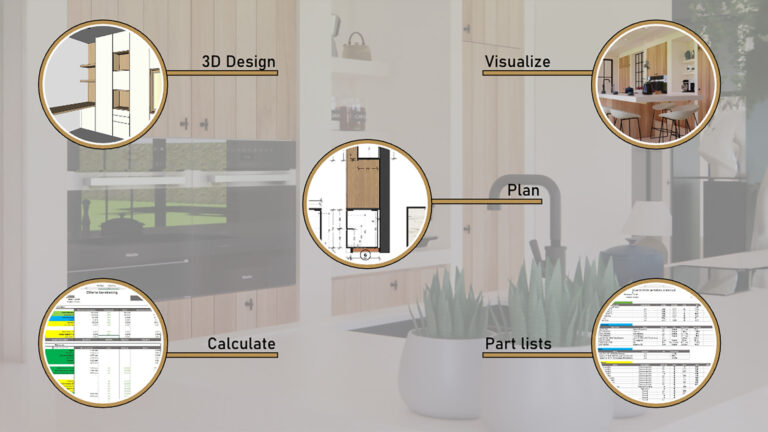
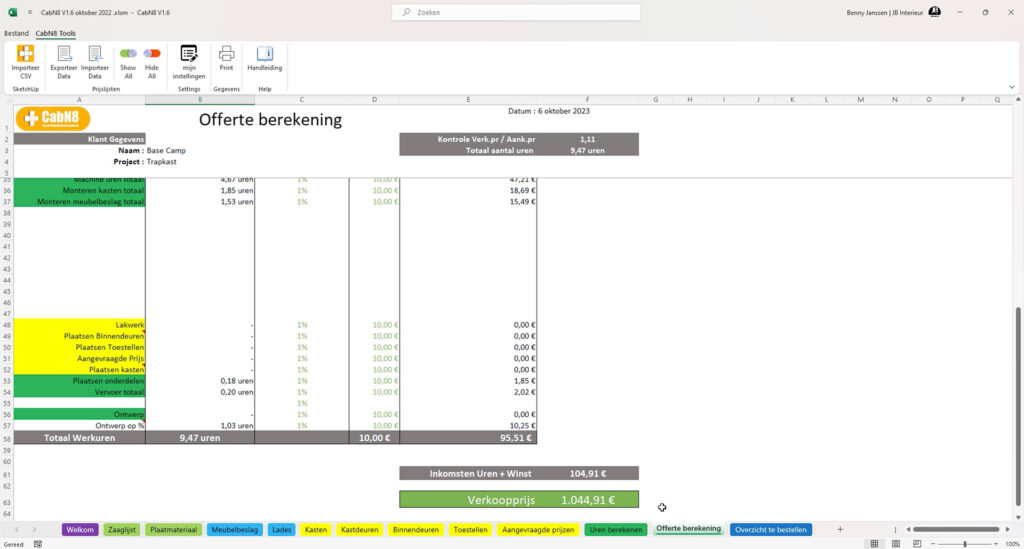
That’s where CabN8 genuinely sets itself apart: it supports every stage of the workflow. From your 3D model, full 2D plans — floor plans, elevations, sections, detail drawings — are generated automatically, without a single line drawn by hand. Cutting lists and materials lists are calculated on the fly, ready immediately for workshop preparation or production. Your quote pulls directly from that same model: consistent, accurate and thoroughly professional.
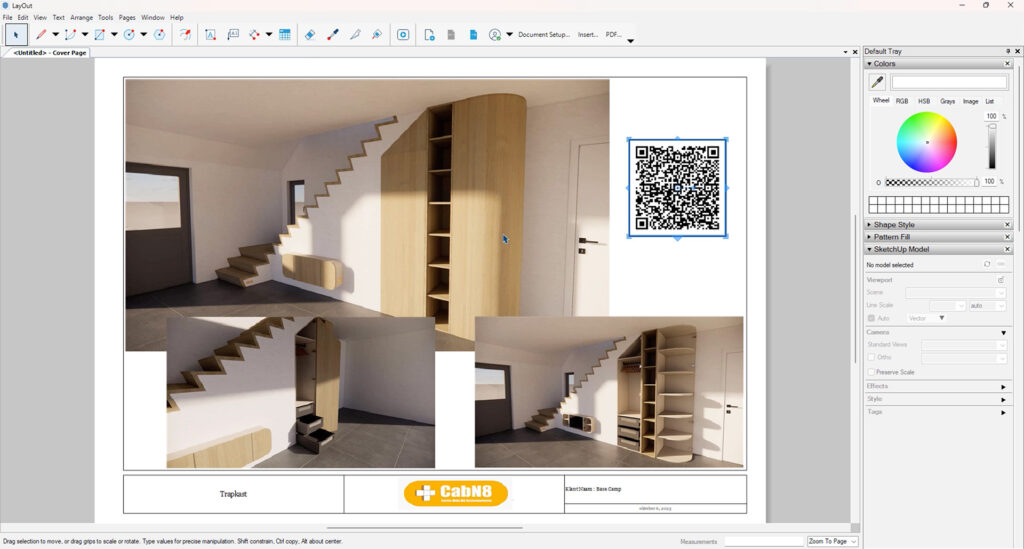
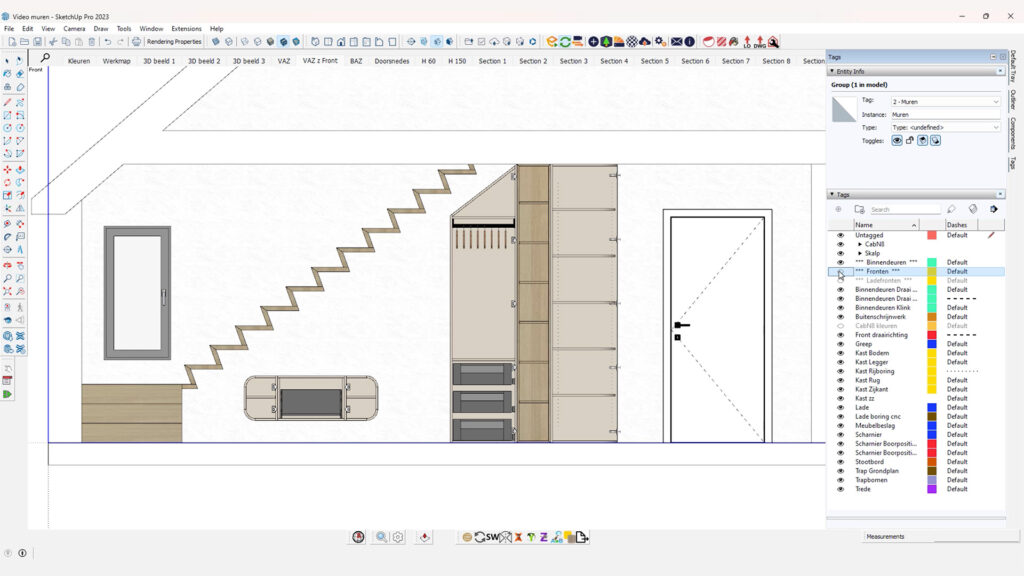
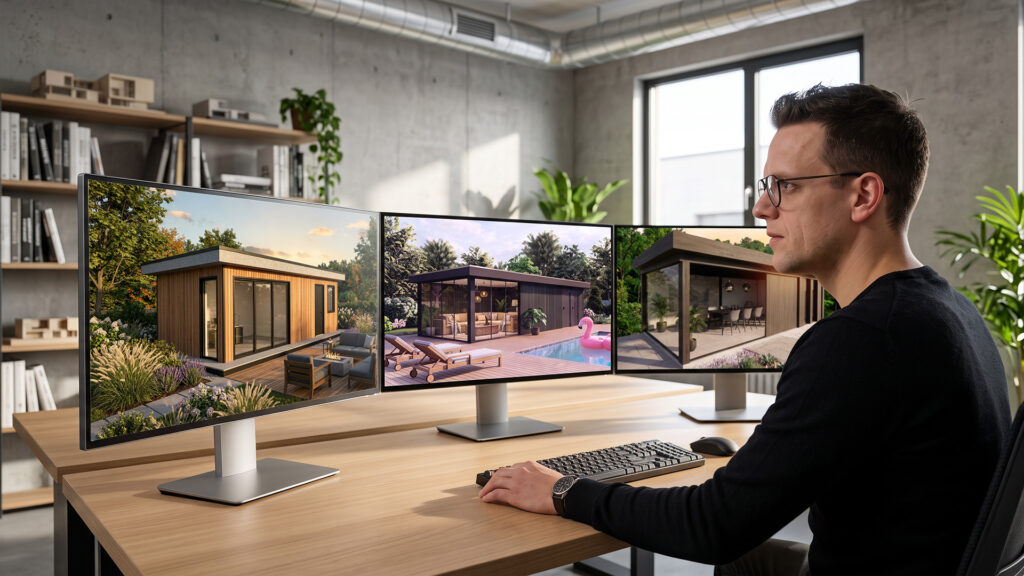
Want to win over a client? CabN8 lets you build a presentation — photorealistic renders, 360° panoramas, even a VR walkthrough — from the same model you’ve been working in all along. No extra software. No copying and pasting between applications.
CabN8 runs fully integrated within SketchUp Pro. You stay in the environment you already know, just with considerably more horsepower under the bonnet. The interface is clean and logical; most users are up and running almost immediately, and the productivity gains tend to show up from day one.
The problem: designers who barely get to design
What Peter sees repeatedly with his clients isn’t a lack of skill or ambition. It’s a lack of time — time that haemorrhages away because of an outdated way of working.
Designers still leave school with a workflow built around multiple disconnected tools. AutoCAD or Vectorworks for the 2D drawings. SketchUp for the 3D. PowerPoint, Canva or InDesign for client presentations. Excel for quotes. Every change has to be made in several places. Every update takes twice as long as it should. Every handoff between tools is another opportunity for something to go wrong.
What proportion of interior professionals today use more than two tools on a single project? According to Peter, somewhere between 80 and 90 percent. And the reason, more often than not, is simply that people don’t know what SketchUp — and particularly SketchUp LayOut — is actually capable of.
The solution: one workflow, from first idea to finished product
What makes CabN8 different from other plugins on the market is that it was designed around a complete workflow — not a single feature that happens to be useful.
The designer stays entirely within SketchUp. From one model, they produce the 3D presentation for the client, the 2D drawings via SketchUp LayOut, the quote via CabN8’s export function, and the production data for the builder. No copy-pasting. No redrawing. No translation between tools.
And when the designer hands things off to the interior builder? The builder receives the model, draws nothing from scratch, and exports the data directly into their quoting package or ERP system. The drawing used in the client presentation is the same drawing used in production. From the first sketch to the finished interior: one tool.
How much time are we actually talking about?
A project that should take 30 hours routinely runs to 60 or 90 once all the repetitive back-and-forth is accounted for. With SketchUp and CabN8 running as an integrated workflow, Peter puts the minimum time saving at 50 percent. For those who go through the full workflow training and configure CabN8 to their specific needs, 80 percent is genuinely achievable.
The challenge he regularly sets for new clients: hand him a completed project and tell him how long it took. He’ll reproduce the same result in an hour. Complete drawings, 3D and 2D documents, client presentation, quote — the lot.
Ask a mid-sized interior builder how long it takes to put together a quote, and if they’re honest, they’ll say three days. In 2026, Peter considers that completely unacceptable. With CabN8, it can be done in half an hour — and that’s without any AI involved.
Mindset: the tools already exist
There’s a point Peter makes in almost every training session he runs. Every tool you need to work faster and smarter? It already exists. Has been doing it for years. No AI required. The real obstacle isn’t the technology — it’s the way people think about their work.
Sticking with a workflow you’ve used for ten years, because it works, is understandable. But at some point, it’s worth asking honestly: how long does it actually take you to reach an outcome? And is that time proportionate to the value you’re delivering?
His training sessions go well beyond showing people how to operate software. They guide people through the process of change itself — from the way they currently work to a new, more efficient way of doing things. Gradually, and tailored to each individual.
What’s coming next?
CabN8 has been around for six years. The past two have been spent largely out of the spotlight, rebuilding the entire technical foundation from the ground up — so that new features can be introduced faster than ever before.
Artificial intelligence? Peter has had it on his radar for two or three years already. The ambition is considerable: an interior builder who no longer places cabinets one by one, but simply describes what he wants and watches the model build itself. That’s in the pipeline.
The underlying principle stays the same: eliminate everything that costs time without adding value for the end client. Any task a designer or builder performs that’s necessary but contributes nothing to the finished result is a task that should eventually be automated.
Ready to work smarter?
Do any of the challenges Peter describes sound familiar? Are you still juggling multiple tools, losing hours to unnecessary redrawing, or simply curious about what CabN8 could do for your workflow?
More in CabN8
New in our webshop: CabN8!