


SketchUp Importer for Revit
SketchUp Importer for Revit: Never Rebuild Your Model Again!
From SketchUp concept to native Revit model, without the rebuild

You design at lightning speed in SketchUp and document with precision in Revit. Until now, making that switch mostly meant one thing: rebuilding your concept from scratch. Not anymore! The SketchUp Importer for Revit is a new Revit plugin that translates your classified SketchUp geometry into native, editable Revit elements. Your materials, tags and metadata come along for the ride. That way you keep your creative freedom and your project momentum, from first sketch to final delivery.
Features
From SketchUp geometry to native Revit families
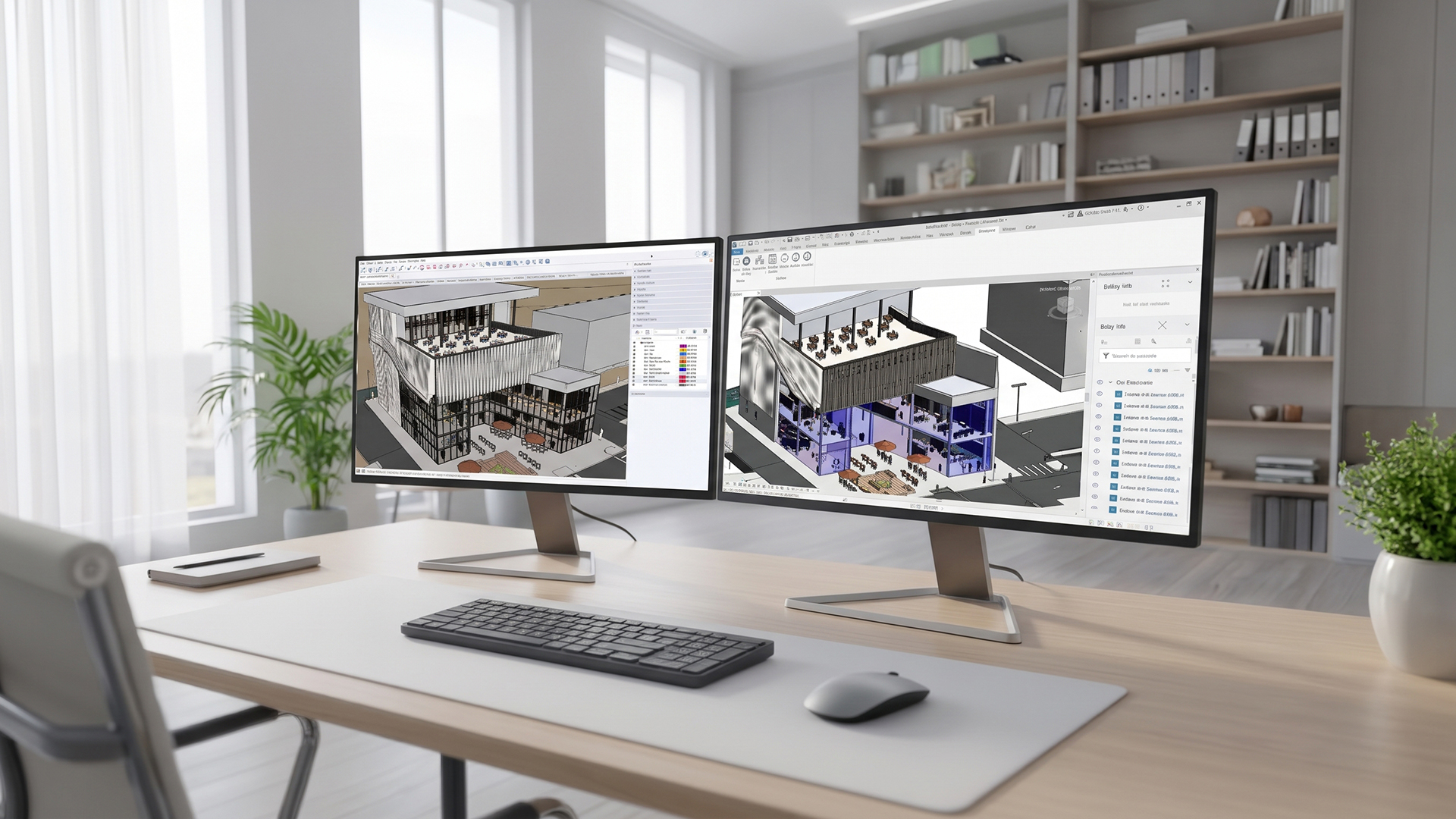
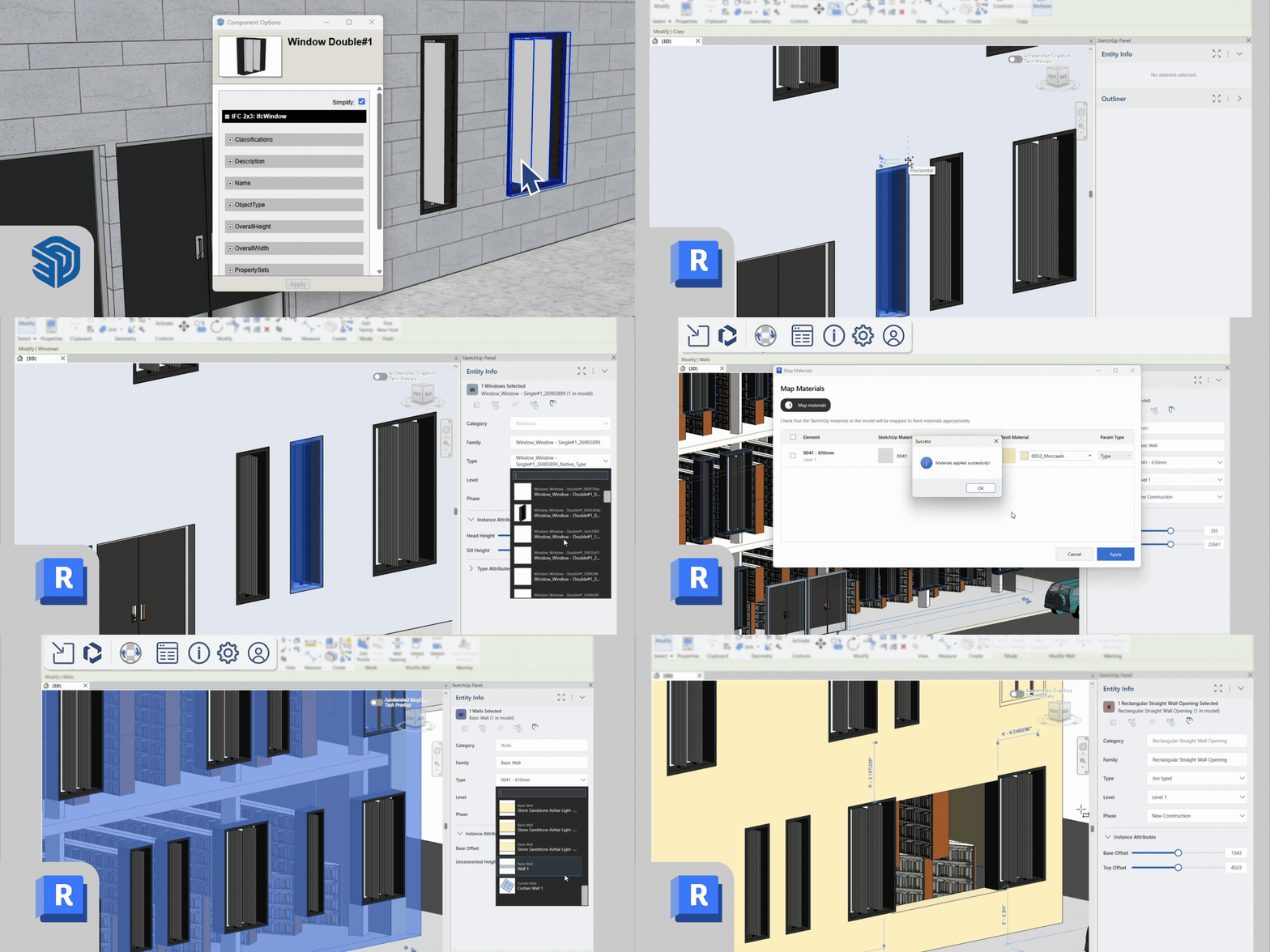
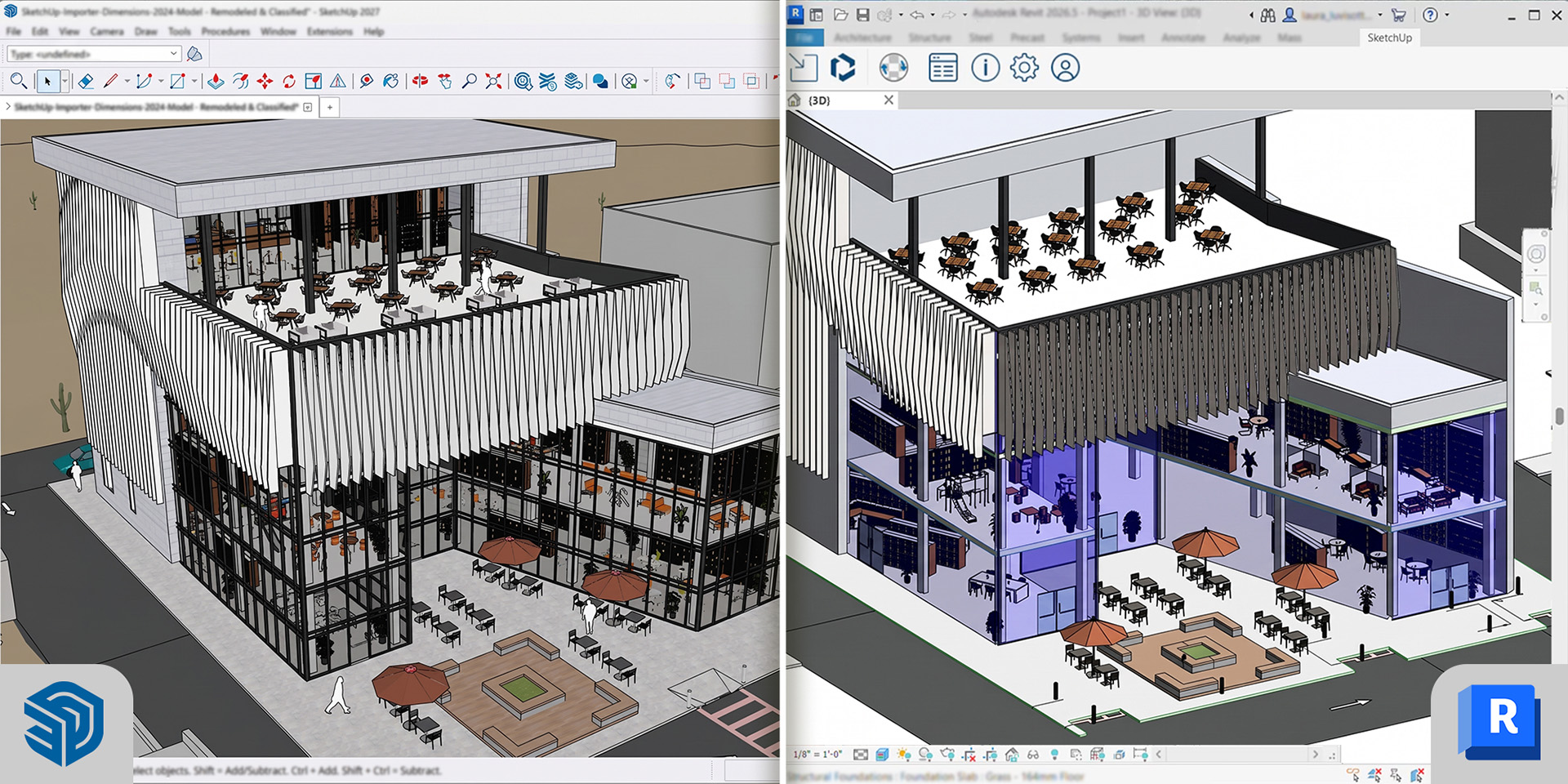
Spend a few minutes classifying your model in SketchUp, then sit back. The Importer converts your geometry into native, parametric Revit families, such as walls, floors, doors, windows and curtain walls. No more hours of redrafting, just a model you can continue working with in Revit right away. Even better: you can easily turn recurring SketchUp assets into templates for parametric Revit families.
Frequently asked questions
It is a Revit plugin that converts classified SketchUp models into native, parametric Revit families, so you do not have to remodel your concept design.
The Revit Importer works the other way around: it converts Revit files into SketchUp. The SketchUp Importer for Revit takes your SketchUp model into Revit. Together, they cover your workflow in both directions.
The Importer is included with SketchUp Pro Advanced Workflows and SketchUp Studio. You also need a Revit license to use it.
No, the SketchUp Importer for Revit is a Windows-only plugin.
Your classified SketchUp geometry is converted into native Revit families, such as walls, floors, doors, windows and curtain walls.
Yes. Materials, PBR properties, tags, metadata and object hierarchies are automatically carried over into Revit.
You can save up to a week of manual rework per project. According to SketchUp, 66% of users who work with both SketchUp and Revit currently deal with 3 to 5 days of rework per project.
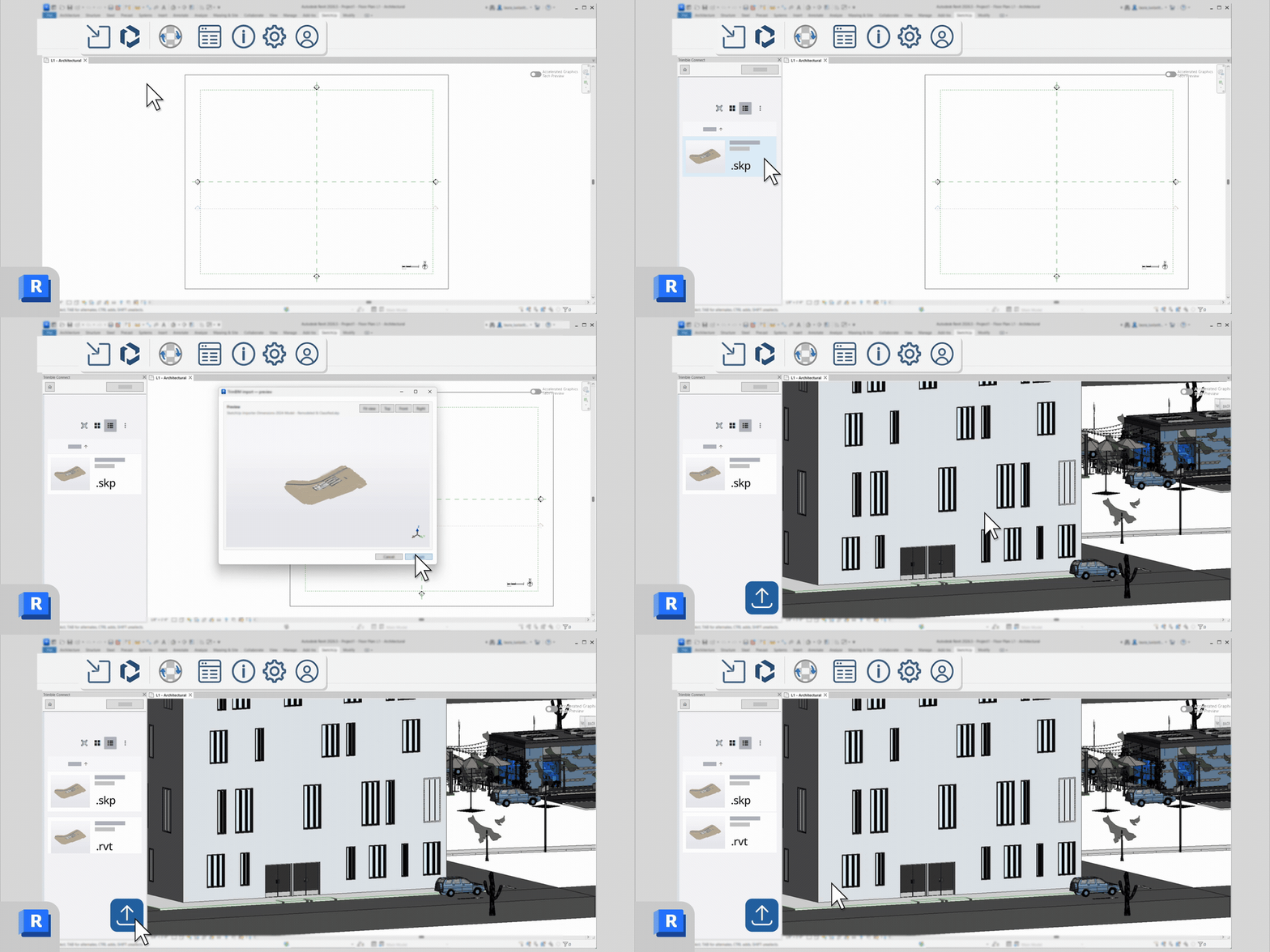
Absolutely. You can import and save models directly via Trimble Connect, so your team always works from the latest version.

Questions or need more information?
Would you like more information about SketchUp Importer for Revit? Please get in touch with us.