









Chaos Corona
Be an artist, not a technician!
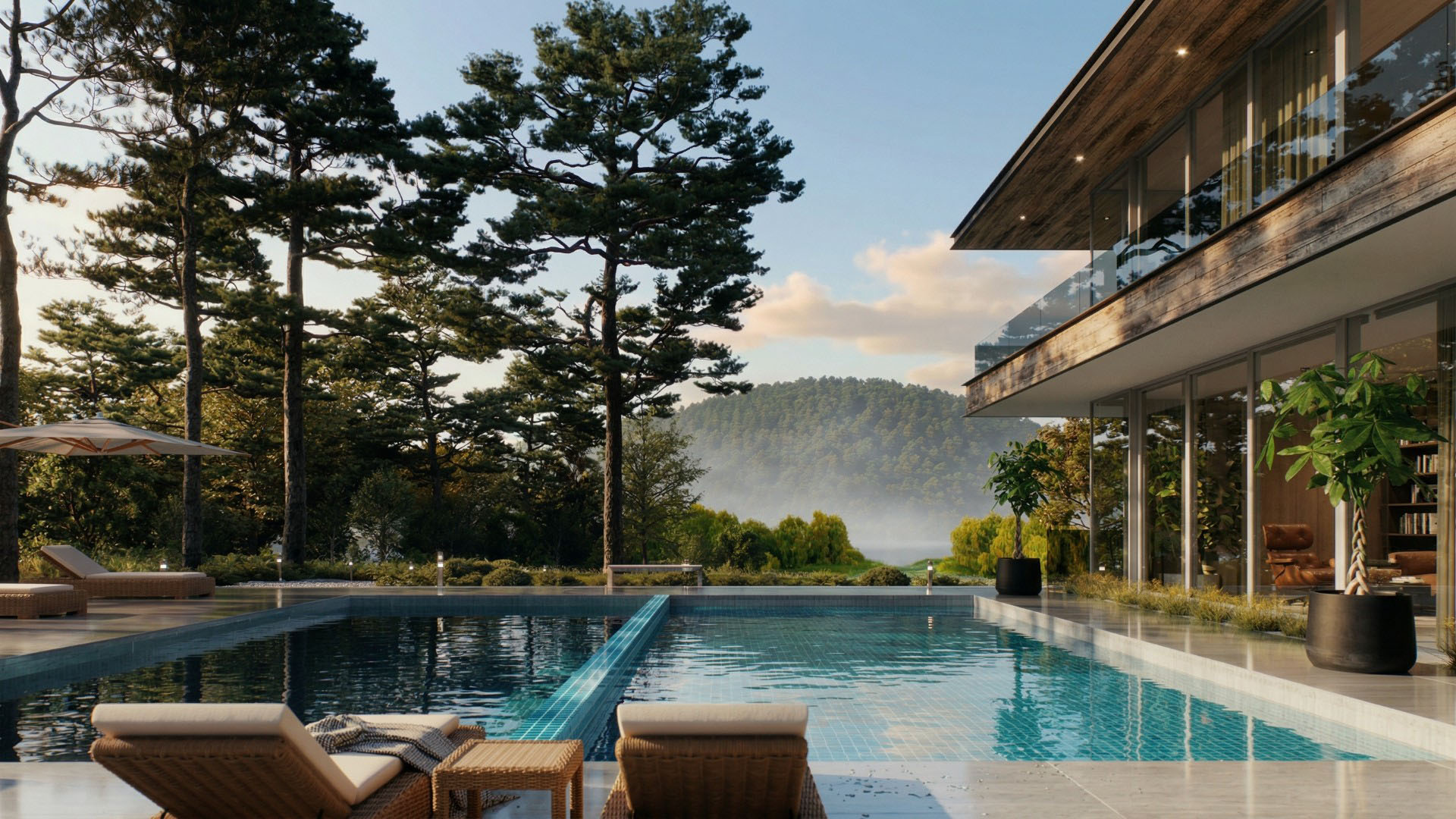
Stunning photorealistic renders for architectural visualisation, straight out of the box.

Why choose Chaos Corona
Corona is built to be picked up fast. Most users get to grips with the basics on day one and are completely hooked by day two. The default settings just work, the interface stays out of your way, and you can start producing great-looking renders almost immediately, no thick manuals, no technical background required.
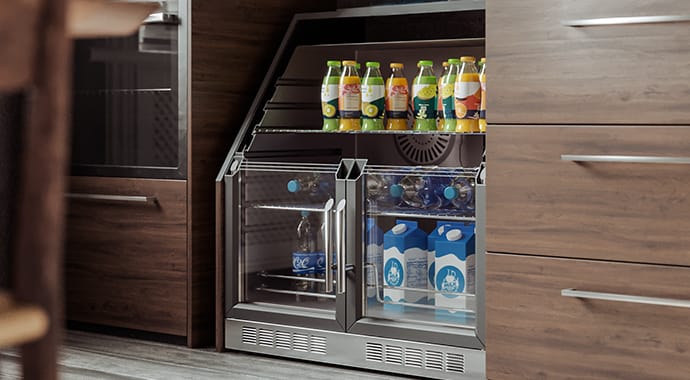
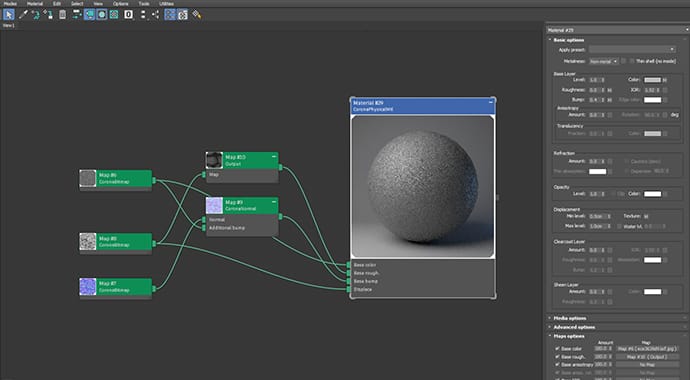
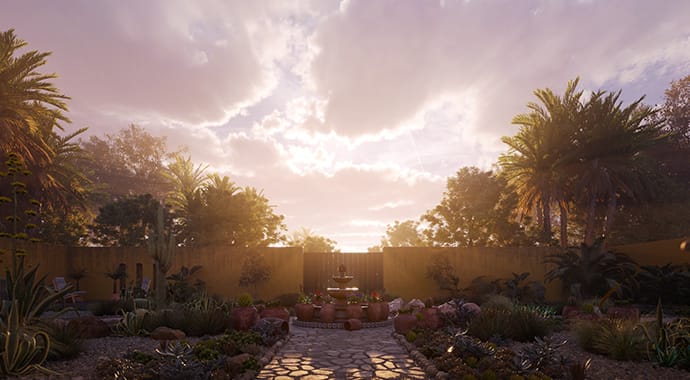
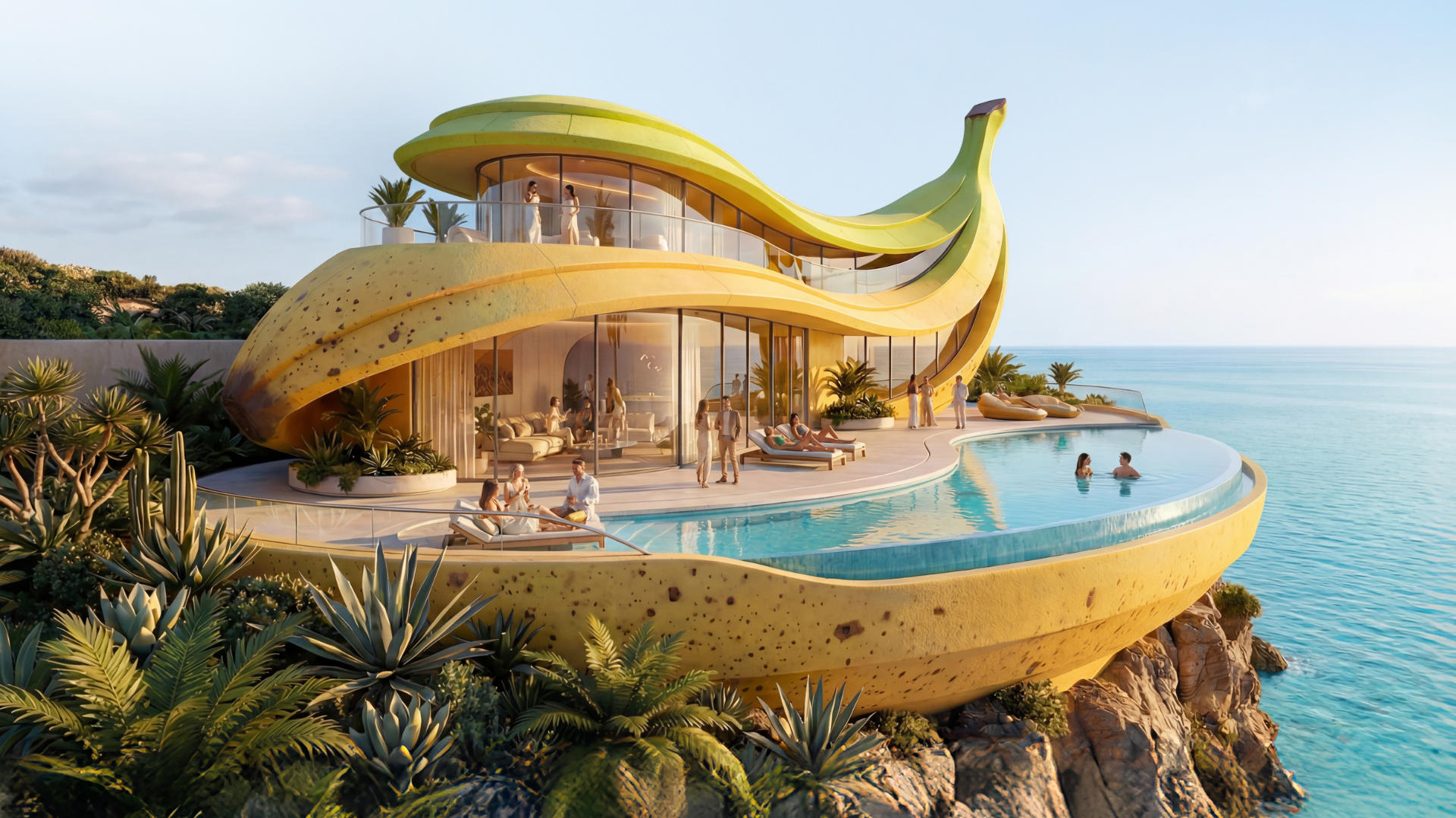
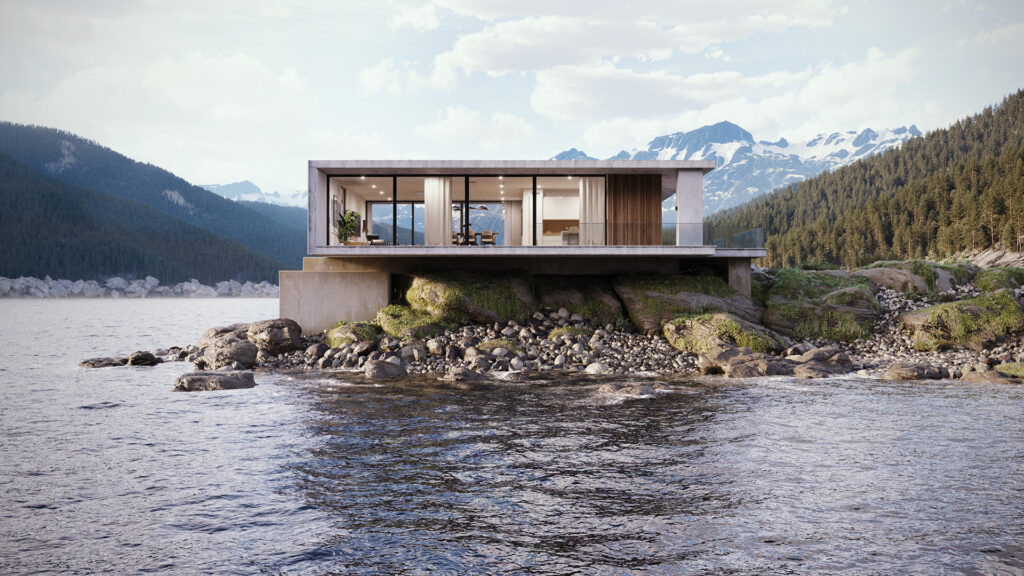
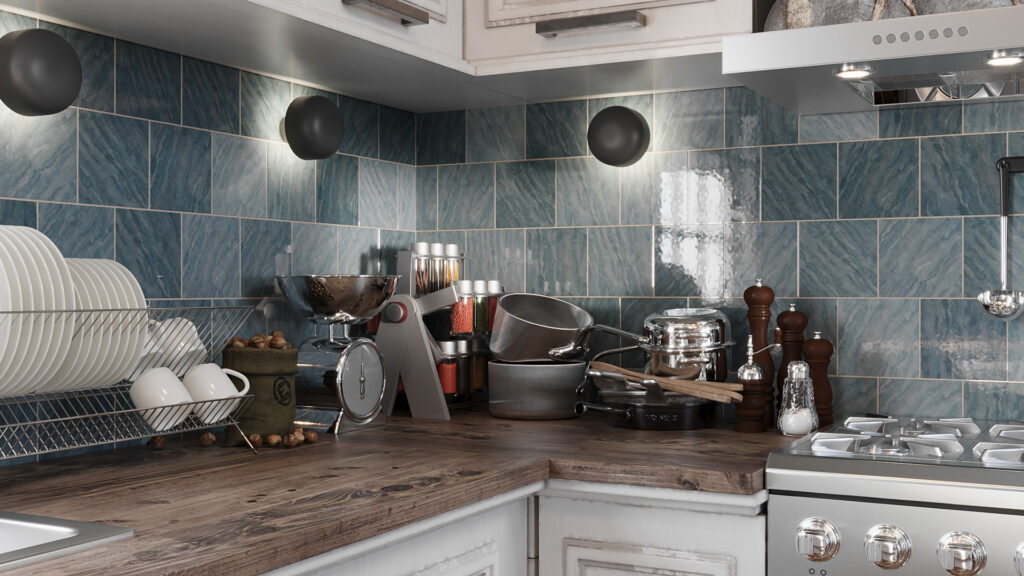
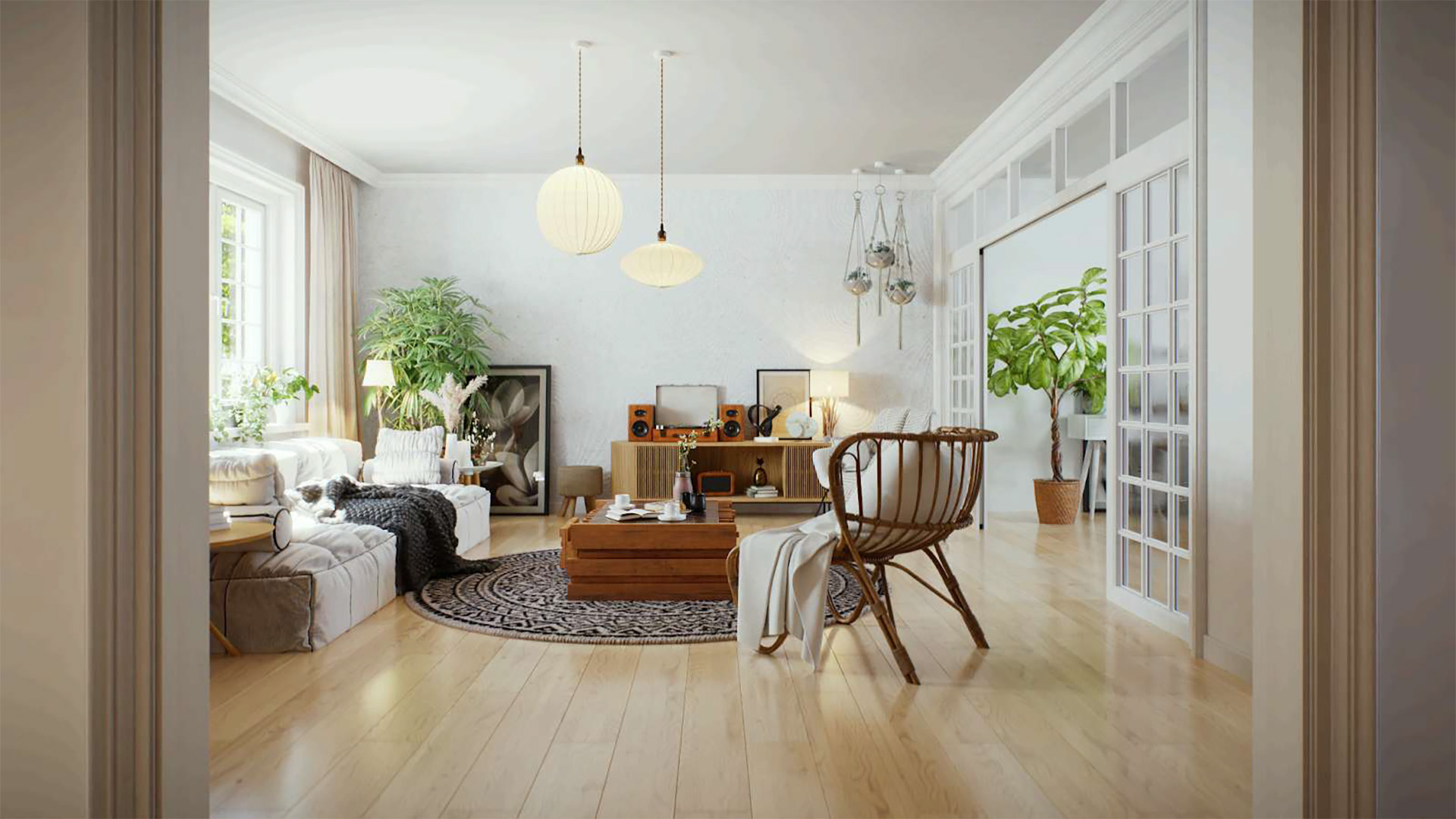
Corona consistently delivers physically accurate results that look right, every single time. Advanced caustics, industry-standard PBR materials and built-in post-processing tools mean you can get the most out of any project, whether that’s an interior, an exterior or a highly complex scene.
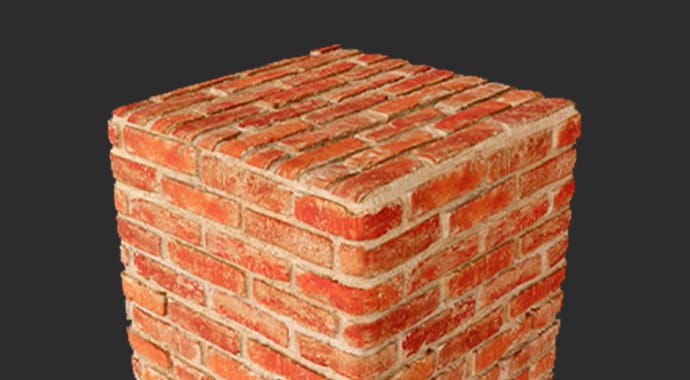
Corona ships with over 13,000 render-ready assets, 3,000 ultra-realistic scanned materials and a wide selection of HDR skies. Need to fill a scene with vegetation or scattered objects? Chaos Scatter handles that in seconds. Build a complete, detailed scene without hunting down external content
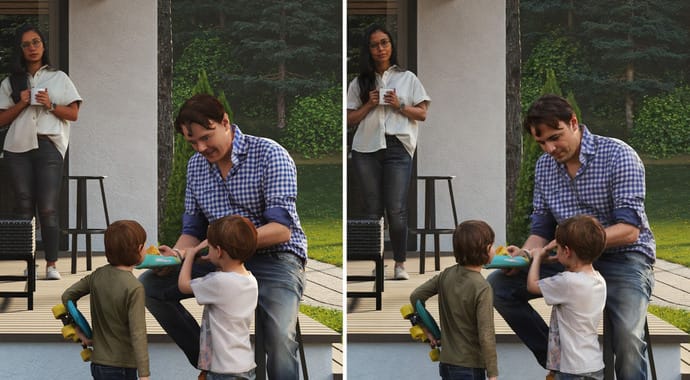
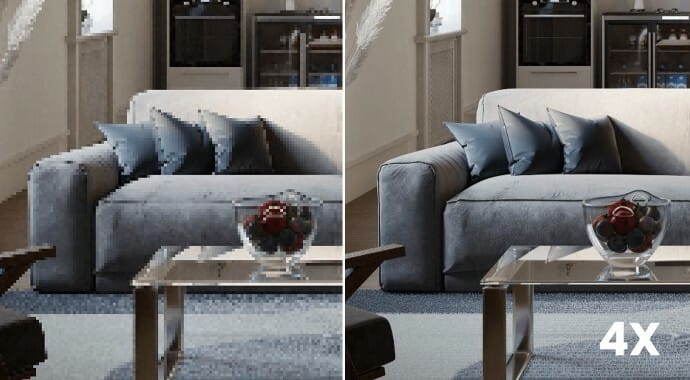
Corona comes equipped with a set of AI tools that genuinely speed up your workflow. The Material Generator turns a photo of any surface into a seamless, render-ready PBR material automatically. The AI Enhancer sharpens the realism of supporting elements like plants and people. And with the AI Upscaler, you can scale up your render output 2x or 4x with a single click.
Corona is built to be picked up fast. Most users get to grips with the basics on day one and are completely hooked by day two. The default settings just work, the interface stays out of your way, and you can start producing great-looking renders almost immediately, no thick manuals, no technical background required.
Corona ships with over 13,000 render-ready assets, 3,000 ultra-realistic scanned materials and a wide selection of HDR skies. Need to fill a scene with vegetation or scattered objects? Chaos Scatter handles that in seconds. Build a complete, detailed scene without hunting down external content
Corona consistently delivers physically accurate results that look right, every single time. Advanced caustics, industry-standard PBR materials and built-in post-processing tools mean you can get the most out of any project, whether that’s an interior, an exterior or a highly complex scene.
Corona comes equipped with a set of AI tools that genuinely speed up your workflow. The Material Generator turns a photo of any surface into a seamless, render-ready PBR material automatically. The AI Enhancer sharpens the realism of supporting elements like plants and people. And with the AI Upscaler, you can scale up your render output 2x or 4x with a single click.
Features
CPU rendering |
|
|---|---|
 |
Corona delivers predictable, physically accurate results without cutting corners on quality. It supports both biased and unbiased rendering, including a 4K cache. Realistic lighting and materials work straight out of the box. |
GPU rendering with Vantage |
|
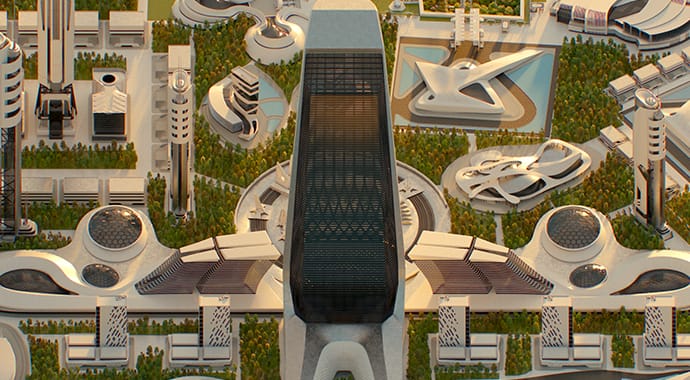 |
Render images and animations significantly faster using the Corona to Vantage Live Link. Use Vantage to explore your scene as an interactive real-time render while you tweak lighting, reposition objects or swap out materials — all powered by GPU speed. |
LightMix |
|
 |
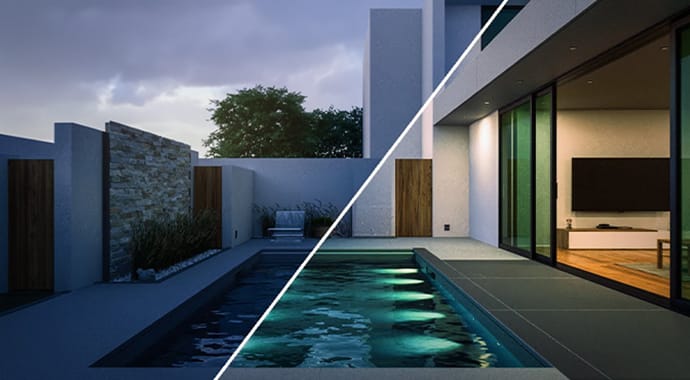
LightMix lets you adjust the intensity and colour of your lights directly in the frame buffer. Create, save and reload multiple lighting scenarios, all from a single render. |
Corona Caustics |
|
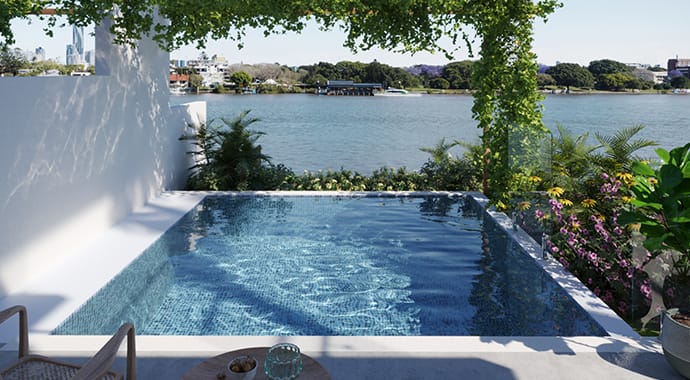 |
Enable the Fast Caustics Solver to add caustics to your scene with minimal effort. Reflective caustics are calculated automatically across all materials, while refractive caustics can be switched on per material. Volumetric caustics are supported as well. |
Extensive post-processing inside the VFB |
|
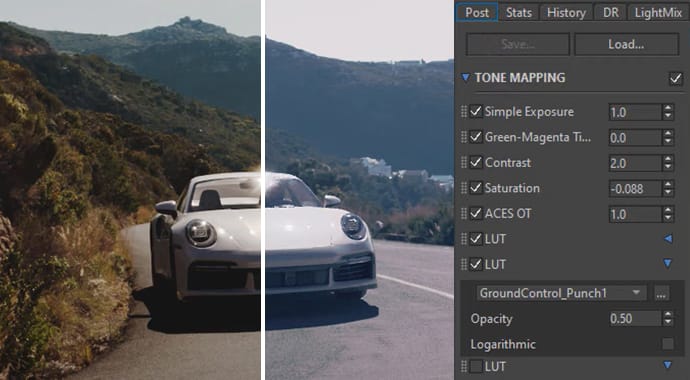 |
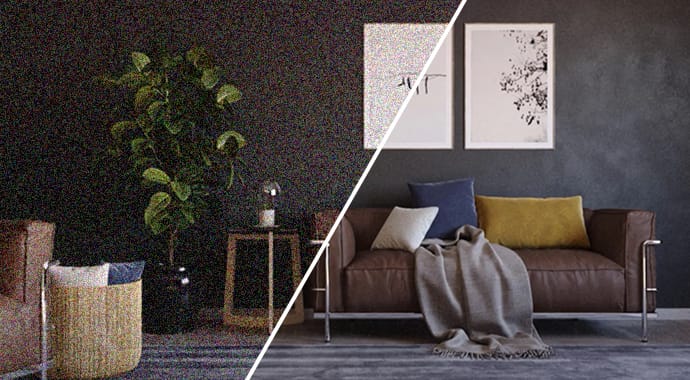
Handle your post-processing directly inside the Corona Virtual Frame Buffer and skip the round-trip to external software. All tools are accessible before, during and after rendering, and your settings can be saved and reused across any scene. |
Stills and animations |
|
 |
Corona handles both still images and animations with ease. Take a look at the user showreel to see what’s possible. |
Default settings that work |
|
 |
Corona keeps its interface clean and uncluttered, free of unnecessary parameters. The default render settings are the right choice in most situations, so you’ll rarely need to change a thing. |
Compatibility |
|
 |
Chaos Corona works alongside a wide range of third-party plugins, so any tools already part of your workflow will continue to function — both during interactive rendering and in the final render. |
Resumable rendering |
|
 |
Pause a render in the Virtual Frame Buffer and pick it back up whenever you’re ready. It’s a simple feature that keeps your workflow flexible without throwing away any render time. |
Autosave |
|
 |
Turn on autosave and Corona will write your render progress to an .exr file every few minutes. If your render or machine crashes, your most recent progress is always safe. |
Built-in help |
|
 |
Tooltips are available for virtually every parameter in the interface, appearing automatically when you hover over a control. An auto-generated online GUI reference is also available for when your DCC application isn’t open. |
Gaussian Splats support |
|
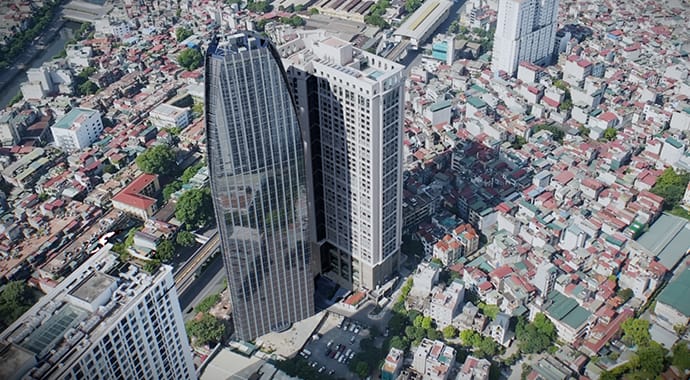 |
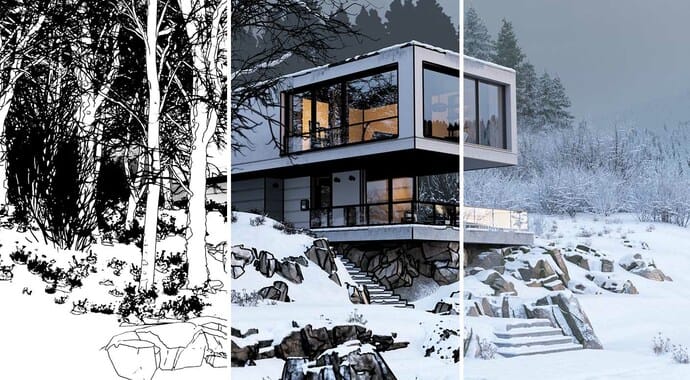
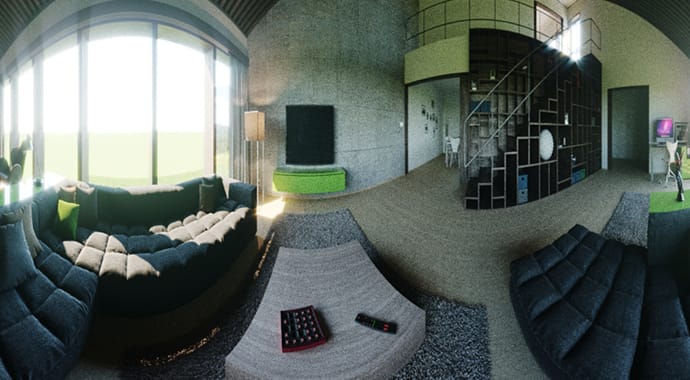
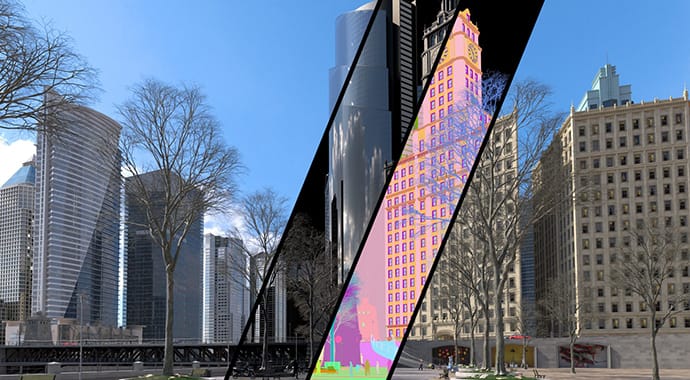
Place buildings in context and render complex 3D environments with accurate reflections and refractions. Populate your scenes with detailed, memory-efficient splats captured from real-world environments or objects, giving you smoother surfaces, richer volumetric detail and a more convincing sense of depth. |




























System Requirements
- Operating System Windows 10 or newer – 64-bit
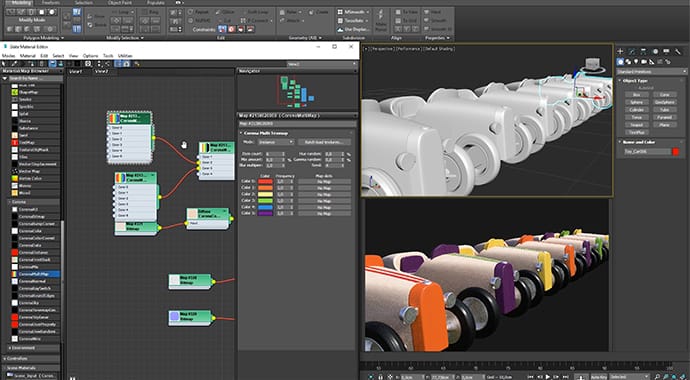
- Host Software 3ds Max 2018-2027
- Cinema 4D R17-2026
- Processor CPU with SSE 4.2 support (applies to virtually all modern processors)
- RAM Minimum 32 GB, recommended 64 GB or more
- Graphics Card The graphics card that's good enough for your host software is also good enough for Corona.
Please note!
Windows
Corona is a purely CPU-based rendering engine. A GPU is only required for smooth viewport performance and for the optional AI Denoiser and AI Upscaler. Distributed rendering requires Autodesk Backburner, available free of charge from Autodesk.
Using macOS? Corona for macOS is only available through Cinema 4D. Autodesk 3ds Max is not supported on macOS.
Prices
Chaos Corona is available for commercial use in the following licence types (excl. 21% VAT).
- Node-locked license
- Per month: € 57.65
- Per 3 years: € 1,125.00
- Corona Rendering engine
-
Chaos Veras AI rendering
- Cloud Collaboration
-
100 Chaos Credits

- Floating license
- Per month: € 71.90
- Per 3 years: € 1,446.90
- Corona Rendering engine
-
Chaos Veras AI rendering
-
Chaos Cosmos
-
500 Chaos Credits
- Node-locked license
- Per 3 years – node-locked: € 2,205.90
- Per 1 year – floating: € 934.80
- Per 3 years – floating: € 2,804.90
- Corona Rendering engine
-
Chaos Veras AI rendering
-
Chaos Cosmos
-
Vantage Real-time Scene Exploration
-
Anima Crowd and Traffic Simulation
-
1500 Chaos Credits


Questions or more information?
Would you like more information about Chaos Corona? Then please contact us.