









ShootPlantPlanner
The ultimate 3D planting plan plug-in for SketchUp
Design professional planting plans in SketchUp with access to a plant library of 35,000+ plants, including detailed data and irrigation strategies.

Why ShootPlantPlanner?
ShootPlantPlanner® automates tasks that normally take a lot of time. What used to take hours or days can now be done in minutes. This leaves you more time for creativity and advising.
Work in SketchUp with a plant library of over 35,000 plants, complete with plant data and smart irrigation strategies. You always deliver clean, well-structured and consistent planting plans. This reflects professionalism and builds trust with your clients.
Automatic quantities, fixed plant data, and smart labels reduce the chance of errors. Not only prevents this misunderstandings, but incorrect orders, and extra costs.
Whether you are a gardener, garden designer, landscape architect, or design studio: ShootPlantPlanner® fits perfectly into a professional workflow within SketchUp.
Get much more out of SketchUp by combining it with a specialized planting plug-in. Your software works harder for you, not the other way around.
Work in SketchUp with a plant library of over 35,000 plants, complete with plant data and smart irrigation strategies. You always deliver clean, well-structured and consistent planting plans. This reflects professionalism and builds trust with your clients.
Whether you are a gardener, garden designer, landscape architect, or design studio: ShootPlantPlanner® fits perfectly into a professional workflow within SketchUp.
Automatic quantities, fixed plant data, and smart labels reduce the chance of errors. Not only prevents this misunderstandings, but incorrect orders, and extra costs.
Get much more out of SketchUp by combining it with a specialized planting plug-in. Your software works harder for you, not the other way around.
Features
More than 35,000 plants at your fingertips
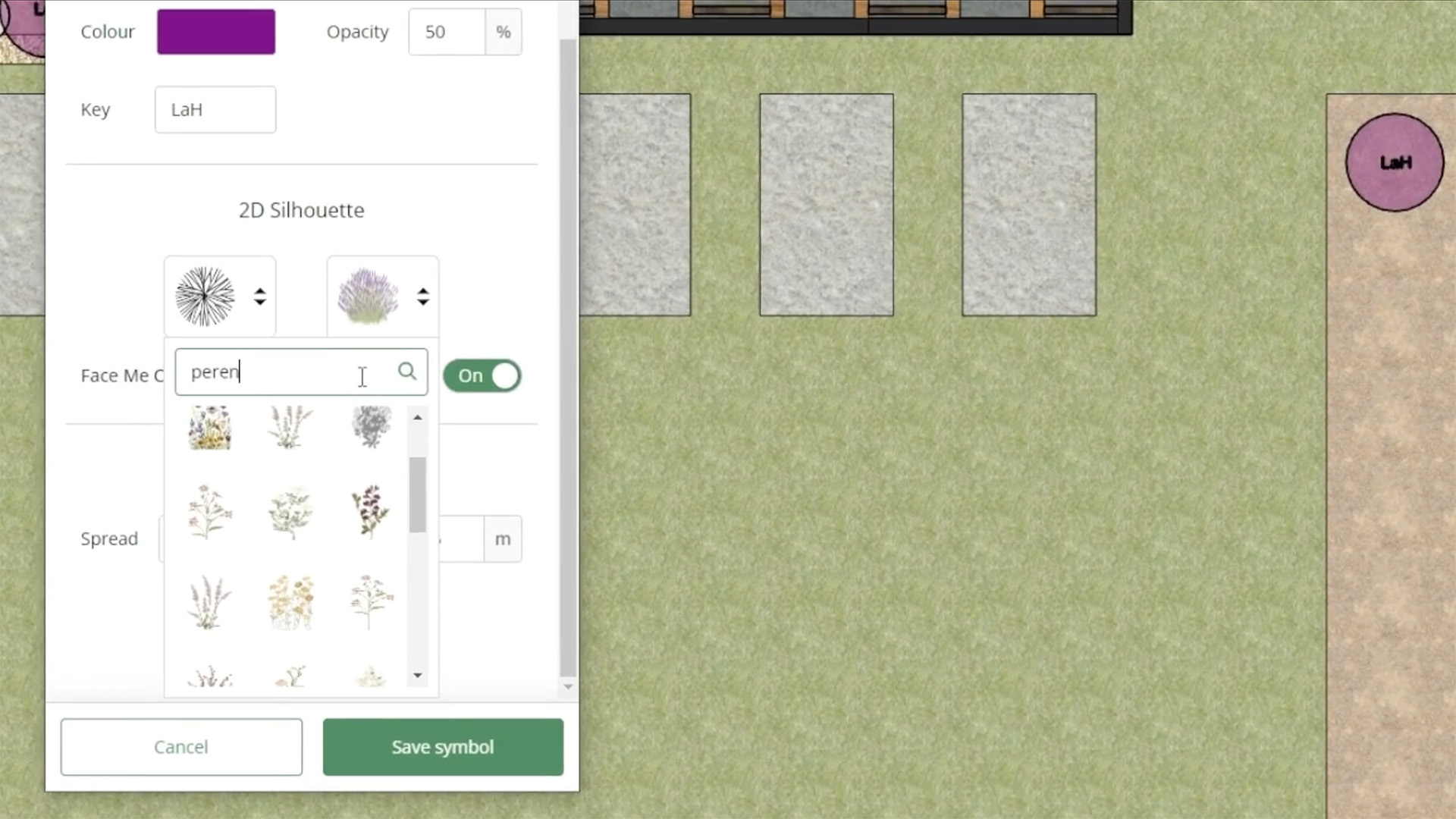
You gain access to a huge, international plant database with more than 35,000 plants. Each plant includes correct botanical names, symbols, and growth characteristics. This ensures you always work with current and professional plant data, ideal for garden and landscape design.

System Requirements
- Host Software SketchUp 2024 – 2026
- Operating System Any operating system compatible with SketchUp is also compatible with this extension.
- Internet connection Required for access to the online plant database and updates.
If you are working on larger gardens, parks, or complex landscape designs, you gain extra advantage from a powerful computer configuration. A faster graphics card ensures smooth 3D rendering and seamless zooming and rotation in SketchUp, while more RAM helps process large models, extensive planting plans, and plant databases without hiccups. This keeps your workflow comfortable, fast, and organized, even for the most ambitious designs.
Pricing
ShootPlantPlanner® is available as part of the Shoot Ultimate Toolkit and is offered via a subscription model. 14-day money-back guarantee.
- Ready-to-click, pre-formatted plant symbols
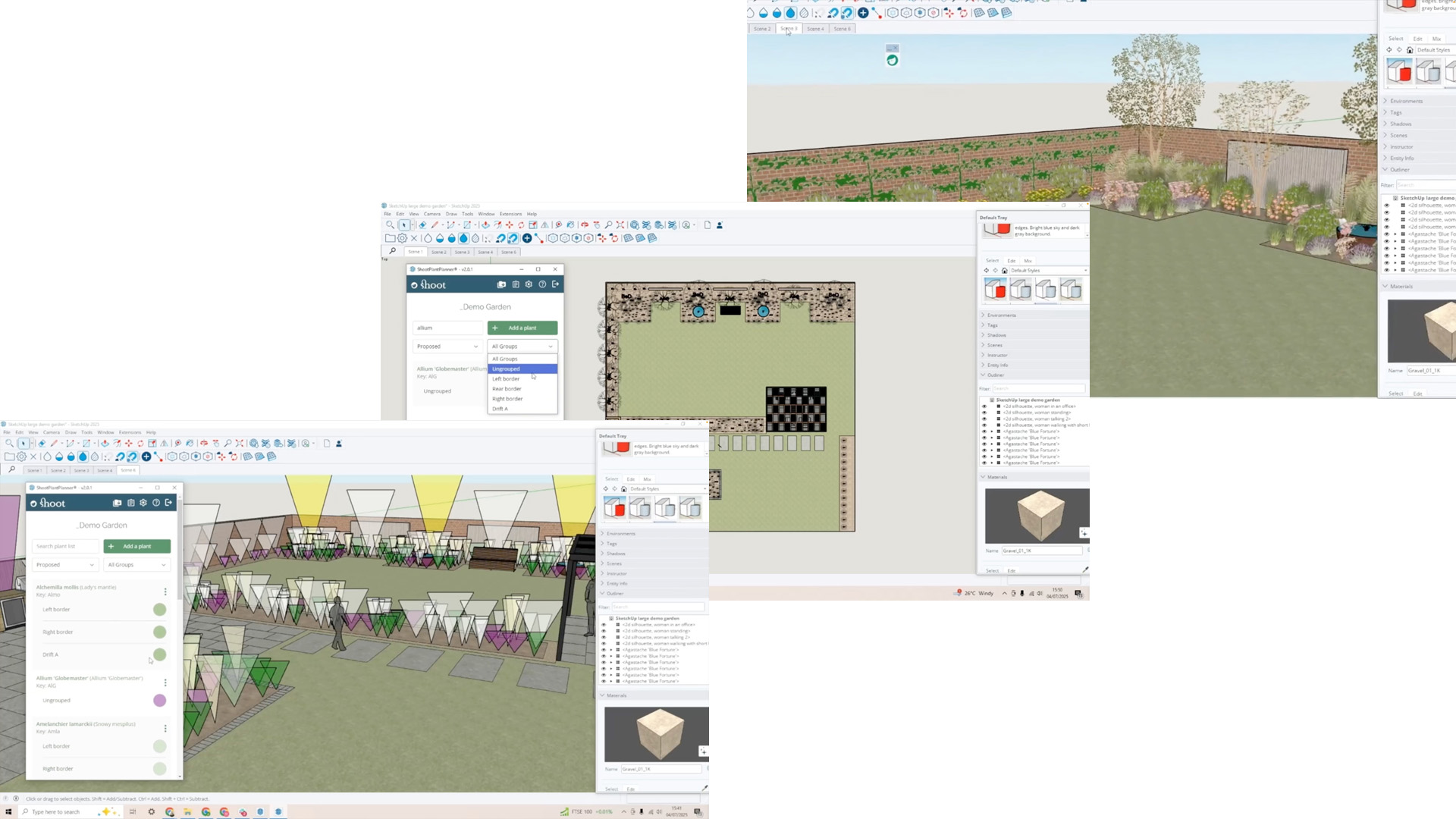
- Log in to ShootPlantPlanner® from within SketchUp
- Access to Shoot’s extensive plant database
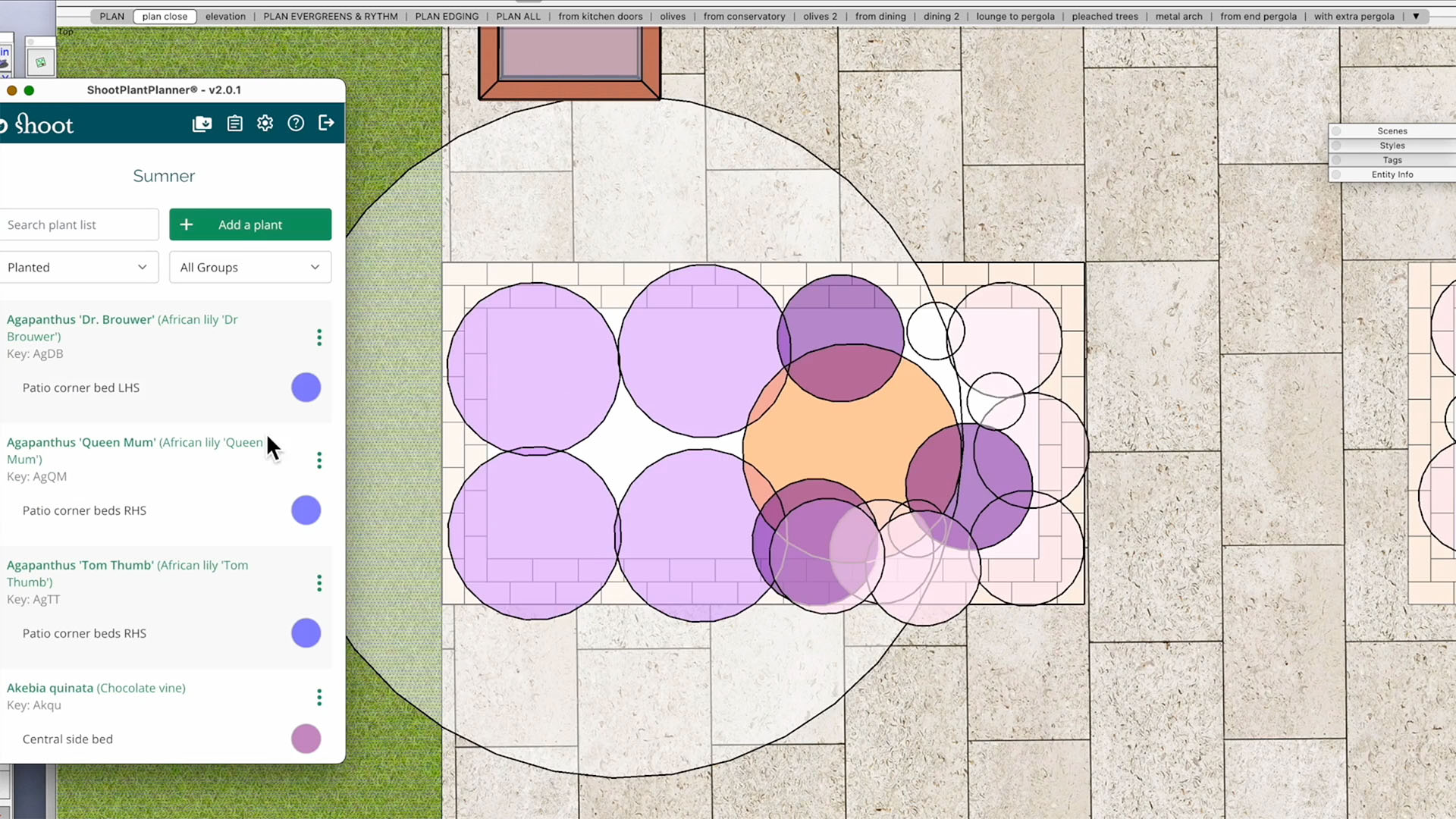
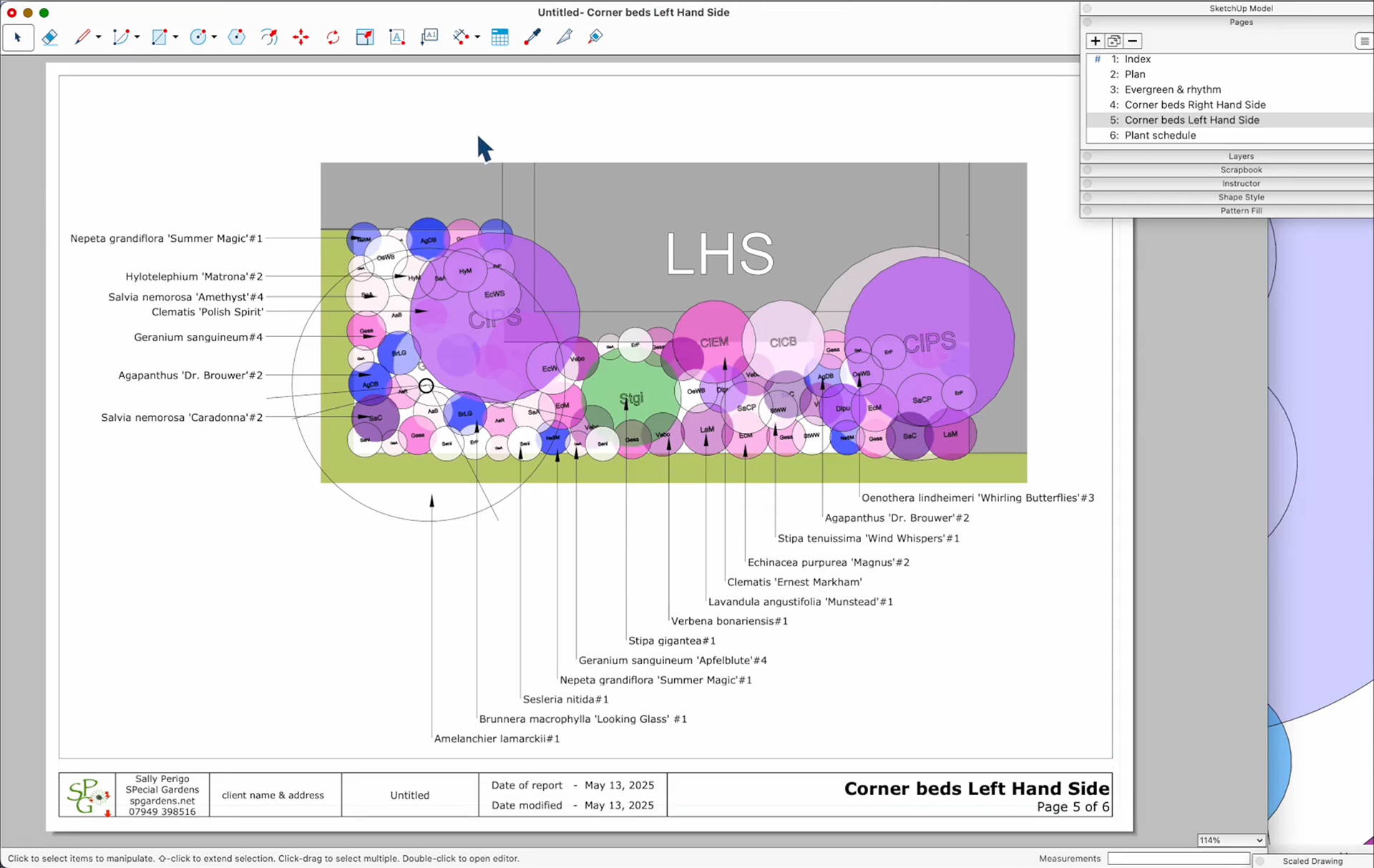
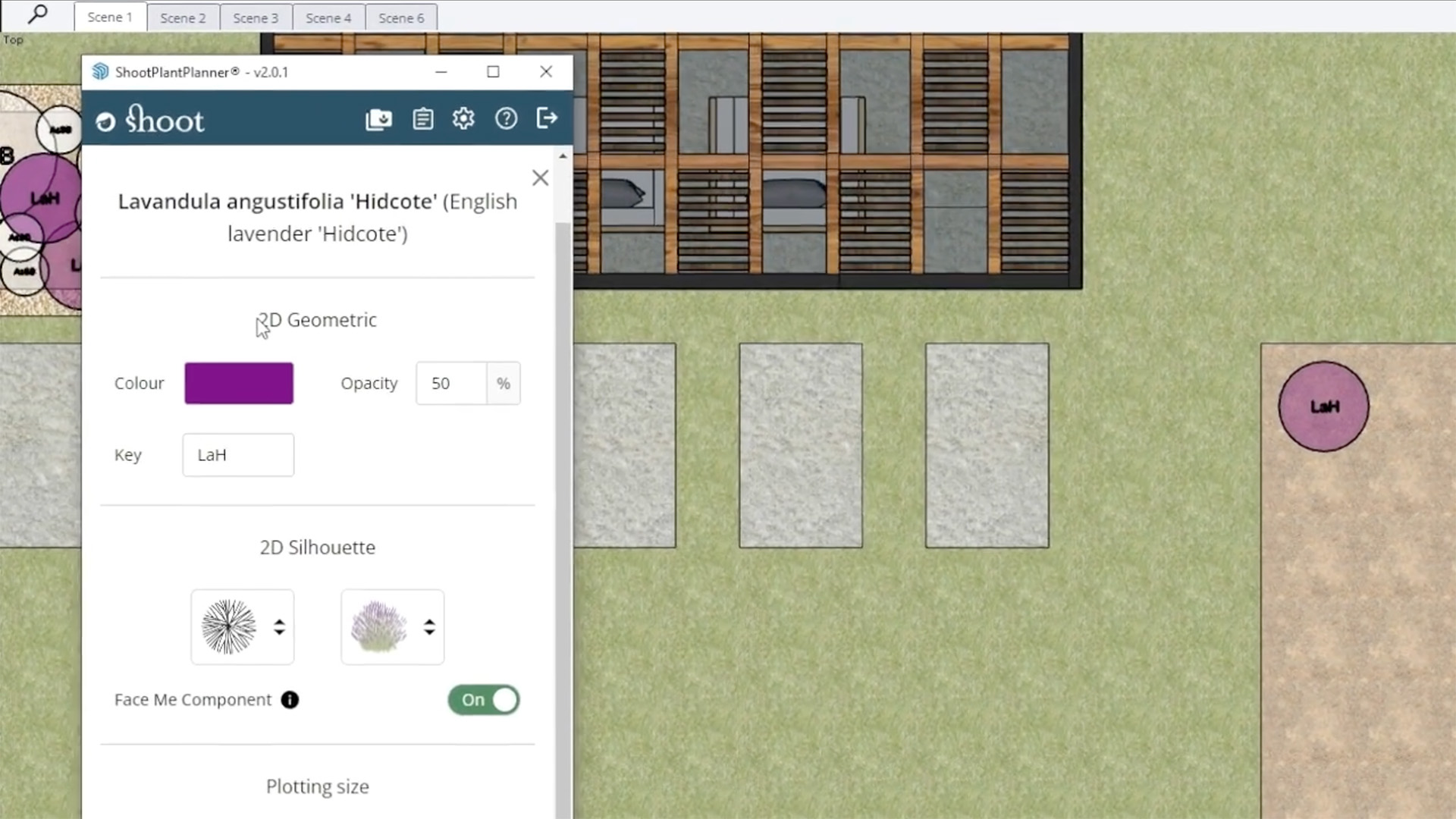
- Pre-set planting circles and key codes
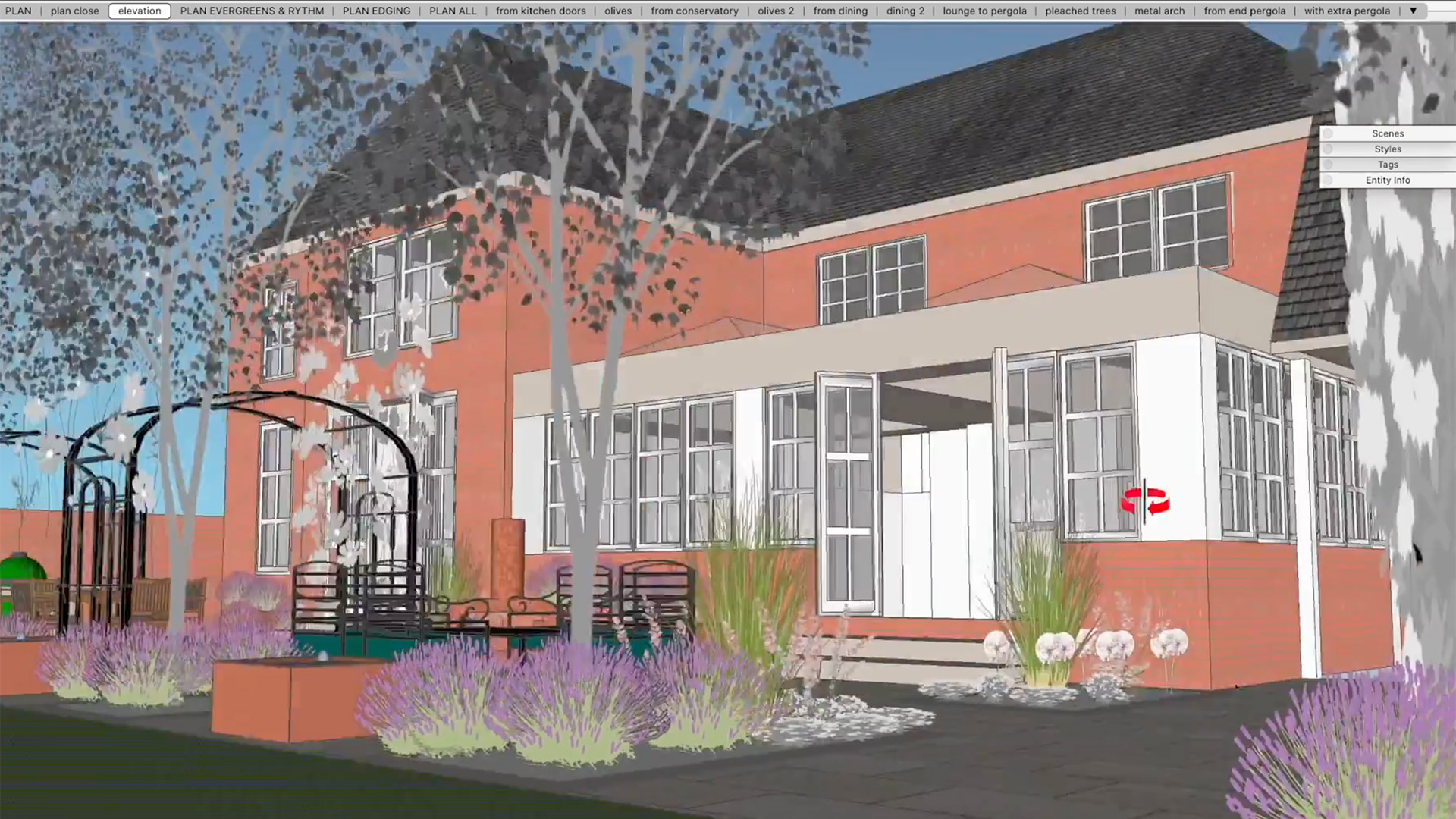
- Side elevations with plant heights in 3D
- Set and reuse your own color palette
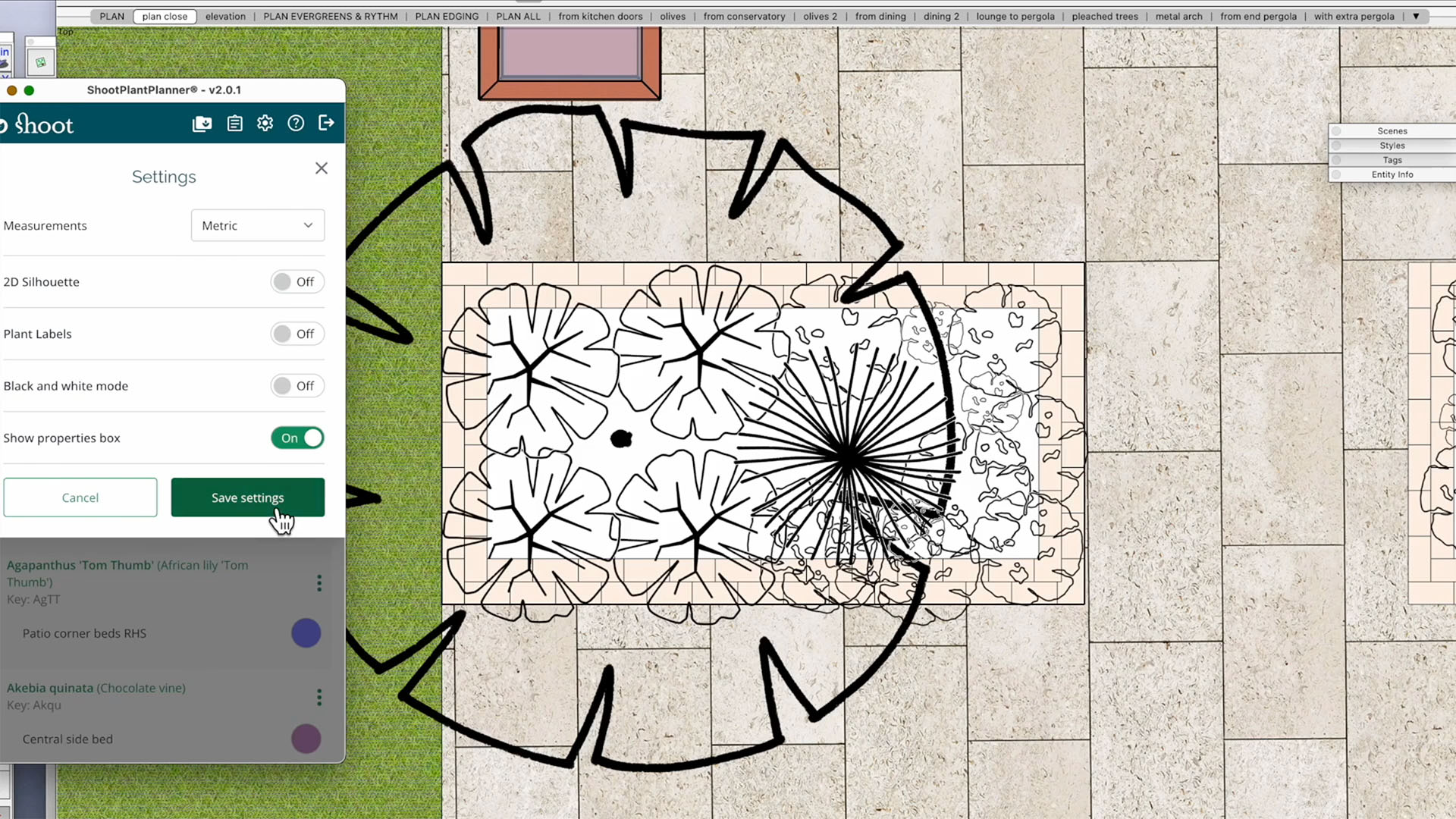
- Toggle between color and black & white
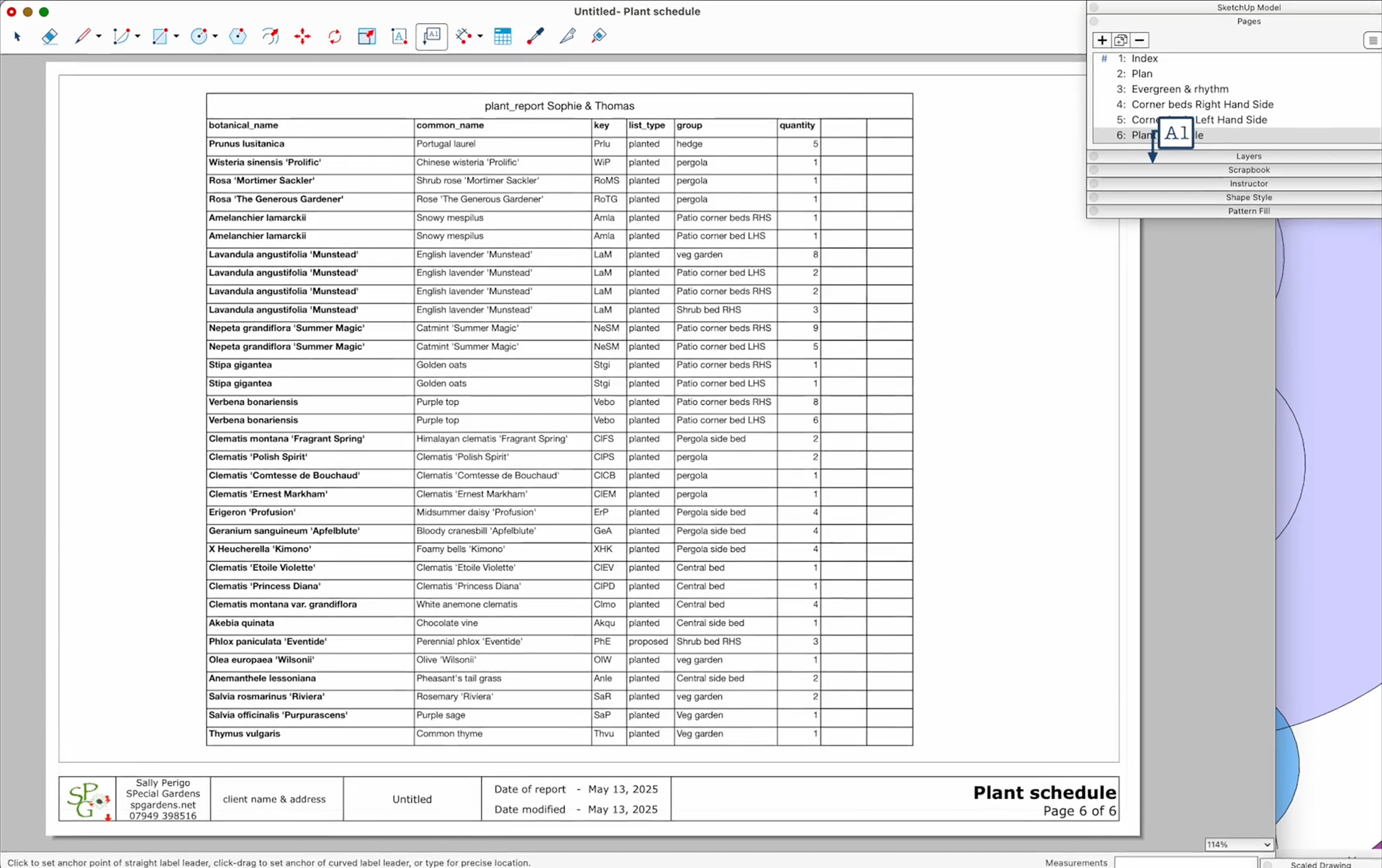
- Automatically generated plant quantities
- Sync with your Shoot plant lists
Discover more
Learn more about ShootPlantPlanner


Questions or more information?
Want more information about ShootPlantPlanner? Please contact us.