


Skip to content

Download your software

A professional designer looks at her monitor, working on a complex 3D city model featuring detailed skyscrapers in SketchUp. This illustrates the high level of detail and complex workflows focused on in the Advanced SketchUp Training.
Ready to get started with your software?

Download the correct installation package for your software below. Use the license or subscription details you received to easily activate the software after installation.

Enjoy your purchase!
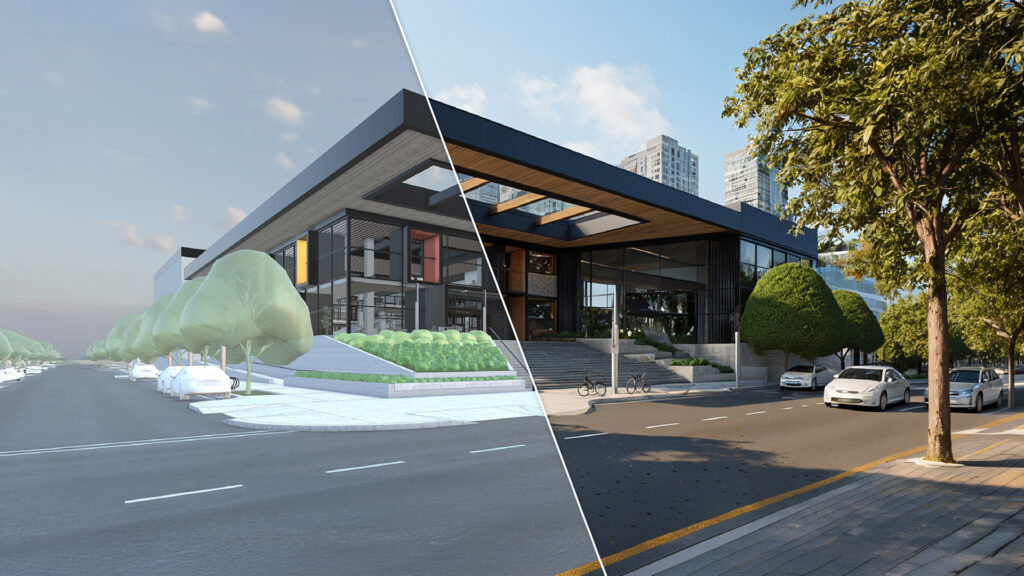

The official hero image for SketchUp 2026.2. A crisp, diagonal split-screen showcases the impressive transformation of an uncolored, basic 3D SketchUp model (left) into a stunning, photorealistic render (right) full of lifelike trees, lighting, and reflections.
SketchUp

Download the latest SketchUp installation package here and get started with this intuitive 3D modeler right away.


A high-quality 3D render of a classic, fire-red Volkswagen Beetle in a dark studio environment. The flawless reflections on the bodywork showcase the perfect and smooth surface continuity characteristic of Rhinoceros.
Rhinoceros

Download the latest version of Rhino for advanced 3D freeform modeling on Windows and Mac.
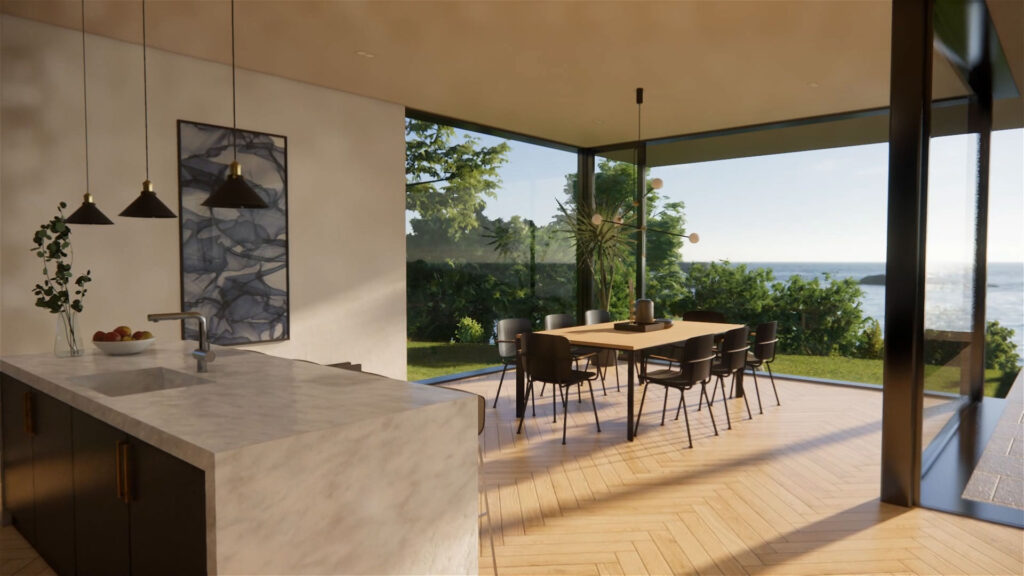

A photorealistic Enscape render of a modern interior. The open space features a marble kitchen island and a dining area with floor-to-ceiling windows, offering a panoramic view of a green garden and the sea. Warm sunlight casts realistic shadows on the wooden herringbone floor.
Chaos Enscape

Download the Enscape plugin for real-time rendering and virtual reality directly within your favorite CAD software.


depth of field render of an art object.
Thea Render

Download Thea Render to use powerful photorealistic rendering directly inside SketchUp or Rhino.


Photorealistic render of an appartment in the mountains.
SU Podium

Download SU Podium for fast, photorealistic rendering of your SketchUp models without complex settings.


Rapid modelling of smart construction solutions using parametric profiles and assemblies.
Extensions / Plugins

Browse and download additional plugins to speed up your workflow and extend your software’s functionality.

* Artisan, Bevel, PlaceMaker, Profile Builder, Quantifier, SketchPlus and Skimp