From design to high-end animation with the newest ArchDesign Collection
Discover the new connected workflow of design ideation, rendering, energy analysis and high-quality animations in one powerful bundle.

Developer Chaos has announced the first major update to the ArchDesign Collection. The focus is on a seamless transition between the various design phases, without having to convert data or rebuild assets. With the latest ArchDesign Collection, you can easily link your Enscape workflow to Veras for AI design ideation, Enscape Impact for sustainability reporting, and Envision for high-quality animations.
Faster design and smarter material management in Enscape
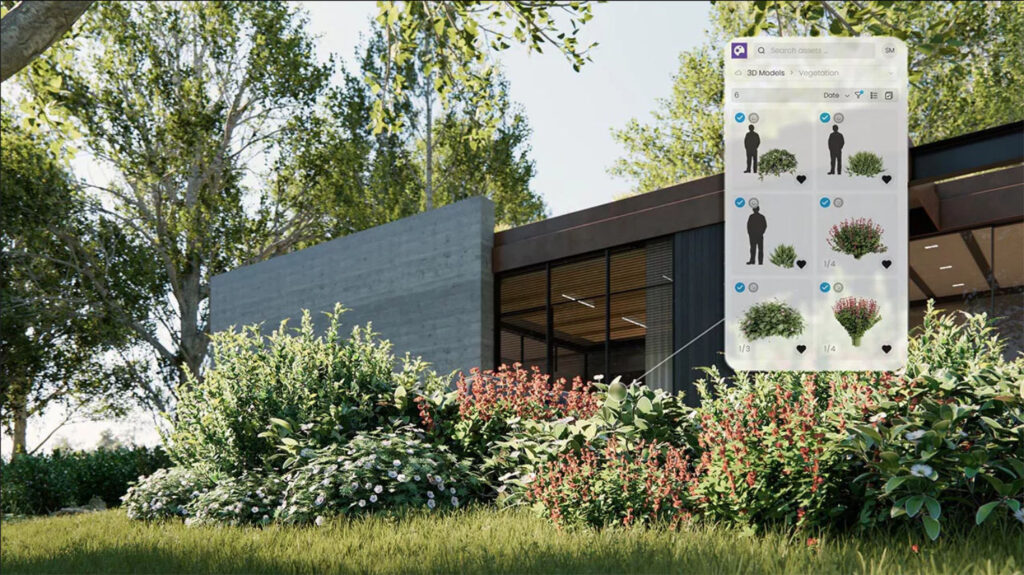
- Asset Brush Placement: With the new “Asset Brush”, you can quickly place large groups of trees, plants or objects. Manual copying is a thing of the past; you can now “paint” vegetation directly into your scene.
- Centralised Lighting Management: You can now manage all light sources directly within Enscape without having to switch back to your CAD software (such as Revit or SketchUp). This saves a lot of time when fine-tuning the atmosphere.
- AI Materials: In the Enscape Material Editor, you can now use AI to create realistic materials based on a photo. The AI recognises structures and turns them into immediately usable PBR materials.
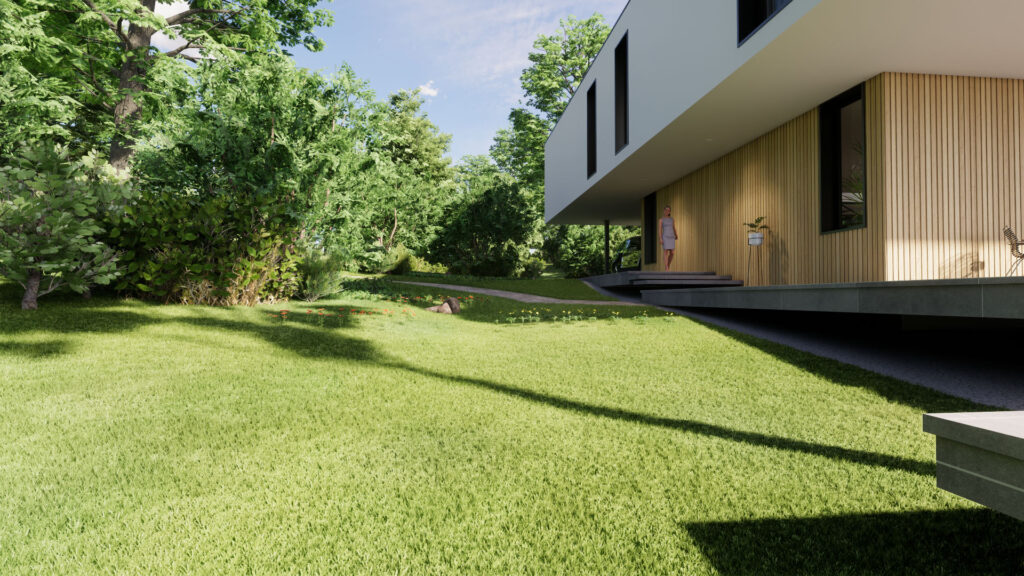
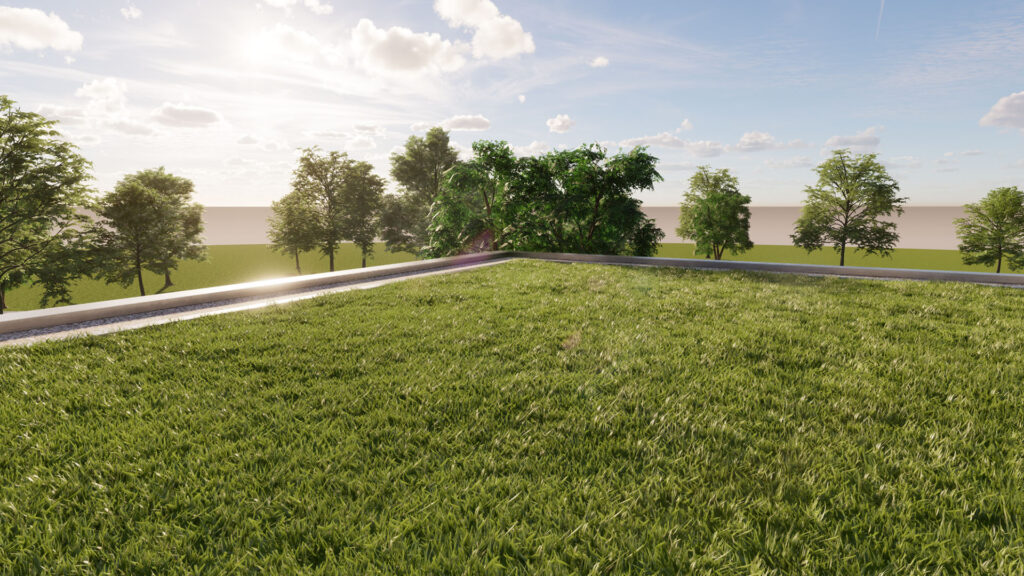
- Improved Grass: The grass in Enscape is more realistic than ever, with higher density and better shading for a more natural landscape.
AI support with more control in Veras
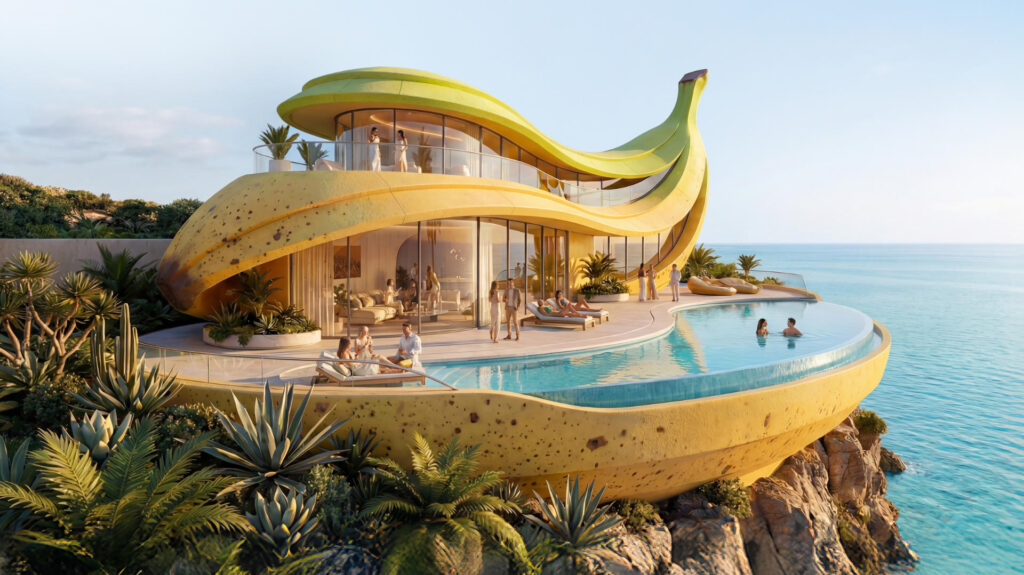
- Veras 4.0 (Powered by Nano Banana Pro): The AI engine in Veras has been significantly improved. The AI now better understands the geometry of your model, resulting in generated images that are much more faithful to your original design (‘architectural fidelity’), with fewer unexpected distortions.
- Reference images: You can now control the AI by uploading a reference photo. The AI will then incorporate the atmosphere, colour tones and lighting from that photo into your rendering.
From design to high-end presentation with Envision
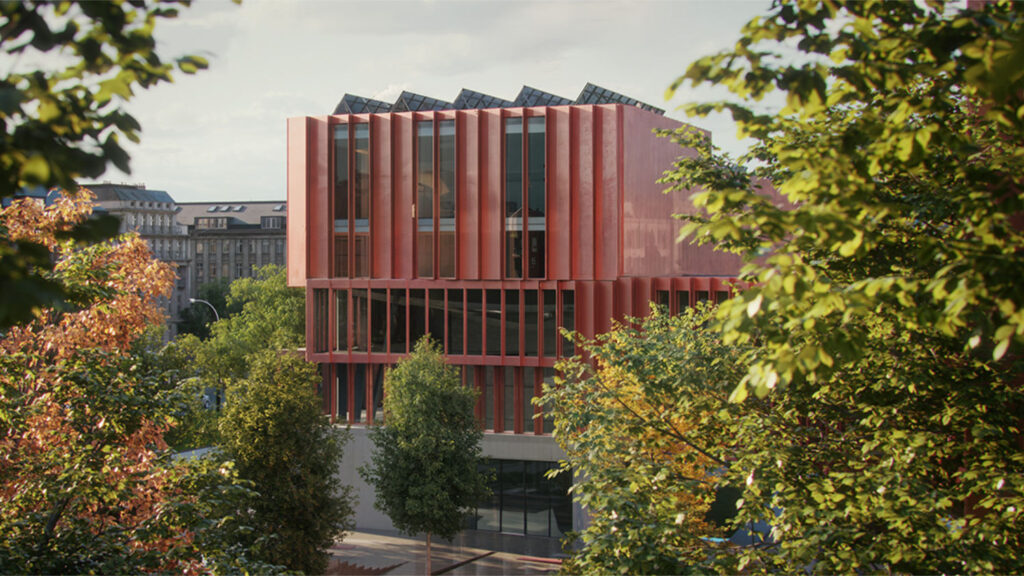
- Live Link for Envision: Envision (the tool for high-end animations) now has a Live Link with Revit, SketchUp, and Rhino. Changes to your CAD model are immediately implemented in your animation project.
- Cosmos-Aware Assets: Assets from the Chaos Cosmos library are now transferred 1-to-1 between Enscape and Envision. This means you don’t have to reassign materials or replace objects when you make the transition from real-time design to a professional video presentation.
Energy analysis in Enscape Impact (Windows only)
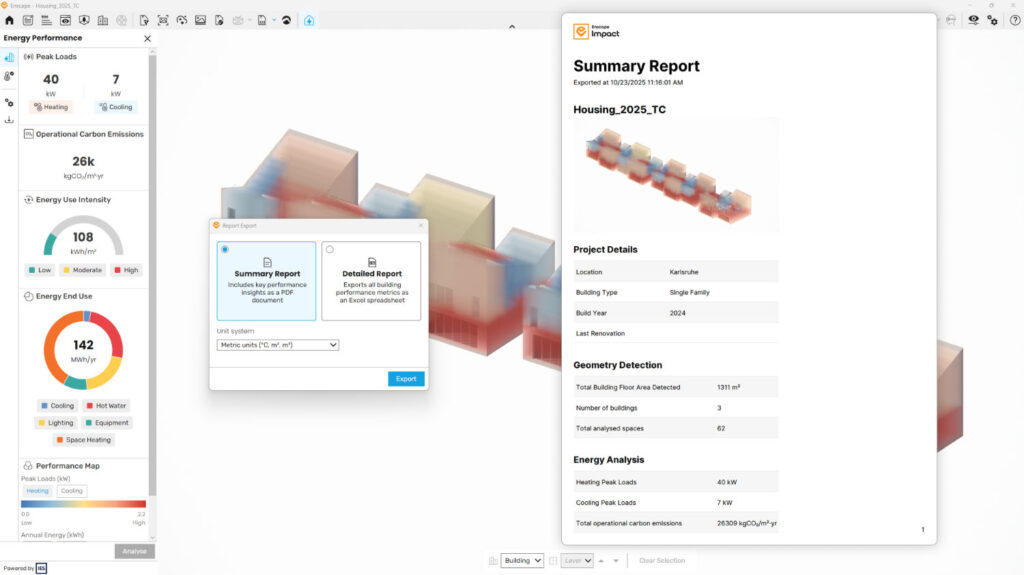
- Reports
You can now export analysis reports from Enscape Impact, including all key data and insights from the dashboard. This makes it easy to share designs, compare design variants, and document project performance for collaboration. - Thermal Comfort
You can now assess how comfortable your designs feel for users at an early stage of the design process with the new Thermal Comfort feature in Enscape Impact. Based on the PMV (Predicted Mean Vote) methodology, this feature visualizes how spaces behave throughout the year, allowing you to make more informed, comfort-focused design decisions — directly within your 3D design process!
Cloud collaboration and customer review with Chaos Cloud
- Chaos Cloud Review: Customers can now respond to visuals directly in the cloud and officially approve them. No more separate emails or large downloads; everything happens in one central location.
- Interactive 3D Streaming: You can share live walkthroughs via a link. Customers can walk through the design in their browser without having to install any heavy software themselves.
Switch to the Chaos ArchDesign Collection
The Chaos ArchDesign Collection is the complete toolbox for the modern architect and visualizer. Instead of separate licenses, this collection gives you access to the entire Chaos ecosystem: from Enscape‘s rendering speed to creative design ideation with Veras, and from Envision‘s animation capabilities to Enscape Impact‘s energy analyses.
Are you currently working with a separate Enscape license? Then we have good news for you. Switching to the full ArchDesign Collection is surprisingly affordable. For just a few Euros on top of your current subscription, you can upgrade your workflow to a professional level and immediately benefit from all the new features and seamless connection between your favourite design tools.