SketchUp in the BIM Workflow of De Twee Snoeken
From Sketch to a Successful Final Design.

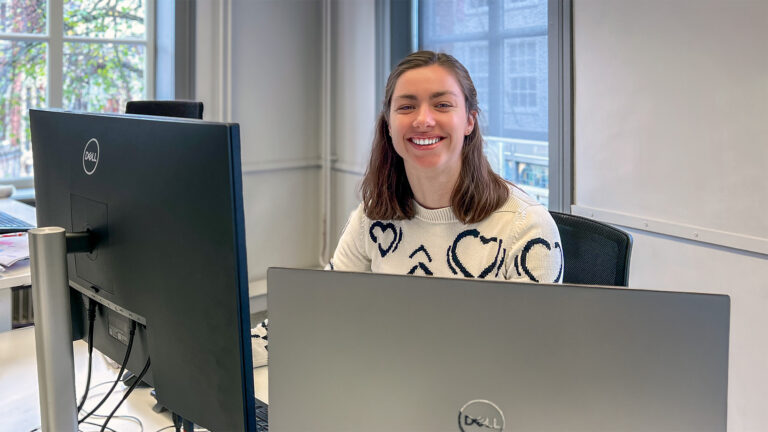
De Twee Snoeken has been a leading name in Dutch architecture since 1961, known for its innovative and sustainable designs, from town halls to large utility buildings. Anouk Dalderop, architect at the Den Bosch–based firm, explains how the architecture team has been using SketchUp for over 15 years as an indispensable “thinking tool” alongside powerful BIM software such as Revit. In this article, she discusses their hybrid workflow, the role of SketchUp in communication with all stakeholders, and the projects that make De Twee Snoeken so unique.
De Twee Snoeken and SketchUp in Short
With more than 100 employees, De Twee Snoeken is a unique organisation that combines two worlds: a renowned architecture firm and a strong software development branch that develops its own BIM tools and solutions, such as BouwConnect and Smart Twin.
Within the 35-person architecture team, around 15 architects focus primarily on the design process, from interior to exterior architecture. They form the core group of SketchUp users at De Twee Snoeken. The rest of the team mainly uses it to open and review designs.
SketchUp and Revit: a Powerful Combination
At De Twee Snoeken, the best tool is selected for each task, which in practice leads to an efficient hybrid workflow between SketchUp and especially Revit.
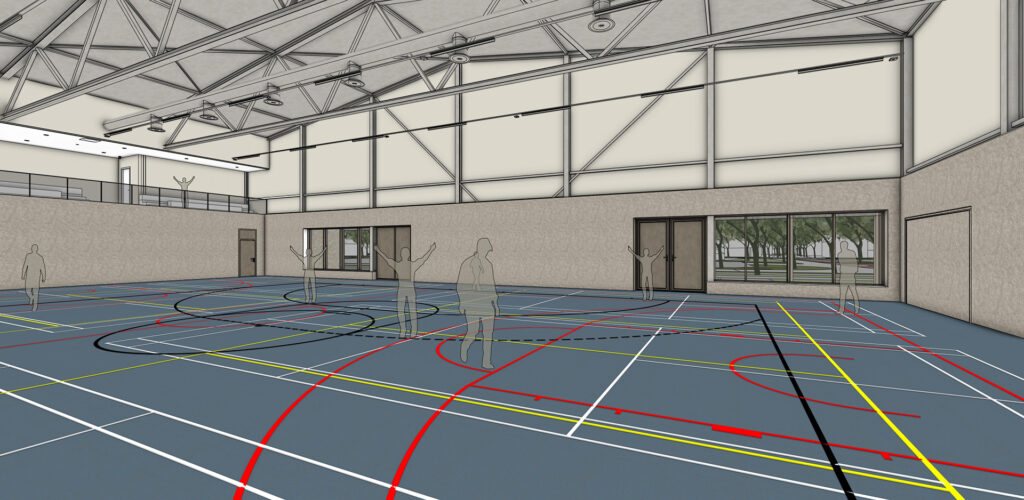
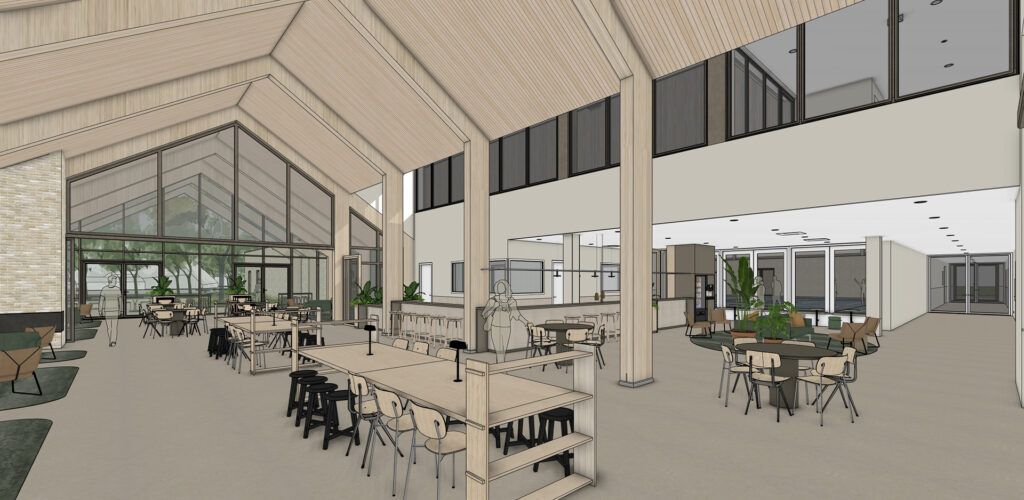
“For the design process, the look and feel, how the building relates to its surroundings, and how you move through it, SketchUp is always used,” Anouk explains. “The end user then gets the clearest possible impression of the function of the various spaces and how they will relate to one another in reality. The sketch designs and preliminary designs almost always originate from SketchUp. Our architects use it to assess, to test, to shift things around, and to clearly visualise the impact of choices.”
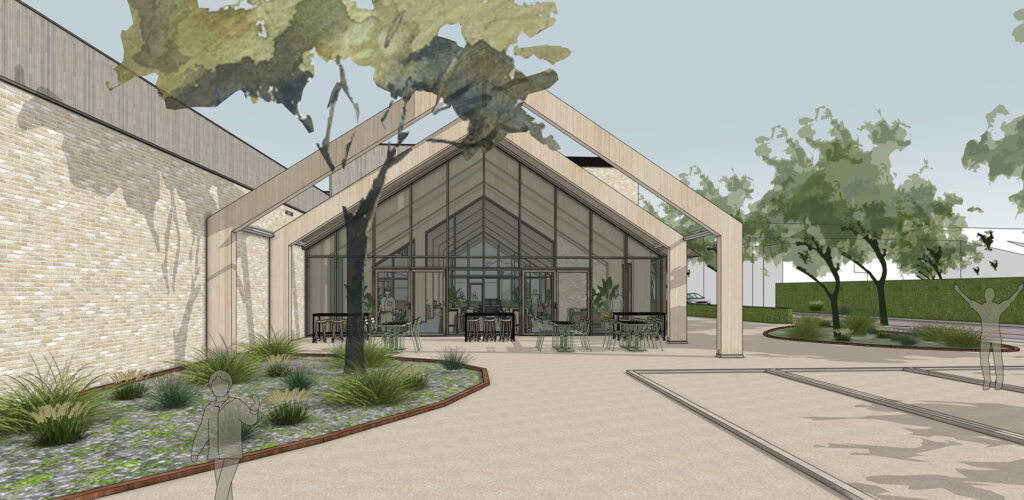
When it comes to technical drafting, Revit is always used. “But even in the later phases, SketchUp keeps coming back. For example, I extract all the numbers from Revit and test them in SketchUp to see the proportions and how everything works. We also still load the work of structural engineers, installation consultants, and building physics specialists into SketchUp to visualise the real situation as clearly as possible.”
“The only downside is that SketchUp struggles to load the complete model. So we often turn off a large portion of the layers (Tags) to work more efficiently and effectively with the 3D model. Furthermore, we often visualise from an eye-level perspective, which means we don’t need the rest of the building visible. A really useful function within SketchUp for this is ‘Hide rest of the model’. This allows you to work inside a single component without being distracted by noise from the rest of the model. It also reduces the chance of mistakes, since you’re always working in the right component or group,” Anouk explains.
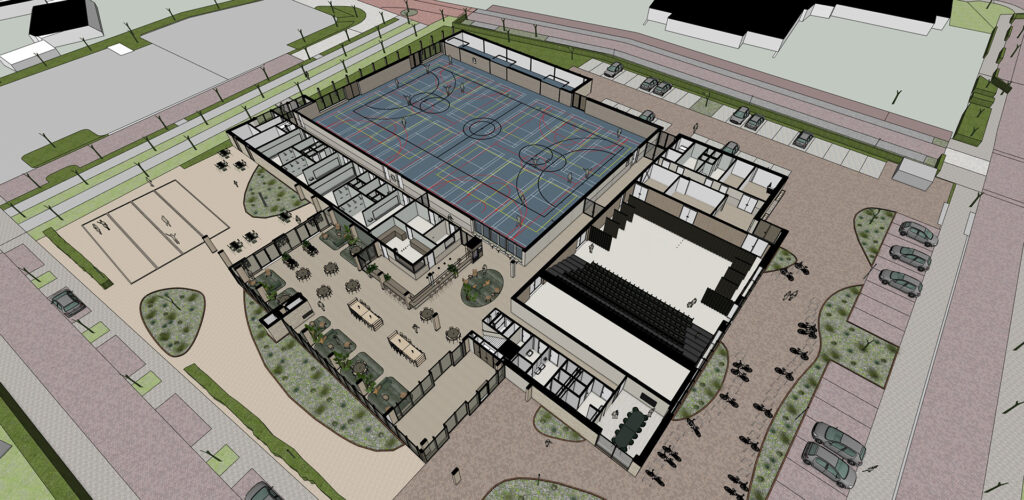
The exchange between SketchUp and Revit follows an internally developed protocol, as smooth two-way communication is crucial. “We export the Revit file as a 3D AutoCAD file and load that into SketchUp. That’s the most reliable workaround we’ve found internally to preserve the data while also harnessing SketchUp’s visual strengths,” she says.
Collaboration with Other Tools
Naturally, it’s not only SketchUp and Revit that play a role at De Twee Snoeken. “For example, we use Solibri to technically check the model and eliminate construction errors as much as possible.”
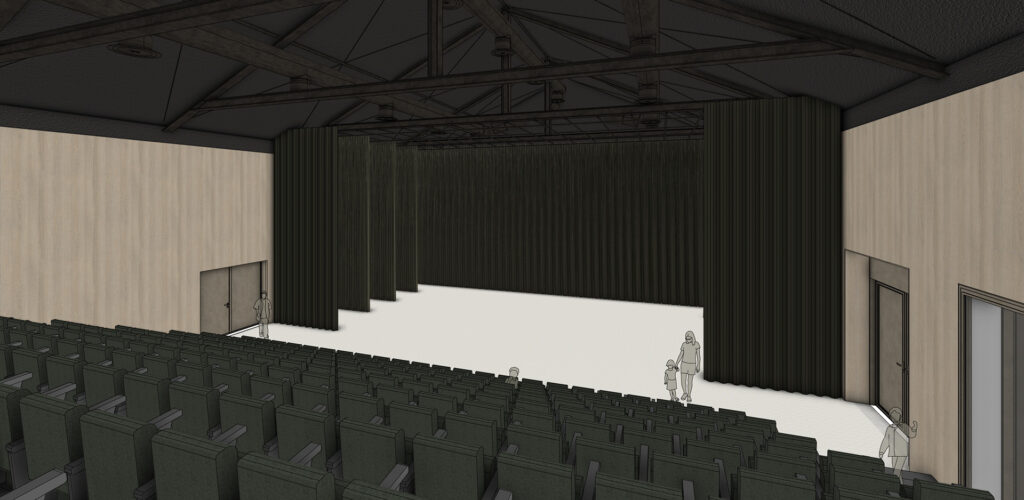
Anouk doesn’t create the rendering images herself: “We notice that clients tend to think a beautiful render is the final, fixed image, with no room for adjustments. Besides, SketchUp—especially with Ambient Occlusion and photorealistic materials—often gives us the perfect visual communication. People can imagine the outcome clearly, without thinking the design is already final.”
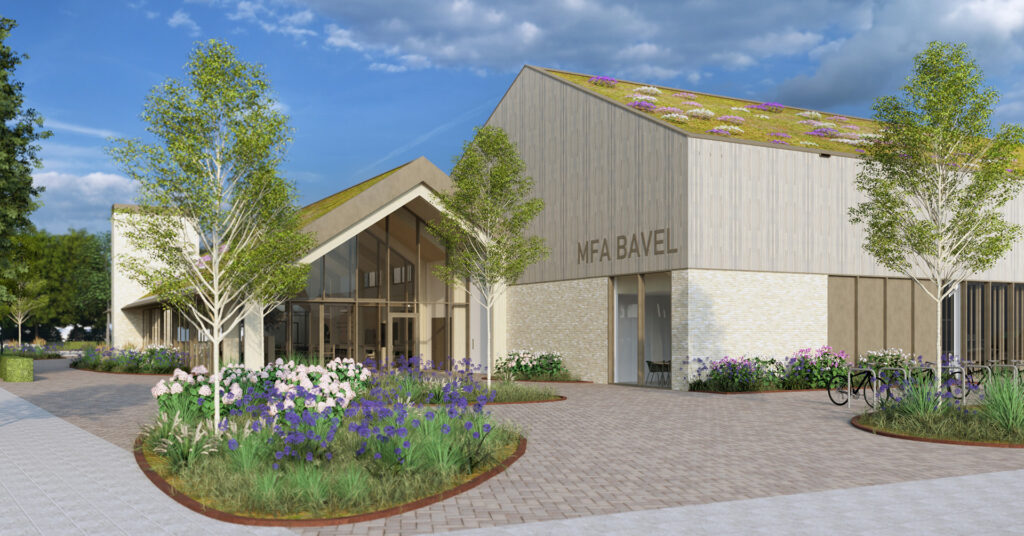
“Of course, we do create photorealistic renders, for example, at design phase milestones or during tender processes. We also occasionally outsource this to an external visualisation studio. The Communications department then uses these images for external project communication.”
Most people at De Twee Snoeken still primarily use SketchUp and Revit. “I do have a colleague whose screen is full of Extensions, but I personally only use SketchUp’s native tools. For me, and for many of my colleagues, that’s more than enough.”
LayOut is frequently used to produce custom booklets. “But for technical 2D drawings, we always rely on Revit.”
They also regularly 3D-print models. “We use the Bambu Lab 3D printer for this. In SketchUp, we create a solid of the model and then upload it to the printer’s model checker.”
SketchUp is The Ideal Presentation Tool
A good design truly comes to life when it is communicated effectively to all stakeholders. “The person who works on the project also presents it. We often work in small teams and present our work to clients, end users, design review committees, and municipalities. Each has a different perspective, but SketchUp is always the ideal visual tool.”
“We often open the live SketchUp model, allowing people to really experience what the building will become. We guide them through the building and show them the surrounding area. This is far more effective than showing two-dimensional drawings.”
“We rarely make live changes during a presentation. Sometimes we receive feedback about façade details or similar elements. We take this feedback with us and assess feasibility internally. Every design decision must be well-considered and functional for everyone.”
“The model we use for presentations is always the most complete model, including the more complex installation and structural details. This ensures that the visualisation shown to the client always represents a complete, three-dimensional image that accurately reflects the real situation.”
The Common Thread in the Design Process
De Twee Snoeken demonstrates how powerful the combination of intuitive design and precise modelling can be. By combining SketchUp with technical BIM tools like Revit, they realise projects that are both thoughtful and sustainable. This has recently been proven through multiple award-winning projects such as GGD Gelderland-Zuid, the Renovation of the Berghege Construction Office, and the House of the Municipality of Voorst.
For all projects, SketchUp is more than a starting point: it is the creative heart of their workflow. “SketchUp is the language in which we think and communicate about design. It allows us to immediately shape, share, and discuss our ideas. From the first sketch to the final design. SketchUp plays a major role in every stage of the design process,” Anouk concludes.
Anouk’s Story with SketchUp
Anouk has been working with SketchUp since the beginning of her Architecture studies (2015) at Eindhoven University of Technology, where she earned both her bachelor’s and master’s degrees in architecture.
She has been working as an architect at De Twee Snoeken for 3.5 years, using SketchUp professionally for a wide range of projects, mostly in utility construction.
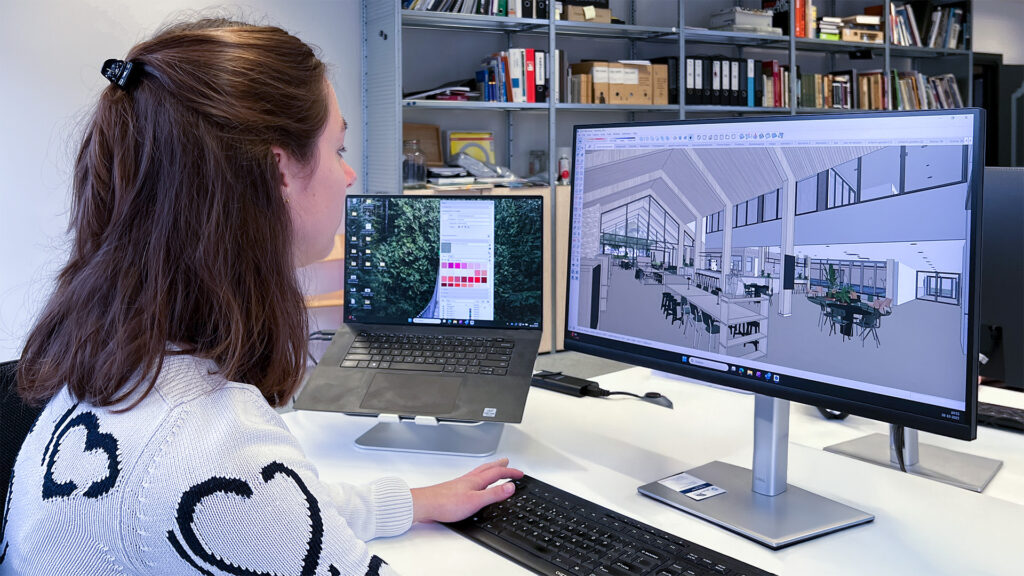
“That’s what makes my job so much fun! One moment we’re working on a town hall, the next on a detention facility or a multifunctional centre. These types of projects are especially enjoyable because you often work directly with the end users. They are usually very passionate about the building, and it’s highly rewarding to bring their ideal vision of the space to life together.”
In SketchUp, Anouk enjoys using the following functions:
| Push / Pull | “Especially the double-click to repeat the last action—it’s great for quick adjustments.” |
| Offset | “I often use this to work out window frame details in the correct proportions.” |
| Follow Me | “Very useful for drawing furniture or complex shapes that must follow a specific path.” |
| Hide Rest of the Model | “This ensures you always work within the correct component, temporarily removing the noise of surrounding geometry.” |
| Ambient Occlusion | “Ideal for making the image a bit more realistic, without making it look final as a render would.” |
| Parallel Projection | “Perfect for creating diagrams about logistics, sightlines, and routing.” |
The only feature Anouk truly misses in SketchUp is a good tool for modelling window frames that correctly cut through multilayer walls. “We often model walls in several layers, and a window frame doesn’t automatically cut through all those layers.”
“SketchUp is the language in which we think and communicate about design.”
Anouk Dalderop – Architect bij De Twee Snoeken