









Unreal Engine
Powerful Real-Time 3D Creation Engine
Bring your ideas to life with stunning graphics, film-quality real-time visuals, and endless interactivity

Is Unreal Engine right for you?
Unreal Engine is suitable for anyone creating high-quality real-time 3D content: from games and film to architecture, industry, and education.
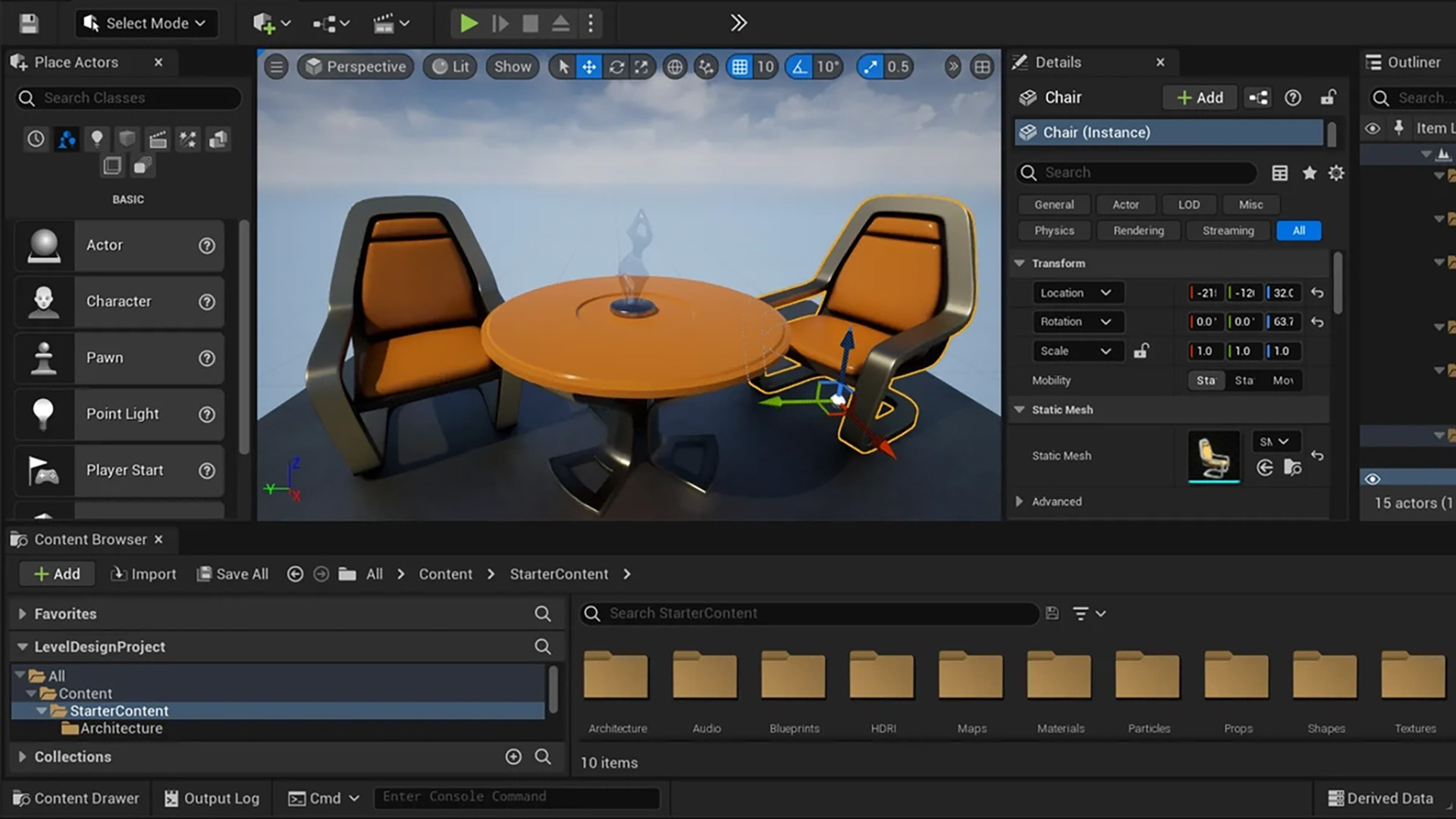
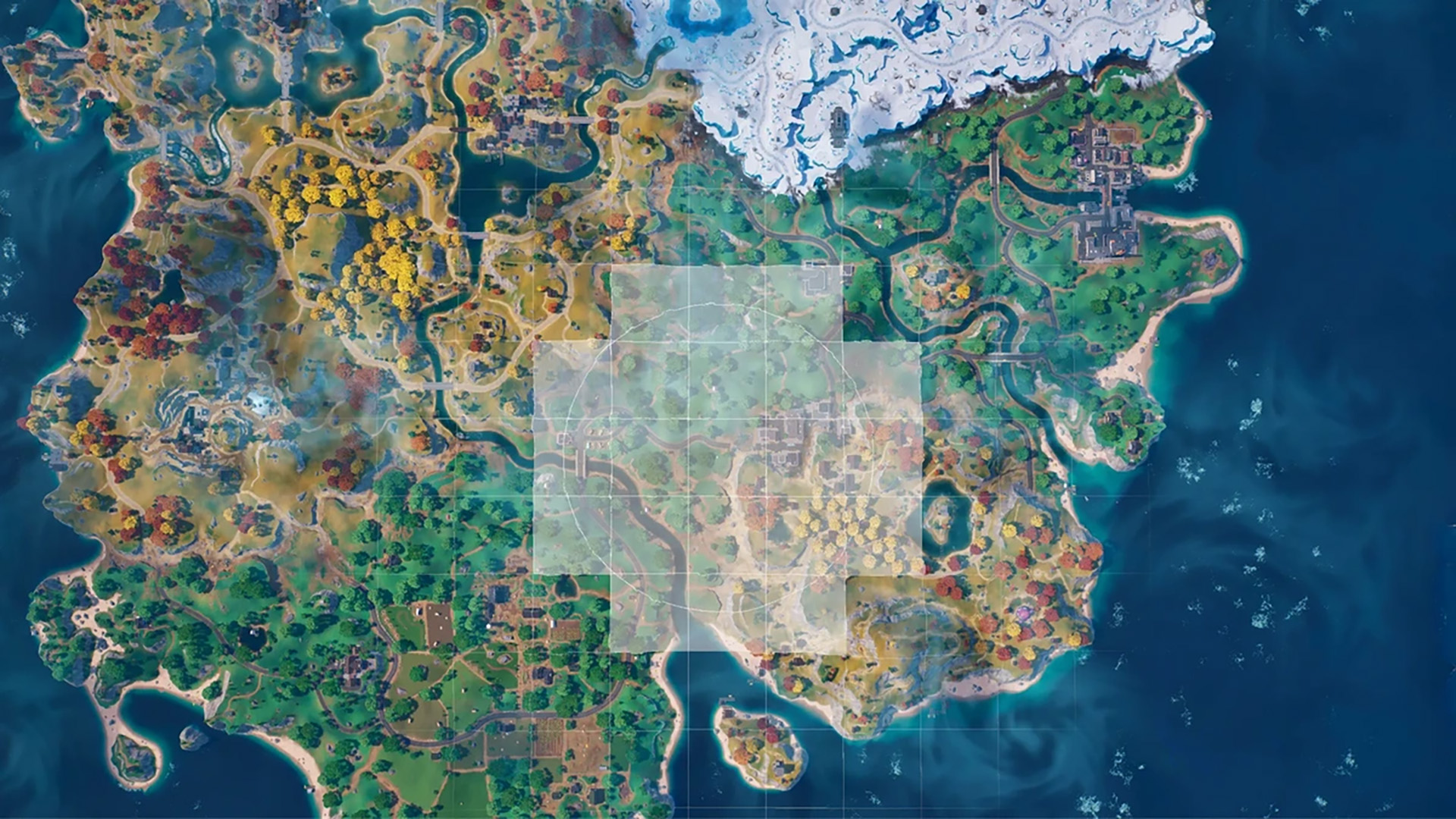
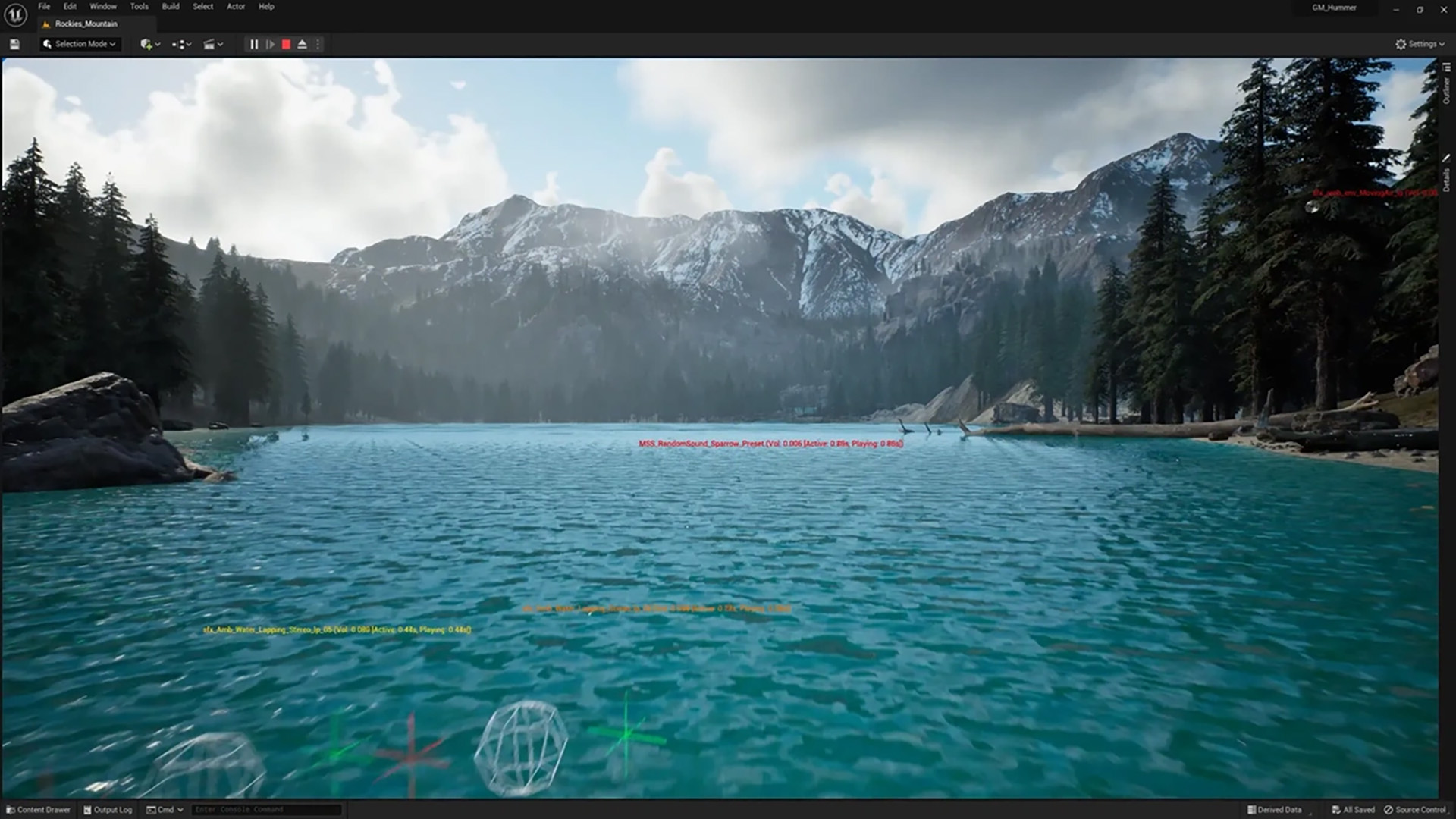
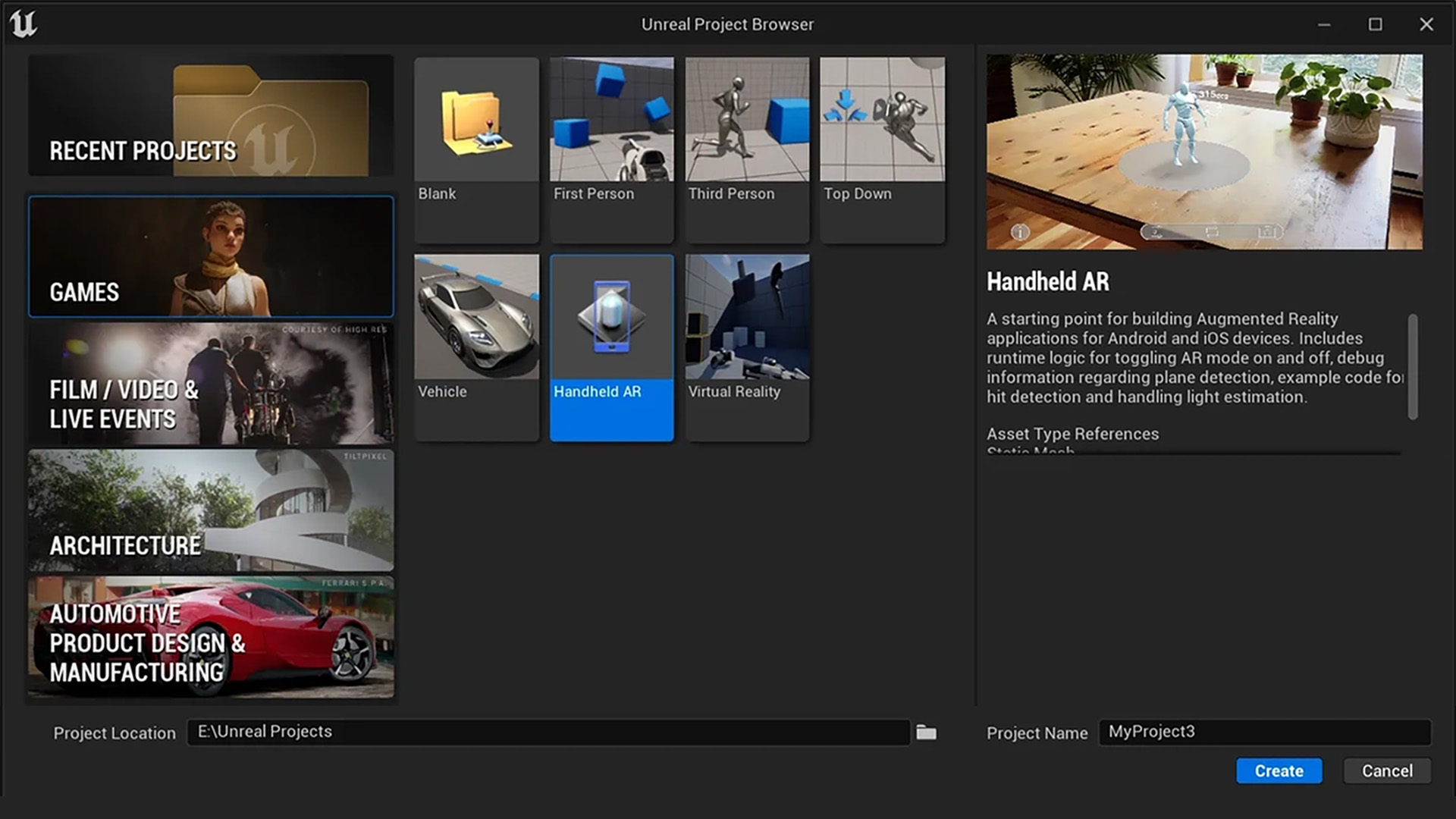
Build impressive games for PC, console, mobile, and VR/AR – from small indie projects to large-scale AAA titles, with detailed environments, realistic physics, and immersive gameplay.
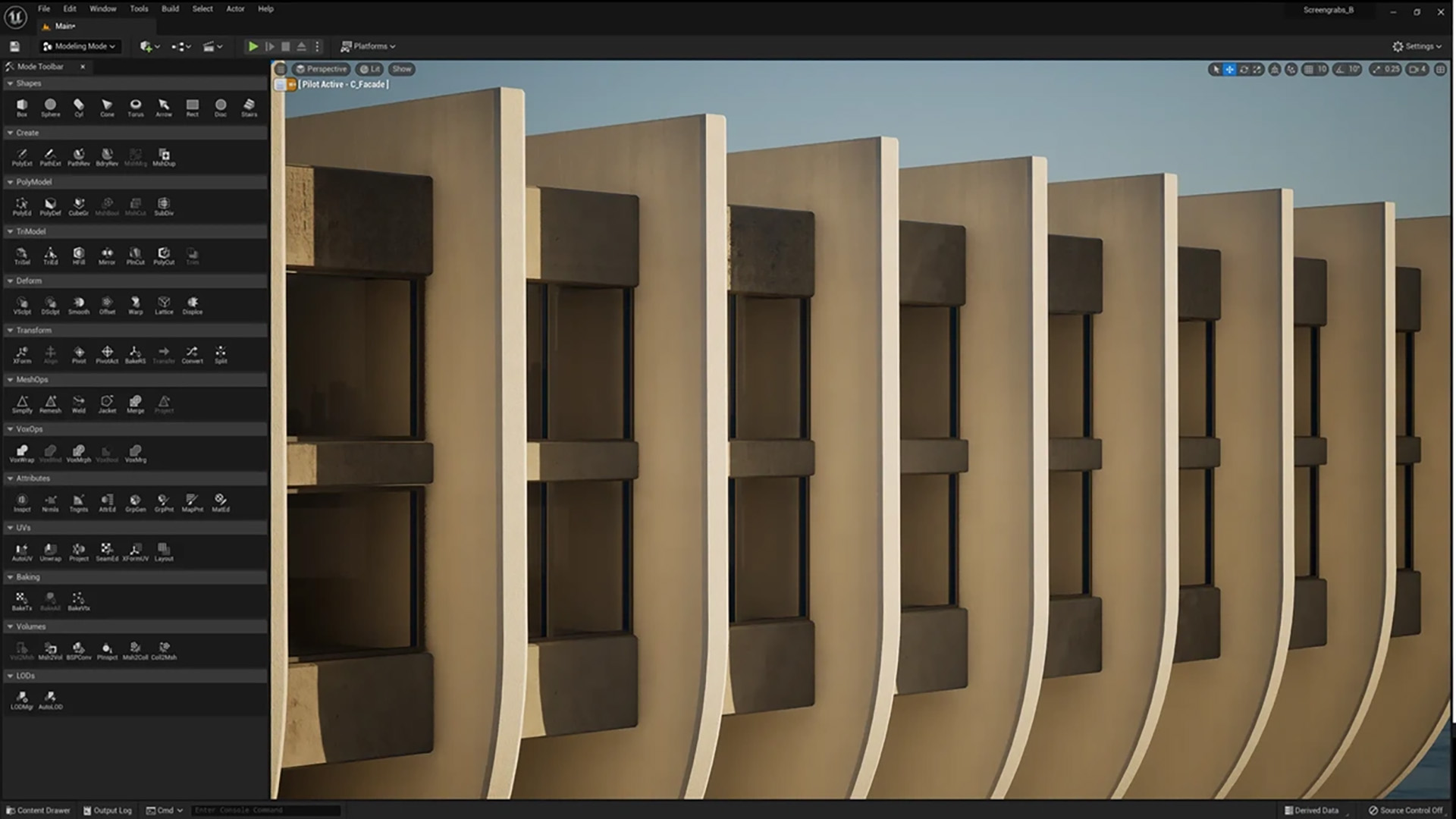
Bring buildings, interiors, and urban designs to life with realistic visualizations and virtual walkthroughs that convince clients, investors, and stakeholders.
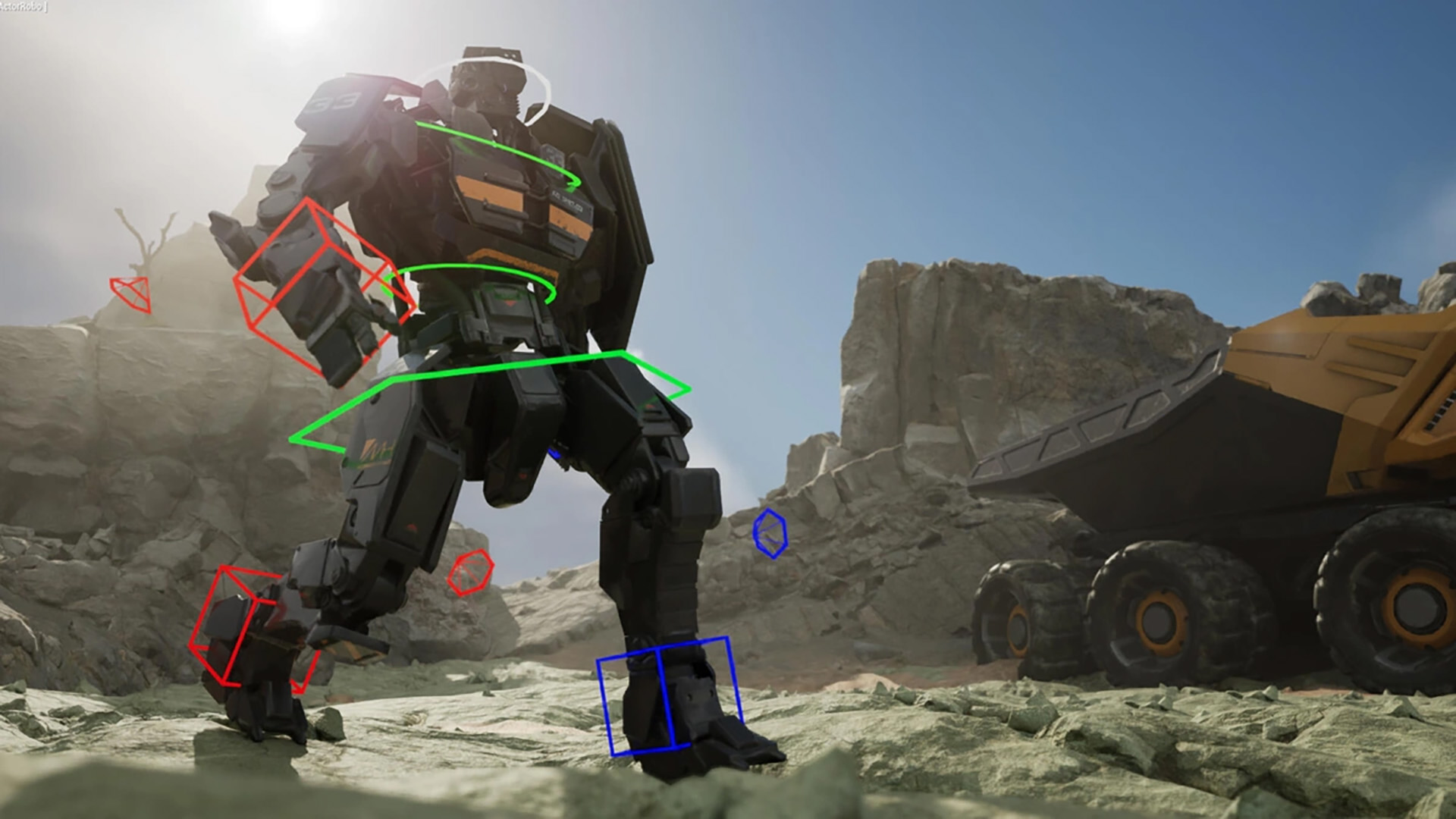
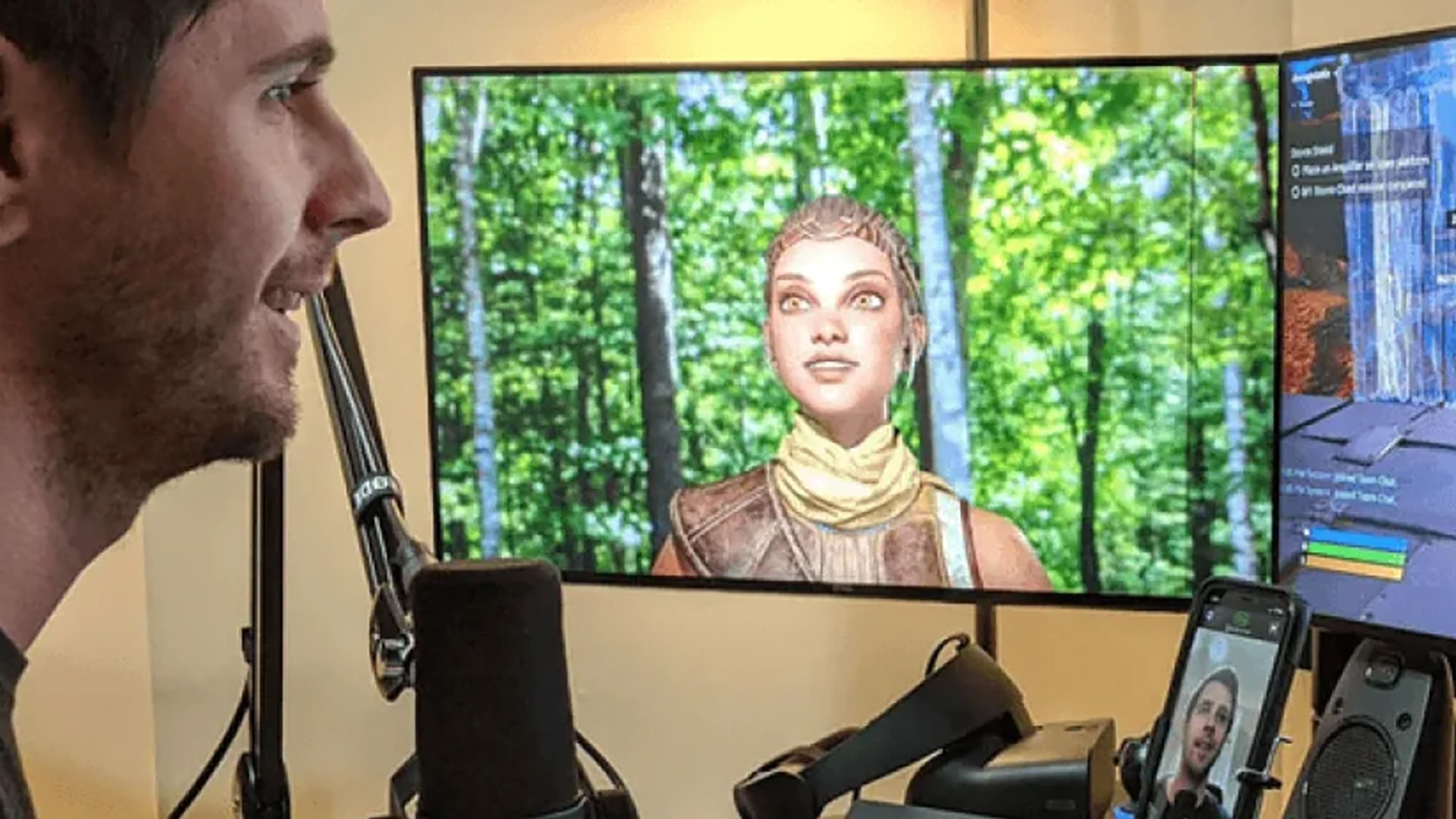
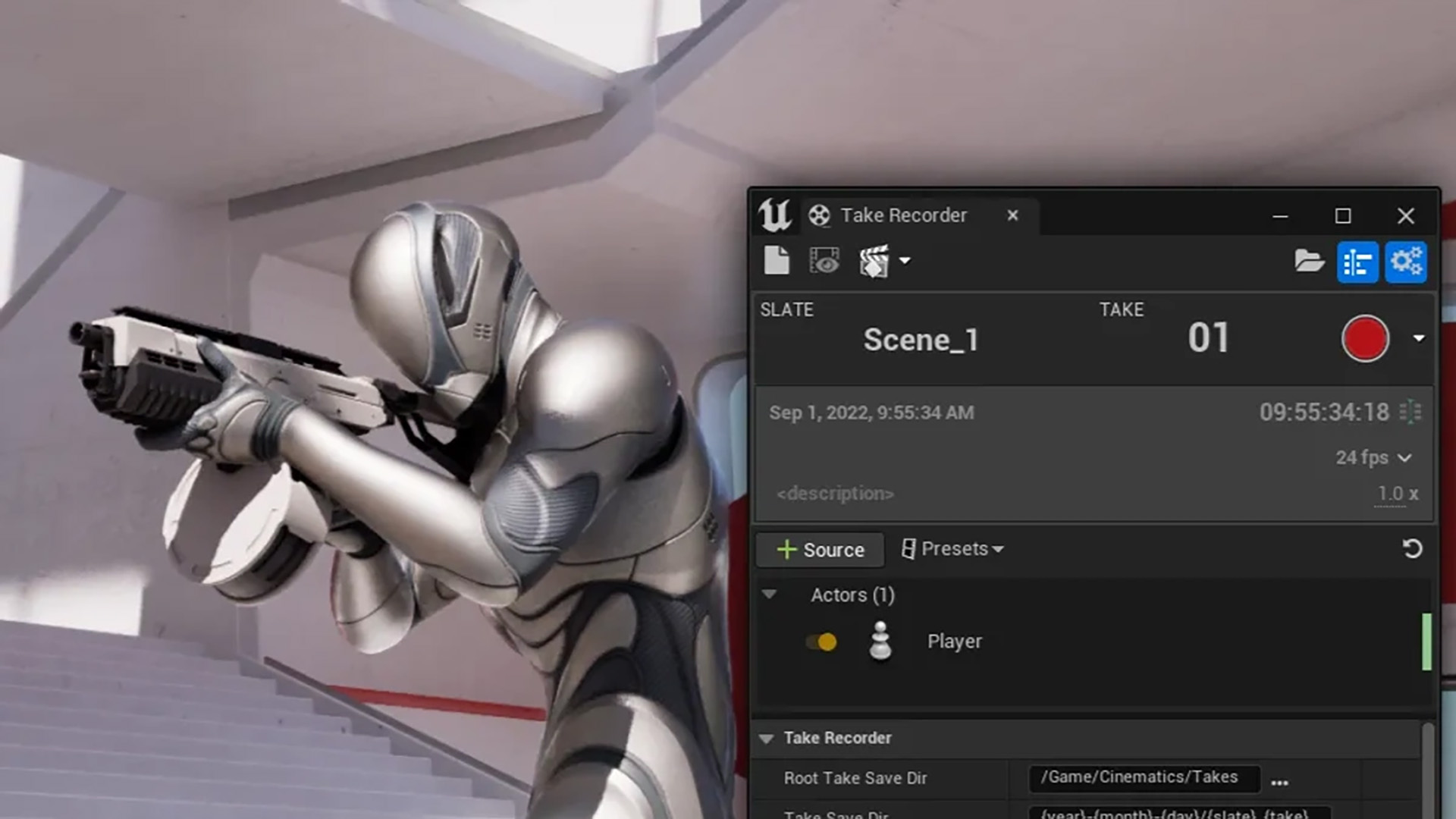
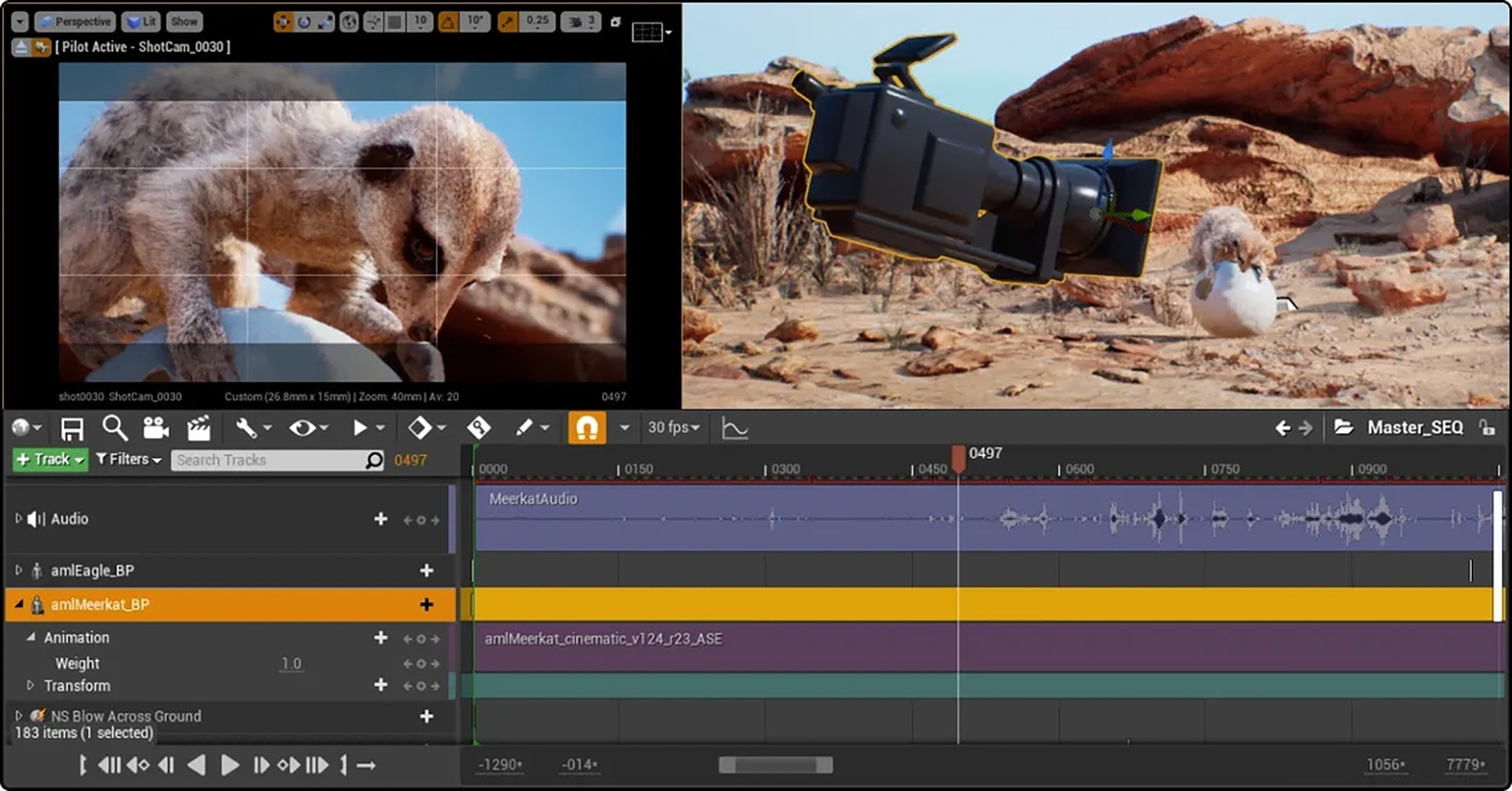
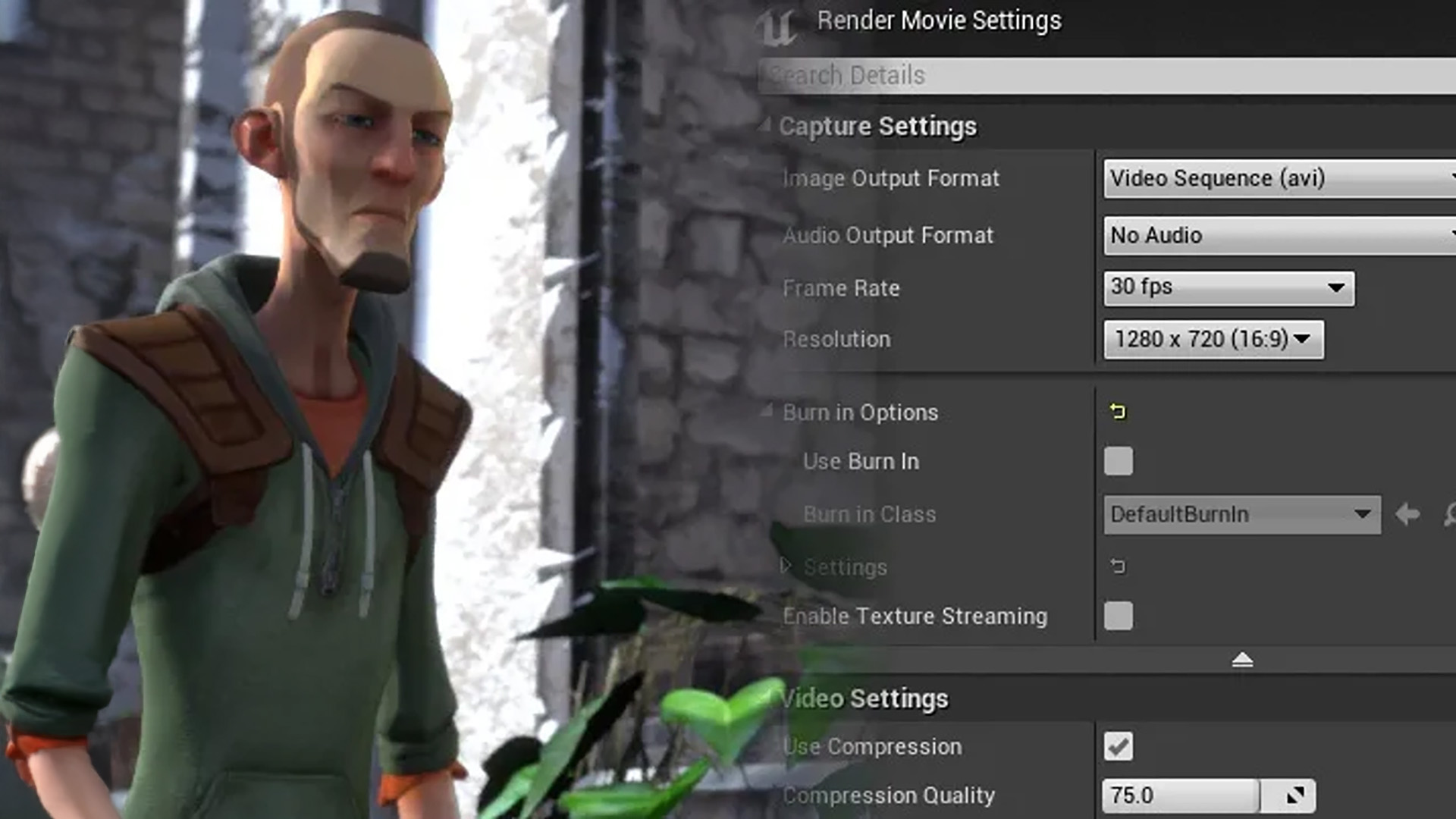
Develop real-time cinematics and digital animations with film-quality lighting, effects, and camera workflows, directly within the engine.
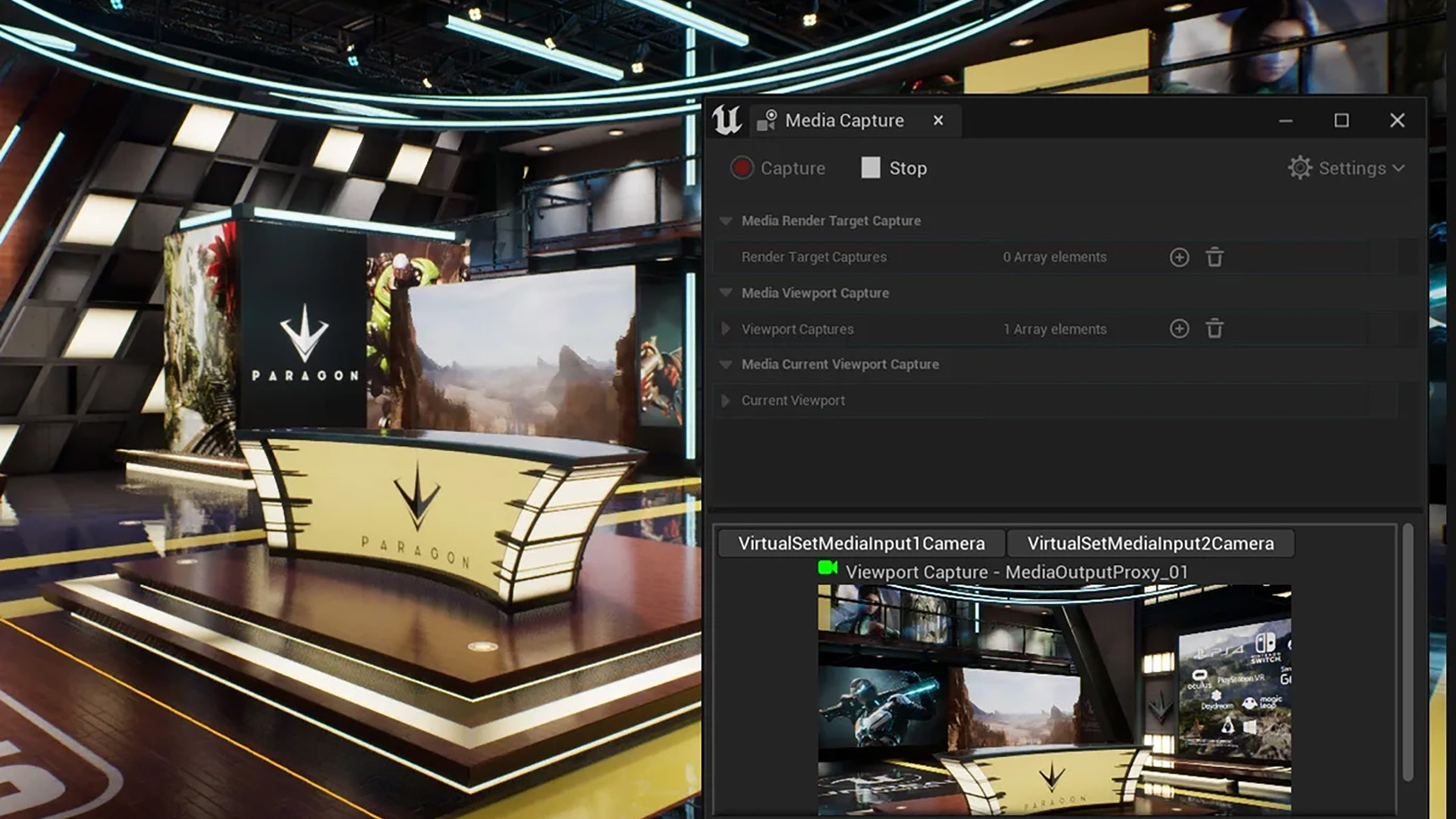
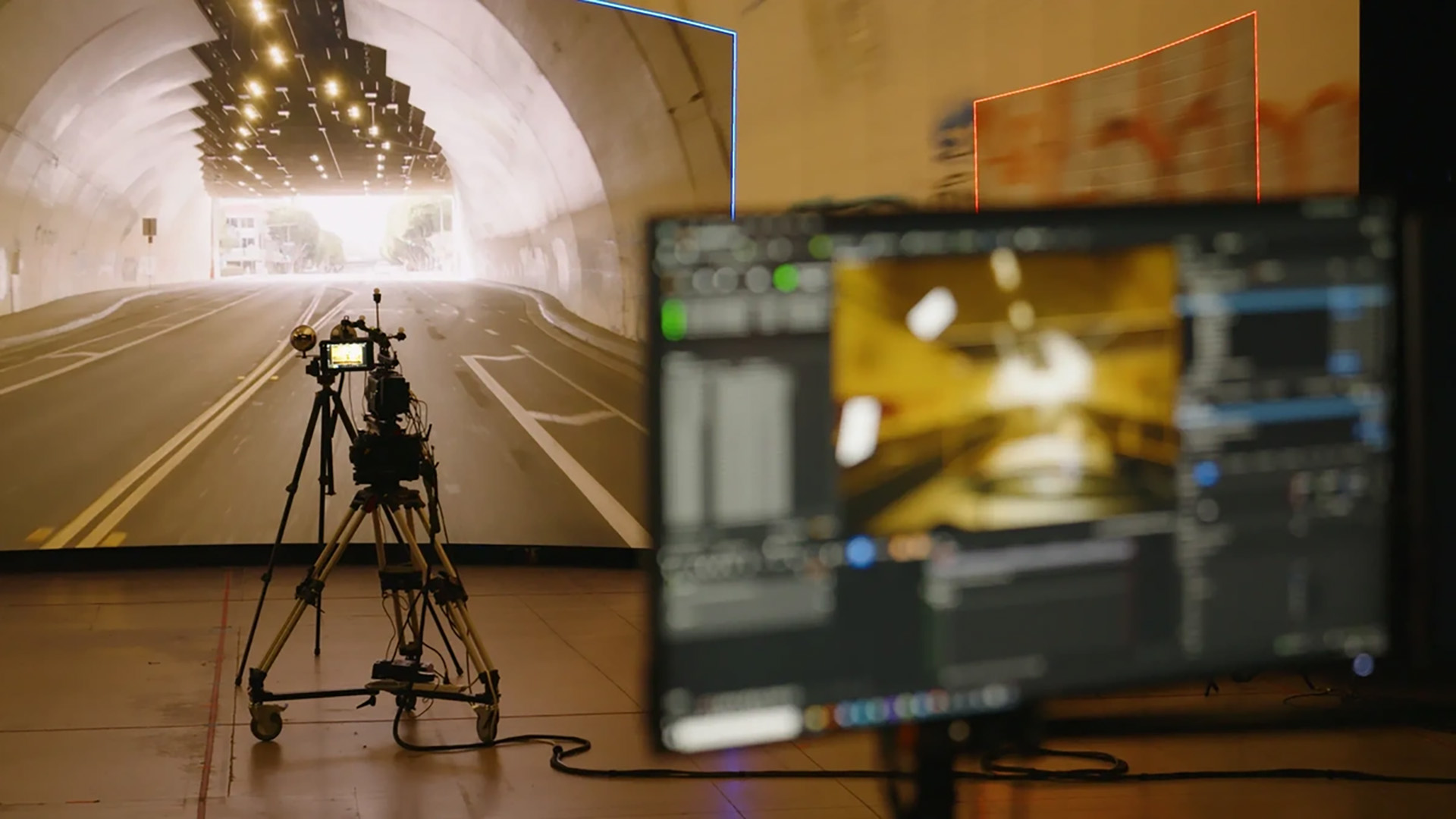
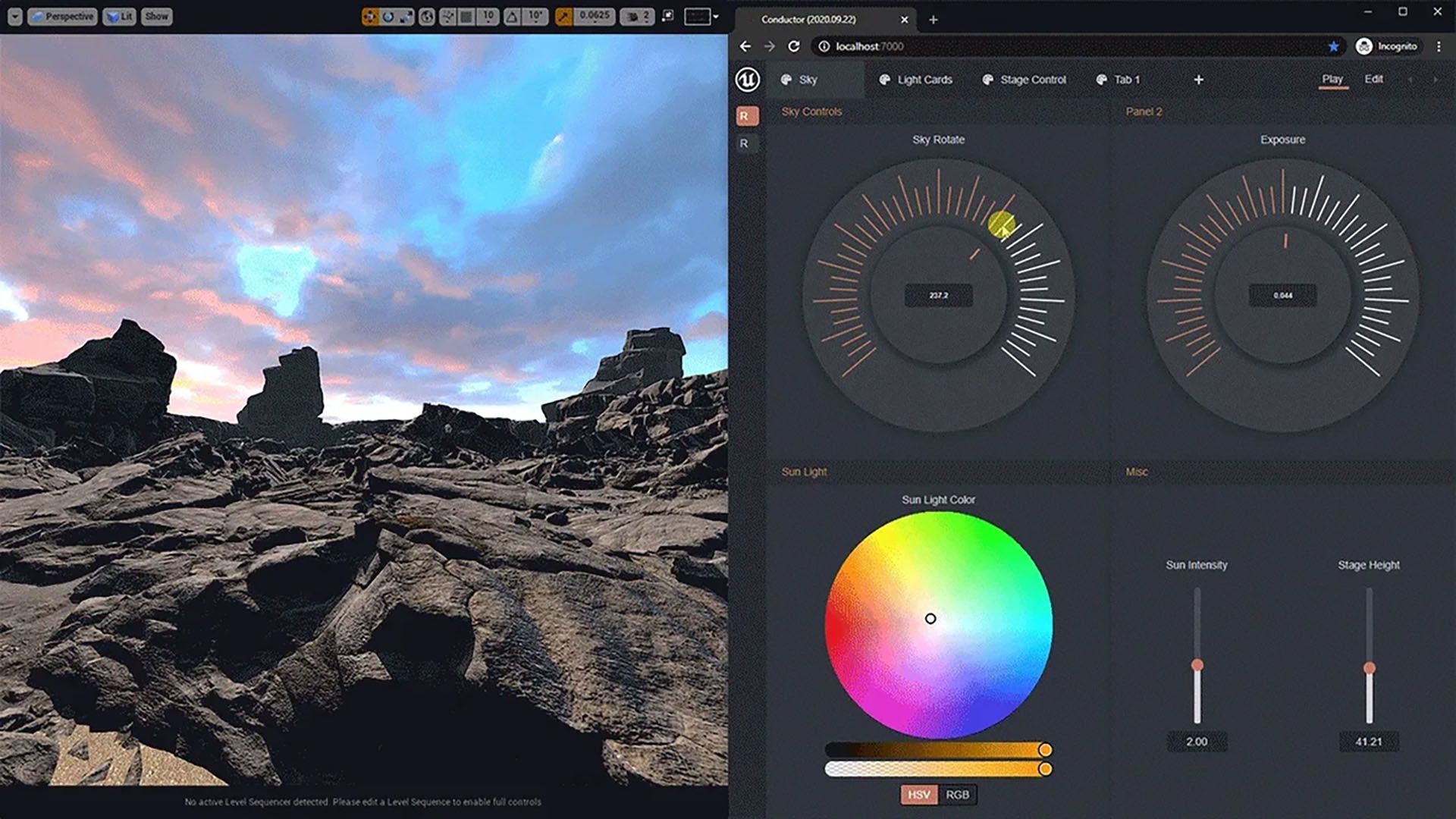
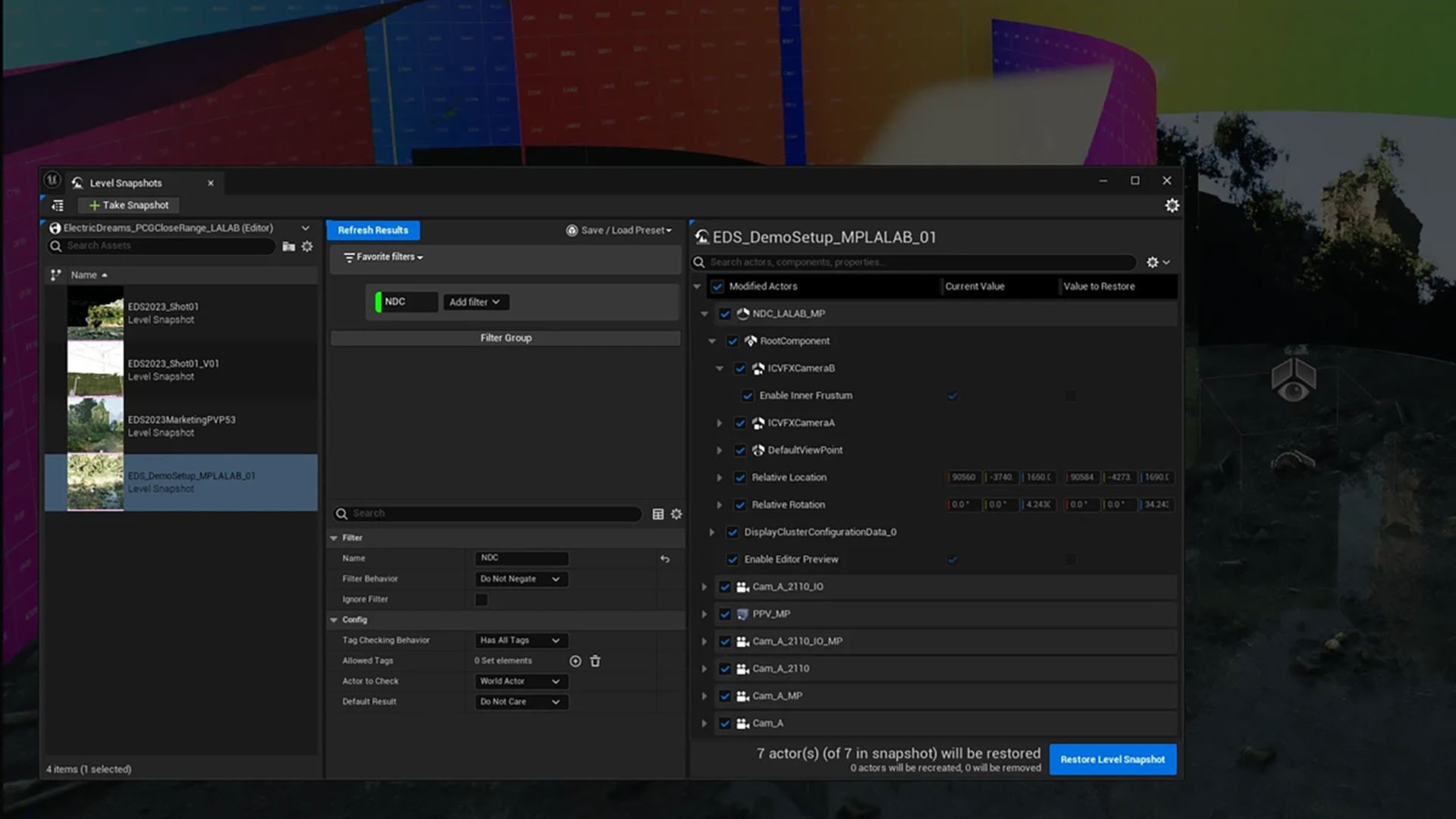
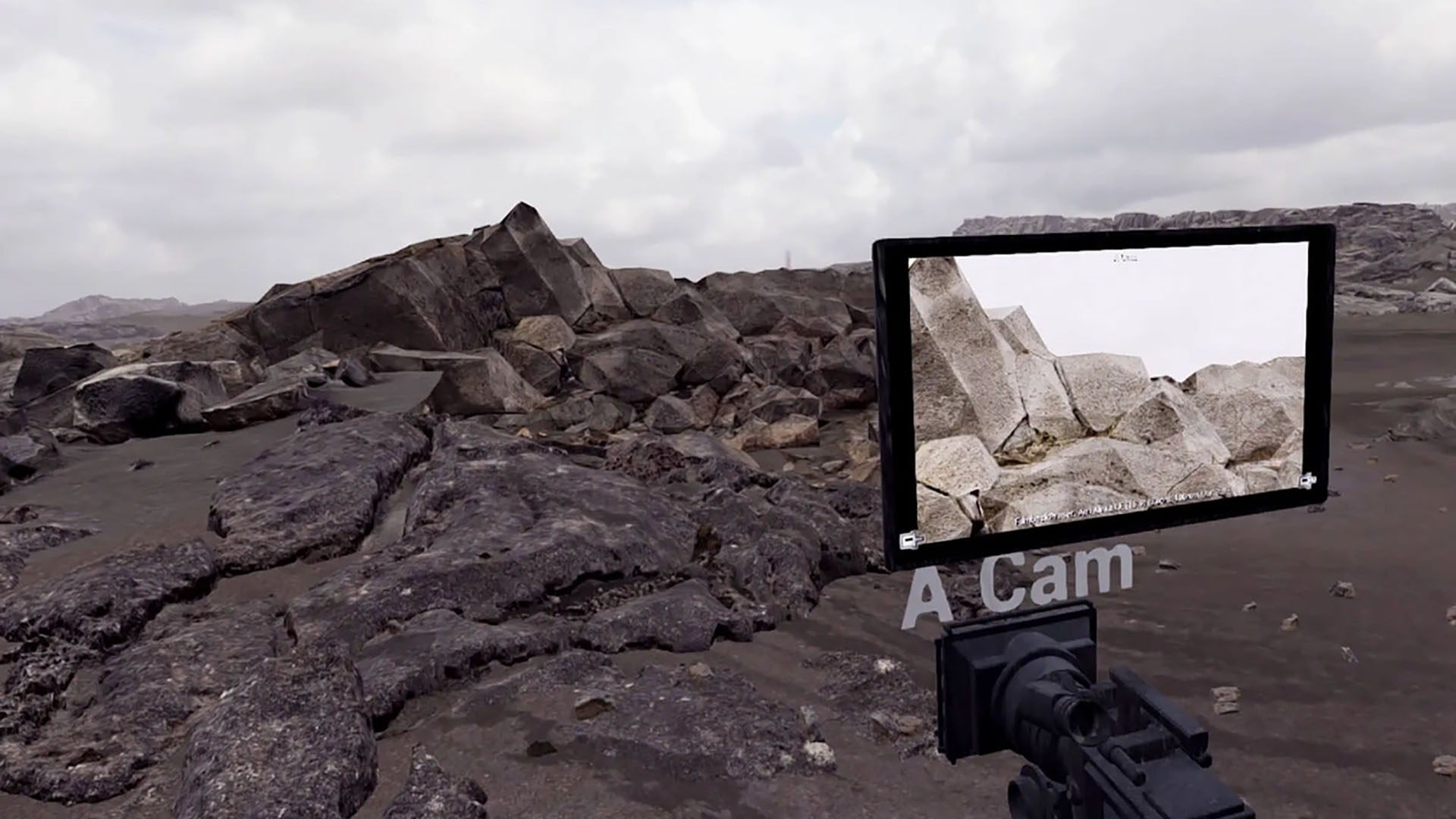
Seamlessly combine live-action and digital sets in virtual production environments, allowing creatives to test and adjust sets and scenes in real-time.
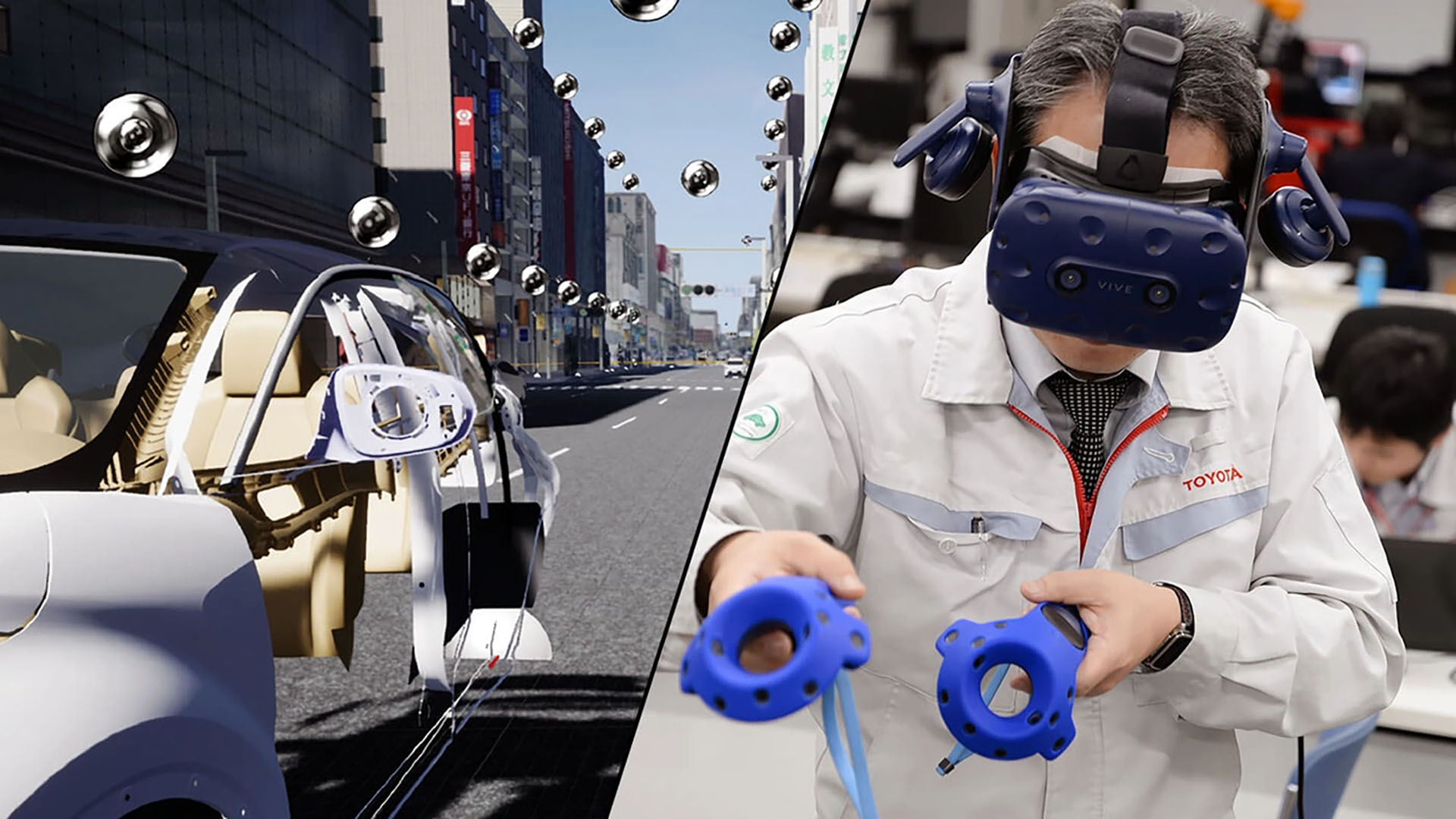
Simulate realistic environments for training, education, and safety procedures, making learning interactive, engaging, and practically applicable.
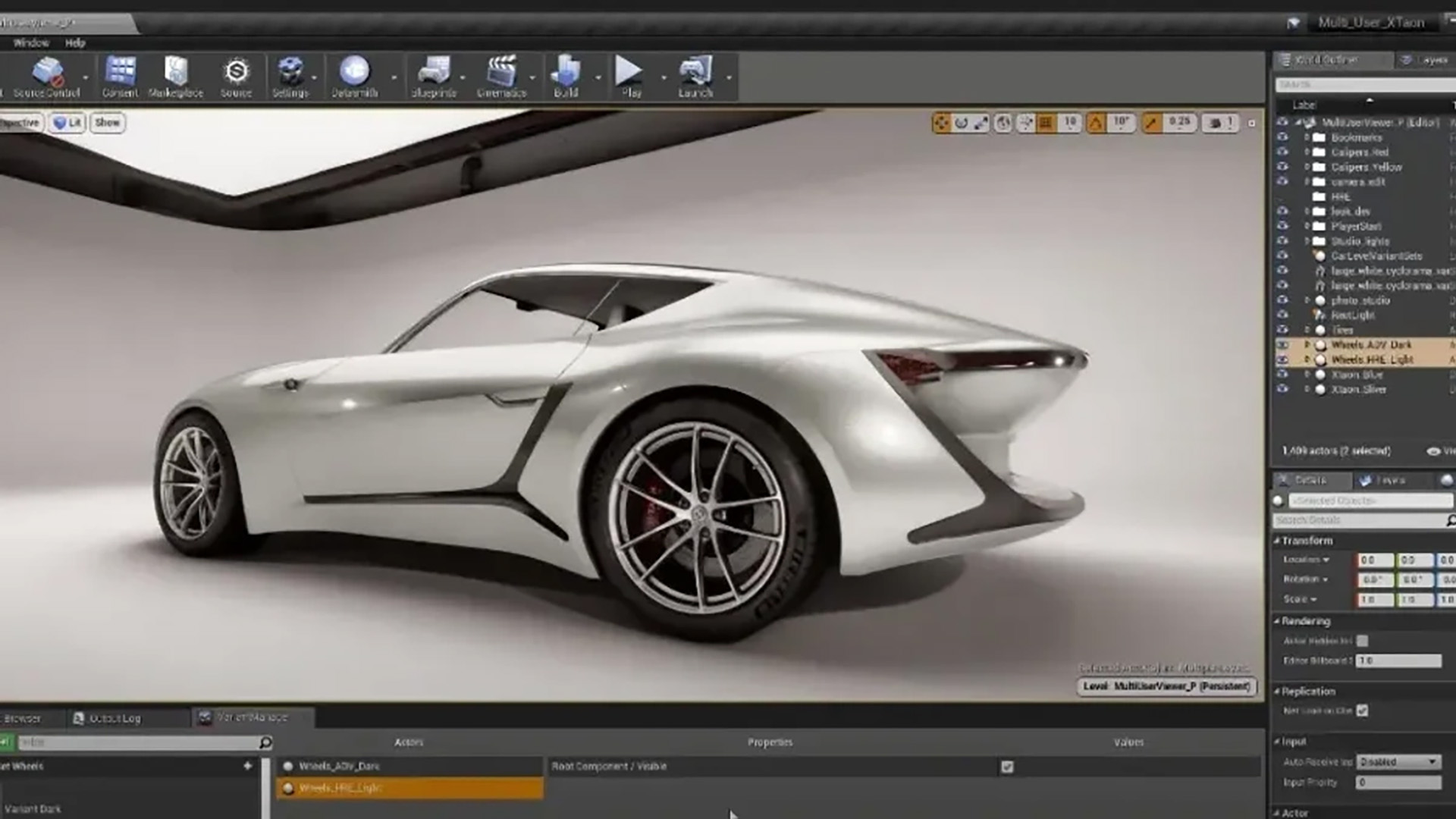
Showcase vehicles and products in high resolution, with accurate materials and light reflections, presenting designs optimally to clients and stakeholders.
Create interactive showrooms, configurators, and presentations that directly engage customers and provide memorable experiences.
Dive into immersive virtual worlds with dynamic lighting, physics effects, and interactive storytelling that fully engage users.
Build impressive games for PC, console, mobile, and VR/AR – from small indie projects to large-scale AAA titles, with detailed environments, realistic physics, and immersive gameplay.
Develop real-time cinematics and digital animations with film-quality lighting, effects, and camera workflows, directly within the engine.
Simulate realistic environments for training, education, and safety procedures, making learning interactive, engaging, and practically applicable.
Create interactive showrooms, configurators, and presentations that directly engage customers and provide memorable experiences.
Bring buildings, interiors, and urban designs to life with realistic visualizations and virtual walkthroughs that convince clients, investors, and stakeholders.
Seamlessly combine live-action and digital sets in virtual production environments, allowing creatives to test and adjust sets and scenes in real-time.
Showcase vehicles and products in high resolution, with accurate materials and light reflections, presenting designs optimally to clients and stakeholders.
Dive into immersive virtual worlds with dynamic lighting, physics effects, and interactive storytelling that fully engage users.
Features
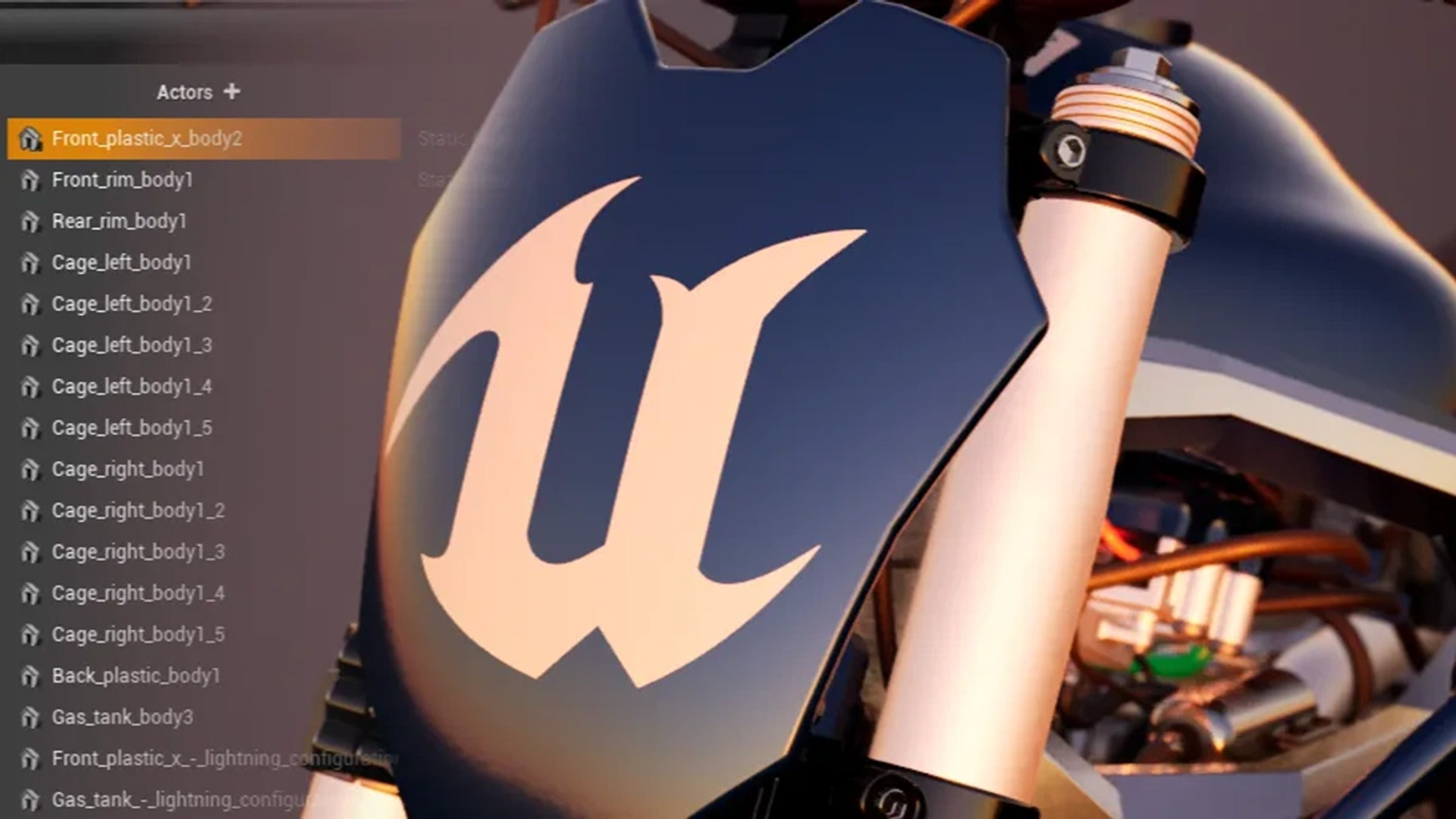
Support for FBX, USD, and Alembic |
|
|---|---|
|
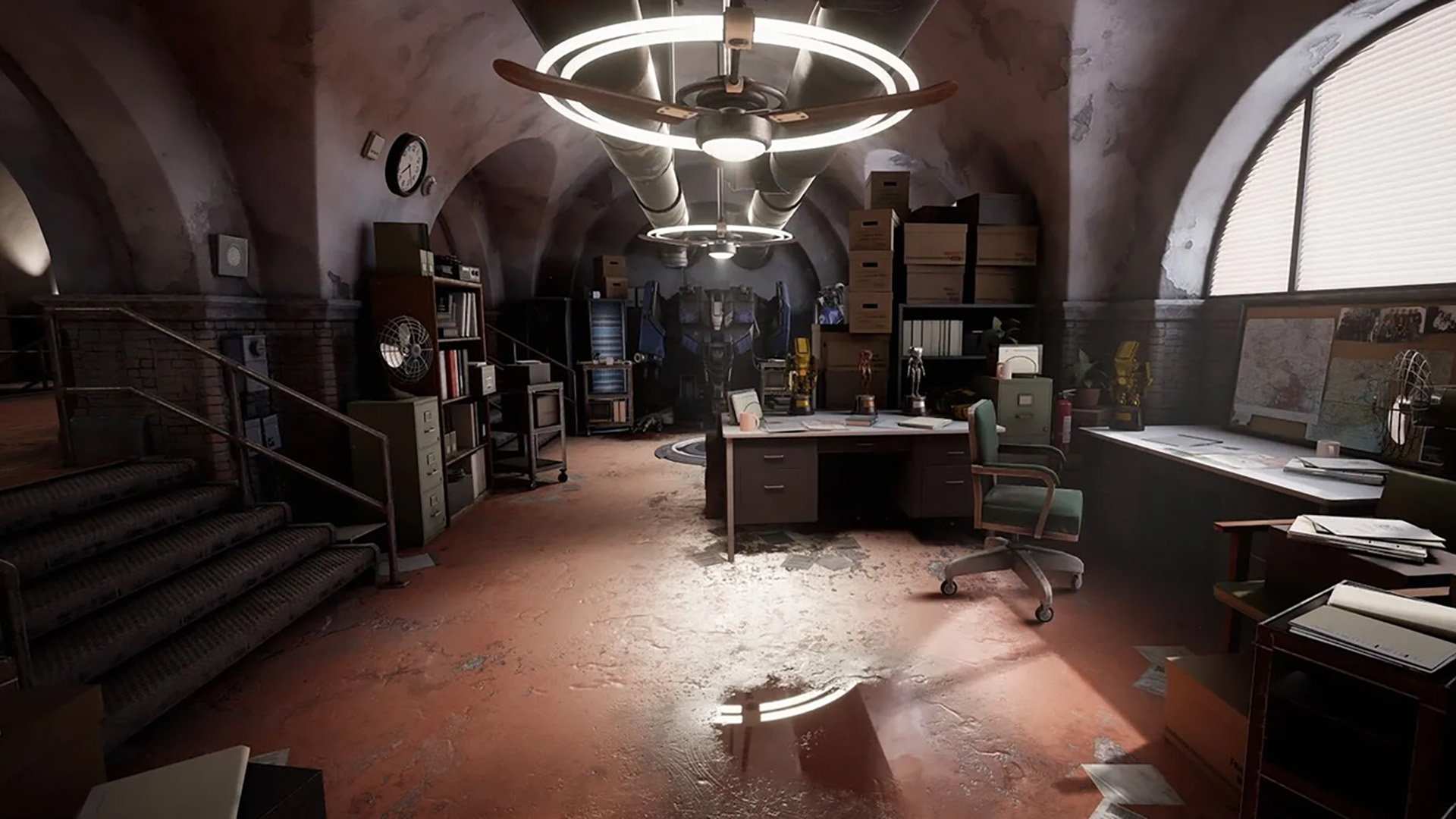
Unreal Engine supports all leading industry standards for 3D assets, including FBX, USD, and Alembic, allowing teams to collaborate seamlessly. USD files can be read directly without full import, and changes can be easily written back to the source. This enables real-time collaboration, shorter iterations, and increased productivity in both small and large teams. |
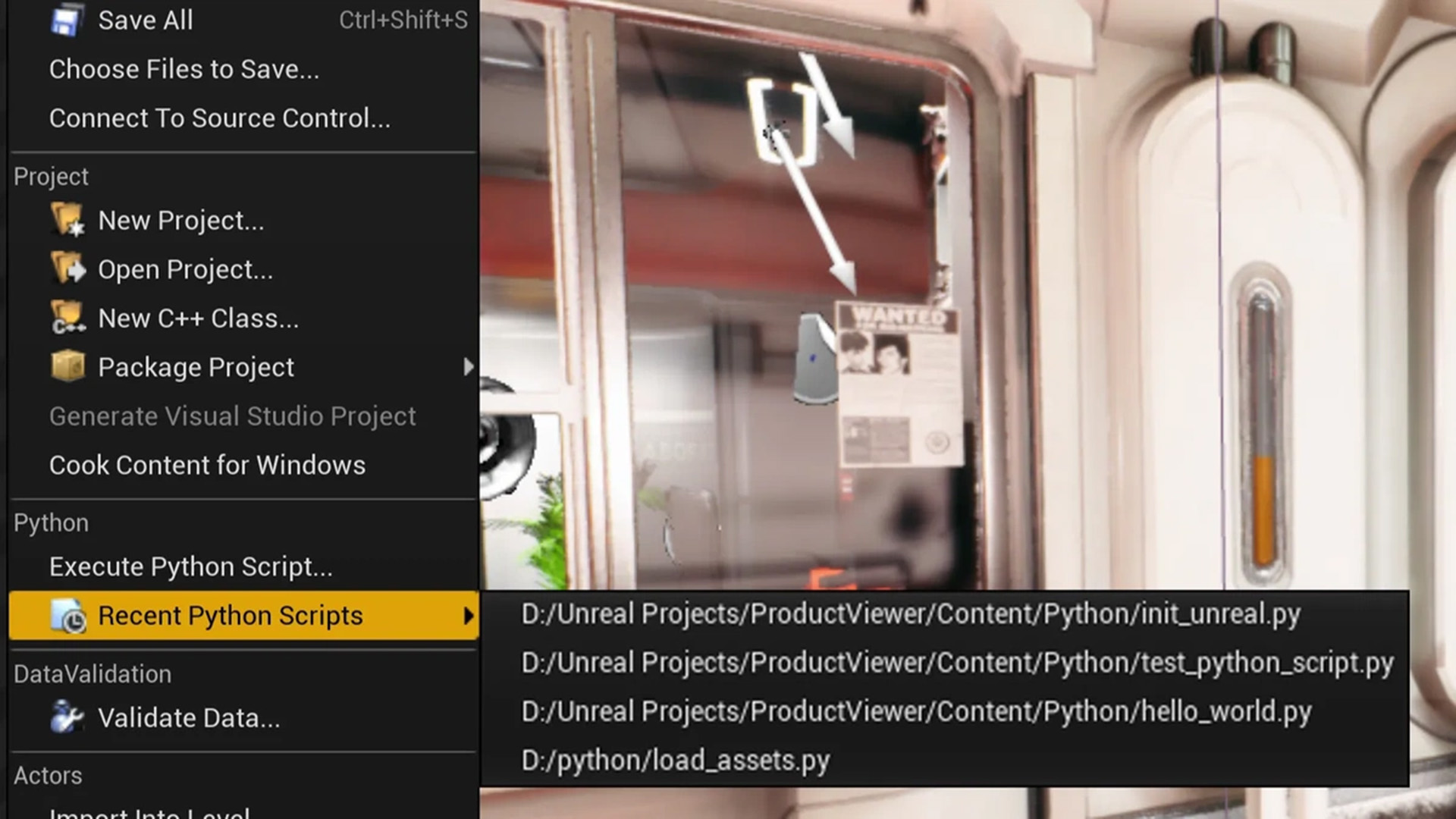
Python Scripting |
|
|
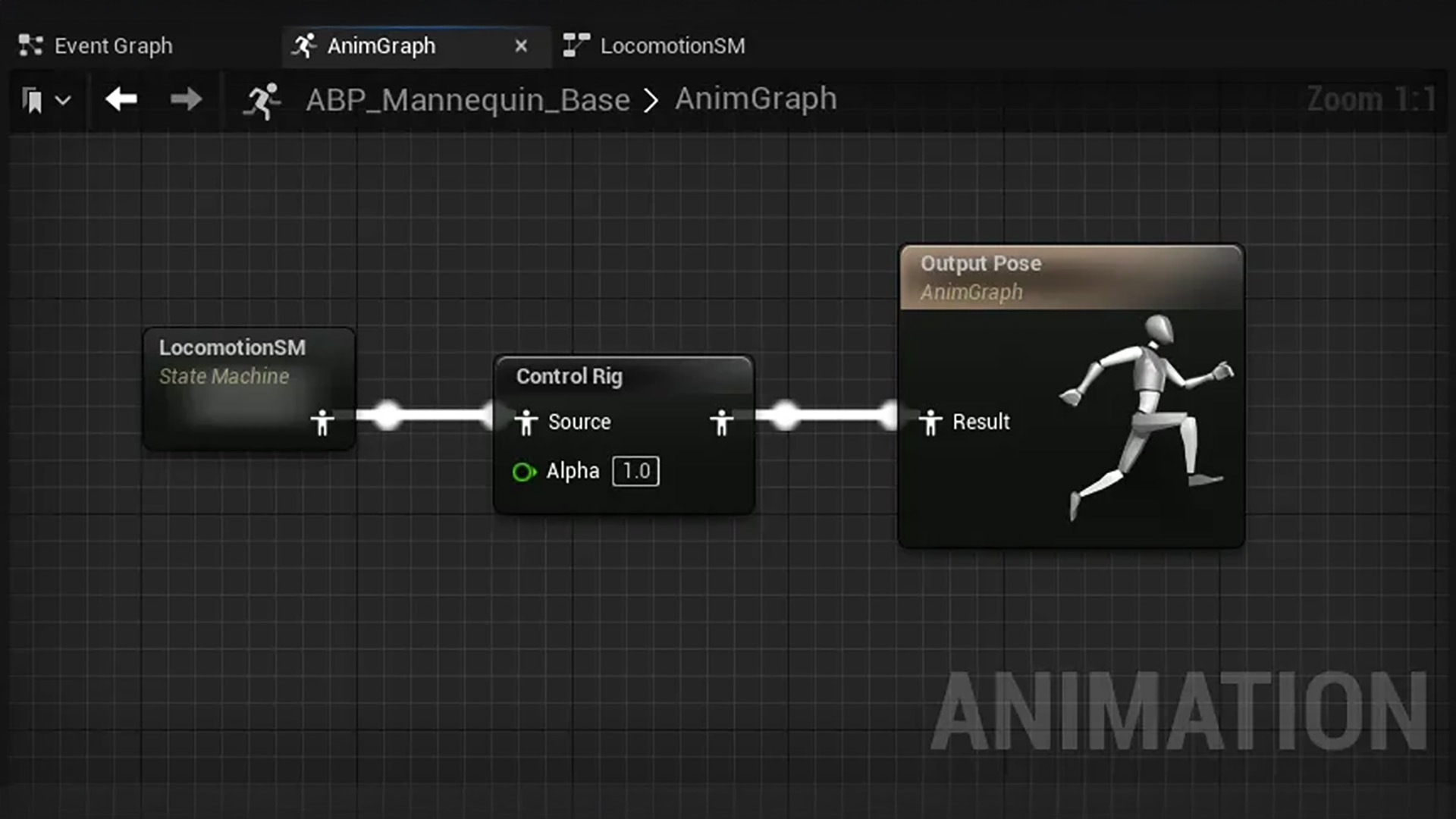
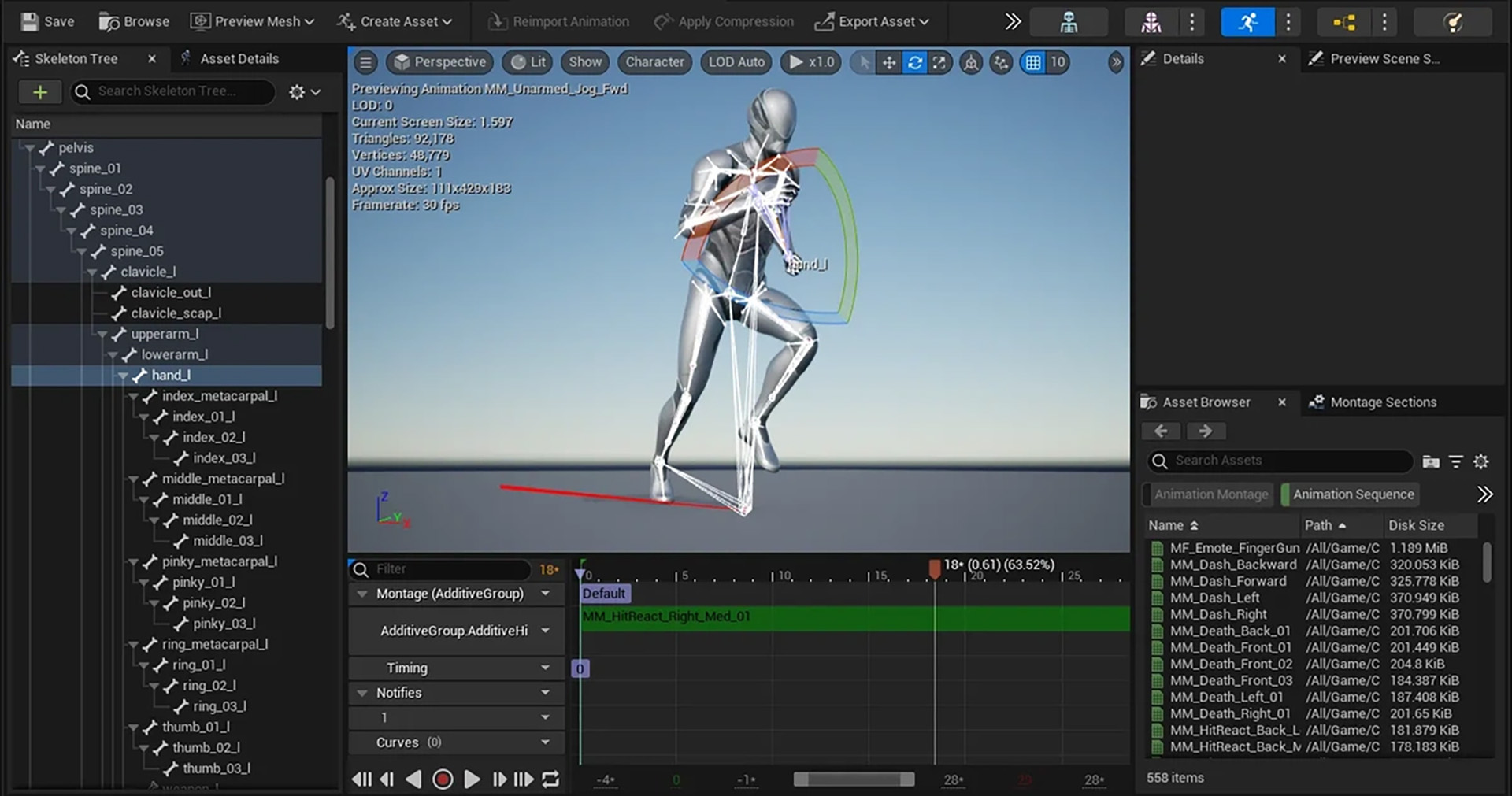
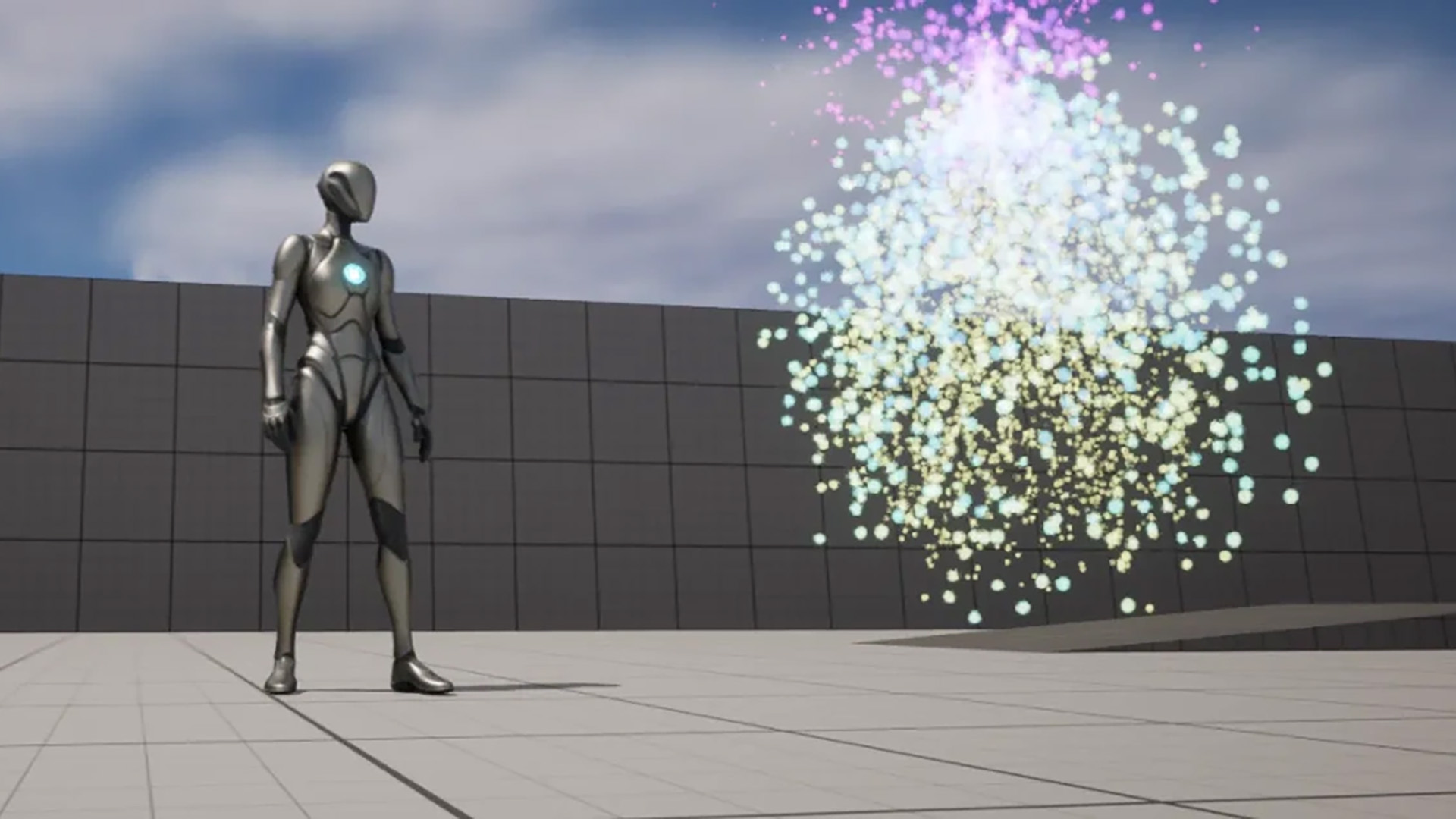
Automate virtually any aspect of your workflow with full Python support in Unreal Editor. Build asset pipelines, automate data preparation, document content procedures, and create custom tools and user interfaces tailored to your workflow, enabling repetitive tasks to be completed quickly and accurately. |
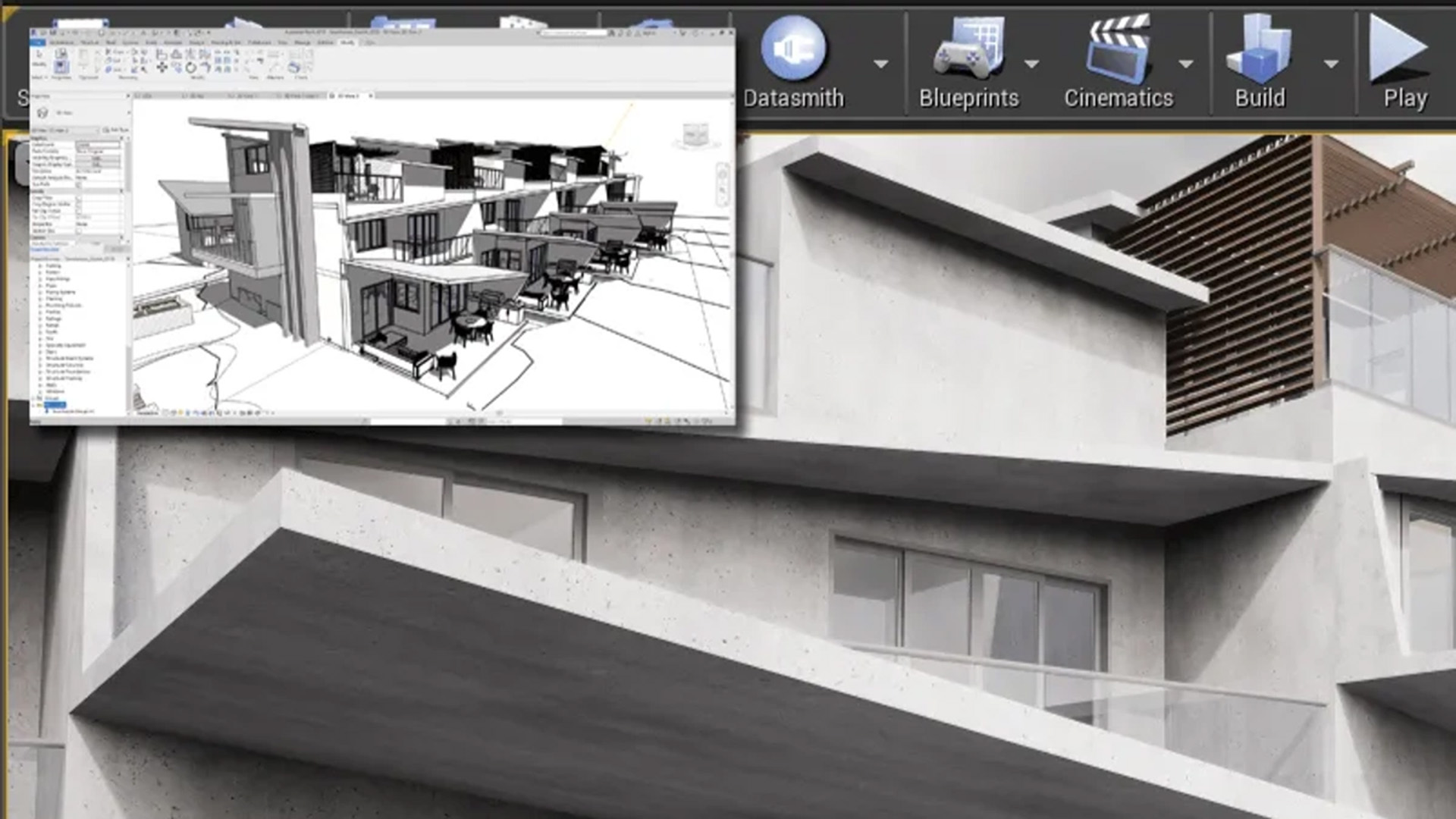
Datasmith: Seamless Data Conversion |
|
|
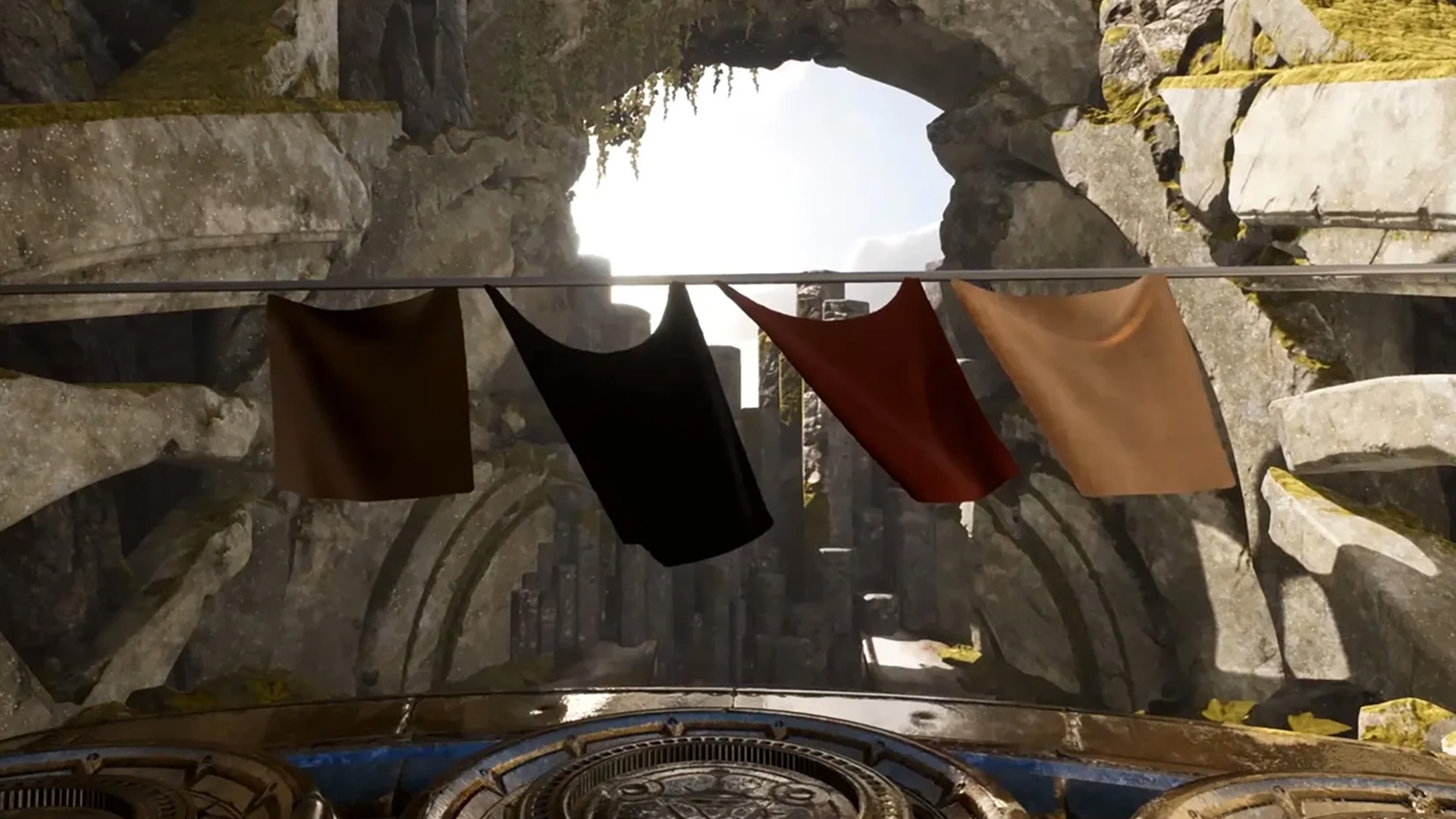
With Datasmith, convert full scenes from software like 3ds Max, Revit, SketchUp Pro, Cinema 4D, Rhino, SolidWorks, and Catia into Unreal, including animations, materials, and metadata. Non-destructive re-import allows iteration in the original source software without losing downstream adjustments, while metadata access simplifies automation and data preparation. |
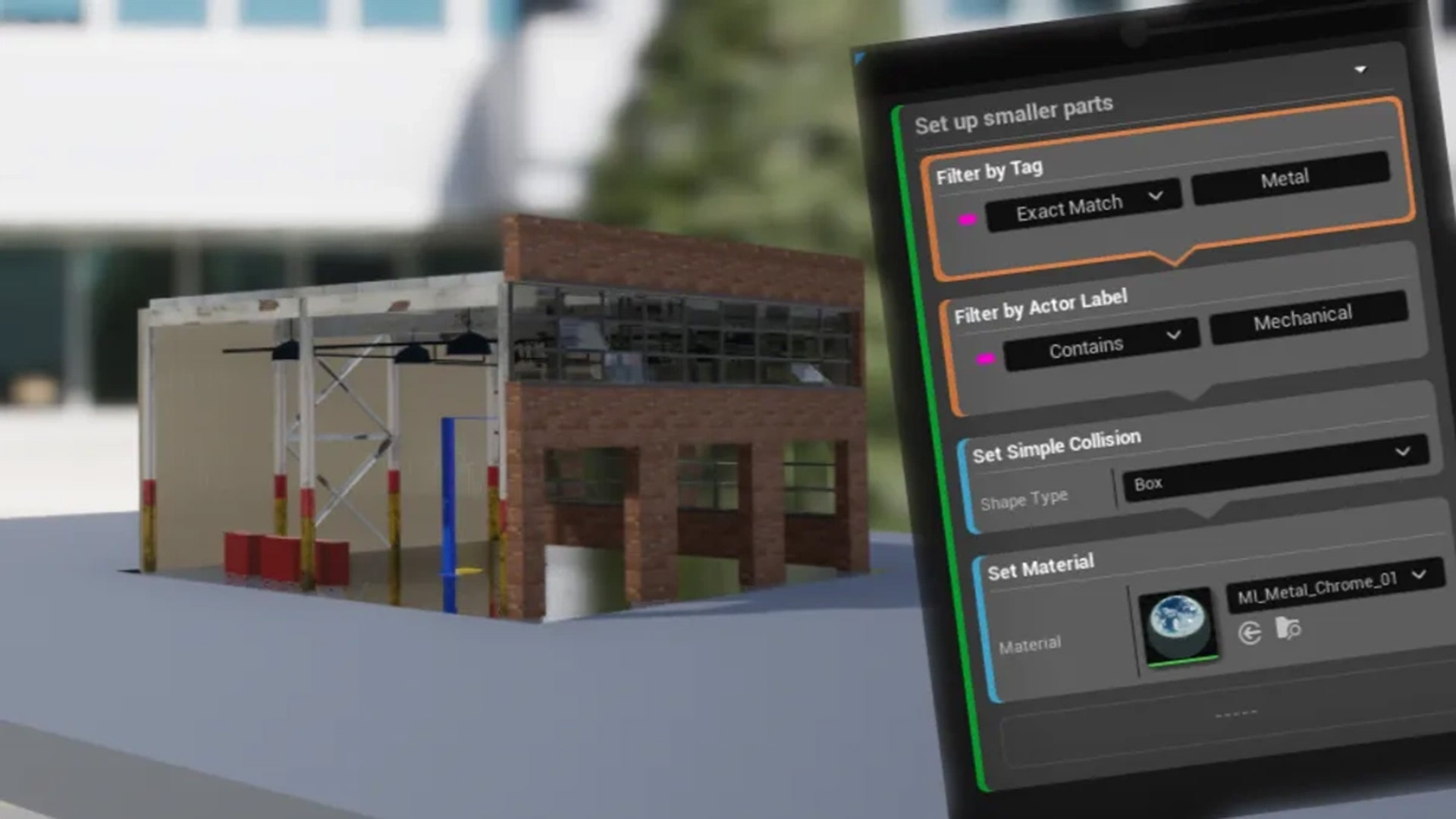
Visual Dataprep |
|
|
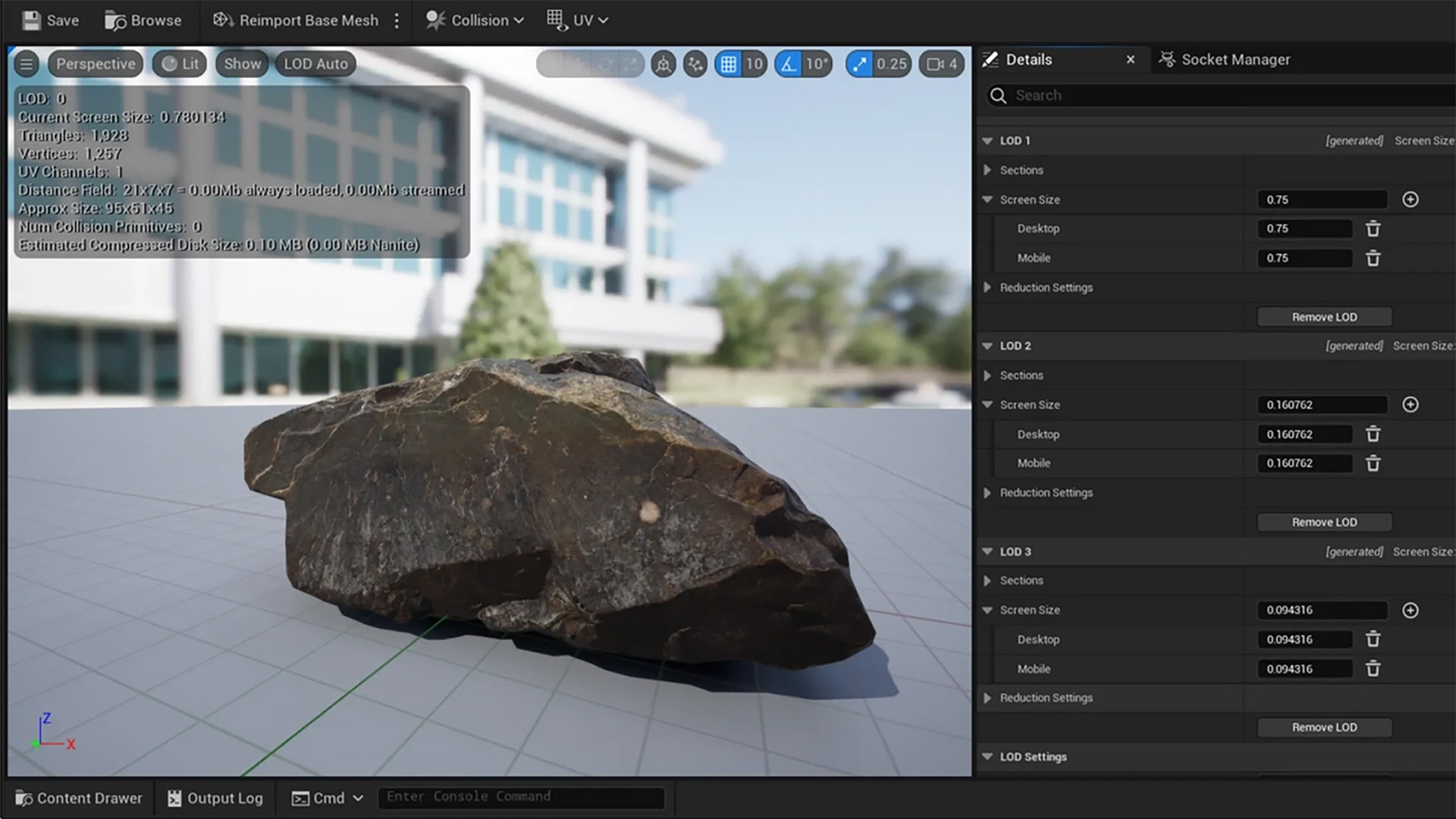
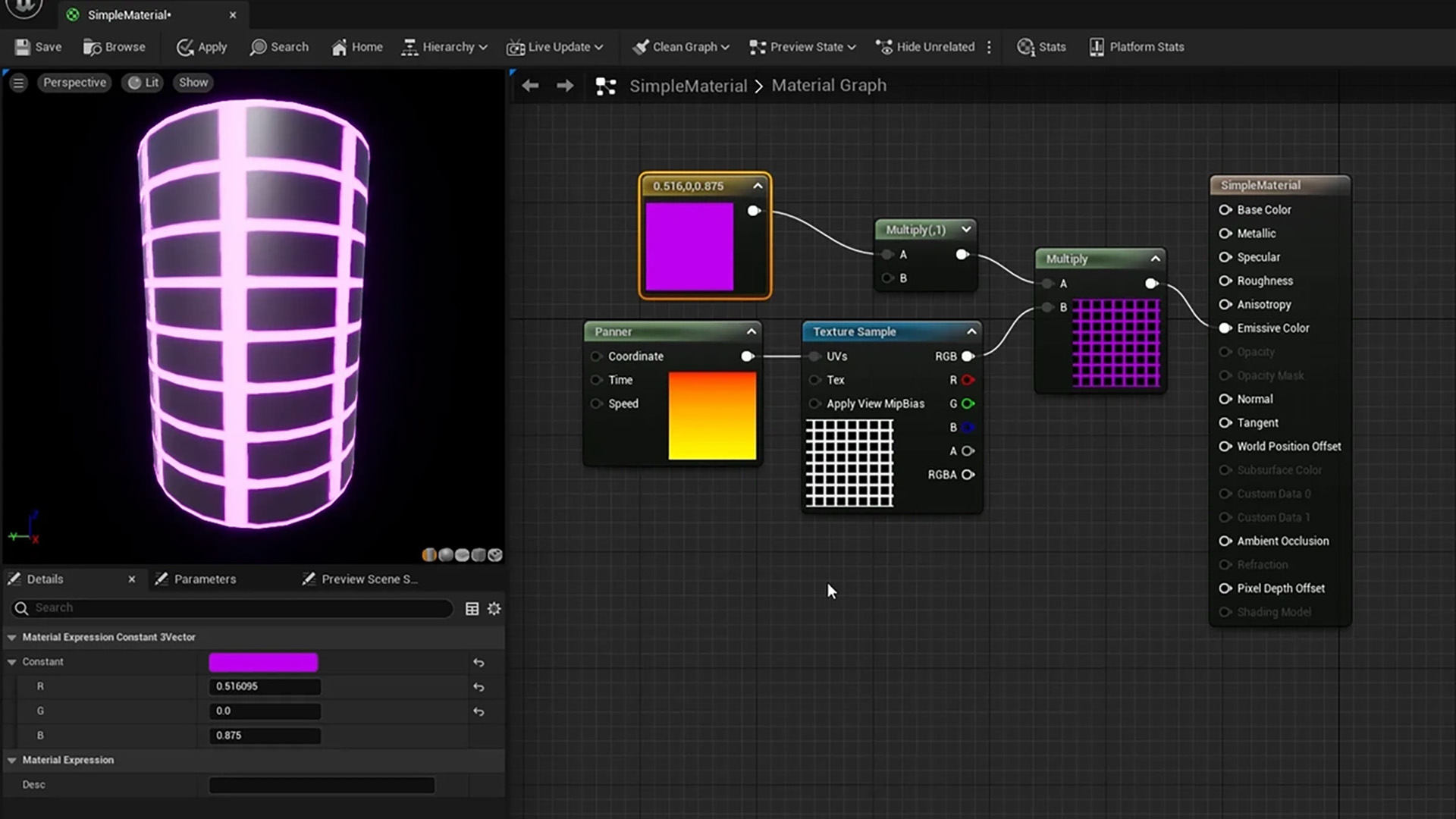
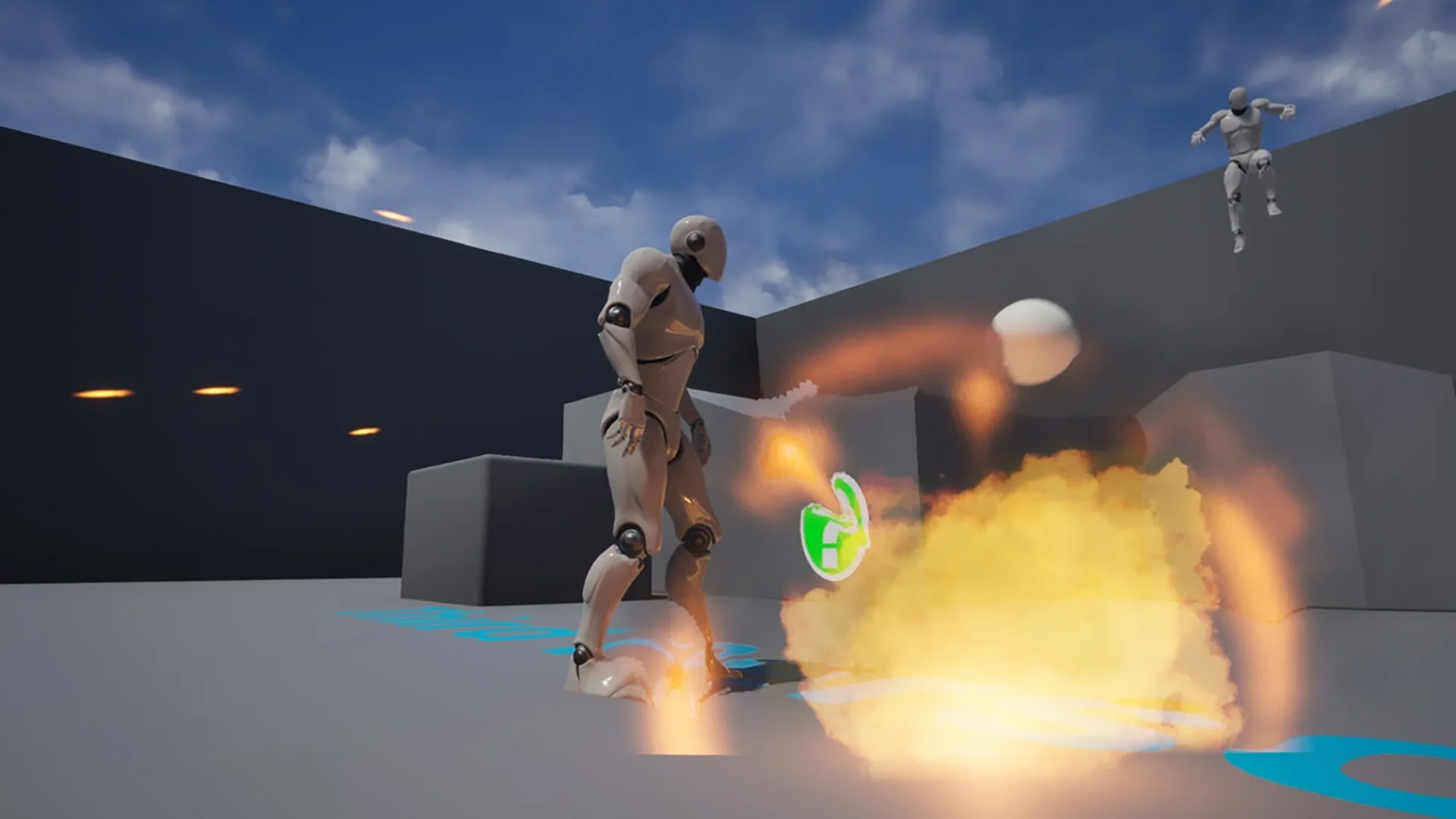
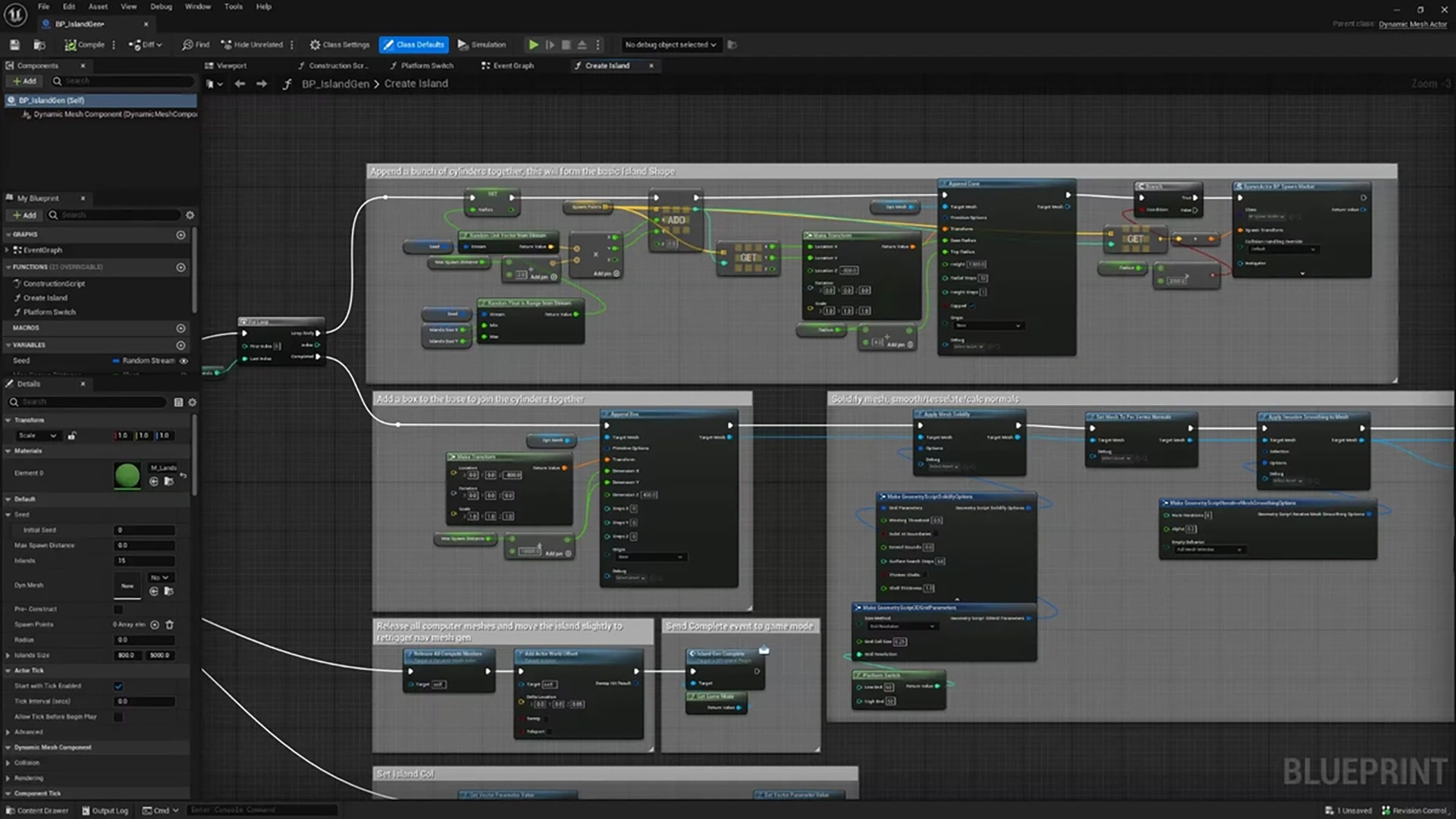
Automate data prep through an intuitive visual “recipe” interface without programming. Create LODs, adjust materials, remove or combine objects by class, name, size, or metadata, and reuse these workflows seamlessly across other scenes or projects for faster, more efficient work. |
ShotGrid Integration |
|
|
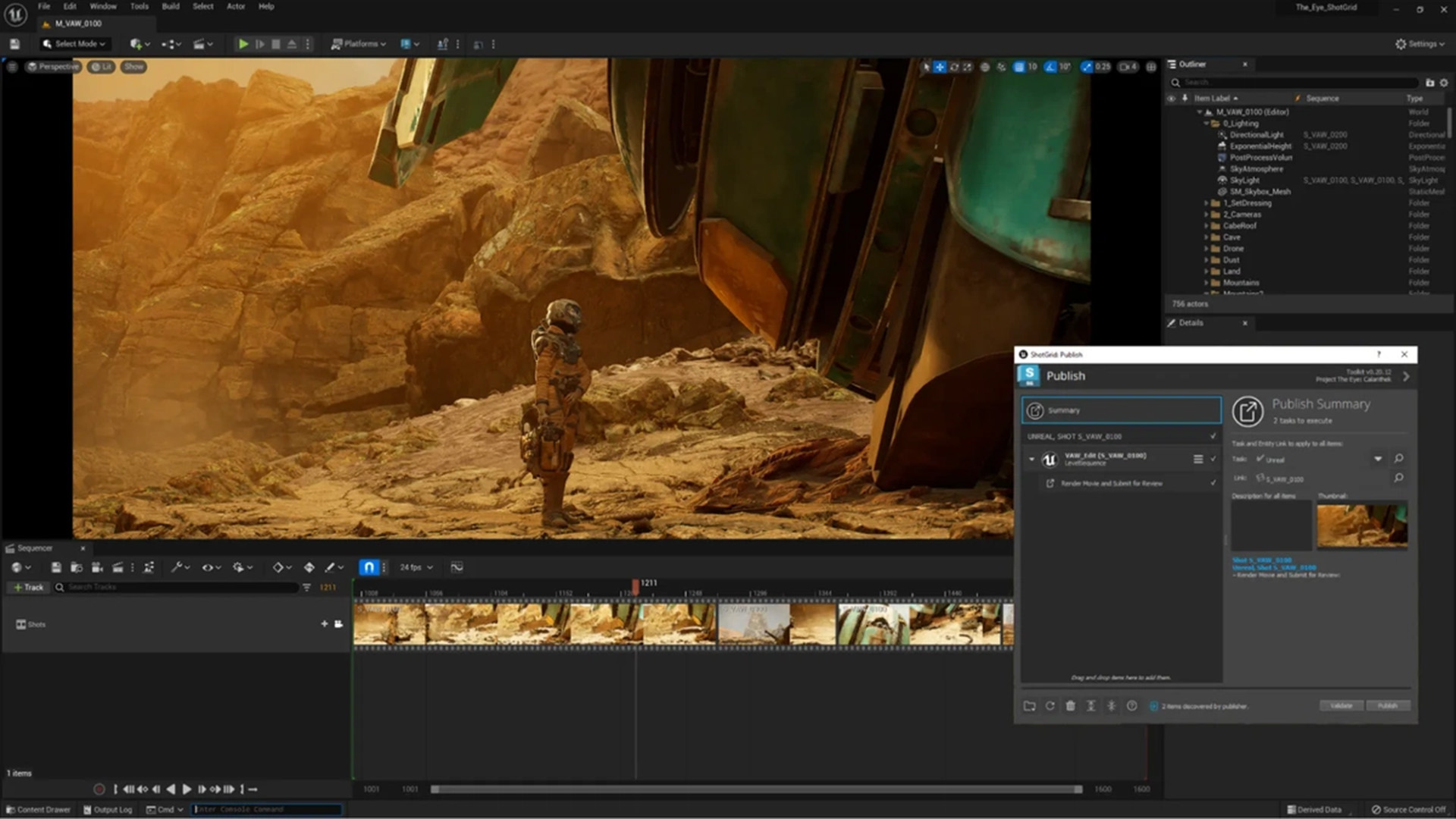
Unreal Engine can be directly connected to ShotGrid, allowing upstream 3D assets from artists to sync seamlessly with downstream render and animation reviews. This streamlines production and makes integrating feedback and making creative decisions faster. |
LiDAR Point Cloud Support |
|

|
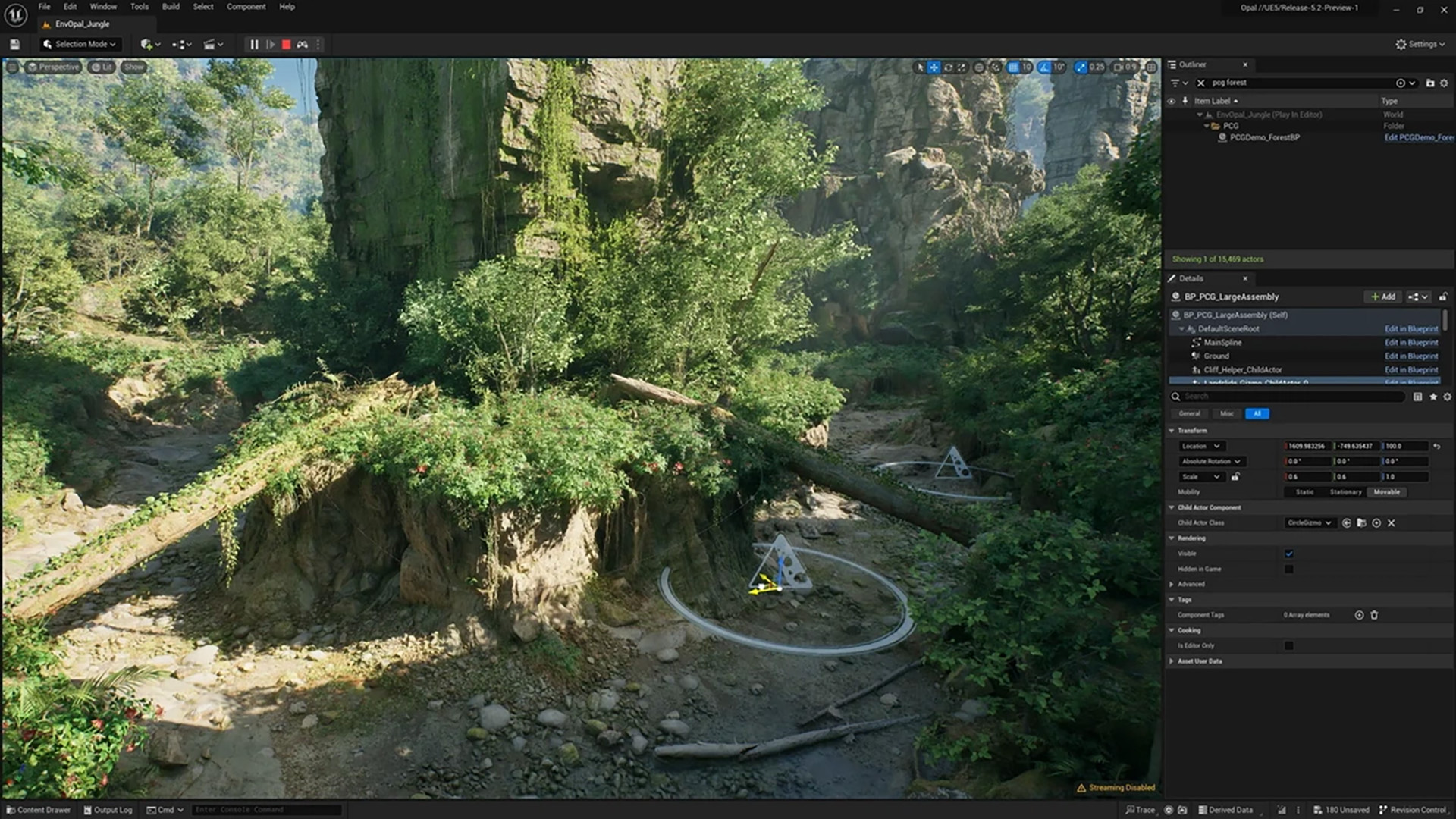
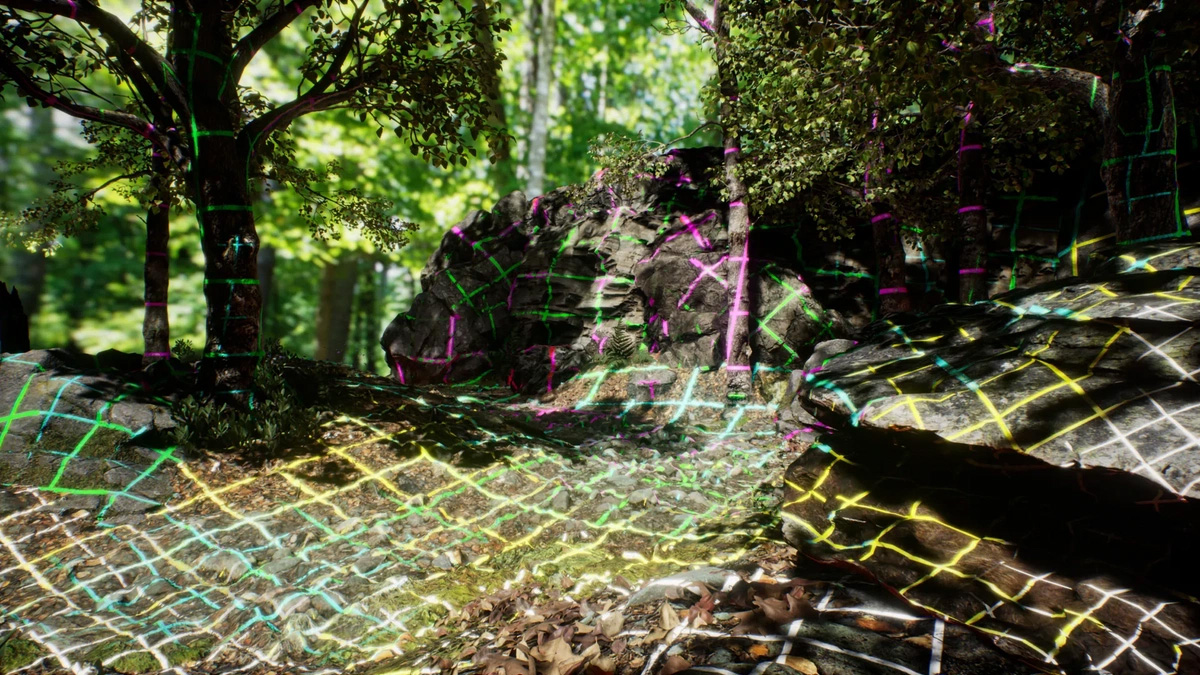
Import, visualize, and edit large real-world datasets directly in Unreal Engine. Use point clouds to accurately reconstruct locations, place new designs in context, and build hyper-realistic simulations, ideal for architecture, urban planning, industry, and VR/AR projects. |



































System Requirements
- Operating System Windows 10 (latest) / Windows 11
- CPU Quad-core Intel or AMD, ≥2.5 GHz
- RAM 8GB
- Storage SSD (~30 GB free)
- GPU* DirectX 11 or 12-compatible
- Mouse 3-button with scroll
- CPU Octa-core Intel/AMD, ≥3.0 GHz
- RAM 32GB for heavy scenes/realtime rendering
- Storage Fast NVMe SSD (e.g., 1 TB
- GPU* ≥8GB VRAM (modern RTX/AMD)
- Mouse 3-button with scroll
Windows
*If you are considering a new computer for use with Unreal Engine, we strongly recommend investing in a powerful graphics card. Unreal Engine makes intensive use of GPU power for real-time rendering, Lumen lighting, Nanite geometry, and virtual production workflows. We recommend NVIDIA GPUs with an RTX chip (preferably the GeForce RTX series or, for heavier pipelines, the RTX professional line). These GPUs offer excellent support for real-time ray tracing, hardware acceleration, and stable drivers within creative workflows.
Onboard graphics cards or integrated chipsets are strongly discouraged, as they do not provide sufficient performance for Unreal Engine’s advanced rendering techniques, large scenes, or VR/XR applications.
Also important: ensure you have sufficient RAM (a minimum of 32 GB is recommended), a fast multi-core CPU, and an NVMe SSD for smooth performance during compilation, shader baking, and when working with large project files.
macOS
** Although Unreal Engine runs natively on Apple Silicon (M1/M2/M3), some advanced features—such as hardware-based ray tracing, certain GPU accelerations, and parts of Nanite or Lumen—are more limited on macOS compared to high-end Windows systems. Older Macs or models with less extensive Metal support may encounter performance limitations. If you work on demanding projects such as VR, virtual production, high-poly scenes, or large textures, a powerful Apple system with ample RAM, a strong GPU (Apple Silicon Pro/Max class), and a fast SSD is highly recommended for a smooth workflow.
Pricing & Licensing
Unreal Engine is available for commercial use and is available in the following license formats (excl. 21% VAT).
- For game developers or companies
- For companies and professional projects
- Includes free upgrades
- Includes technical support
- The latest Unreal Engine features
- High-res export
- Suitable for commercial use
- For students, educators, hobbyists
- For (start-up) companies with less than $1 million annual turnover
Discover More
Learn more about Unreal Engine



Information & inspiration
Here you can read the latest news and find stories from other users. Whether it's updates, tips, or in-depth articles: you're always up-to-date.
Unreal Engine 5.7 is now available!
Unreal Engine 5.7 is now available! Create, render, and develop games at a professional level.

Twinmotion 2025.2 available
Twinmotion 2025.2 is available, featuring a new Nanite geometry system, parallax windows, and improved 3D grass!


Want to know more?
Curious which subscription plan is best for you, or do you have technical questions? With 20 years of experience, we’ll help you find the product that’s right for you.