





V-Ray 7 for 3ds Max Update 2 is here!
Discover the latest V-Ray features such as AI materials, 3D streaming and faster rendering. Work faster, more realistically and more creatively than ever before.

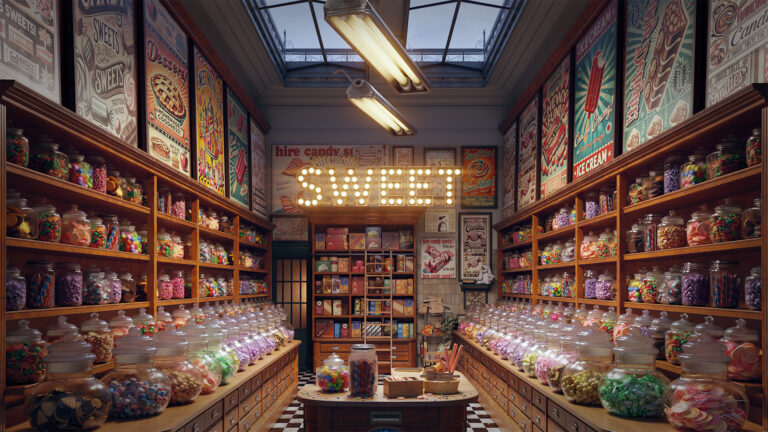
The newest update for V-Ray for 3ds Max is now available: V-Ray 7 for 3ds Max Update 2. The latest features will take your workflow to the next level. Whether you’re working on realistic visualizations, want to quickly build scenes or generate photorealistic materials, these innovations allow you to work faster, smarter and with more creative control than ever before.
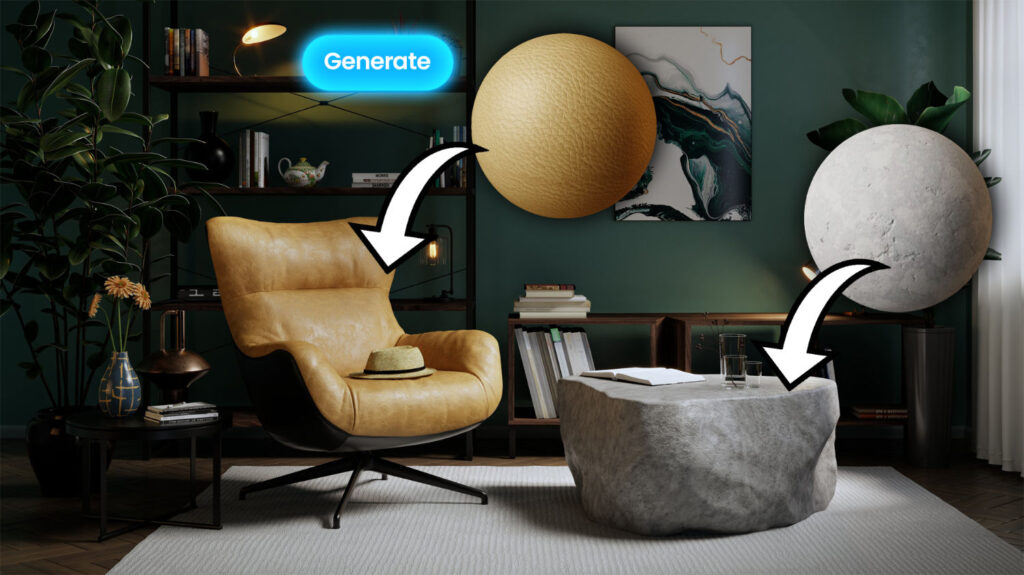
AI Material Generator (beta)
Creating materials has never been easier thanks to the new AI Material Generator in Chaos Cosmos. With this powerful new feature, you can upload a photo of a real surface and convert it into a render-ready PBR material with all the necessary maps in just a few clicks. It’s ideal for secondary materials that don’t require extensive art direction, allowing you to quickly fill environments and interiors without compromising on credibility and without the need for third-party tools.
Chaos Cloud 3D Streaming
Thanks to the new 3D streaming service in Chaos Cloud, your customers and colleagues can now view your scenes remotely and provide feedback without technical limitations. Simply upload your 3D models to Chaos Cloud and share a URL with stakeholders so they can view and explore your scenes in the highest possible quality, even on phones or tablets. No special hardware, software or technical knowledge is required.
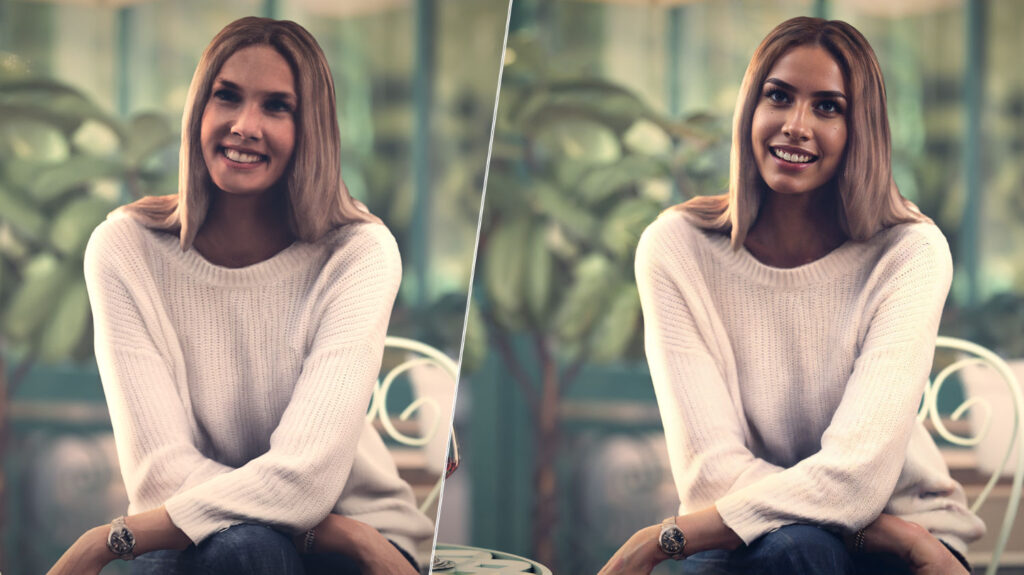
AI Enhancer (beta)
Easily improve the appearance of people and vegetation without making unnecessary changes to the architecture, furniture, and other important aspects of your renders.
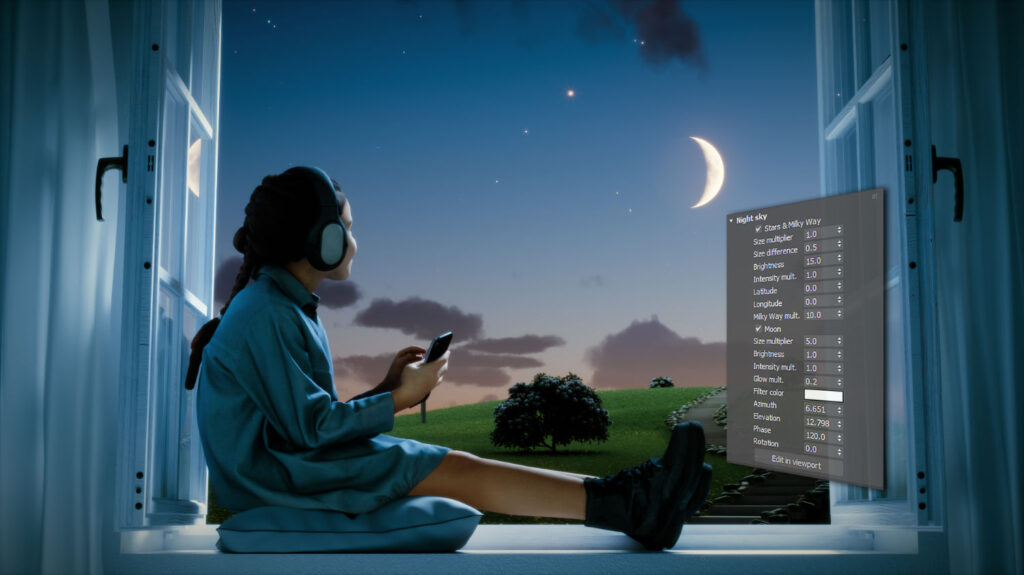
Night Sky
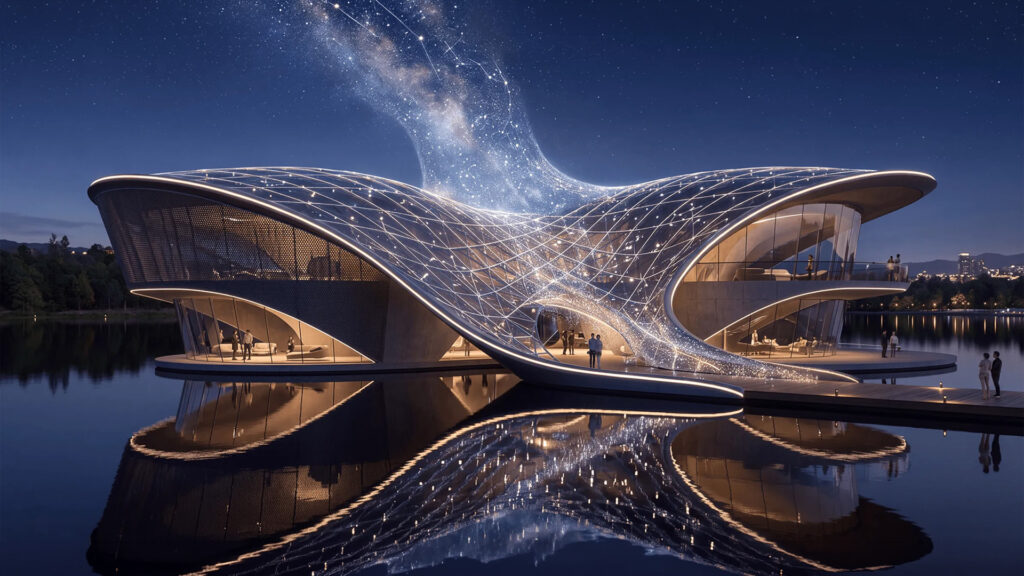
Easily create realistic and astronomically accurate night skies. Achieve unparalleled realism in night scenes with accurate positions and light intensity of stars, the moon and its phases (including solar eclipses) and the Milky Way. Depending on your project requirements, you can set the elements of the night sky based on real settings, such as date, time and geographical location, or by adjusting individual elements.
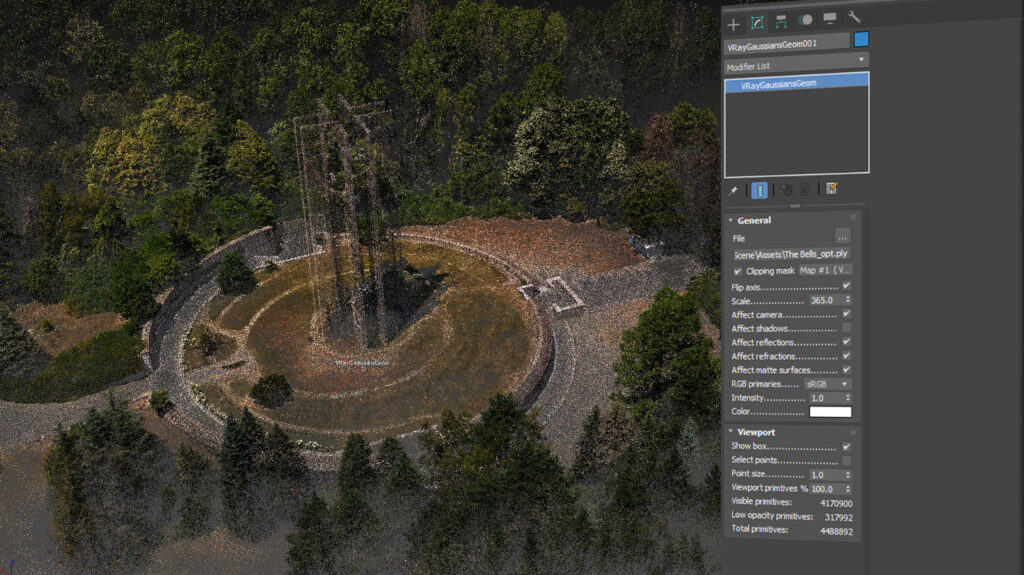
Gaussian splats clipping
Gaussians splats now work even better thanks to a new clipping feature. You can now crop your 3D splats directly in 3ds Max and easily cut away unwanted parts. Replace them with 3D models that fit perfectly – ideal for quickly creating and refining scenes.
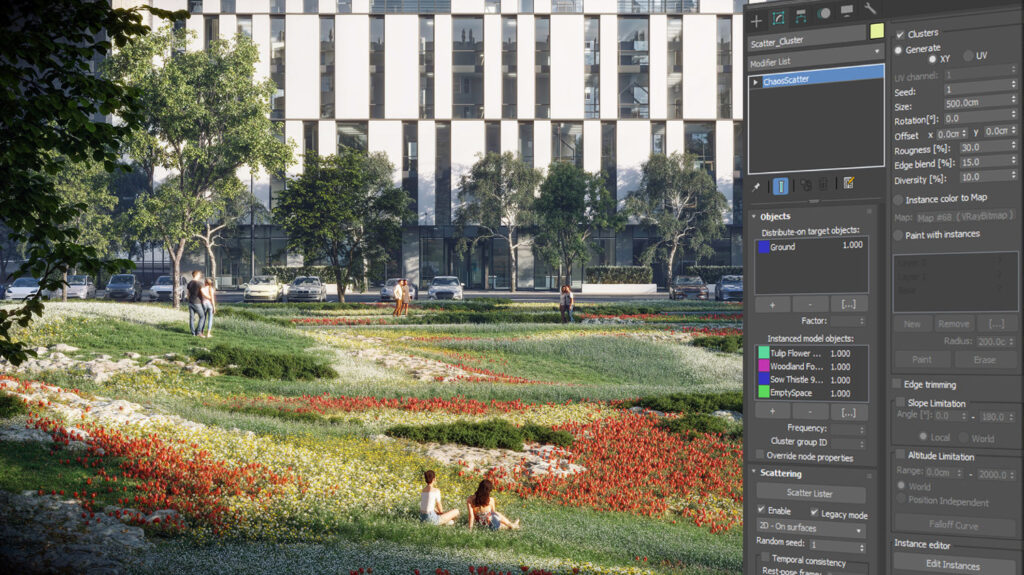
Scatter Clustering
Achieve the desired look for your renders faster than ever thanks to the new scatter clusters, which allow you to group together various scattered objects.
And much more!
- Flexible texture variations based on a single mapping source and probability distribution with V-Ray MultisubTex;
- 256 unique LightMix selections for even more control over lighting
- Import multiple assets from Chaos Cosmos at once for a faster workflow
- Distributed Rendering 2 without bucket limitations and improved scalability
- Two-sided textures for labels, paper, etc.
- Intuitive adjustment of light and dark tones in the VFB Exposure layer
- Faster V-Ray GPU performance
- Improved denoiser workflow
- Faster loading of VRayProxies in viewport
- OpenPBR support in VRayMtl
- Include/Exclude per layer and ID in V-Ray Light
- Support for USD 12
Availability
If you are new to V-Ray for 3ds Max, you can request our demo version here via the supplier. If you already use V-Ray 7 for 3ds Max, go to your personal page on the Chaos website to obtain the latest version of V-Ray for 3ds Max.
And if you are convinced of the possibilities of V-Ray 7 for 3ds Max, you can purchase your (upgrade) license for the render plugin through our reseller channel.